
Прадукт скончаныview
The La Crosse Technology WS-8035U-IT-SAL is a wireless weather station designed to monitor indoor and outdoor environmental conditions. It provides real-time temperature and humidity readings, barometric pressure, moon phase, and weather forecasts. The unit features an atomic clock for precise timekeeping and an alarm function.
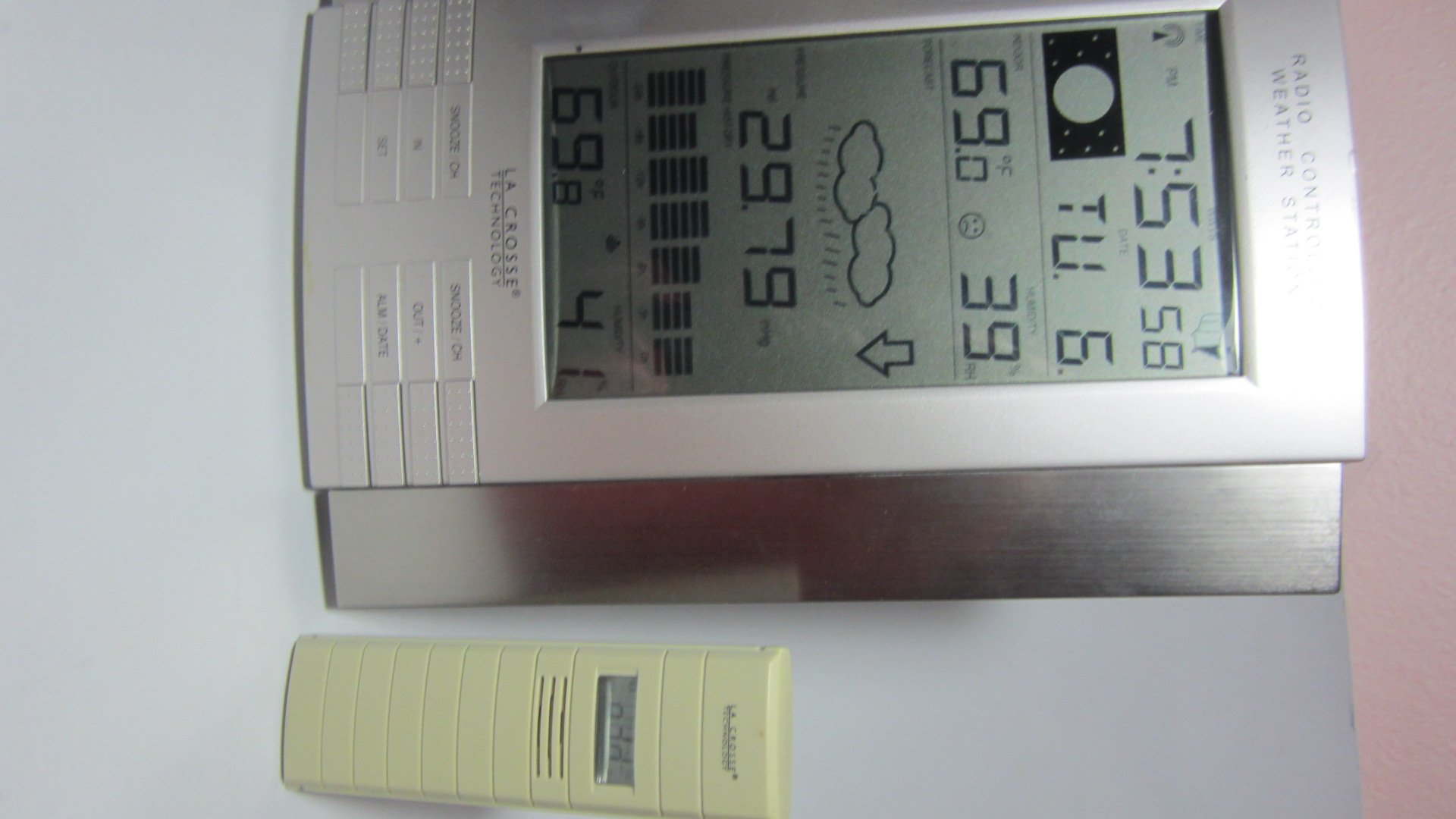
Малюнак 1: Main display unit of the La Crosse Technology WS-8035U-IT-SAL Wireless Weather Station.
Асноўныя характарыстыкі:
- Records minimum and maximum indoor/outdoor temperature and humidity with time and date stamps.
- Displays barometric tendency with an arrow indicator.
- Includes an indoor comfort level icon and moon phase display.
- Features a barometric pressure display with a 24-hour history graph.
- Capable of receiving data from up to three remote sensors (one included).
- Atomic time and date automatically updates, with an option to disable Daylight Saving Time adjustments.
- Designed for both wall-mount and free-standing use with an integrated stand.
- Main display unit dimensions: 10 x 7.5 x 1 inches.
Кіраўніцтва па ўстаноўцы
1. Устаноўка батарэі
The weather station requires a total of 5 AA alkaline batteries (not included): 3 for the remote sensor and 2 for the main display unit. Ensure batteries are inserted with correct polarity.
- Аддалены перадатчык: First, insert 3 AA batteries into the remote outdoor temperature and humidity sensor.
- Main Receiver: Next, insert 2 AA batteries into the main display unit.
- Сінхранізацыя: Allow time for the main unit to receive the outdoor temperature data from the remote sensor. This synchronization process is crucial before proceeding to set the time.
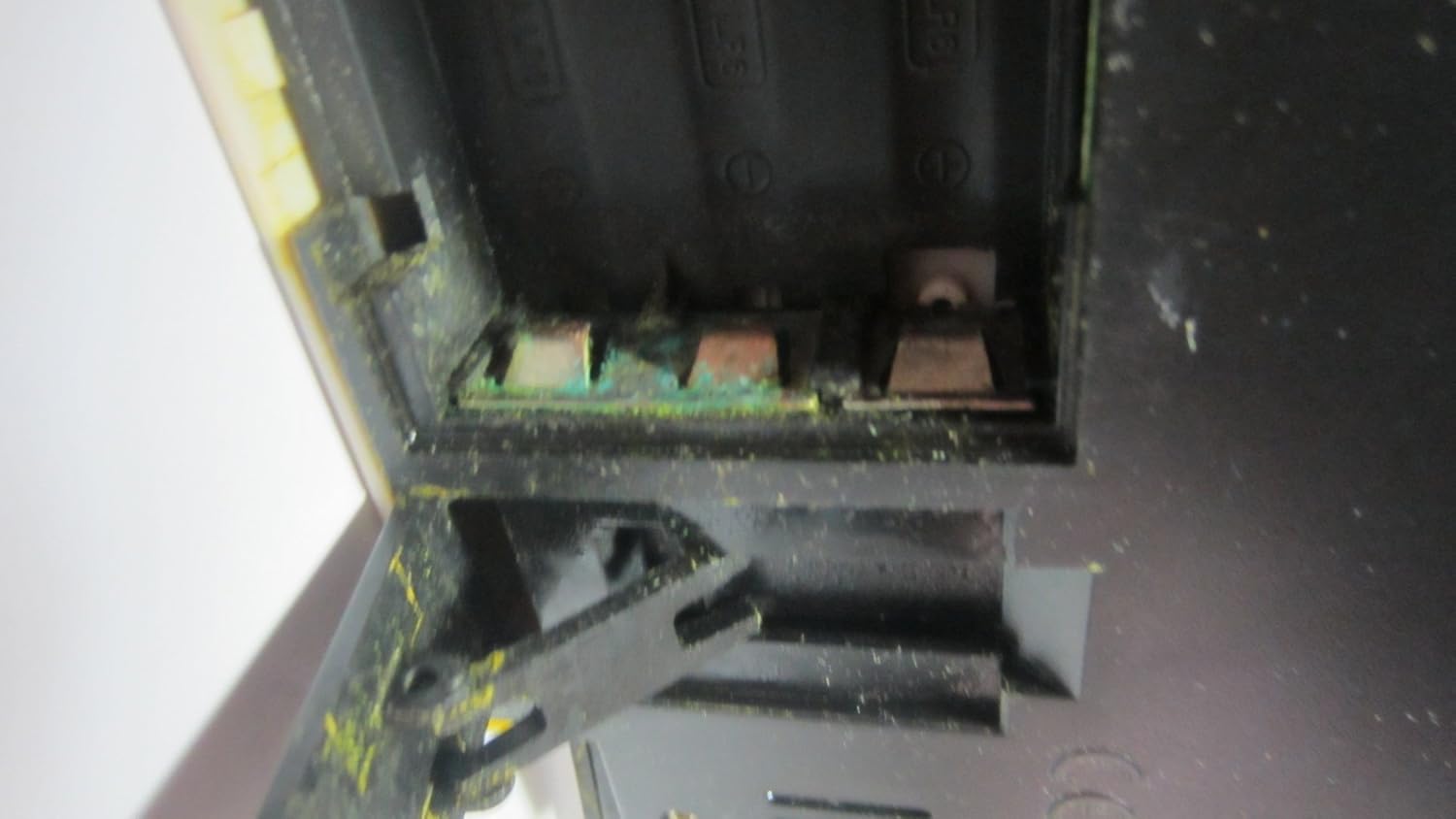
Малюнак 2: Open battery compartment, showing where batteries are inserted.

Малюнак 3: Product label on the back of the unit, detailing battery installation order and model information.
2. Remote Sensor Placement
Place the wireless remote sensor in a location that provides accurate readings and is within 330 feet (100 meters) of the main display unit. Ideal locations include a shaded area outdoors, a greenhouse, garage, wine cellar, or a baby's room, where temperature and humidity monitoring is critical. Avoid direct sunlight exposure to prevent inaccurate temperature readings.
3. Атамная сінхранізацыя часу
After battery installation and sensor synchronization, the unit will automatically attempt to synchronize with the U.S. atomic clock signal. This process may take several minutes or up to 24 hours depending on signal strength. Ensure the unit is placed away from electronic interference for best reception. The time can also be set manually if atomic synchronization is not desired or available.
Інструкцыя па эксплуатацыі
Асноўны дысплей забяспечвае поўны аглядview of weather data and time information. Familiarize yourself with the display layout and control buttons.
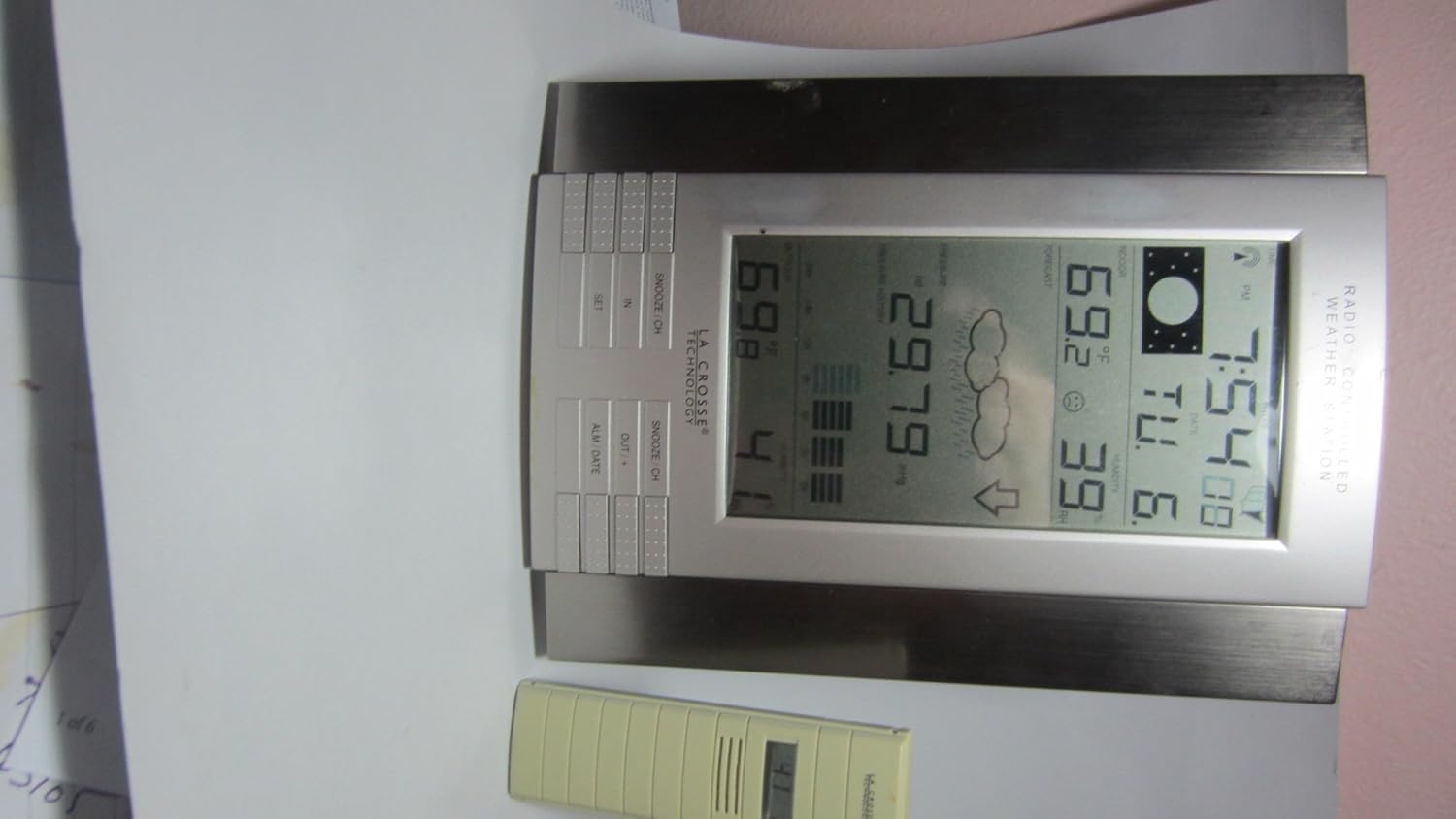
Малюнак 4: Close-up of the main display unit, highlighting various data points and control buttons.
Інфармацыя пра дысплей:
- Тэмпература ў памяшканні/на вуліцы: Current temperature readings for both inside and outside environments.
- Вільготнасць у памяшканні/на вуліцы: Current humidity levels for both inside and outside environments.
- атмасферны ціск: Current atmospheric pressure, often accompanied by a 24-hour history graph.
- Прагноз надвор'я: Значкі, якія паказваюць прагназаваныя ўмовы надвор'я (напрыклад, сонечна, воблачна, дажджліва).
- Фаза Месяца: Graphical representation of the current lunar phase.
- Atomic Time and Date: Automatically updated time and calendar.
- Мін./макс. запісы: Displays the highest and lowest recorded temperatures and humidity levels.
Кнопкі кіравання:
The unit features several buttons for setting and viewing information. While specific functions may vary slightly, common buttons include:
- УСТАВ: Used to enter settings mode and confirm selections.
- IN / OUT / +: Typically used to switch between indoor and outdoor display data, or to increase values during settings.
- SNOOZE / CH: Activates the snooze function for the alarm or cycles through remote sensor channels (if multiple sensors are used).
- ALM / DATE: Used to set the alarm or view/set the date.
Ўстаноўка будзільніка:
Націсніце ALM / DATE кнопка для view the alarm time. Press and hold ALM / DATE to enter alarm setting mode. Use the + or - buttons (often combined with IN/OUT) to adjust the hour and minute. Press НАБОР для пацверджання кожнай налады.
Тэхнічнае абслугоўванне
Замена батарэі:
Replace batteries in both the main unit and the remote sensor when the low battery indicator appears on the display. Always replace all batteries in a unit at the same time. Refer to the "Setup Guide" for the correct battery installation order to ensure proper synchronization.
Уборка:
Wipe the display and unit casinг з мяккім, дamp cloth. Do not use abrasive cleaners or solvents, as these can damage the plastic and electronic components. Ensure no moisture enters the battery compartments or other openings.
Сыход за датчыкам:
Periodically check the remote sensor for any debris or obstructions that might affect its readings. Ensure it remains in a shaded location to maintain temperature accuracy, especially during daytime hours.
Ліквідацыю непаладак
| праблема | Магчымая прычына / рашэнне |
|---|---|
| Няма паказанняў тэмпературы/вільготнасці на вуліцы. |
|
| Inaccurate outdoor temperature readings. |
|
| Atomic time not synchronizing. |
|
| Дысплей цьмяны або пусты. |
|
Тэхнічныя характарыстыкі прадукту
| Нумар мадэлі | WS-8035U-IT-SAL |
| Марка | Тэхналогія La Crosse |
| Крыніца харчавання | Main Unit: 2 x AA Alkaline Batteries (not included); Remote Sensor: 3 x AA Alkaline Batteries (not included) |
| Асаблівасці | Alarm, Atomic Clock, Temperature/Humidity Monitoring, Barometric Pressure, Moon Phase, Weather Forecast |
| Матэрыял | Пластыкавыя |
| Колер | Серабро |
| Вага прадмета | 1.3 фунта (прыблізна 0.59 кг) |
| Тып дысплея | ВК |
| Памеры (асноўны блок) | 10 х 7.5 х 1 цалі (прыблізна 25.4 х 19.05 х 2.54 см) |
| Далёкасць бесправадной сувязі | Да 100 метраў (330 футаў) на адкрытым паветры |
| Частата | 915 MHz (IT+ Instant Transmission) |
| UPC | 757456994161 |
Інфармацыя аб гарантыі
La Crosse Technology products typically come with a limited warranty covering manufacturing defects. For specific warranty terms, duration, and claim procedures, please refer to the documentation included with your product or visit the official La Crosse Technology webсайт. Захоўвайце чэк аб куплі як пацвярджэнне пакупкі ў выпадку любых гарантыйных прэтэнзій.
Падтрымка кліентаў
Для атрымання дадатковай дапамогі, тэхнічнай падтрымкі або view frequently asked questions, please visit the official La Crosse Technology support website. You can find product-specific information and contact details for customer service.
Інтэрнэт-падтрымка: www.lacrossetechnology.com/8035it
Please have your model number (WS-8035U-IT-SAL) ready when contacting support.