
Logitech 910-001543
Кіраўніцтва карыстальніка бесправадной мышы Logitech M215
Мадэль: M215 (910-001543)
Уводзіны
This manual provides essential information for setting up, operating, and maintaining your Logitech Wireless Mouse M215. Please read this manual thoroughly before using the product to ensure optimal performance and longevity.
Змест пакета
- Logitech Wireless Mouse M215
- USB нана прыёмнік
- 1 батарэйка тыпу АА (папярэдне ўсталяваная або ў камплекце)
- Дакументацыя карыстальніка (гэтае кіраўніцтва)
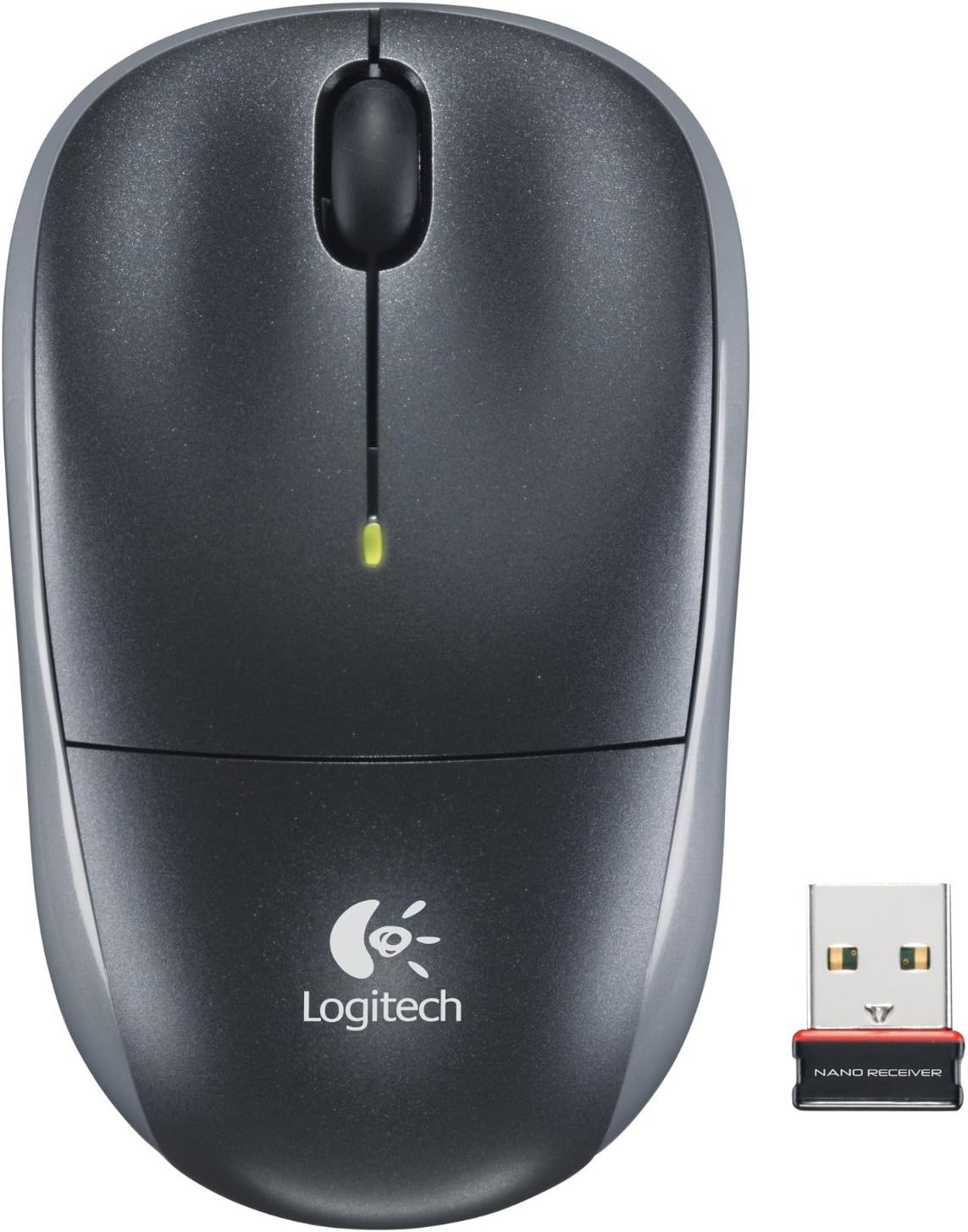
Image: The Logitech Wireless Mouse M215, a compact dark grey mouse with a scroll wheel and two main buttons, shown alongside its small USB Nano Receiver. The mouse features the Logitech logo on its palm rest.
Настройка
1. Усталюйце батарэю
The Logitech Wireless Mouse M215 requires one AA battery. The battery compartment is located on the underside of the mouse. Open the compartment, insert the AA battery ensuring correct polarity (+/-), and close the compartment. A battery is included with the mouse.
2. Падключыце нанапрыёмнік USB
Locate an available USB port on your computer (desktop or laptop). Insert the USB Nano Receiver firmly into the USB port. Your operating system should automatically detect and install the necessary drivers. No additional software installation is typically required.
3. Power On Mouse
On the underside of the mouse, locate the On/Off switch. Slide the switch to the "On" position. The mouse is now ready for use.
Інструкцыя па эксплуатацыі
The Logitech Wireless Mouse M215 provides intuitive control for your computer.
- Пстрычка левай кнопкай мышы: Націсніце левую кнопку, каб выбраць элементы, адкрыць спасылкі або актываваць функцыі.
- Пстрыкніце правай кнопкай мышы: Націсніце правую кнопку, каб адкрыць кантэкстнае меню або атрымаць доступ да дадатковых опцый.
- Кола пракруткі: Пракручвайце кола пракруткі ўверх або ўніз, каб перамяшчацца па дакументах і web старонкі.
- Клік сярэдняй кнопкай мышы (кнопка кола пракруткі): Press the scroll wheel down to activate middle-click functions, such as opening links in new tabs or auto-scrolling.
- Рух: Move the mouse across a flat surface to control the cursor on your screen. The optical sensor provides smooth and precise tracking.
The mouse is designed for comfortable use, allowing for easy text selection and effortless scrolling.
Тэхнічнае абслугоўванне
- Уборка: Для чысткі вонкавага боку мышы выкарыстоўвайце мяккую сухую тканіну. Для выдалення ўстойлівага бруду злёгкуamp cloth can be used, but ensure no moisture enters the internal components. Avoid abrasive cleaners or solvents.
- Замена батарэі: When the battery indicator light (if present) glows red or mouse performance degrades, replace the AA battery. Ensure the mouse is turned off before replacing the battery.
- Захоўванне прымача: The USB Nano Receiver can be stored inside the mouse's battery compartment when not in use, which is convenient for travel and prevents loss.
Ліквідацыю непаладак
| праблема | Рашэнне |
|---|---|
| Мышка не рэагуе. |
|
| Рух курсора няўстойлівы або скачковы. |
|
| Mouse disconnects frequently. |
|
Тэхнічныя характарыстыкі
- мадэль: М215 (910-001543)
- Падключэнне: Бесправадная сувязь 2.4 ГГц (USB Nano Receiver)
- Выяўленне руху: Аптычны
- Тып батарэі: 1 x AA (у камплекце)
- Памеры: 5.88 х 3.5 х 8.25 цалі (памеры прадукту)
- Вага: 8 унцый (вага прадмета)
- вытворца: Logitech, Inc.
- колер: Black, red and blue
Гарантыя і падтрымка
Каб атрымаць інфармацыю аб гарантыі і тэхнічнай падтрымцы, наведайце афіцыйны сайт падтрымкі Logitech. website or refer to the warranty card included with your product. You can also visit the Крама Logitech на Amazon для больш падрабязнай інфармацыі.
Кампанія Logitech, Inc.
ASIN: B003OX1LEO
Ask a question about this manual
Ask about setup, troubleshooting, compatibility, parts, safety, or missing instructions. Manuals+ will review the question and use this page’s manual context to help answer it.