
1. Уводзіны
This manual provides instructions for the installation, operation, and maintenance of your DIGITUS DN-70542 Wireless LAN USB 2.0 Adapter. This device allows your computer to connect to a wireless network using the 802.11n standard, offering data transfer rates of up to 300 Mbps.
The adapter is backward compatible with IEEE 802.11g and 802.11b standards and operates within the 2.4-2.4835GHz frequency range. It also features a Wireless Protected Setup (WPS) function for easy and secure network connection.

Малюнак 1.1: Верх view of the DIGITUS DN-70542 Wireless LAN USB 2.0 Adapter.

Малюнак 1.2: Пад вуглом view of the DIGITUS DN-70542 adapter, highlighting its compact design.

Малюнак 1.3: падрабязна view of the USB 2.0 connector of the DIGITUS DN-70542 adapter.
2. Змесціва ўпакоўкі
Калі ласка, пераканайцеся, што ўсе прадметы прысутнічаюць у камплекце:
- 1 x DIGITUS DN-70542 Mini USB WiFi Adapter
- 1 x Product Support CD-ROM (containing drivers and utilities)
- 1 х Кіраўніцтва карыстальніка (гэты дакумент)
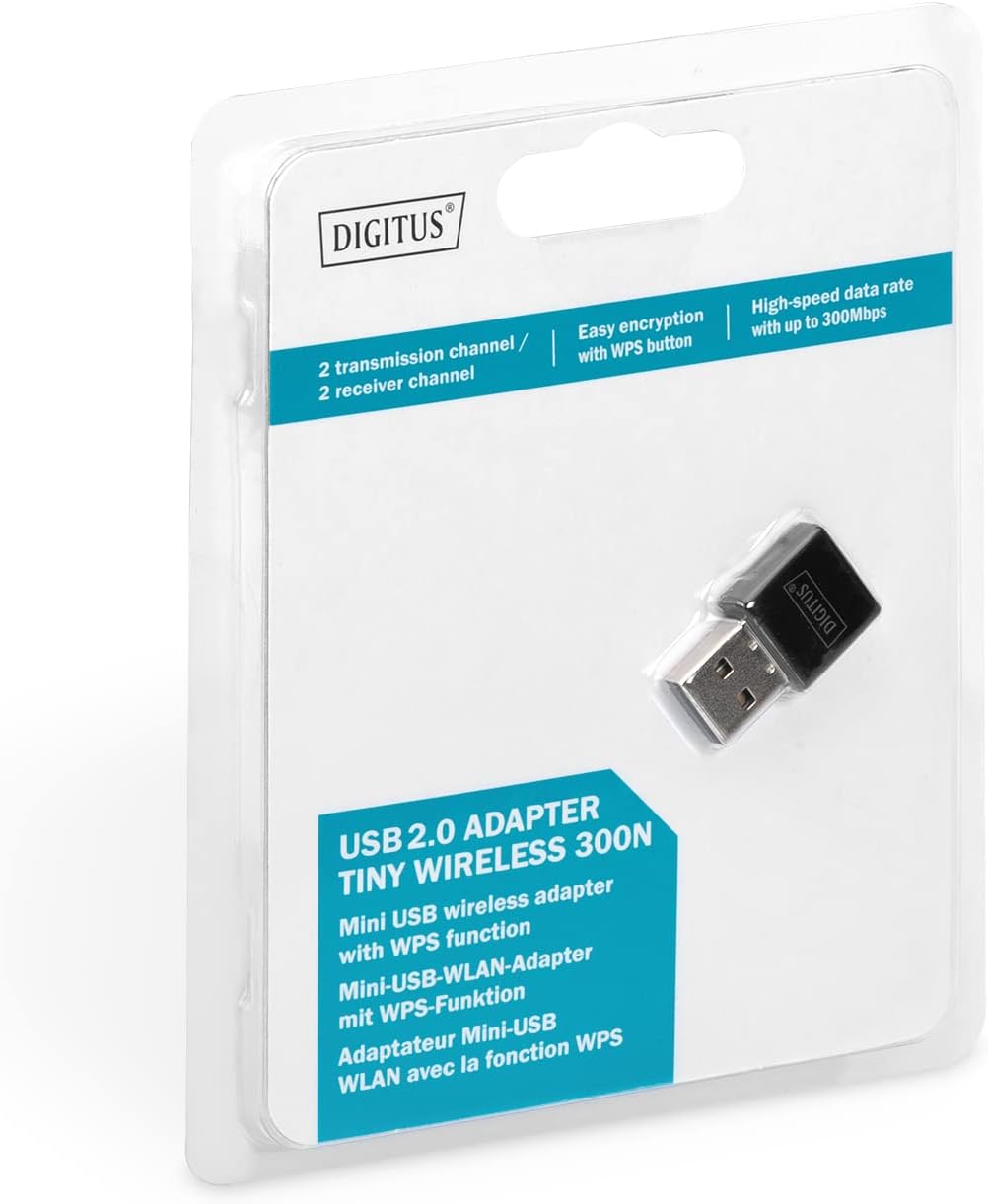
Figure 2.1: Retail packaging of the DIGITUS DN-70542 adapter, showing the adapter and its key features.
3. Кіраўніцтва па наладцы
Follow these steps to install your Wireless LAN USB Adapter:
- Ўстаноўка драйвераў: Before connecting the adapter, insert the included Product Support CD-ROM into your computer's optical drive. Follow the on-screen instructions to install the necessary drivers. If your computer does not have an optical drive, or if you encounter issues, please visit the official DIGITUS website to download the latest drivers for your operating system (Windows).
Note: Some operating systems, particularly older versions of Windows, may require driver installation prior to connecting the device. Refer to the Troubleshooting section if you encounter issues during this step.
- Падключыце адаптар: Locate an available USB 2.0 port on your computer. Carefully insert the DIGITUS DN-70542 Wireless LAN USB 2.0 Adapter into the USB port.
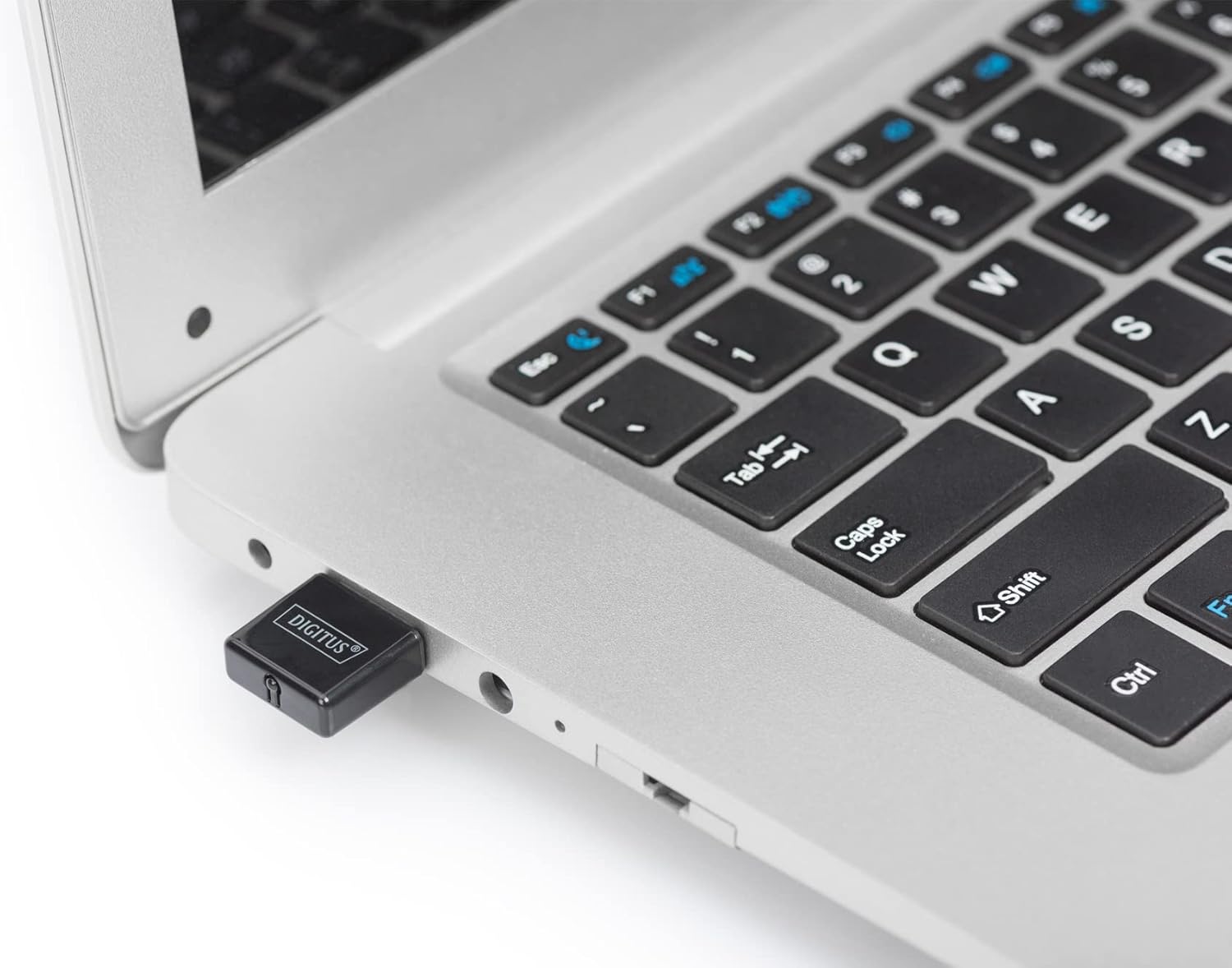
Figure 3.1: The DIGITUS DN-70542 adapter inserted into a laptop's USB port.

Малюнак 3.2: Замыкальнік view of the adapter connected to a laptop, showing its compact size.
- Праверце ўстаноўку: After connecting, your operating system should detect the new hardware and complete the installation. You can verify the installation by checking your computer's Device Manager (for Windows) to ensure the wireless adapter is listed and functioning correctly.
4. Інструкцыя па эксплуатацыі
Once the adapter is successfully installed, you can connect to a wireless network.
- Падключэнне да бесправадной сеткі:
- Адкрыйце налады бесправадной сеткі вашага кампутара.
- Сканіраванне даступных бесправадных сетак.
- Select your desired network (SSID) from the list.
- Увядзіце ключ бяспекі сеткі (пароль), калі будзе прапанавана.
- Націсніце кнопку «Падключыцца», каб усталяваць бесправадное злучэнне.
- Выкарыстанне WPS (абароненая налада Wi-Fi):
The adapter supports WPS for a simplified and secure connection to compatible routers.
- Націсніце кнопку WPS на бесправадным маршрутызатары.
- Within two minutes, press the WPS button on the DIGITUS DN-70542 adapter. The WPS button is a small, recessed button on the side of the adapter.
- Адаптар і маршрутызатар аўтаматычна ўсталююць бяспечнае злучэнне.

Figure 4.1: The WPS button located on the side of the adapter.
5. Тэхнічнае абслугоўванне
To ensure optimal performance and longevity of your DIGITUS DN-70542 adapter, follow these guidelines:
- Трымайце адаптар чыстым і без пылу. Выкарыстоўвайце для чысткі мяккую сухую тканіну.
- Пазбягайце ўздзеяння на адаптар экстрэмальных тэмператур, вільготнасці або прамых сонечных прамянёў.
- Не спрабуйце разбіраць або рамантаваць адаптар самастойна. Гэта прывядзе да анулявання гарантыі.
- Захоўвайце адаптар у бяспечным месцы, калі ён не выкарыстоўваецца, каб прадухіліць фізічныя пашкоджанні.
6. Выпраўленне непаладак
If you encounter issues with your DIGITUS DN-70542 Wireless LAN USB 2.0 Adapter, refer to the following common problems and solutions:
- Adapter Not Detected / Driver Installation Issues:
- Пераканайцеся, што адаптар цалкам устаўлены ў спраўны порт USB.
- Паспрабуйце іншы порт USB.
- Reinstall the drivers from the provided CD-ROM.
- Download the latest drivers from the official DIGITUS webсайт.
- If using Windows 8.1 or newer and encountering issues like "Bluescreen" or "infected file" warnings during driver installation, temporarily disable antivirus software (like Windows Defender) during driver installation, then re-enable it immediately after. Ensure you are downloading drivers from a trusted source (DIGITUS official webсайт).
- Check Device Manager to see if the adapter is listed with any error symbols.
- Cannot Connect to Wireless Network:
- Verify that your wireless router is powered on and broadcasting a signal.
- Ensure you are entering the correct network security key (password).
- Move closer to the wireless router to improve signal strength.
- Restart your computer and the wireless router.
- Check if other devices can connect to the same wireless network.
- Павольная хуткасць злучэння:
- Ensure your router supports 802.11n for optimal speeds.
- Мінімізуйце перашкоды ад іншых электронных прылад (напрыклад, мікрахвалевых печаў, бесправадных тэлефонаў).
- Абнавіце прашыўку вашага маршрутызатара.
- Праверце, ці іншыя прылады спажываюць прапускную здольнасць у вашай сетцы.
7. Тэхнічныя характарыстыкі
| Асаблівасць | Апісанне |
|---|---|
| мадэль | DN-70542 |
| Абсталяванне інтэрфейсу | USB 2.0 |
| Стандарты бесправадной сувязі | IEEE 802.11n, IEEE 802.11g, IEEE 802.11b |
| Хуткасць перадачы даных | Да 300 Мбіт/с |
| Дыяпазон частот | 2.4 - 2.4835 ГГц |
| Функцыі бяспекі | WPS (Wireless Protected Setup) function |
| Падтрымка аперацыйнай сістэмы | вокны |
| Памеры прадукту | 24 x 15 x 2 mm (approximate); 15 g |
| Вытворца | ASSMANN Electronic GmbH PES - BO DE |
8. Гарантыя і падтрымка
For warranty information and technical support, please refer to the documentation included with your product or visit the official DIGITUS website. Contact details for customer support can typically be found on the manufacturer's webсайт.
Калі ласка, захавайце пацвярджэнне пакупкі для любых гарантыйных прэтэнзій.