
1. Прадукт скончыўсяview
The Sitecom WLA-5100 N600 Wi-Fi Dual Band USB Adapter provides wireless connectivity for your computer. It supports Wi-Fi 4 (802.11n) standards and operates on dual bands (2.4 GHz and 5 GHz) for optimal performance. This adapter connects via a USB interface, offering a convenient solution for adding or upgrading Wi-Fi capabilities to desktop or laptop computers.

Image 1: The Sitecom WLA-5100 N600 Wi-Fi Dual Band USB Adapter. This image shows the compact black USB adapter with the Sitecom logo, featuring a removable cap for the USB connector.
2. Змесціва ўпакоўкі
- 1 x Sitecom WLA-5100 N600 Wi-Fi Dual Band USB Adapter
- 1 x Quick Installation Guide (may vary by region)
- 1 x Driver CD (drivers may also be available for download online)
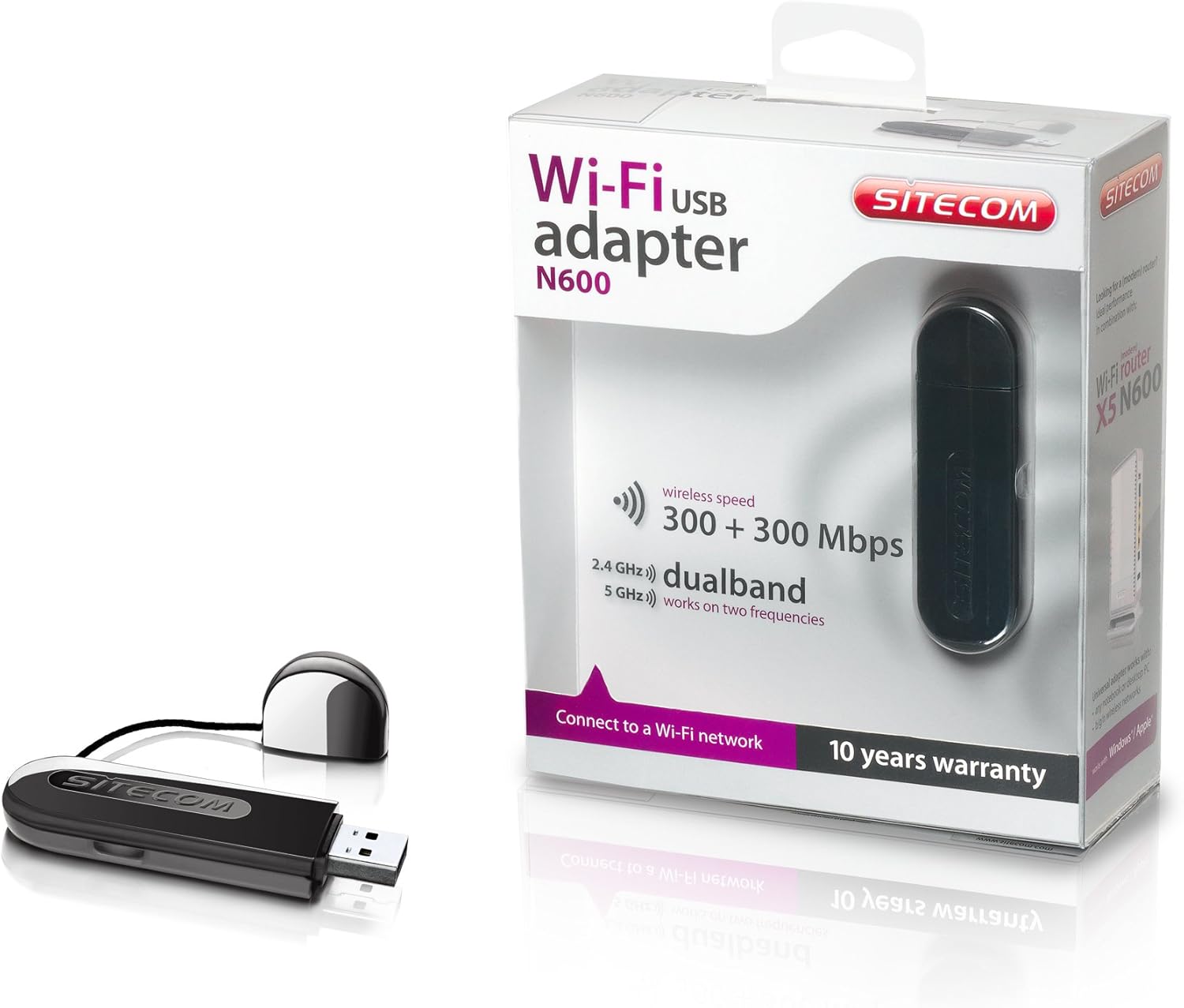
Image 2: The Sitecom WLA-5100 N600 Wi-Fi Dual Band USB Adapter shown alongside its retail packaging. The packaging highlights features such as wireless speed (300 + 300 Mbps) and dual-band functionality (2.4 GHz and 5 GHz).
3. Сістэмныя патрабаванні
- Даступны порт USB (рэкамендуецца USB 2.0 або вышэй)
- Operating System: Compatible with Windows and Mac OS X (e.g., Mac OS X 10.8 Mountain Lion and later versions).
- Internet connection for driver download (if not using the included CD).
4. Настройка
4.1 Ўстаноўка драйвера
- Before inserting the adapter, it is recommended to install the necessary drivers.
- Insert the included Driver CD into your computer's optical drive, or download the latest drivers from the official Sitecom support webсайт.
- Выконвайце інструкцыі на экране, каб завяршыць працэс усталёўкі драйвера.
4.2 Устаноўка абсталявання
- Carefully insert the Sitecom WLA-5100 USB adapter into an available USB port on your desktop or laptop computer.
- Ensure the adapter is fully seated in the USB port. The operating system should detect the new hardware.
4.3 Падключэнне да сеткі Wi-Fi
- Once the drivers are installed and the adapter is connected, your computer should detect available wireless networks.
- Access your operating system's network settings (e.g., Wi-Fi icon in the system tray for Windows, Wi-Fi menu bar item for macOS).
- Select your desired Wi-Fi network (SSID) from the list of available networks.
- Увядзіце ключ бяспекі сеткі (пароль), калі будзе прапанавана, а затым націсніце «Падключыцца».
- Цяпер ваш камп'ютар павінен быць падлучаны да сеткі Wi-Fi.
5. Аперацыйная
The WLA-5100 adapter supports dual-band operation, allowing connection to both 2.4 GHz and 5 GHz Wi-Fi networks. The 2.4 GHz band offers wider coverage and better penetration through obstacles, while the 5 GHz band provides faster speeds and less interference, making it ideal for activities like online gaming and high-definition video streaming.
Your computer's operating system will automatically detect and display available networks on both bands. You can choose which band to connect to based on your proximity to the router and your performance needs. For optimal performance, connect to a 5 GHz network if available and you are in close range to your router.
6. Тэхнічнае абслугоўванне
- Трымайце адаптар чыстым і без пылу. Выкарыстоўвайце для чысткі мяккую сухую тканіну.
- Пазбягайце ўздзеяння на адаптар экстрэмальных тэмператур, прамых сонечных прамянёў або вільгаці.
- Не спрабуйце разбіраць або мадыфікаваць прыладу, бо гэта прывядзе да анулявання гарантыі і можа прывесці да пашкоджанняў.
- When not in use, store the adapter in a safe place to prevent physical damage.
7. Выпраўленне непаладак
7.1 Няма падключэння да Wi-Fi
- Праверце падключэнне адаптара: Ensure the adapter is securely plugged into a functional USB port. Try a different USB port.
- Праверце ўстаноўку драйвера: Confirm that the drivers are correctly installed. Check your computer's Device Manager (Windows) or System Information (macOS) to see if the adapter is listed without errors. Reinstall drivers if necessary.
- Стан маршрутызатара: Пераканайцеся, што ваш Wi-Fi маршрутызатар уключаны і перадае сігнал.
- Network Range: Make sure your computer is within range of your Wi-Fi network.
- Перазагрузіце кампутар: Часам просты перазапуск можа вырашыць праблемы з падключэннем.
7.2 Павольная хуткасць злучэння
- Выбар групы: If available, connect to the 5 GHz network for faster speeds, especially if you are close to the router.
- Перашкоды: Move the adapter or computer away from potential sources of interference (e.g., microwaves, cordless phones, Bluetooth devices).
- Абнаўленне драйвера: Пераканайцеся, што ў вас усталяваны апошнія версіі драйвераў для адаптара.
- Прадукцыйнасць маршрутызатара: Check your router's settings and ensure it is operating optimally.
7.3 Адаптар не распазнаецца
- Порт USB: Паспрабуйце падключыць адаптар да іншага USB-порта на вашым кампутары.
- Пераўсталёўка драйвераў: Uninstall existing drivers and perform a clean reinstallation.
- Абнаўленні аперацыйнай сістэмы: Пераканайцеся, што ваша аперацыйная сістэма абноўлена.
8. Тэхнічныя характарыстыкі
| Асаблівасць | Дэталь |
|---|---|
| Марка | Sitecom |
| мадэль | WLA-5100 |
| Тэхналогія падлучэння | Бесправадная сувязь |
| Інтэрфейс хоста | USB |
| бесправадной стандарт | IEEE 802.11a, 802.11b, 802.11g, 802.11n (Wi-Fi 4) |
| Хуткасць бесправадной сувязі | Да 300 Мбіт/с (2.4 ГГц) + 300 Мбіт/с (5 ГГц) |
| Дыяпазон частот | Двухдыяпазонны (2.4 ГГц і 5 ГГц) |
| Колер | Чорны |
| Памеры (Д х Ш х У) | 7.5 х 2.5 х 1 см (прыблізна) |
| Вага | 10 г |
| Крыніца харчавання | USB харчаванне |
| Сумяшчальныя прылады | Desktop computer, Laptop computer |
| Глабальны нумар прадмета гандлю (GTIN) | 08716502026821 |
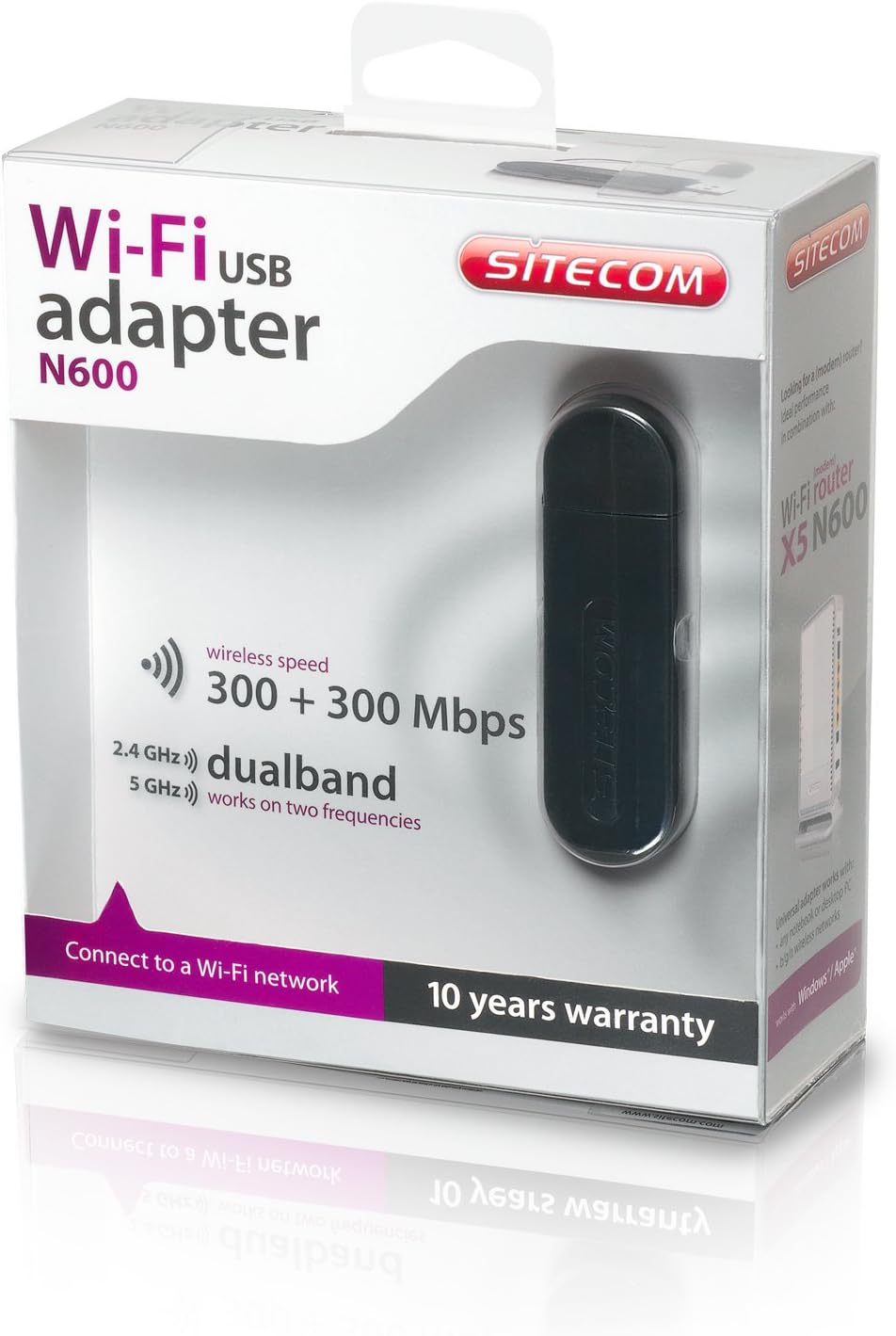
Image 3: The retail packaging for the Sitecom WLA-5100 N600 Wi-Fi Dual Band USB Adapter. The box prominently displays the product name, N600 rating, wireless speed, and dual-band capabilities.
9. Гарантыя і падтрымка
The Sitecom WLA-5100 N600 Wi-Fi Dual Band USB Adapter typically comes with a Гарантыя 10 год, як пазначана на ўпакоўцы прадукту. Калі ласка, захавайце пацвярджэнне пакупкі для прэтэнзій па гарантыі.
For technical support, driver downloads, frequently asked questions, or further assistance, please visit the official Sitecom website or contact their customer support. Refer to the packaging or the Sitecom webсайт, каб знайсці найбольш актуальную кантактную інфармацыю службы падтрымкі.