
Уводзіны
The Adesso AKB-132UB Multimedia Desktop Keyboard is designed to enhance your computing experience with its 104-key layout and integrated multimedia and internet hotkeys. This keyboard features quiet membrane key switches for a comfortable and responsive typing experience. It connects to your computer via a USB interface.
Змест пакета
Калі ласка, пераканайцеся, што ўсе прадметы прысутнічаюць у вашай упакоўцы:
- Adesso AKB-132UB Multimedia Desktop Keyboard
- Кароткае кіраўніцтва
Настройка
- Выключыце камп'ютар: For optimal installation, it is recommended to power off your computer before connecting the keyboard.
- Падключыце USB-кабель: Locate an available USB port on your computer. Plug the USB connector of the Adesso AKB-132UB keyboard firmly into the USB port. Note: Some USB keyboards may be sensitive to the specific port used. If the keyboard does not function, try a different USB port, preferably one directly on the computer's motherboard (e.g., at the back of a desktop PC) rather than a USB hub.
- Уключыце камп'ютар: Turn on your computer. The operating system should automatically detect and install the necessary drivers for the keyboard.
- Праверце функцыянальнасць: Once the drivers are installed, test the keyboard by typing in a text editor or navigating your system. The Num Lock, Caps Lock, and Scroll Lock indicator lights should function correctly.
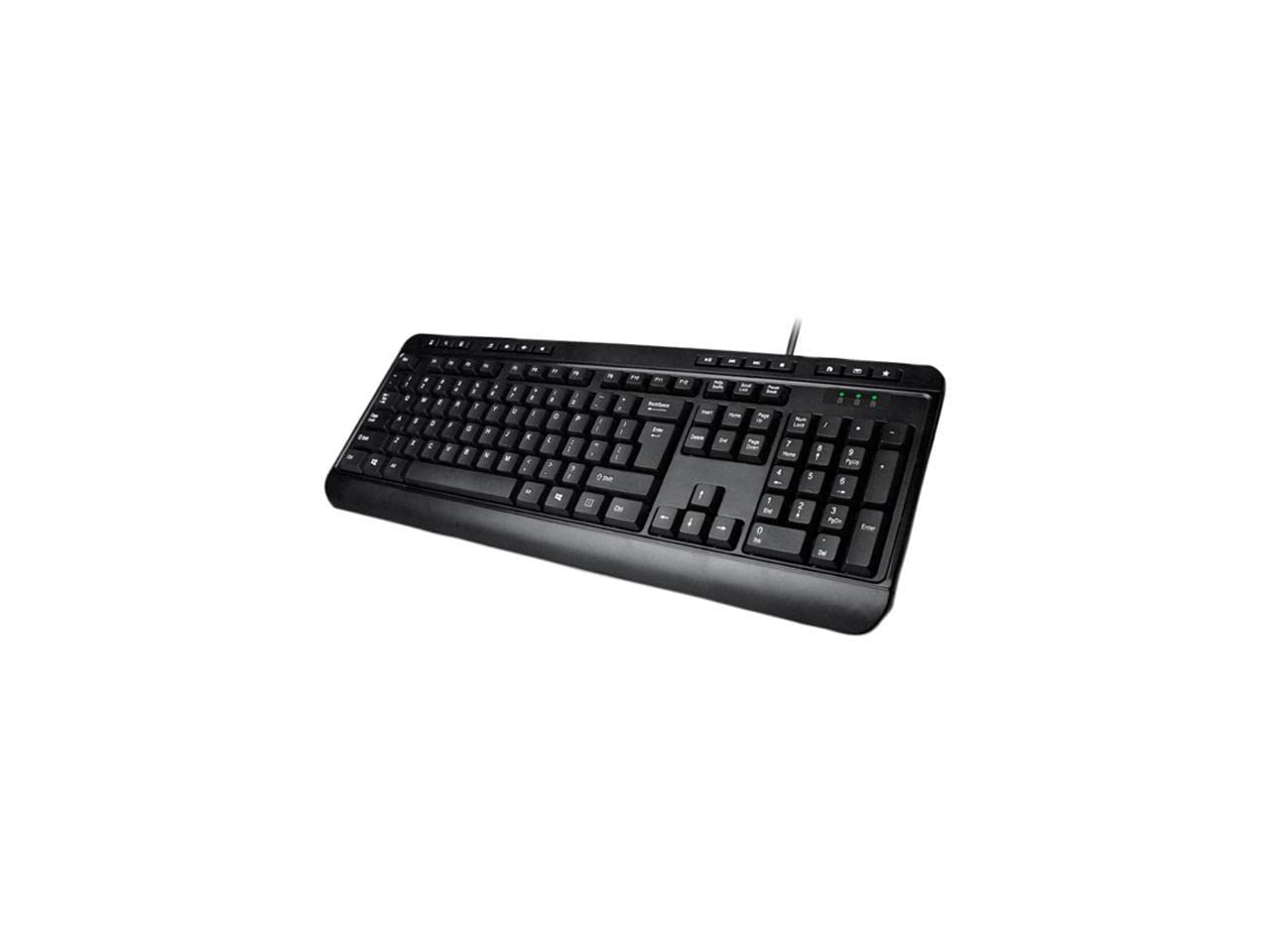
Image: Adesso AKB-132UB Multimedia Desktop Keyboard. This image shows the full keyboard with its standard 104-key layout and the attached USB cable for connection.
Інструкцыя па эксплуатацыі
Стандартныя функцыі клавіятуры
The Adesso AKB-132UB features a standard 104-key US layout. Keys operate as labeled. The keyboard utilizes membrane switches, providing a quiet and tactile typing experience.
- Светавыя індыкатары: Located above the numeric keypad, these lights indicate the status of Num Lock, Caps Lock, and Scroll Lock.
- Рэгуляваны нахіл: The keyboard includes foldable feet on the underside to adjust the typing angle for comfort.
Мультымедыйныя гарачыя клавішы
The keyboard includes 8 dedicated multimedia hotkeys for quick access to media player controls:
- Медыяплэер: Opens your default media player application.
- Паменшыць гучнасць: Decreases the system volume.
- Павялічыць гучнасць: Increases the system volume.
- Адключэнне гуку: Toggles the system sound on or off.
- Прайграванне/Паўза: Прайграе або прыпыняе прайграванне мультымедыя.
- Папярэдні трэк: Skips to the previous track in your media player.
- Наступны трэк: Skips to the next track in your media player.
- Stop: Спыняе прайграванне медыяфайлаў.
Windows & Internet Hotkeys
The keyboard also features 6 hotkeys for common Windows and Internet functions:
- Мой кампутар: Opens the "This PC" or "My Computer" window.
- Пошук: Opens the system search utility.
- калькулятар: Launches the Windows Calculator application.
- Пошта: Opens your default email client.
- Дом: Адкрывае па змаўчанні web browser to its home page.
- Выбранае: Адкрывае ваш web browser's favorites/bookmarks.
Тэхнічныя характарыстыкі
| Асаблівасць | Дэталь |
|---|---|
| Марка | Адэса |
| Нумар мадэлі | АКБ-132УБ |
| Тэхналогія падлучэння | Правадной (USB) |
| Раскладка клавіятуры | 104-Key US Layout (QWERTY) |
| Тып ключа | Мембранныя выключальнікі |
| Мультымедыйныя гарачыя клавішы | 8 (Media Player, Volume Down, Volume Up, Mute, Play/Pause, Previous Track, Next Track, Stop) |
| Windows & Internet Hotkeys | 6 (My Computer, Search, Calculator, Mail, Home, Favorites) |
| Паказчыкі | Num Lock, Caps Lock, Scroll Lock |
| Жыццёвы цыкл | 5 мільёнаў націсканняў клавіш |
| Колер | Чорны |
| Матэрыял | Пластыкавыя |
| Вага прадмета | 1.5 фунта |
Ліквідацыю непаладак
- Клавіятура не адказвае:
- Пераканайцеся, што кабель USB надзейна падключаны да спраўнага порта USB на вашым кампутары.
- Try plugging the keyboard into a different USB port, especially a direct port on the computer's rear, bypassing any USB hubs.
- Restart your computer to allow the operating system to re-detect the device.
- Test the keyboard on another computer to determine if the issue is with the keyboard or your computer's setup.
- Keys Not Functioning Correctly or Unexpected Characters:
- Праверце, ці правільная раскладка клавіятуры выбрана ў наладах аперацыйнай сістэмы.
- Пераканайцеся, што пад клавішамі няма старонніх прадметаў.
- For specific keys like the 'Enter' key, be aware that some keyboard layouts may place the backslash key adjacent to it. Familiarization with the physical layout is key.
- Wobbly Keyboard:
- Ensure the keyboard is placed on a flat, stable surface.
- Check if the adjustable tilt feet are fully extended or retracted evenly.
Тэхнічнае абслугоўванне
To maintain the performance and longevity of your Adesso AKB-132UB keyboard:
- Уборка: Выкарыстоўвайце мяккую, злёгку damp cloth to wipe the surface of the keyboard. Avoid using harsh chemicals or abrasive cleaners. For cleaning between keys, use compressed air to remove dust and debris.
- Пазбягайце разліваў: Трымайце вадкасці далей ад клавіятуры, каб пазбегнуць пашкоджання ўнутраных кампанентаў.
- захоўванне: Калі клавіятура не выкарыстоўваецца працяглы час, захоўвайце яе ў чыстым і сухім месцы.
Гарантыя і падтрымка
The Adesso AKB-132UB Multimedia Desktop Keyboard comes with a 1-гадовая абмежаваная гарантыя з дня пакупкі. Гэтая гарантыя распаўсюджваецца на дэфекты матэрыялаў і вырабу пры звычайным выкарыстанні.
For technical support, warranty claims, or further assistance, please contact Adesso customer service. Refer to the official Adesso webсайт для атрымання самай актуальнай кантактнай інфармацыі.
Заўвага: Гэты прадукт утрымлівае хімічныя рэчывы, якія, як вядома ў штаце Каліфорнія, выклікаюць рак і прыроджаныя дэфекты або іншыя парушэнні рэпрадуктыўнай функцыі.