
1. Уводзіны
This manual provides detailed instructions for the proper use and maintenance of your Baseus H08 Immersive Virtual 3D Gaming Headset. Please read this manual thoroughly before using the product to ensure optimal performance and safety. Keep this manual for future reference.
2. Інфармацыя па бяспецы
- Абарона слыху: Avoid using the headset at high volume levels for extended periods to prevent hearing damage.
- Умовы навакольнага асяроддзя: Не падвяргайце гарнітуру ўздзеянню экстрэмальных тэмператур, вільготнасці або прамых сонечных прамянёў.
- Уборка: Use a soft, dry cloth for cleaning. Avoid liquid cleaners or abrasive materials.
- Разборка: Не спрабуйце разбіраць або мадыфікаваць гарнітуру. Гэта можа ануляваць гарантыю і прывесці да пашкоджанняў.
- дзеці: Keep the headset and its accessories out of reach of small children to prevent choking hazards.
3. Змесціва ўпакоўкі
Праверце наяўнасць усіх прадметаў у камплекце:
- Baseus H08 Immersive Virtual 3D Gaming Headset
- Аўдыёкабель 3.5 мм
- Сумка для пераноскі
- Кіраўніцтва карыстальніка (гэты дакумент)
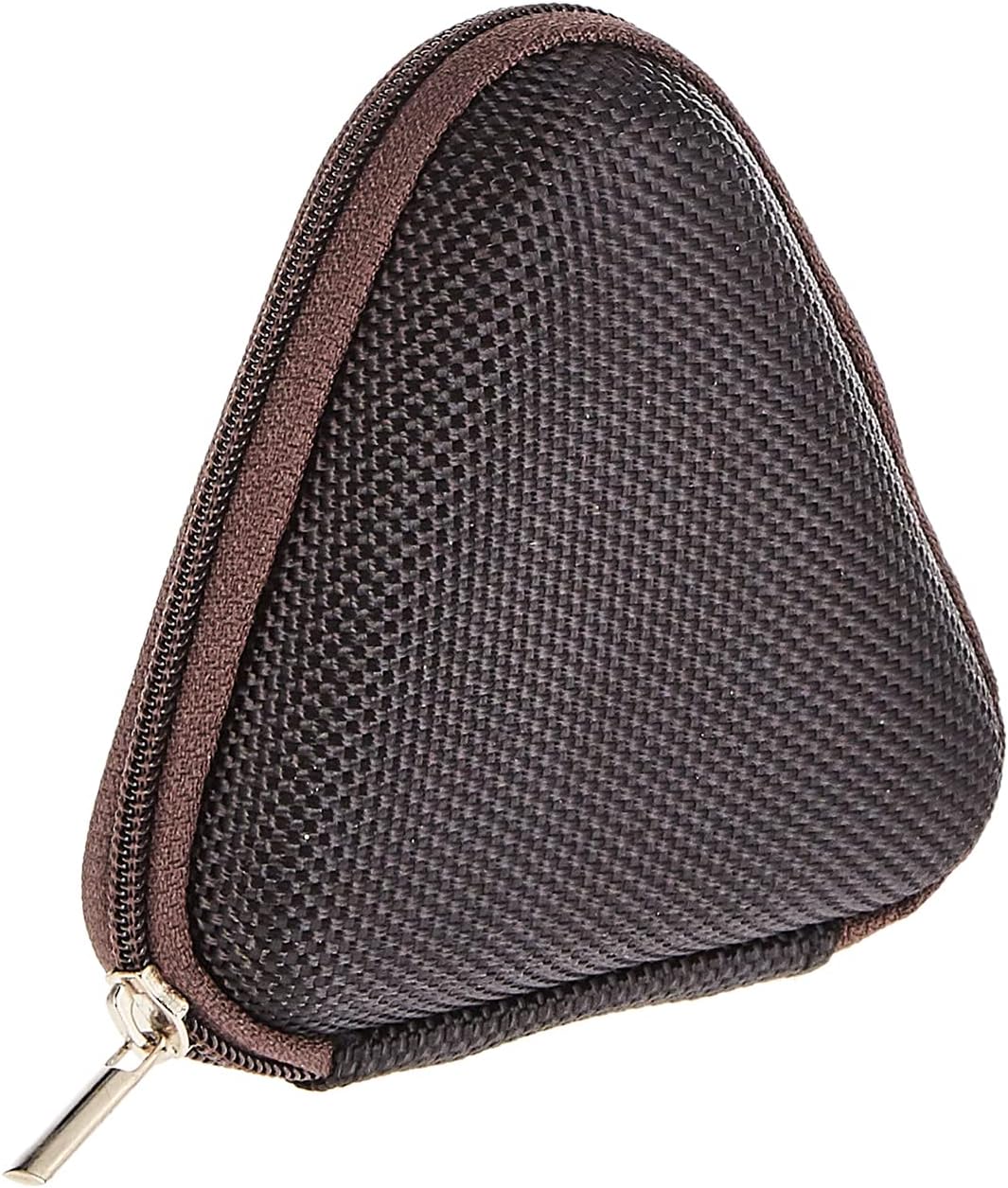
Image: The included triangular carrying case, designed for protecting and transporting the headset.
4. Прадукт скончыўсяview
The Baseus H08 headset is designed for an immersive gaming audio experience. It features a comfortable over-ear design and integrated controls.

Image: The Baseus H08 Immersive Virtual 3D Gaming Headset, showcasinяго канструкцыю і кампаненты.
Кампаненты:
- Навушнікі: Padded earcups for comfort and sound isolation.
- Павязка на галаву: Adjustable headband for a secure fit.
- Мікрафон: Integrated microphone for communication.
- Аўдыякабель: Detachable 3.5mm audio cable for connection to devices.
- Рэгулятар гучнасці: In-line or earcup-mounted volume adjustment.
5. Настройка
- Распакуйце: Carefully remove the headset and all accessories from the packaging.
- Падключэнне аўдыёкабеля: Insert the 3.5mm audio jack into the corresponding port on your gaming device (PC, console controller, smartphone, etc.). Ensure the connection is secure.
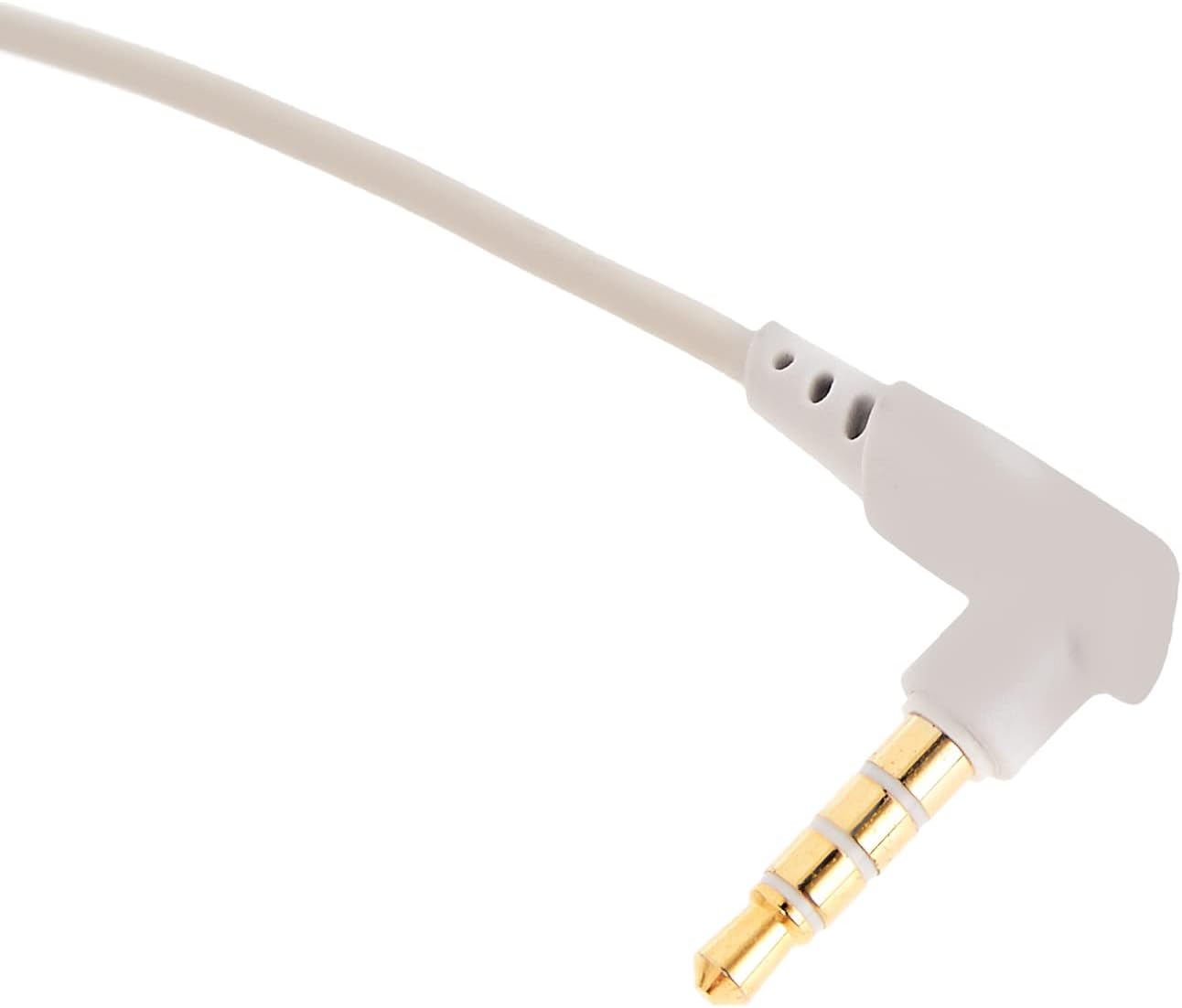
Выява: буйны план view of the 3.5mm audio jack, used for connecting the headset to compatible devices.
- Адрэгуляваць гарнітуру: Place the headset on your head and adjust the headband for a comfortable and secure fit. Position the earcups over your ears.
- Размяшчэнне мікрафона: If the microphone is adjustable, position it appropriately for clear voice capture, typically near the corner of your mouth.
6. Інструкцыя па эксплуатацыі
- Рэгулятар гучнасці: Use the integrated volume control (if present on the cable or earcup) to adjust the audio output level. Rotate or slide the control to increase or decrease volume.
- Адключэнне мікрафона: If your headset features a microphone mute switch, use it to toggle the microphone on or off as needed during gameplay or calls.
- Virtual 3D Sound: The headset provides an immersive virtual 3D sound experience. This feature is typically active upon connection and enhances spatial audio cues in compatible games. No specific activation is usually required unless indicated by your device's audio settings.
7. Тэхнічнае абслугоўванне
- Уборка: Wipe the headset with a soft, dry, lint-free cloth. Do not use harsh chemicals, cleaning solvents, or strong detergents.
- захоўванне: When not in use, store the headset in its carrying case to protect it from dust, scratches, and physical damage. Keep it in a cool, dry place.
- Сыход за кабелем: Avoid sharp bends or excessive pulling on the audio cable to prevent internal damage.
8. Выпраўленне непаладак
Агульныя праблемы і рашэнні:
- Няма гуку:
- Ensure the 3.5mm audio cable is fully plugged into both the headset and your device.
- Check the volume control on the headset and your device to ensure it is not muted or set too low.
- Пераканайцеся, што ў наладах гуку вашай прылады выбрана правільная прылада вываду гуку.
- Дрэнная якасць гуку:
- Праверце аслабленыя злучэнні.
- Праверце гарнітуру з іншай прыладай, каб выключыць праблему, характэрную для гэтай прылады.
- Пераканайцеся, што крыніца гуку добрай якасці.
- Мікрафон не працуе:
- Пераканайцеся, што мікрафон не выключаны (калі ёсць).
- Check your device's sound settings to ensure the headset microphone is selected as the input device.
- Праверце мікрафон з дапамогай іншага прыкладання або прылады.
- Дыскамфорт падчас выкарыстання:
- Adjust the headband and earcup positions for a better fit.
- Take breaks during long gaming sessions.
9. Тэхнічныя характарыстыкі
| Асаблівасць | Дэталь |
|---|---|
| Марка | Басейс |
| Назва мадэлі | NGH08-2G |
| Нумар мадэлі тавару | B012LZLE1U |
| Памеры прадукту | 5 х 3 х 10 см |
| Вага прадмета | 200 грамаў |
| Колер | Белы + шэры |
| Тып кіравання | Рэгулятар гучнасці |
| Колькасць элементаў | 1 |
| Канкрэтныя спосабы выкарыстання прадукту | Няма ў наяўнасці |
| Формаў-фактар навушнікаў | Няма ў наяўнасці |
| Раз'ём для навушнікаў | Няма ў наяўнасці |
| Тэхналогія падлучэння | Няма ў наяўнасці |
| Тэхналогія бесправадной сувязі | Няма ў наяўнасці |
| Уключаныя кампаненты | Няма ў наяўнасці |
| Узроставы дыяпазон (апісанне) | Няма ў наяўнасці |
| Матэрыял | Няма ў наяўнасці |
10. Гарантыя і падтрымка
For warranty information and technical support, please refer to the warranty card included with your product or visit the official Baseus webсайт. Вы таксама можаце звярнуцца па дапамогу да прадаўца, у якога вы набылі прадукт.
Афіцыйны прадстаўнік Baseus Webсайт: www.baseus.com