
1. Прадукт скончыўсяview
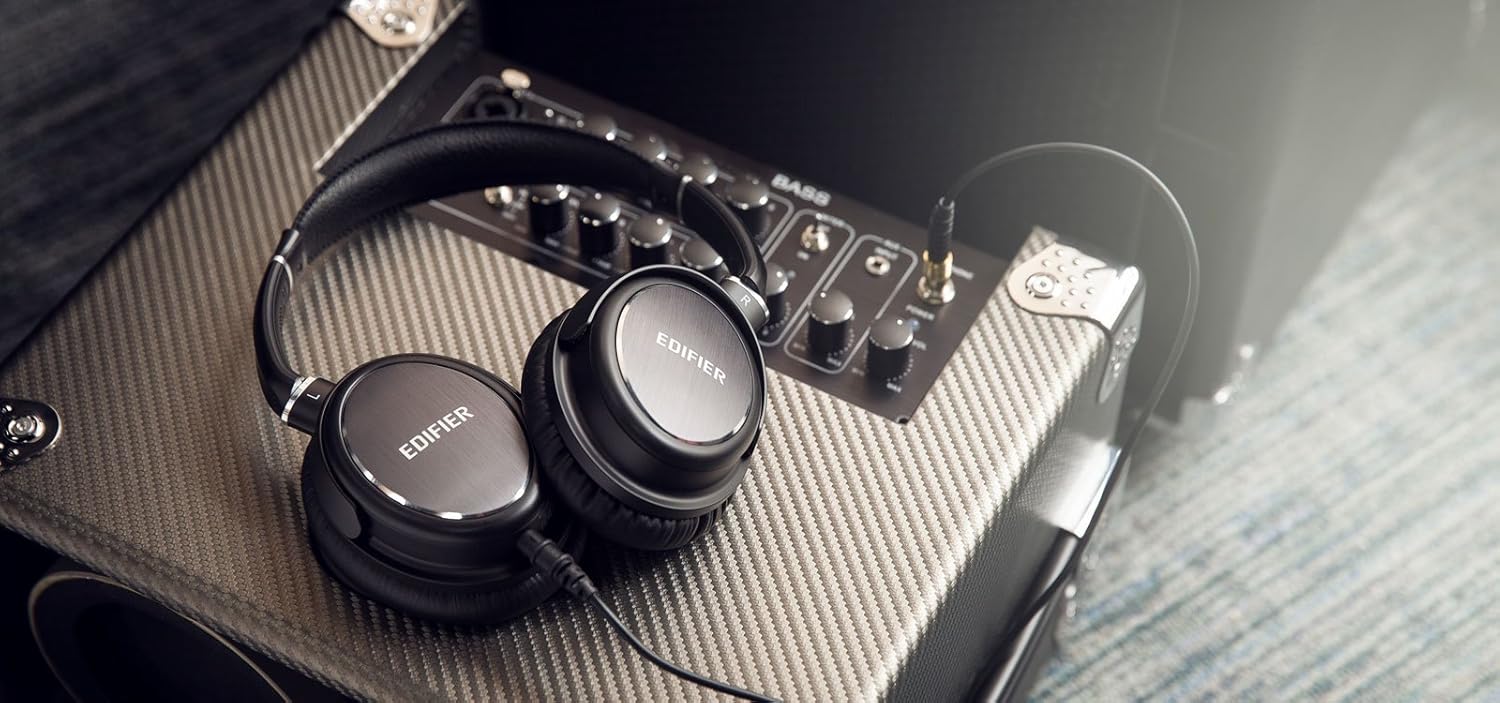
The Edifier H850 Over-The-Ear Pro Headphones are designed for professional audio monitoring and audiophile listening. They feature an ergonomic, lightweight design with comfortable leather earpads for extended use and effective noise isolation. Equipped with fine-tuned 40mm neodymium magnet drivers, these headphones deliver accurate sound reproduction, making them suitable for various applications including electric guitar monitoring, instrument monitoring, and recording.
Асноўныя функцыі ўключаюць у сябе:
- Камфорт на ўвесь дзень: Ergonomic and lightweight design with leather pads for comfort and noise isolation.
- Fine-Tuned Sound: 40mm neodymium magnet drivers in a closed-back design for true sound.
- Musician Oriented: Ideal for guitar amplifier monitoring and auditioning equipment.
- Зручны для падарожжаў: Fold-flat design and a removable cable for easy transport. A 1/4-inch adapter is included.
2. Што ў скрынцы
- Edifier H850 Over-The-Ear Pro Headphones
- Detachable Audio Cable (3.5mm to 3.5mm)
- 1/4-inch (6.35mm) Adapter

3. Налада і падключэнне
3.1 Рэгуляванне агалоўя
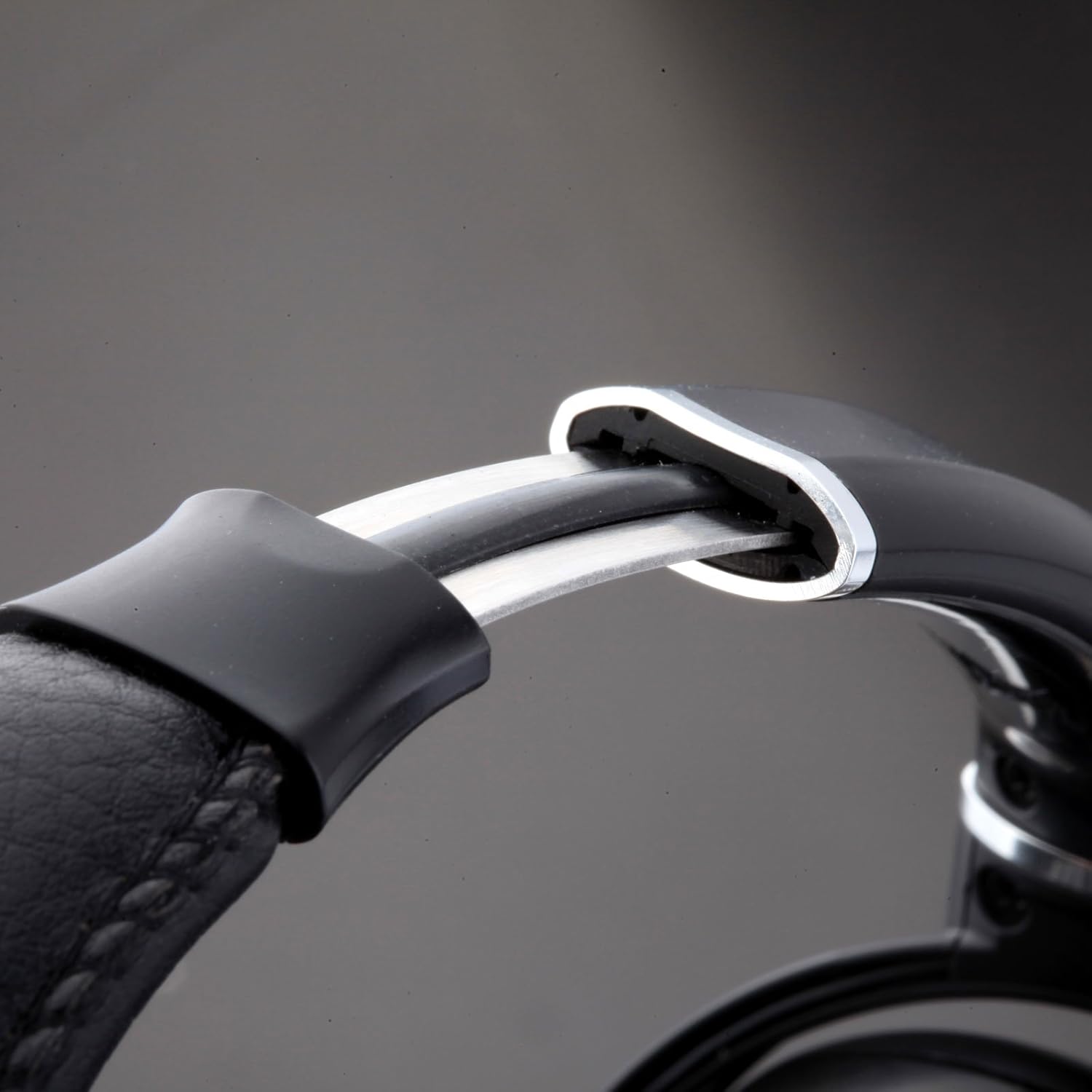
To ensure optimal comfort and sound quality, adjust the headband to fit your head. Gently slide the earcups up or down along the headband until they rest comfortably over your ears. The self-adjusting headband is designed to conform to various head sizes.
3.2 Падключэнне аўдыёкабеля
The Edifier H850 headphones feature a detachable audio cable with a locking mechanism for secure connection. Locate the 3.5mm input port on the left earcup. Insert the smaller end of the audio cable into this port and twist clockwise to lock it in place. Connect the other end of the 3.5mm cable to your audio source (e.g., smartphone, computer, audio interface).
3.3 Using the 1/4-inch Adapter
For audio equipment with a 1/4-inch (6.35mm) output, attach the included 1/4-inch adapter to the 3.5mm plug of your audio cable. Then, connect the adapter to your audio source.
4. Інструкцыя па эксплуатацыі
Once connected to an audio source, ensure the volume on your device is set to a low level before placing the headphones on your head. Gradually increase the volume to a comfortable listening level. The H850 headphones are designed for a wide range of professional and personal listening environments.

5. Тэхнічнае абслугоўванне і догляд
To prolong the life of your Edifier H850 headphones, follow these maintenance guidelines:
- Уборка: Use a soft, dry cloth to wipe the earcups and headband. Avoid using harsh chemicals or abrasive materials.
- захоўванне: When not in use, store the headphones in a clean, dry place. The fold-flat design allows for compact storage.
- Сыход за кабелем: Handle the detachable cable with care. Avoid sharp bends or excessive pulling to prevent damage.
- Earpad Longevity: The leather earpads are designed for durability. Avoid prolonged exposure to direct sunlight or extreme temperatures.

6. Выпраўленне непаладак
If you encounter issues with your Edifier H850 headphones, consider the following:
- Няма гуку: Ensure the audio cable is securely connected to both the headphones and the audio source. Check the volume levels on your audio source. Test with a different audio source or cable if possible.
- Скажоны гук: Reduce the volume on your audio source. Ensure the audio cable is not damaged.
- Дыскамфорт: Re-adjust the headband and earcups for a better fit. Allow for a break during long listening sessions.
7. Тэхнічныя характарыстыкі
| Асаблівасць | Спецыфікацыя |
|---|---|
| Марка | Эдыфікатар |
| Назва мадэлі | H850 (ed-h850-us-fbm) |
| Тэхналогія падлучэння | Правадная |
| Размяшчэнне вушэй | Над вухам |
| Памер аўдыё драйвера | 40 міліметра |
| АЧХ | 20000 Гц |
| Імпеданс | 32 Ом |
| Адчувальнасць | 96 дБ |
| Кантроль шуму | Гукаізаляцыя |
| Матэрыял | Скура |
| Асаблівасць | Foldable, Detachable Cable |
| Вага прадмета | 1 фунта (прыблізна 16 унцыі) |
| Памеры прадукту | 10.63 х 9.13 х 3.5 цалі |
8. Гарантыя і падтрымка
The Edifier H850 Over-The-Ear Pro Headphones come with a АДЗІН ГОД ГАРАНТЫІ in the USA and Canada, covering manufacturing defects and ensuring product durability. For technical support, warranty claims, or further assistance, please refer to the contact information provided in your product packaging or visit the official Edifier support webсайт.
For additional information and support, please visit the Крама Edifier на Amazon.