
Coby CBA-10
Coby Digital Antenna CBA-10 User Manual
Model: CBA-10
Прадукт скончаныview
The Coby Digital Antenna CBA-10 is designed to provide access to free over-the-air digital television channels. This multi-directional antenna offers 360-degree reception, ensuring a wide range of signal capture. It is compatible with modern HDTVs and features adjustable VHF dipoles for optimal reception of both VHF and UHF frequencies. Its portable and easy-to-set-up design makes it a convenient solution for accessing free broadcast television.
Што ў скрынцы
- Coby Indoor Antenna, CBA-10
- Coaxial Cable (pre-attached)
The package includes the Coby CBA-10 digital antenna with an integrated coaxial cable for direct connection to your television.
Кіраўніцтва па ўстаноўцы
- Unpack the Antenna: Carefully remove the Coby CBA-10 antenna from its packaging.
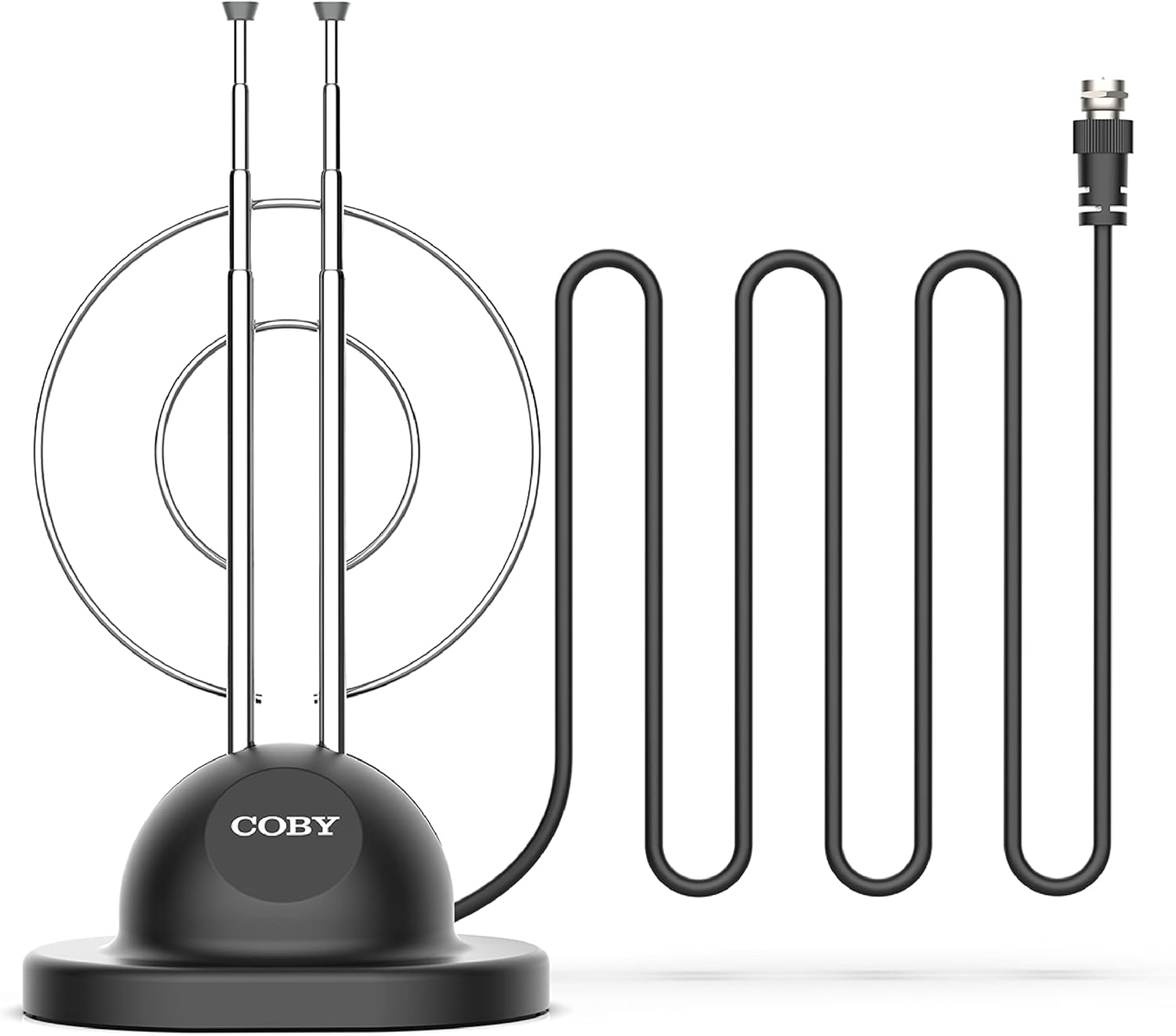
Image: The Coby Digital Antenna CBA-10, showing its base, adjustable rabbit ears, and the attached coaxial cable with its connector.
- Падключэнне да тэлевізара: Locate the antenna input (usually labeled "Antenna In," "RF In," or "Cable In") on the back of your television. Connect the coaxial cable from the Coby CBA-10 antenna to this input.

Выява: буйны план view of the coaxial cable connector, which plugs into the television's antenna input.
- Размясціце антэну: Place the antenna in a location that provides the best reception. Generally, higher locations or near a window are ideal. The multi-directional design allows for flexibility in placement.

Image: The Coby Digital Antenna with visual representations of radio waves indicating signal reception, demonstrating its multi-directional capability.
- Adjust Rabbit Ears: Extend and adjust the two retractable "rabbit ears" (VHF dipoles) for optimal signal reception. Experiment with their length and angle.

Image: The Coby Digital Antenna with its two adjustable "rabbit ears" extended and angled, ready for fine-tuning reception.
Інструкцыя па эксплуатацыі
- Выканайце сканаванне каналаў: After connecting and positioning the antenna, access your TV's menu and navigate to the "Channel Scan," "Auto Program," or "Auto Tune" option. This process will scan for available digital channels.

Image: A television screen showing multiple channel logos, illustrating the variety of free channels available after a successful scan.
- Аптымізацыя прыёму: If you are not receiving all desired channels, try repositioning the antenna or adjusting the length and angle of the rabbit ears. Perform another channel scan after each adjustment.

Image: The Coby Digital Antenna placed in a living room, with visual cues showing its signal reception range within a home environment.
- Enjoy Free TV: Once the scan is complete, you can browse and watch the free digital channels available in your area.
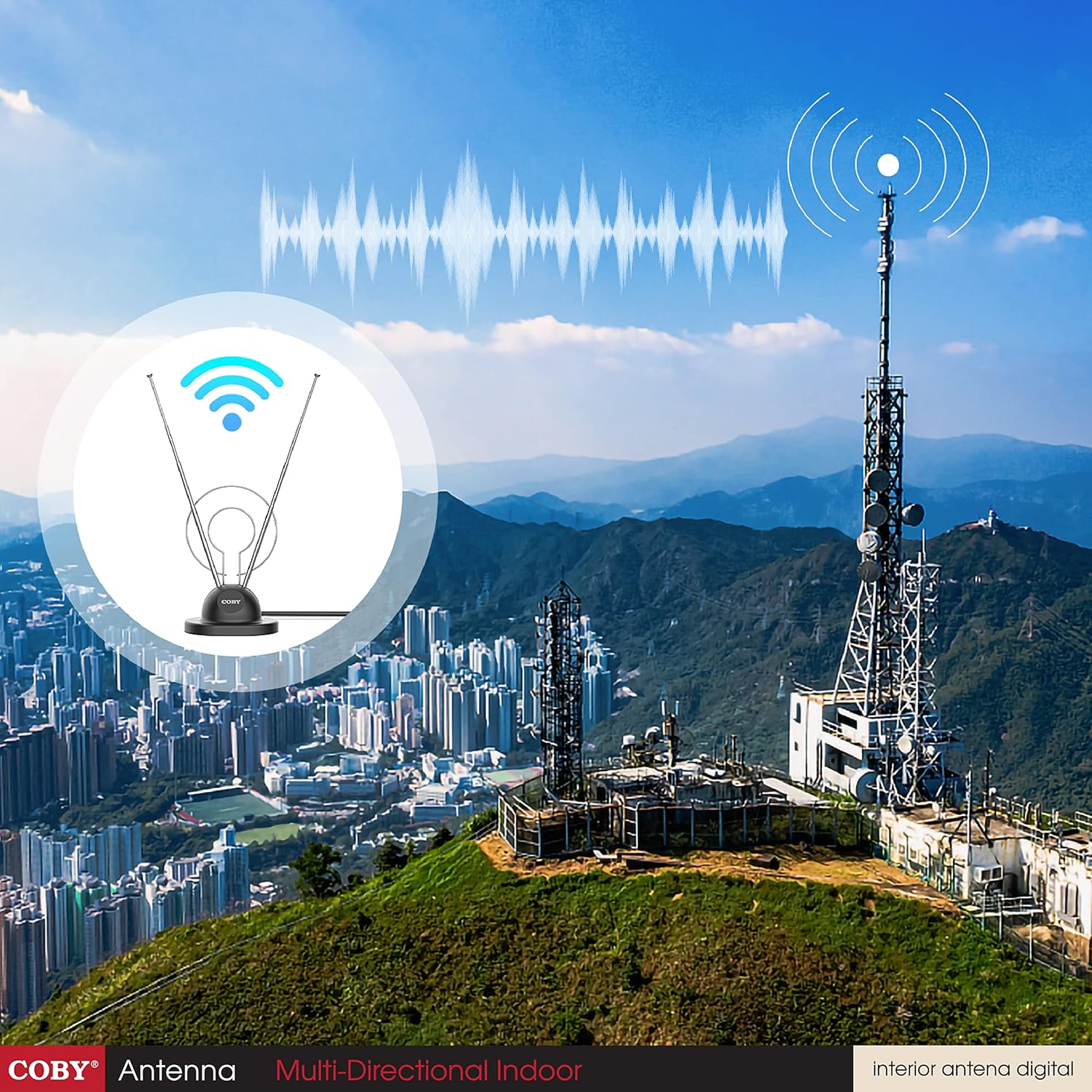
Image: A family watching television, with the Coby Digital Antenna visible in the background, symbolizing the enjoyment of free broadcast content.
Тэхнічнае абслугоўванне
- Keep the antenna clean by wiping it with a soft, dry cloth.
- Пазбягайце выкарыстання агрэсіўных хімікатаў або абразіўных ачышчальнікаў.
- Ensure the coaxial cable connection remains secure.
- Store the antenna in a cool, dry place when not in use.
Ліквідацыю непаладак
| праблема | Магчымая прычына | Рашэнне |
|---|---|---|
| No channels found or poor signal. | Antenna not positioned optimally; cable loose; TV not set to antenna input. |
|
| Адсутнічаюць пэўныя каналы. | Signal strength for those channels is weak; antenna not optimized for specific frequencies. |
|
| Малюнак пікселізуецца або завісае. | Слабы або перарывісты сігнал. |
|
Тэхнічныя характарыстыкі прадукту
| Асаблівасць | Дэталь |
|---|---|
| Марка | Кобі |
| Нумар мадэлі | CBA-10 |
| Вага прадмета | 3.36 унцыі |
| Памеры прадукту | 7.4 х 3 х 10 цалі |
| Колер | Чорны |
| Асаблівасці | 360 Degree Reception |
| Імпеданс | 150 Ом |
| Тып антэны | Television (Indoor) |
| Колькасць каналаў | Up to 20 (dependent on location) |
| Максімальны дыяпазон | 5 метраў (даўжыня кабеля) |
| UPC | 812180024567 |
| Першая даступная дата | 1 лютага 2016 г |
Гарантыя і падтрымка
Каб атрымаць інфармацыю аб гарантыі і тэхнічнай падтрымцы, звярніцеся да дакументацыі, якая прыкладаецца да пакупкі, або наведайце афіцыйны сайт Coby. webсайт. Захоўвайце пацвярджэнне пакупкі для любых гарантыйных прэтэнзій.
вытворца: Summit Electronics, ЗША
Палітыка вяртання: 30-дзённая палітыка вяртання/замены праз аўтарызаваных прадаўцоў.