
Уводзіны
Дзякуй за пакупкуasing the OttLite CY4009-FFP LED Desk Lamp. This manual provides important information regarding the setup, operation, maintenance, and troubleshooting of your new desk lampКалі ласка, уважліва прачытайце гэтыя інструкцыі перад выкарыстаннем і захавайце іх для далейшага выкарыстання.
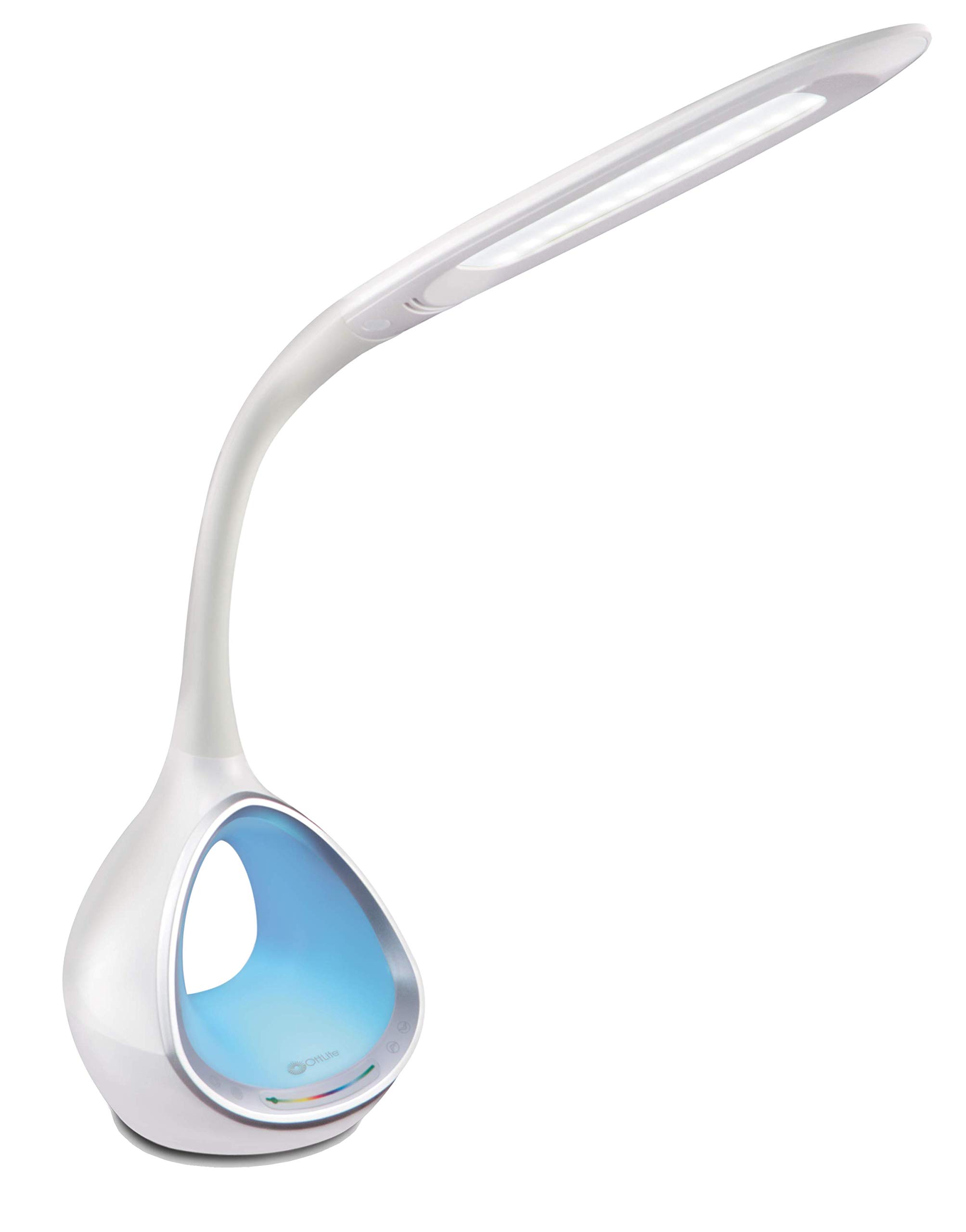
Image: The OttLite CY4009-FFP LED Desk Lamp, шоуasing its sleek white design and flexible neck.
Інструкцыі па тэхніцы бяспекі
Для забеспячэння бяспечнай працы выконвайце наступныя меры засцярогі:
- Не эксплуатуйце лamp з пашкоджаным шнуром або вілкай.
- Не змяняйце lamp або яго кампанентаў.
- Захоўвайце лamp away from water or other liquids. This product is not water resistant.
- Пераканайцеся, што lamp размяшчаецца на ўстойлівай роўнай паверхні.
- Адключыце lamp перад чысткай або выкананнем любога тэхнічнага абслугоўвання.
- Гэта лamp прызначаны толькі для ўнутранага выкарыстання.
Змест пакета
Праверце наяўнасць усіх прадметаў у камплекце:
- OttLite CY4009-FFP LED Desk Lamp
- Адаптар сілкавання пераменнага/пастаяннага току
Прадукт скончаныview
Familiarize yourself with the main components of your desk lamp:
- Гнуткая шыя: Allows adjustment of the light head position.
- Святлодыёдны ліхтар: Provides natural daylight illumination with adjustable brightness and color temperature.
- Панэль кіравання: Touch-sensitive buttons for power, brightness, color temperature, and color-changing base.
- Color Changing Tunnel Base: Illuminates with a choice of colors or cycles through the spectrum.
- Порт для зарадкі USB: Located on the side of the base for charging devices.

Image: The OttLite CY4009-FFP LED Desk Lamp illustrating its adjustable height (11.75 to 16 inches) and base diameter (4.375 inches).
Настройка
- Акуратна зніміце лamp and all components from the packaging.
- Змесціце lamp на ўстойлівую роўную паверхню.
- Connect the AC/DC power adapter to the power input port located at the back of the lamp база.
- Падключыце адаптар сілкавання да стандартнай электрычнай разеткі.
- У лamp цяпер гатовы да працы.
Інструкцыя па эксплуатацыі
Асноўная лёгкая аперацыя

Выява: Крупны план lamp base showing touch-activated controls for brightness and color settings.
- Уключэнне/выключэнне харчавання: Дакраніцеся да Кнопка харчавання on the control panel to turn the main light on or off.
- Наладзіць яркасць: У лamp features 4 brightness settings. Repeatedly touch the Кнопка яркасці для пераключэння узроўняў яркасці.
- Змена каляровай тэмпературы: У лamp offers 3 color temperature modes. Repeatedly touch the Кнопка рэжыму to switch between different light temperatures (e.g., warm white, bright white, cool white).

Image: Three different light outputs from the lamp head, demonstrating the warm, neutral, and cool color temperature settings.
Color Changing Tunnel Base Operation

Выява: Чатыры былыяampменшасціamp's base glowing in different colors: blue, red, purple, and green.
- Activate Color Base: Дакраніцеся да Кнопка колеру on the control panel to turn on the color-changing base.
- Выберыце колер: Once activated, touch the color spectrum bar on the base to select a specific color.
- Колеры цыклу: To have the base continuously cycle through the entire color spectrum, touch and hold the Кнопка колеру until the colors begin to transition automatically.
- Turn Off Color Base: Дакраніцеся да Кнопка колеру again to turn off the color-changing base.
USB-порт для зарадкі
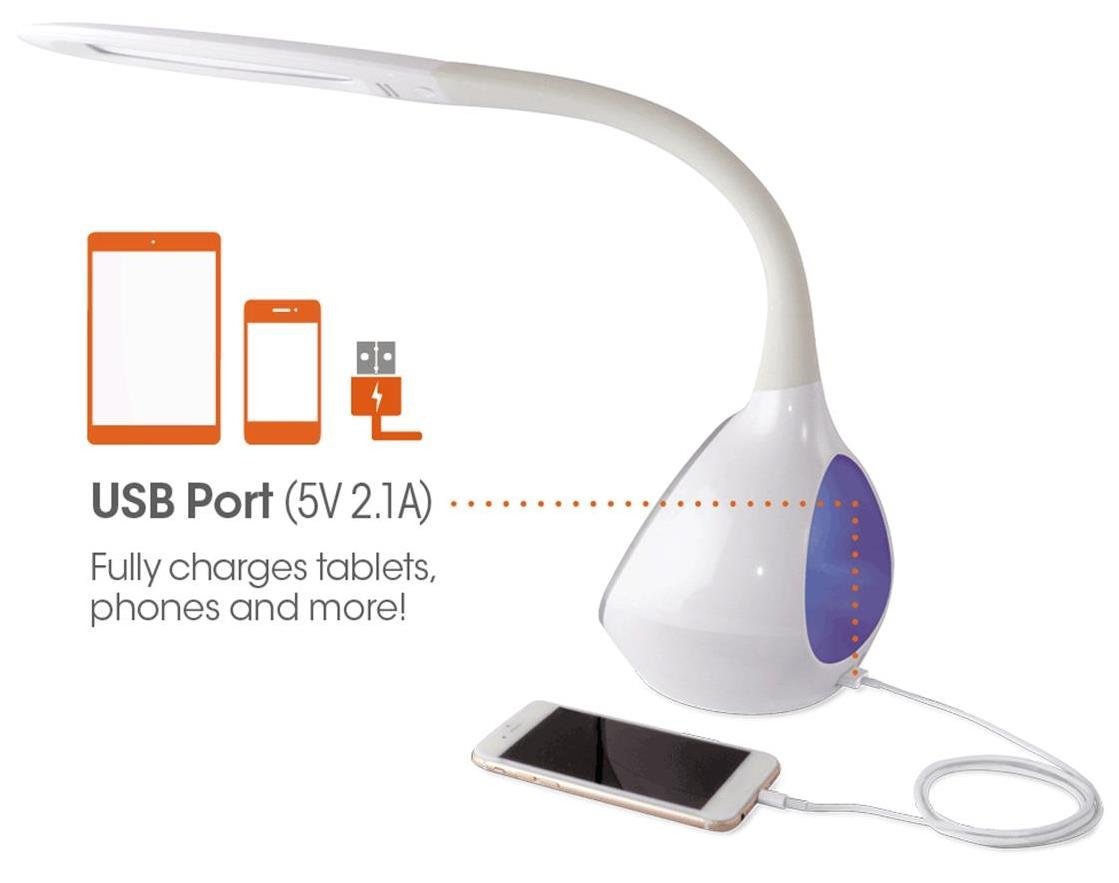
Выява: Лamp's base with a smartphone connected to the 5V 2.1A USB charging port, illustrating its charging capability for phones and tablets.
У лamp includes a 5V, 2.1A USB charging port located on the side of the base. This port can be used to charge smartphones, tablets, and other USB-powered devices. Simply connect your device's USB charging cable to the port.
Тэхнічнае абслугоўванне
- Уборка: Пераканайцеся, што lamp адключаны ад сеткі перад чысткай. Выцірайце прыладу мяккай сухой тканінайamp. Не выкарыстоўвайце абразіўныя ачышчальнікі або растваральнікі.
- святлодыёды: The integrated LEDs are designed to last up to 40,000 hours and are not replaceable.
- захоўванне: Пры захоўванні lamp працяглы час, адключыце яго ад сеткі і захоўвайце ў прахалодным, сухім месцы.
Ліквідацыю непаладак
| праблема | Магчымая прычына | Рашэнне |
|---|---|---|
| Lamp не ўключаецца. | Power adapter not properly connected or no power from outlet. | Check if the power adapter is securely plugged into both the lamp і разетку. Праверце разетку з дапамогай іншай прылады. |
| Main light works, but color-changing base does not. | Color button not activated. | Ensure the Color button on the control panel has been touched to activate the base light. |
| Не працуе порт зарадкі USB. | Прылада несумяшчальная або няспраўны кабель. | Ensure your device is compatible with 5V, 2.1A charging. Try a different USB cable. |
| Сэнсарныя элементы кіравання не рэагуюць. | Temporary electrical interference or power issue. | Адключыце lamp ад разеткі на 30 секунд, а затым зноў падключыце яго. |
Тэхнічныя характарыстыкі
| Нумар мадэлі: | CY4009-FFP |
| Марка: | OttLite |
| Тып крыніцы святла: | святлодыёд |
| Ватtage: | 10 ват |
| Налады яркасці: | 4 (up to 500 lumens) |
| Каляровыя тэмпературы: | 3 |
| Выхад порта USB: | 5 В, 2.1 А |
| Працягласць жыцця святлодыёда: | Да 40,000 гадзін |
| Памеры прадукту (ДxШxВ): | 24.1 Г х 7 Ш х 29.8 В сантыметраў |
| Вага прадмета: | 1.32 кг (2.91 фунтаў) |
| Крыніца харчавання: | Правадная электрычная |
| Тып пераключальніка: | Дакранацца |
| колер: | Белы |
| Воданепранікальнасць: | Не воданепранікальны |
| UPC: | 761712012346 |
Гарантыя і падтрымка
For warranty information or technical support, please refer to the documentation provided with your purchase or visit the official OttLite webсайт. Захоўвайце пацвярджэнне пакупкі для прэтэнзій па гарантыі.
вытворца: Environmental Lighting Concepts