
1. Прадукт скончыўсяview
The INLAND 2.5 SATA to HIGH-Speed USB 3.0 External Hard Drive Enclosure provides a convenient solution for converting a 2.5-inch SATA hard drive or solid-state drive (SSD) into a portable external storage device. Featuring USB 3.0 connectivity, it offers fast data transfer rates, making it ideal for backups, data recovery, or expanding storage capacity.
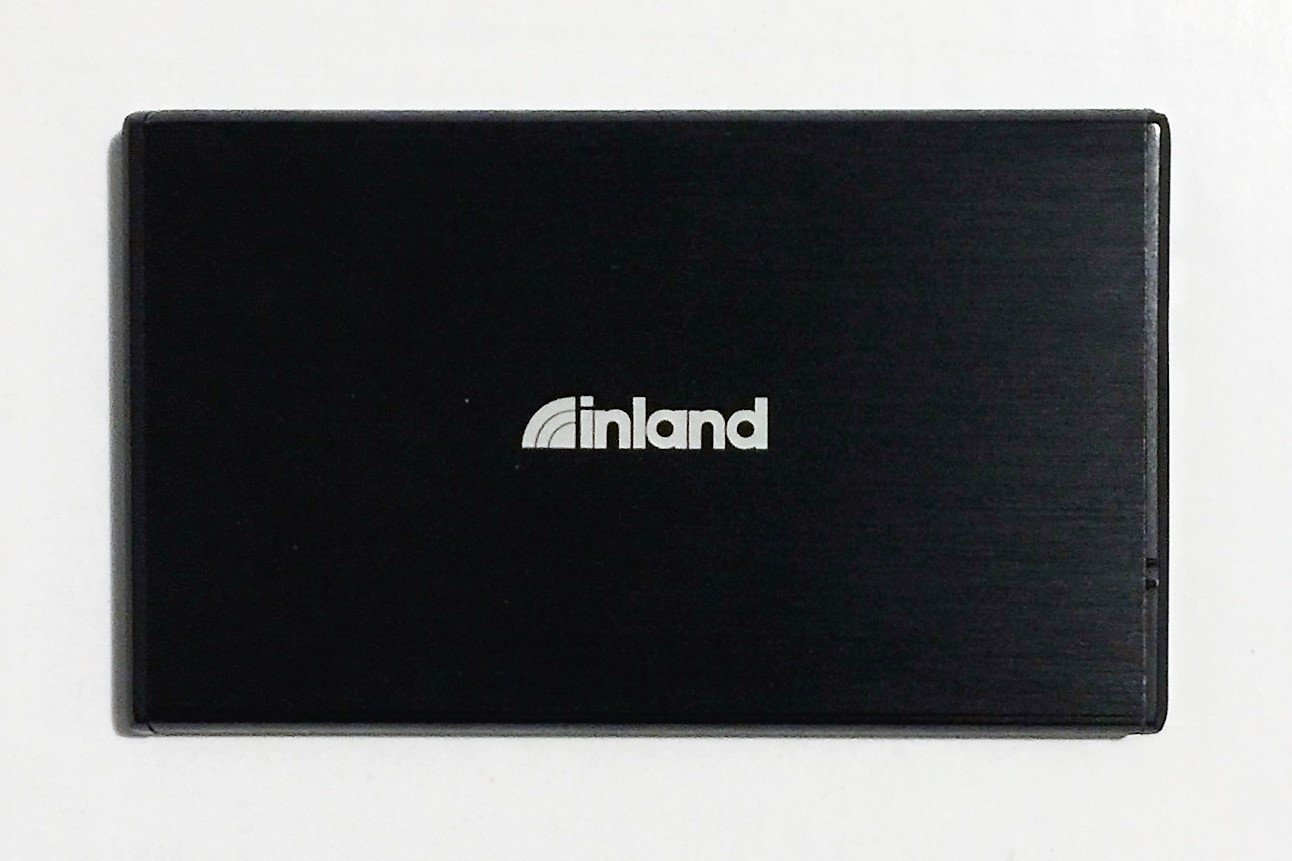
Малюнак 1: Спераду view of the INLAND 2.5 SATA to USB 3.0 External Hard Drive Enclosure.
2. Змесціва ўпакоўкі
Праверце наяўнасць усіх прадметаў у камплекце:
- INLAND 2.5 SATA to USB 3.0 External Hard Drive Enclosure
- USB 3.0 Type-A to Micro-B Cable
- Кіраўніцтва карыстальніка (гэты дакумент)
3. Настройка і ўстаноўка
Follow these steps to install a 2.5-inch SATA hard drive or SSD into the enclosure:
- Адкрыйце корпус: Gently slide open the enclosure cover. Some models may require pressing a release button or sliding a latch.
- Падключыце дыск: Align your 2.5-inch SATA hard drive or SSD with the SATA connector inside the enclosure. Gently push the drive firmly into the connector until it is securely seated. Ensure the drive is oriented correctly.
- Зачыніце корпус: Slide the enclosure cover back into place until it clicks or is securely closed.
4. Інструкцыя па эксплуатацыі
After installing your drive, connect the enclosure to your computer:
- Падключыце кабель USB: Connect the small end of the included USB 3.0 cable to the Micro-B port on the enclosure.
- Падключыцеся да кампутара: Connect the standard USB Type-A end of the cable to an available USB 3.0 port on your computer. For optimal performance, use a USB 3.0 port (typically blue). The enclosure is also backward compatible with USB 2.0 ports, but at reduced speeds.
- Распазнаванне дыска: Your operating system (Windows, macOS, Linux) should automatically detect and install the necessary drivers. The drive will appear as an external storage device.
- Formatting (New Drives): If you are using a brand new hard drive or SSD, it may need to be initialized and formatted before use. Refer to your operating system's disk management tools for instructions.
- Бяспечнае выдаленне: Заўсёды бяспечна вымайце дыск з аперацыйнай сістэмы перад адключэннем USB-кабеля, каб прадухіліць пашкоджанне дадзеных.
5. Тэхнічнае абслугоўванне
- Трымайце корпус у чысціні і без пылу. Выкарыстоўвайце для чысткі мяккую сухую тканіну.
- Пазбягайце ўздзеяння экстрэмальных тэмператур, вільготнасці або прамых сонечных прамянёў на корпус.
- Do not drop or subject the enclosure to strong impacts, as this can damage the internal drive.
- Ensure proper ventilation when in use to prevent overheating, especially during prolonged data transfers.
6. Выпраўленне непаладак
- Problem: The enclosure is not detected by the computer.
- Ensure the USB cable is securely connected to both the enclosure and the computer.
- Паспрабуйце іншы порт USB на вашым кампутары.
- Праверце з іншым USB-кабелем, калі ён ёсць.
- Verify that the hard drive or SSD is properly seated inside the enclosure.
- If it's a new drive, check Disk Management (Windows) or Disk Utility (macOS) to see if it needs initialization and formatting.
- Праблема: хуткасць перадачы дадзеных нізкая.
- Пераканайцеся, што вы падключаны да порта USB 3.0 на вашым камп'ютары. Парты USB 2.0 будуць працаваць з меншай хуткасцю.
- Check the health of your internal hard drive/SSD.
- Problem: Enclosure feels warm during operation.
- It is normal for the enclosure to generate some heat during operation, especially during heavy data transfers. Ensure adequate airflow around the device.
- If it becomes excessively hot, disconnect it and allow it to cool.
7. Тэхнічныя характарыстыкі
| Нумар мадэлі | NCOREJNJIJKKM316 |
| Сумяшчальны тып дыска | 2.5-inch SATA HDD/SSD |
| Абсталяванне інтэрфейсу | USB 3.0 (зваротная сумяшчальнасць з USB 2.0) |
| Хуткасць перадачы даных | Up to 5 Gigabits Per Second (USB 3.0) |
| Матэрыял | Пластыкавыя |
| Колер | Чорны |
| Сумяшчальныя прылады | Ноўтбукі, настольныя кампутары |
| Вага прадмета | 0.65 фунта |
| Вытворца | IPSG Products |
| UPC | 618996983209 |
8. Гарантыя і падтрымка
INLAND products are designed for reliability and performance. For specific warranty information, please refer to the warranty card included with your product or visit the official INLAND website. For technical support or customer service, please contact your retailer or the INLAND support team.
Кантактная інфармацыя:
- Webсайт: www.inlandus.com
- электронная пошта: support@inlandus.com