
1. Прадукт скончыўсяview
The Vimtag CP1 is a wireless IP video monitoring surveillance security camera designed for remote home or business monitoring. It features high-definition video, pan/tilt functionality, two-way audio, and night vision capabilities.
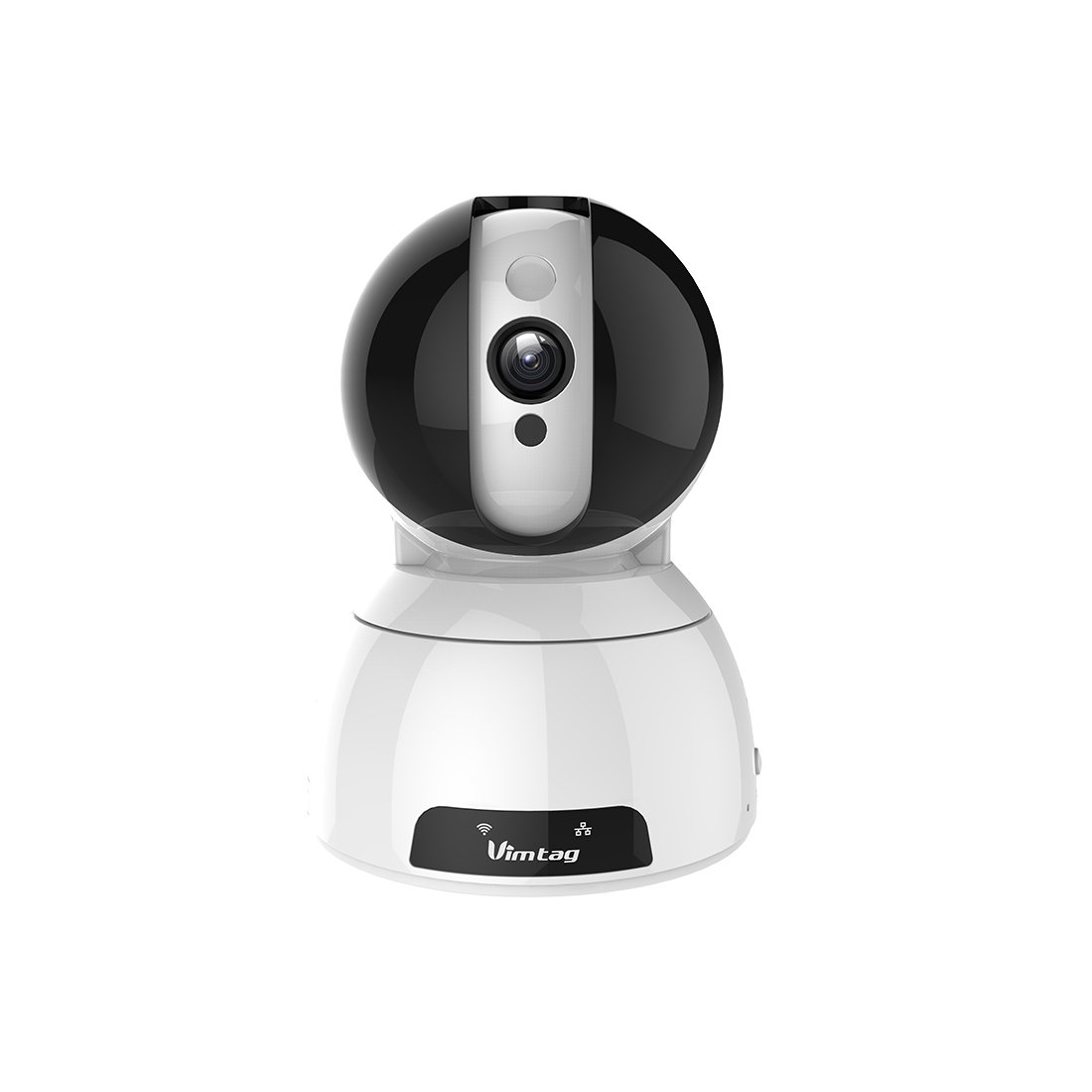
Figure 1: Vimtag CP1 Camera Front View
Асноўныя характарыстыкі:
- HD Video Quality: 1280 x 720p at 25 frames per second for clear monitoring.
- Функцыянальнасць павароту і нахілу: 350-degree horizontal rotation and 100-degree vertical tilt to cover a wide area.
- Двухбаковы аўдыё: Убудаваны мікрафон і дынамік для сувязі.
- Начное бачанне: Infrared LEDs provide clear visibility up to 10 meters in low-light conditions.
- Выяўленне руху: Alerts with snapshots and video clips upon detecting movement.
- Лакальнае і воблачнае сховішча: Supports Micro SD cards up to 64GB and optional cloud storage.
- Лёгкая ўстаноўка: Quick Wi-Fi setup via the Vimtag мабільнае прыкладанне.

Figure 2: Vimtag CP1 Key Features
2. Кіраўніцтва па наладцы
2.1 Змест пакета
Перад пачаткам пераканайцеся, што ў камплекце ёсць усе неабходныя рэчы:
- 1 x Vimtag CP1 Camera
- 1 x Camera Rack
- 1 х кабель харчавання
- 1 х Ethernet кабель
- 1 х Кіраўніцтва карыстальніка (гэты дакумент)
2.2 Пачатковыя этапы налады
- Уключэнне: Connect the power cable to the camera and plug it into a power outlet. The camera will initiate its startup sequence.
- Спампаваць прыкладанне: Download the free Vimtag app from your smartphone's app store (iOS App Store or Google Play Store).
- Рэгістрацыя акаўнта: Open the Vimtag app and register for a new account or log in if you already have one.
- Дадаць камеру: Follow the in-app instructions to add your new CP1 camera. This typically involves scanning a QR code on the camera or entering its device ID.
- Канфігурацыя Wi-Fi: Configure the camera to connect to your Wi-Fi network using the app. Ensure your Wi-Fi network is 2.4GHz, as 5GHz networks may not be supported.
- Мантаж (дадаткова): Use the included camera rack to mount the camera on a wall or ceiling if desired.
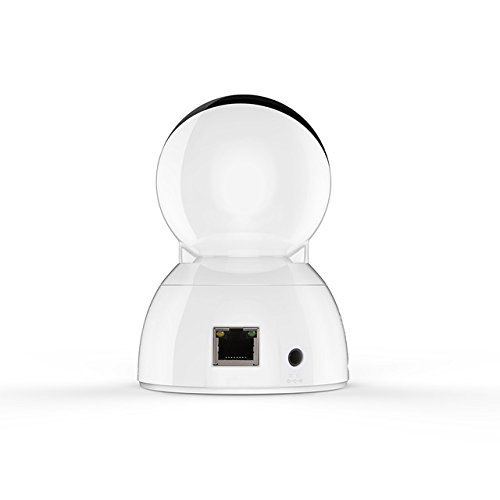
Figure 3: Vimtag CP1 Back View з партамі
For detailed visual guidance, refer to the video tutorials available on the official Vimtag падтрымка webсайт.
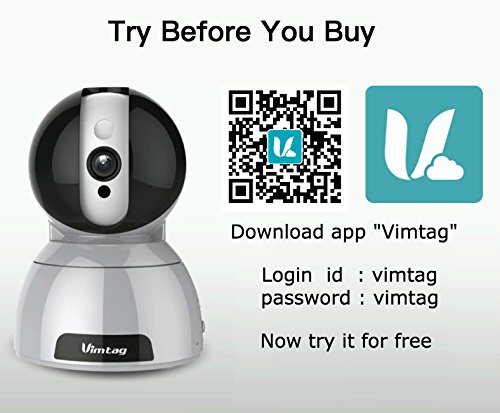
Figure 4: Vimtag App Download and Demo Information
Спампаваць Vimtag дадатак ад вімtag.com/download/.
3. Інструкцыя па эксплуатацыі
3.1 У прамым эфіры View і кіраванне панарамаваннем/нахілам
Once the camera is connected, open the Vimtag app to access the live video feed. Use the on-screen controls to pan the camera horizontally (350 degrees) and tilt it vertically (100 degrees) to adjust the viewкут нахілу.

Figure 5: Pan and Tilt Control via App
3.2 Двухбаковае аўдыё
The camera supports two-way audio. Tap the microphone icon in the app to speak through the camera's speaker, and listen to audio from the camera's built-in microphone.
3.3 Начное бачанне
The CP1 camera automatically switches to night vision mode in low-light conditions, providing clear black and white video up to 10 meters using its infrared LEDs.
3.4 Выяўленне руху і абвесткі
Configure motion detection settings within the Vimtag app. You can set sensitivity levels and define specific areas for detection. When motion is detected, the camera can send instant notifications to your smartphone, including snapshots or short video clips.
3.5 Запіс і захоўванне відэа
The camera supports two primary storage methods:
- Micro SD-карта: Insert a Micro SD card (up to 64GB, not included) into the camera's designated slot for local recording. Recordings can be accessed and managed through the app.
- Воблачнае сховішча: Optional cloud storage services are available through Vimtag for remote backup and access to recorded footage.
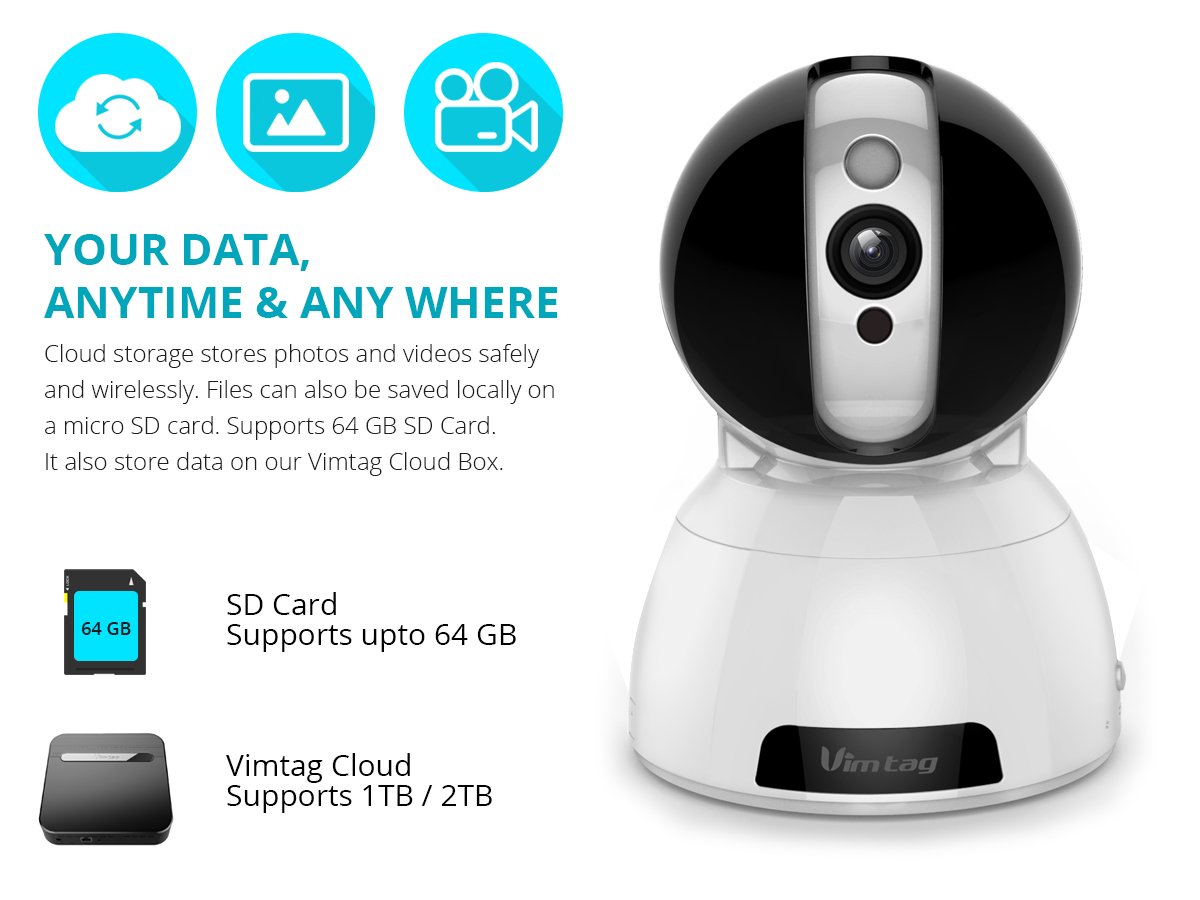
Figure 6: Storage Options for Vimtag CP1
4. Тэхнічнае абслугоўванне
4.1 Ачыстка
To maintain optimal performance, periodically clean the camera's lens and exterior. Use a soft, dry cloth. Avoid abrasive cleaners or solvents that could damage the camera's finish or lens coating.
4.2 Абнаўленне прашыўкі
Вімtag may release firmware updates to improve camera performance, add features, or enhance security. Check the Vimtag app regularly for available updates and follow the in-app instructions to install them. Ensure the camera remains powered during the update process.
4.3 Экалагічныя меркаванні
The Vimtag CP1 camera is designed for indoor use. Avoid exposing it to extreme temperatures, direct sunlight, high humidity, or water, as it is not water-resistant.
5. Выпраўленне непаладак
This section addresses common issues you might encounter with your Vimtag CP1 camera.
5.1 Камера не падключаецца да Wi-Fi
- Check Wi-Fi Band: Ensure your Wi-Fi network is 2.4GHz. The camera may not support 5GHz networks.
- Моц сігналу: Place the camera closer to your Wi-Fi router to ensure a strong signal.
- Правільны пароль: Double-check that you are entering the correct Wi-Fi password in the app.
- Скінуць налады камеры: Locate the reset button on the camera (often a small pinhole) and press it for 5-10 seconds until the camera resets. Then, attempt the setup process again.
- Налады маршрутызатара: Verify that your router's firewall or security settings are not blocking the camera's connection.
5.2 Нізкая якасць відэа
- Прапускная здольнасць сеткі: Ensure your internet connection has sufficient upload speed for streaming HD video.
- Налады праграмы: Check the video quality settings within the Vimtag app; you might be able to adjust it.
- Чысціня лінзаў: Ачысціце аб'ектыў камеры мяккай сухой тканінай.
5.3 Праблемы з двухбаковым аўдыё
- Узроўні гучнасці: Check the volume settings on your smartphone and within the Vimtag дадатак.
- Microphone/Speaker Obstruction: Пераканайцеся, што мікрафон і дынамік камеры не перакрываюцца.
- Затрымка сеткі: High network latency can affect audio quality and introduce delays.
5.4 Выяўленне руху не працуе
- Enable Feature: Verify that motion detection is enabled in the Vimtag налады прыкладання.
- Адчувальнасць: Adjust the motion detection sensitivity. If it's too low, it might miss events.
- Зоны выяўлення: Ensure the areas you want to monitor are correctly configured as detection zones.
6. Тэхнічныя характарыстыкі
| Назва мадэлі | Вімtag CP1 |
| Нумар мадэлі тавару | 6970167642228 |
| Дазвол відэазахопу | 720p (1280 x 720 пікселяў) |
| Частата кадраў | 25 кадраў у секунду |
| Дыяпазон павароту/нахілу | 350 degrees (Pan) x 100 degrees (Tilt) |
| Лічбавы зум | 4x |
| Дыстанцыя начнога бачання | Да 10 метраў (інфрачырвоны) |
| Параметры захоўвання | Micro SD (да 64 ГБ), воблачнае сховішча |
| Сувязь | Wireless (Wi-Fi IEEE802.12b/g/n) |
| Крыніца харчавання | AC Power Adapter (7 Watts) |
| Памеры (Д х Ш х У) | 40 х 30 х 40 міліметраў |
| Вага прадмета | 450 грамаў |
| Выкарыстанне ў памяшканні/на вуліцы | У памяшканні |
| Узровень воданепранікальнасці | Не воданепранікальны |
| Метад кантролю | App (Android, iOS), Voice |
7. Гарантыя і падтрымка
7.1 Гарантыя на выраб
The Vimtag CP1 camera comes with a 6-месячная гарантыя на замену. This warranty covers manufacturing defects and malfunctions under normal use. Please retain your proof of purchase for warranty claims.
7.2 Падтрымка кліентаў
For any queries, technical assistance, or warranty claims, please contact Vimtag customer support. Support is available via telephone, chat, Skype, and email. Refer to the official Vimtag webсайт для атрымання самай актуальнай кантактнай інфармацыі.
Step-by-step setup instructions and video tutorials are also available on the Vimtag support portal to assist you with installation and operation.