
Уводзіны
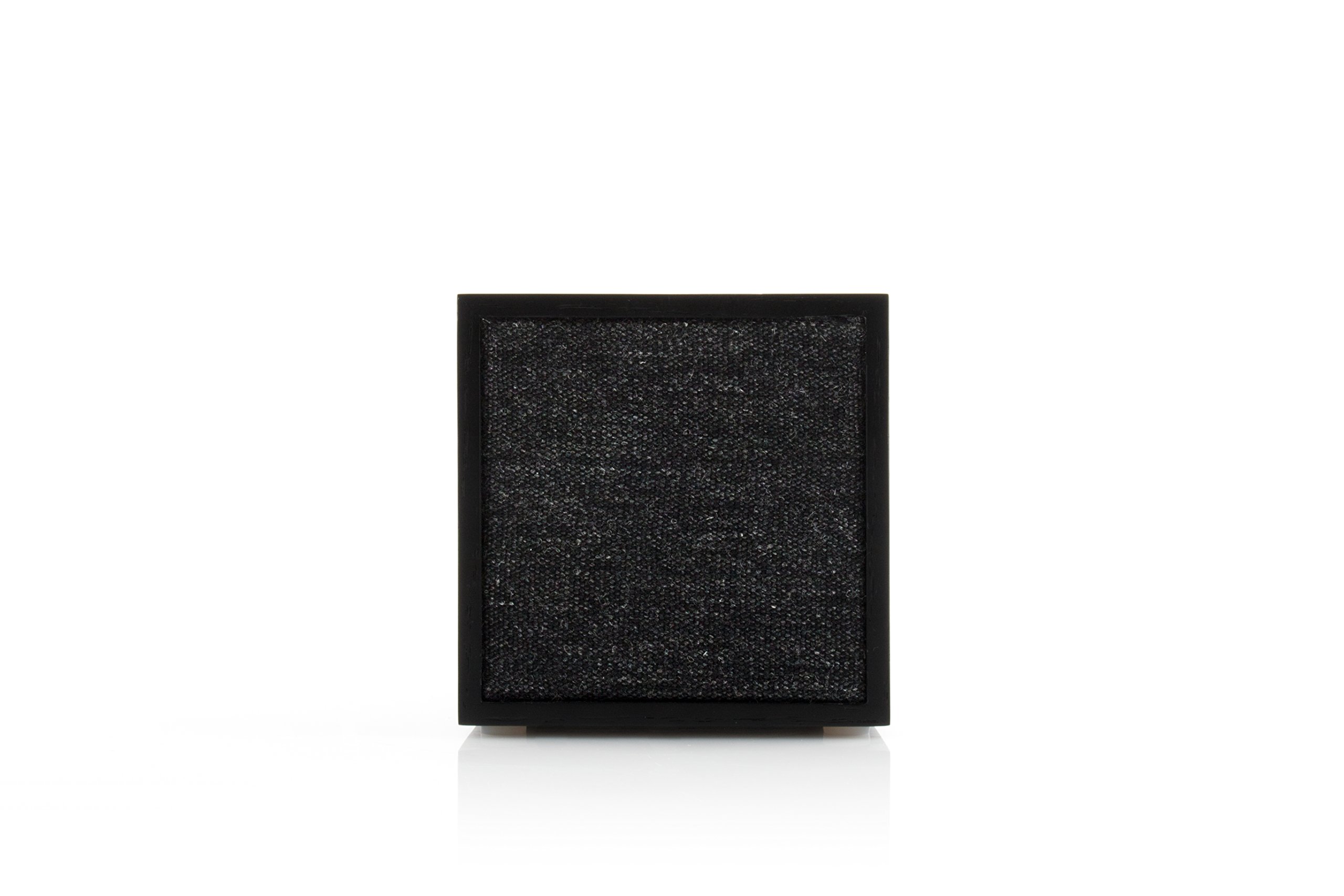
The Tivoli Audio CUBE is a wireless speaker designed to provide high-quality audio in a compact form factor. It supports both Wi-Fi and Bluetooth connectivity, allowing for versatile music streaming options. The CUBE can be used as a standalone speaker or integrated into a multi-room audio system, offering mono, stereo, or multi-room playback configurations.
Што ў скрынцы
Carefully unpack your Tivoli Audio CUBE and ensure all items are present:
- (1) Tivoli Audio CUBE Wireless Speaker
- (1) DC Power Supply
- (1) Кіраўніцтва карыстальніка (гэты дакумент)
Асаблівасці
- Бесправаднае падключэнне: Supports both Wi-Fi and Bluetooth for flexible audio streaming.
- Multi-Room Audio: Capable of mono, stereo, and multi-room audio playback when paired with other compatible Tivoli Audio ART series products.
- Spotify Connect: Direct streaming capability for Spotify users.
- Кампактны дызайн: Small footprint delivers robust sound.
- Optional Portability: Compatible with an optional rechargeable lithium-ion battery pack (sold separately) for up to 8 hours of playback.
Настройка
1. Падключэнне сілкавання
- Connect the DC Power Supply to the power input port on the back of the CUBE speaker.
- Plug the power supply into a wall outlet. The speaker will power on automatically or can be turned on using the power button.
2. Initial Setup (Wi-Fi)
For Wi-Fi connectivity and multi-room features, download the Tivoli Audio ART app from your device's app store. Follow the in-app instructions to connect your CUBE speaker to your home Wi-Fi network.
3. Спарванне Bluetooth
- Ensure the CUBE speaker is powered on.
- Press and hold the Bluetooth pairing button (usually located on the back or top of the speaker) until the indicator light begins to flash, indicating pairing mode.
- On your mobile device, navigate to the Bluetooth settings and select "Tivoli CUBE" from the list of available devices.
- Once paired, the indicator light on the speaker will become solid.
Інструкцыя па эксплуатацыі
Асноўныя элементы кіравання
The CUBE speaker features touch controls, typically located on the top or back surface. These controls allow for basic functions such as power on/off, volume adjustment, and play/pause.
Паток Wi-Fi
Utilize the Tivoli Audio ART app to manage Wi-Fi streaming, select music services like Spotify Connect, and configure multi-room audio setups. Ensure your speaker is connected to the same Wi-Fi network as your control device.
Прайграванне Bluetooth
After successful Bluetooth pairing, select the CUBE as your audio output device on your smartphone, tablet, or computer. Audio played on your device will then stream wirelessly to the speaker.
Тэхнічнае абслугоўванне
- Уборка: Use a soft, dry cloth to clean the speaker's exterior. Avoid abrasive cleaners or solvents.
- Размяшчэнне: Place the speaker on a stable, flat surface. Avoid direct sunlight, heat sources, or areas with high humidity.
- Вентыляцыя: Ensure adequate airflow around the speaker to prevent overheating. Do not block ventilation openings.
- захоўванне: If storing the speaker for an extended period, disconnect it from power and store it in a cool, dry place.
Ліквідацыю непаладак
| праблема | Магчымая прычына / рашэнне |
|---|---|
| Няма ўлады | Ensure the power supply is securely connected to both the speaker and a working wall outlet. |
| Няма гуку | Check volume levels on both the speaker and your source device. Ensure the correct input source (Bluetooth/Wi-Fi) is selected. |
| Bluetooth не падключаецца | Ensure the speaker is in pairing mode. Delete "Tivoli CUBE" from your device's Bluetooth list and attempt to re-pair. Move devices closer together. |
| Праблемы з падключэннем да Wi-Fi | Verify your Wi-Fi network is active. Restart your router and the CUBE speaker. Ensure the Tivoli Audio ART app is up-to-date and follow its setup instructions carefully. |
| Дрэнная якасць гуку | Ensure the speaker is not placed in an enclosed space. Check the audio source quality. For Bluetooth, reduce distance between devices. |
Тэхнічныя характарыстыкі
| Назва мадэлі | КУБ |
| Нумар мадэлі | CUBBLK |
| Тып дынаміка | Мульты пакой |
| Тэхналогія падлучэння | Bluetooth, WiFi |
| Рэжым выхаду гуку | Мона, стэрэа |
| Метад кантролю | Дакранацца |
| Крыніца харчавання | Правадная электрычная |
| Памеры прадукту | 4.2 х 4.2 х 4.3 цалі |
| Вага прадмета | 3.4 фунта |
| Уключаныя кампаненты | (1) CUBE, (1) DC Power Supply, (1) Manual |
Гарантыя і падтрымка
The Tivoli Audio CUBE Wireless Speaker comes with a limited warranty. For detailed warranty information, product support, or service inquiries, please refer to the warranty card included with your product or visit the official Tivoli Audio website. Do not attempt to repair the device yourself, as this may void your warranty.
For further assistance, please contact Tivoli Audio customer service.


