
Уводзіны
The APC Smart-UPS SMT1500NC is designed to protect your IT equipment and critical data from costly interruptions by providing reliable, network-grade power. This Uninterruptible Power Supply (UPS) ensures continuous operation and safeguards against damaging surges and disruptive noise. It is suitable for various applications, from small networking devices and point-of-sale equipment to business servers and storage devices.
Што ў скрынцы
- APC SMT1500NC UPS Unit
- Дыск з праграмным забеспячэннем
- CD з дакументацыяй
- Smart UPS signalling RS-232 cable
- кабель USB
Настройка
Follow these steps to set up your APC SMT1500NC Smart-UPS:
- Распакуйце бесперабойнік: Carefully remove the UPS unit and all accessories from the packaging.
- Падключыце акумулятар: The UPS battery may be disconnected for shipping. Refer to the diagram below for connecting the battery. Ensure it is securely connected before proceeding.
- Размяшчэнне бесперабойнага сілкавання: Place the UPS in a well-ventilated area, away from direct sunlight and excessive heat.
- Падключыце абсталяванне: Plug your critical equipment (e.g., computer, monitor, network devices) into the battery backup and surge-protected outlets on the rear of the UPS. Note that some outlets may be surge-only.
- Падключэнне да сілкавання: Падключыце шнур харчавання бесперабойнага сілкавання да заземленай разеткі.
- Усталяваць праграмнае забеспячэнне: Use the included CD to install the power management software on your computer. Connect the UPS to your computer using the provided USB or RS-232 cable. This software allows for safe system shutdown during extended power outagэс.
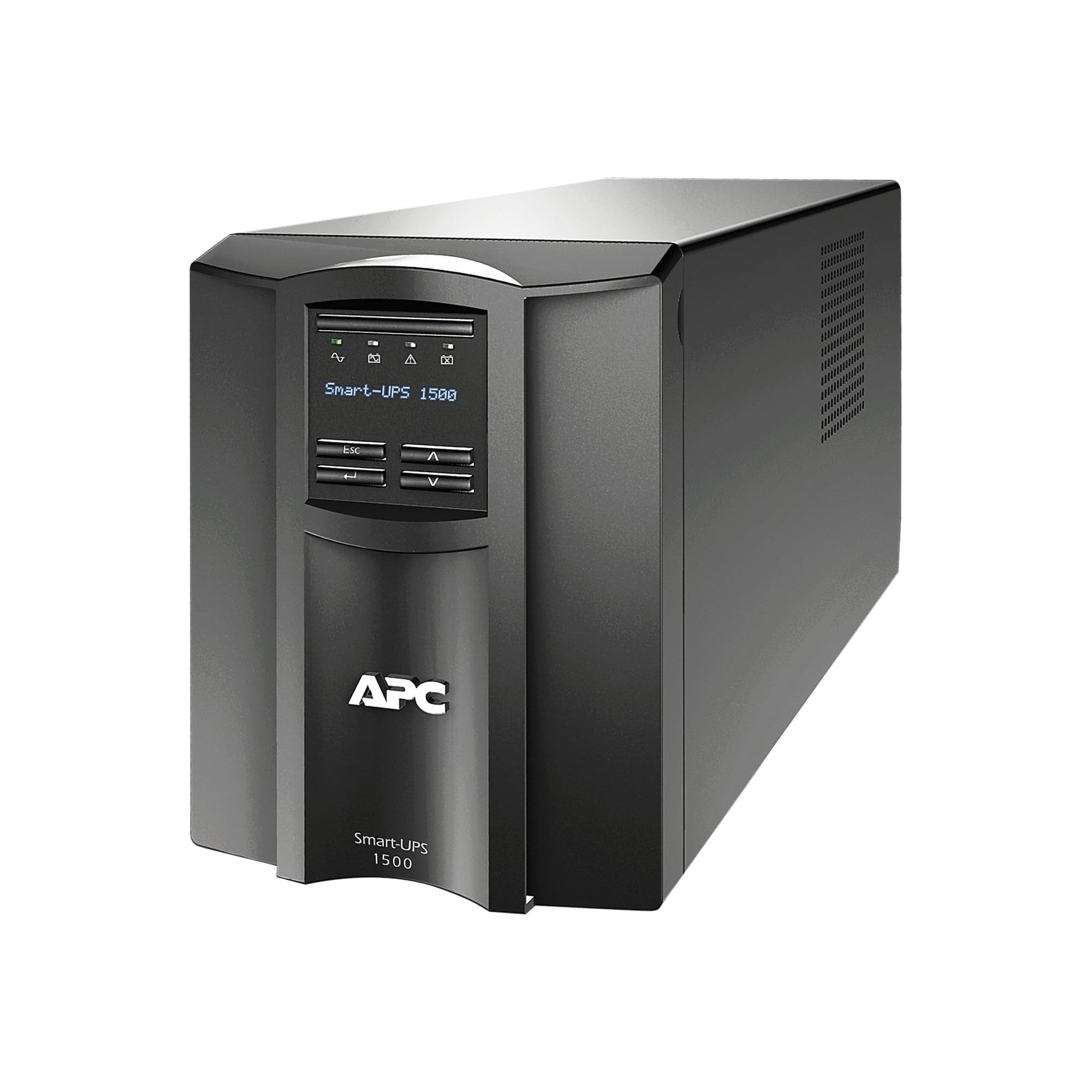
Image: Rear Panel Overview
This image displays the rear panel of the APC SMT1500NC Smart-UPS. Key features include:
- Порт USB: For connecting to a computer for power management.
- UPS Monitoring Port: For advanced monitoring connections.
- Smart Slot (AP9631 Network Management Card 2): Allows for optional network management card installation for remote monitoring and control.
- USB (Console) and Universal I/O Ports: Additional connectivity options.
- Сеткавы порт: 10/100 Ethernet port for network connectivity.
- Battery Connect/Install/Remove: Clearly marked area for battery connection.
- Выхадныя разеткі: Multiple outlets for connecting devices, divided into Group 1. Output specifications: 120V~ 50/60Hz, 12A. Models 1000/1500VA have specific power ratings (1000VA: 670W, 1500VA: 980W).
- Пратэктар ад перагрузкі: A resettable circuit breaker.
- Увод: Power input connection (120V~ 50/60Hz, 12A).
- TVSS GND: Пераходны Voltage Surge Suppressor Ground.
- Папярэджанні: Important safety warnings regarding hazardous voltages and the need for factory-trained service personnel for repairs, except for battery replacement.
- Сертыфікаты: FC, SP, UL Listed.
- Weight Warning: >18kg (40lbs) SEE OWNER'S MANUAL indicating the unit's weight.
Setup Video Guides
Video: Stay prepared and online
Гэта відэа забяспечвае завяршэннеview of how APC UPS units help you stay connected and prepared during power interruptions, emphasizing the importance of continuous power for essential devices.
Video: UPS for SmartHome Devices
This video demonstrates how an APC UPS can maintain power to your smart home devices, ensuring they remain operational and connected even during power outages, highlighting the benefits for routers, smart speakers, and security cameras.
Інструкцыя па эксплуатацыі
The APC SMT1500NC Smart-UPS is designed for ease of use and efficient power management. Here are key operational aspects:
- Дысплей на пярэдняй панэлі: The intuitive LCD display on the front panel provides real-time information about the UPS status, including:
- Уваходны кнtage (напрыклад, 122 В)
- Current Load (in Watts and percentage)
- Remaining Battery Runtime (in minutes)
- Узровень зарада батарэі
- Operational Status (Online, On Battery, etc.)
Press the display button to cycle through different information screens.
- Уключэнне/выключэнне харчавання: Use the main power button on the front panel to turn the UPS on or off.
- Адключэнне будзільніка: У выпадку ўлады унtage, the UPS will sound an alarm. You can mute this alarm temporarily by pressing the mute button on the front panel.
- Кіраванне сеткай: If an optional network management card is installed in the Smart Slot, you can remotely monitor and manage the UPS via Ethernet, providing enhanced control and accessibility.
- Green Operating Mode: The UPS features a patented Green operating mode, achieving efficiencies over 97%, which helps reduce operating and maintenance costs.
- Інтэлектуальнае кіраванне батарэяй: The system incorporates intelligent battery management to maximize battery performance, life, and reliability through intelligent, precision charging.
Operational Video Guides
Video: Your home network is important!
This video highlights the critical role of a stable home network and how APC UPS solutions ensure uninterrupted connectivity for all your devices, safeguarding against power fluctuations and outagэс.
Тэхнічнае абслугоўванне
Proper maintenance ensures the longevity and optimal performance of your APC SMT1500NC Smart-UPS:
- Замена батарэі: The UPS battery is the only user-serviceable part. Refer to the owner's manual for detailed instructions on safe battery replacement. Always use genuine APC replacement batteries to ensure compatibility and performance.
- Уборка: Keep the UPS unit clean and free from dust. Use a dry cloth to wipe the exterior. Ensure ventilation openings are not obstructed.
- Прафесійнае абслугоўванне: The unit contains potentially hazardous voltages. Do not attempt to disassemble the unit or perform any repairs other than battery replacement. All other repairs must be performed by factory-trained service personnel.
- Умовы навакольнага асяроддзя: Operate the UPS within its specified environmental limits (temperature, humidity) to prevent damage and ensure efficient operation.
Ліквідацыю непаладак
This section provides solutions to common issues you might encounter with your APC SMT1500NC Smart-UPS:
- Бесперапынны крыніца энергіі не ўключаецца:
- Ensure the power cord is securely plugged into a live wall outlet.
- Verify the battery is properly connected.
- Check the overload protector (circuit breaker) on the rear panel; reset if tripped.
- UPS Alarming Continuously:
- If the alarm sounds during a power outage, the UPS is operating on battery power. Press the mute button to silence it.
- If the alarm persists after power is restored, check the front panel display for error codes or indicators.
- Connected Devices Losing Power During Outage:
- Ensure critical devices are plugged into the battery backup outlets, not just surge-only outlets.
- Check the total load on the UPS; it might be overloaded. Reduce the number of connected devices if necessary.
- Verify the battery charge level on the front panel display.
- Computer Not Shutting Down Safely:
- Ensure the power management software is installed and configured correctly on your computer.
- Verify the USB or RS-232 cable is securely connected between the UPS and your computer.
- No Display on Front Panel:
- Ensure the UPS is powered on and receiving input power.
- If the unit is completely unresponsive, contact APC support.
Тэхнічныя характарыстыкі
| Памеры прадукту | 6.7 х 17.3 х 8.5 цалі |
| Вага прадмета | 53.1 фунта |
| Нумар мадэлі | SMT1500NC |
| Батарэі | Патрабуецца 1 батарэйка для канкрэтнага прадукту (у камплекце). |
| Склад батарэі | Свінцовая кіслата |
| тtage | 120 вольт |
| Колер | Чорны |
| Матэрыял | Метал |
| Вытворца | БТР |
| Дата першай даступнасці | 24 лютага 2017 г |
Гарантыя і падтрымка
For detailed warranty information, please refer to the documentation included with your product or visit the official APC website. If you encounter any issues or require technical assistance, please contact APC customer support. Contact details can typically be found on the APC webсайце або ў дакументацыі да вашага прадукту.