
CONTEC CMS50M
CONTEC CMS50M Fingertip Pulse Oximeter User Manual
Model: CMS50M | Brand: CONTEC
1. Уводзіны
The CONTEC CMS50M Fingertip Pulse Oximeter is a portable, non-invasive device designed for spot-checking of arterial hemoglobin oxygen saturation (SpO2) and pulse rate (PR) through the finger. It is suitable for use in home environments and for sporting and aviation activities. This device is not intended for continuous monitoring or as a medical device for diagnosis or treatment.
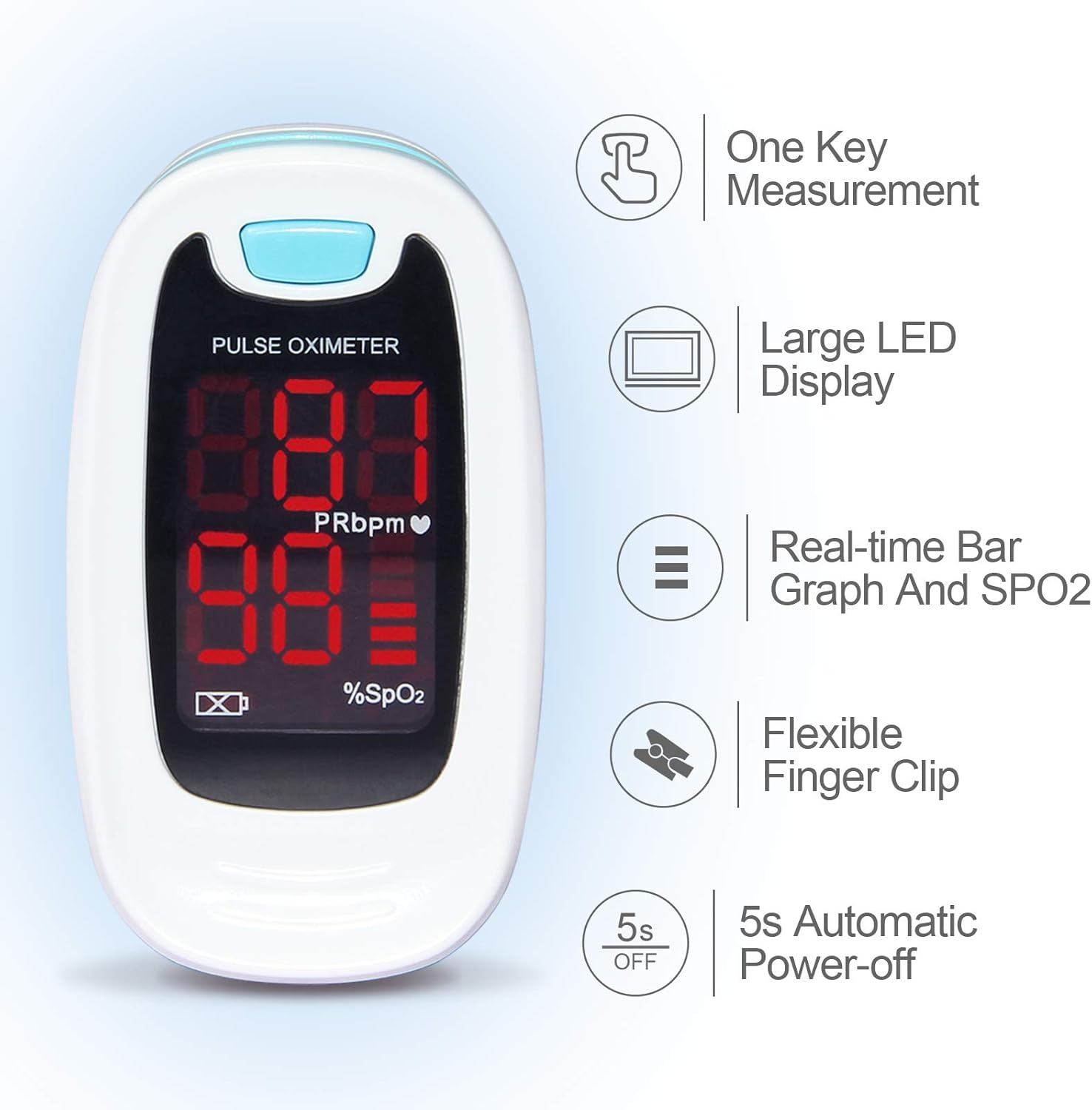
It features a small volume, light weight, and is convenient for carrying. The device displays pulse rate value and a bar graph for easy reading.

Малюнак 1: Спераду view of the CONTEC CMS50M Fingertip Pulse Oximeter showing the display with SpO2 and PR readings.
2. Змесціва ўпакоўкі
Пасля адкрыцця ўпакоўкі пераканайцеся, што ўсе прадметы наяўныя і ў добрым стане:
- Main unit (CONTEC CMS50M Fingertip Pulse Oximeter)
- Шнурок
- Кіраўніцтва карыстальніка
Note: Batteries are not included in the package and must be purchased separately.

Figure 2: The CONTEC CMS50M Pulse Oximeter shown with its included lanyard.
3. Настройка
3.1 Устаноўка батарэі
The device requires two AAA batteries (not included). Follow these steps to install them:
- Знайдзіце вечка батарэйнага адсека на задняй панэлі прылады.
- Зніміце вечка ў кірунку, паказаным стрэлкай.
- Insert two AAA batteries, ensuring the polarity (+ and -) matches the diagrams inside the compartment. Note that one positive terminal may align with a spring, which is an uncommon but correct orientation for this device.
- Зачыніце вечка батарэйнага адсека, зрушыўшы яго назад, пакуль ён не зашчоўкнецца.
Малюнак 3: Задняя частка view of the pulse oximeter showing the battery compartment. Ensure correct battery polarity during installation.
3.2 Мацаванне шнурка
To attach the lanyard:
- Thread the thin loop end of the lanyard through the lanyard hole on the device.
- Pass the larger end of the lanyard through the small loop you just created and pull it tight to secure.
- The lanyard features a quick-release buckle for easy detachment if not needed.
4. Інструкцыя па эксплуатацыі
4.1 Вымярэнне
- Адкрыйце склamp of the oximeter.
- Insert one of your fingers (preferably the index or middle finger) into the rubber opening of the oximeter with the nail surface upward. Ensure the finger is fully inserted and rests on the sensor.
- Адпусціце склamp.
- Press the power button on the front panel once to turn on the oximeter.
- Keep your hand still during the measurement. Do not shake your finger.
- The SpO2 and Pulse Rate values will appear on the display within a few seconds.

Figure 4: Proper finger placement in the pulse oximeter for accurate readings.
4.2 Разуменне дысплея
The bright LED display shows the following information:
- SpO2 (%): Blood Oxygen Saturation Level.
- PRbpm: Частата пульса (удараў у хвіліну).
- Гістаграма: Indicates pulse intensity.
- Індыкатар батарэі: Паказвае пакінуты час працы батарэі.
Малюнак 5: падрабязна view of the pulse oximeter display, highlighting SpO2, PRbpm, and the pulse intensity bar graph.
4.3 Automatic Power-off
The device will automatically power off after approximately 5 seconds of inactivity or when the finger is removed from the sensor.
5. Тэхнічнае абслугоўванне
5.1 Ачыстка прылады
To ensure longevity and hygiene, clean the oximeter regularly:
- Wipe the surface of the device with a soft cloth dampened with medical alcohol (75% ethanol) or isopropyl alcohol.
- Clean the inside of the finger clip with the same method.
- Allow the device to air dry completely before use.
- Не апускайце прыладу ў ваду або любы ачышчальны раствор.
5.2 Замена і захоўванне батарэі
When the low battery indicator appears on the display, replace the batteries promptly. If the device will not be used for an extended period, remove the batteries to prevent leakage and damage.
Store the oximeter in a cool, dry place, away from direct sunlight and extreme temperatures.
6. Выпраўленне непаладак
| праблема | Магчымая прычына | Рашэнне |
|---|---|---|
| Няма дысплея пасля ўключэння | Батарэі разраджаны або ўсталяваны няправільна. | Replace batteries or re-install them with correct polarity. |
| Display unstable or inaccurate readings | Finger not properly inserted; finger shaking; ambient light interference; cold fingers. | Re-insert finger correctly and keep still. Avoid strong light. Warm hands if cold. |
| "Finger Out" message displayed | Палец не выяўлены або не выдалены. | Ensure finger is fully inserted into the sensor. |
7. Тэхнічныя характарыстыкі
- мадэль: CMS50M
- Марка: КАНТЭК
- Measuring Range (SpO2): 35%~100%
- Памеры прадукту: 2.24 х 1.34 х 1.22 цалі
- Вага: 1.76 унцый (без батарэй)
- крыніца харчавання: 2 х ААА батарэі (не ўключаны)
- Працоўнае асяроддзе: Temperature: +10°C ~ +40°C, Relative humidity: ≤75%, Atmospheric Pressure: 700 hPa ~ 1060 hPa

Figure 6: Dimensions of the CONTEC CMS50M Pulse Oximeter.
8. Important Information and Disclaimers
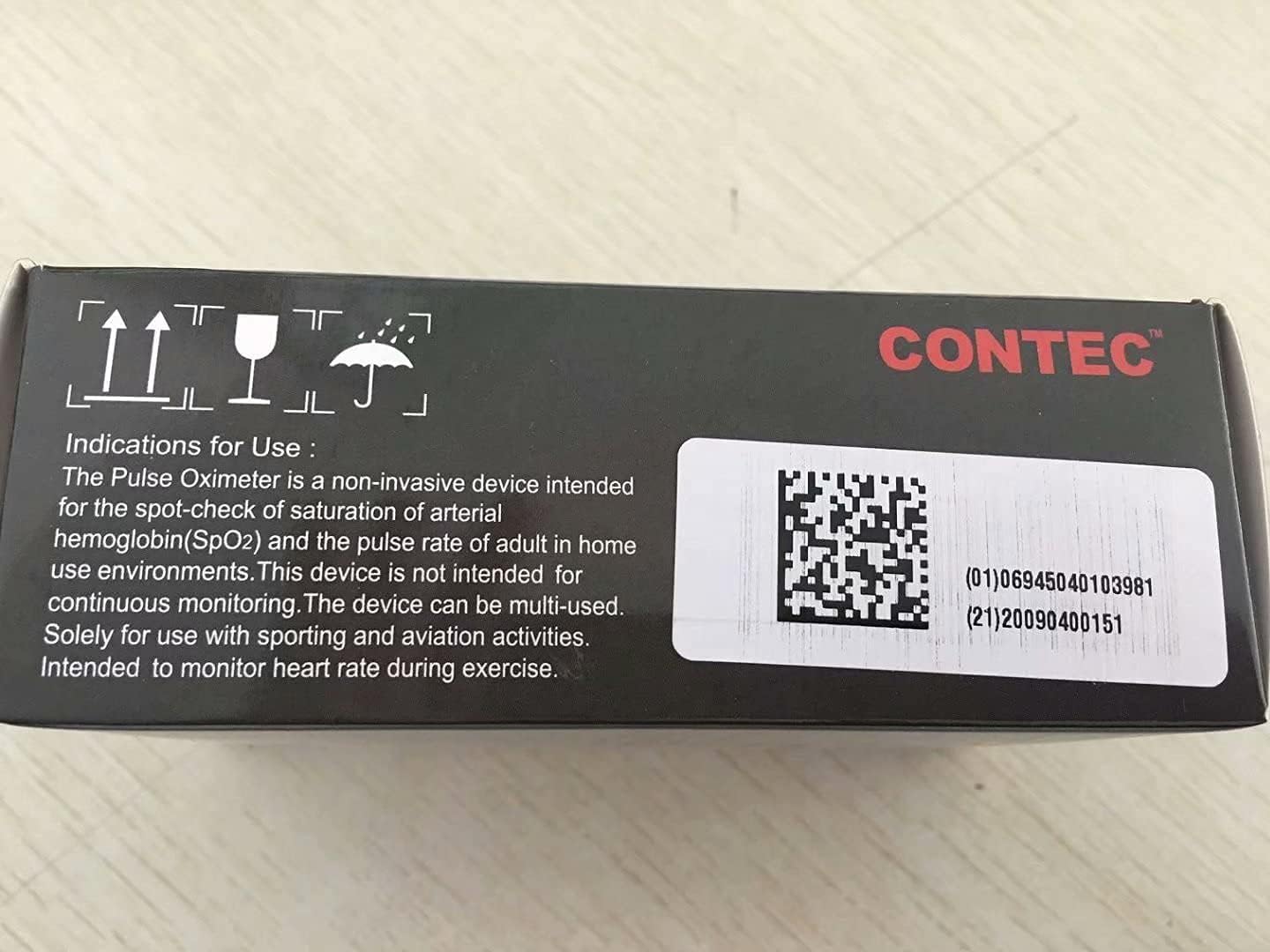
This product is intended for sports and aviation use only and is not a medical device. It is not intended for continuous monitoring. Solely for use with sporting and aviation activities. Intended to monitor heart rate during exercise.
Заявы адносна дыетычных дабавак не былі ацэнены FDA і не прызначаны для дыягностыкі, лячэння або прафілактыкі якіх-небудзь захворванняў або стану здароўя.
9. Гарантыя і падтрымка
For warranty information and customer support, please refer to the official CONTEC website or contact the seller directly. Keep your purchase receipt for warranty claims.
Manufacturer: CONTEC
Date First Available: May 27, 2017
Ask a question about this manual
Ask about setup, troubleshooting, compatibility, parts, safety, or missing instructions. Manuals+ will review the question and use this page’s manual context to help answer it.