
1. Уводзіны
Thank you for choosing the ZEALOT B21 Wireless Bluetooth Over-Ear Headphones. This manual provides essential information for the proper use, maintenance, and troubleshooting of your device. Please read it carefully before use and retain it for future reference.
2. Змесціва ўпакоўкі
Upon opening your ZEALOT B21 package, please verify that all the following items are included:
- ZEALOT B21 Wireless Bluetooth Over-Ear Headphones
- Зарадны кабель Micro USB
- Аўдыёкабель 3.5 мм (AUX)
- Кіраўніцтва карыстальніка
- Сумка для захоўвання
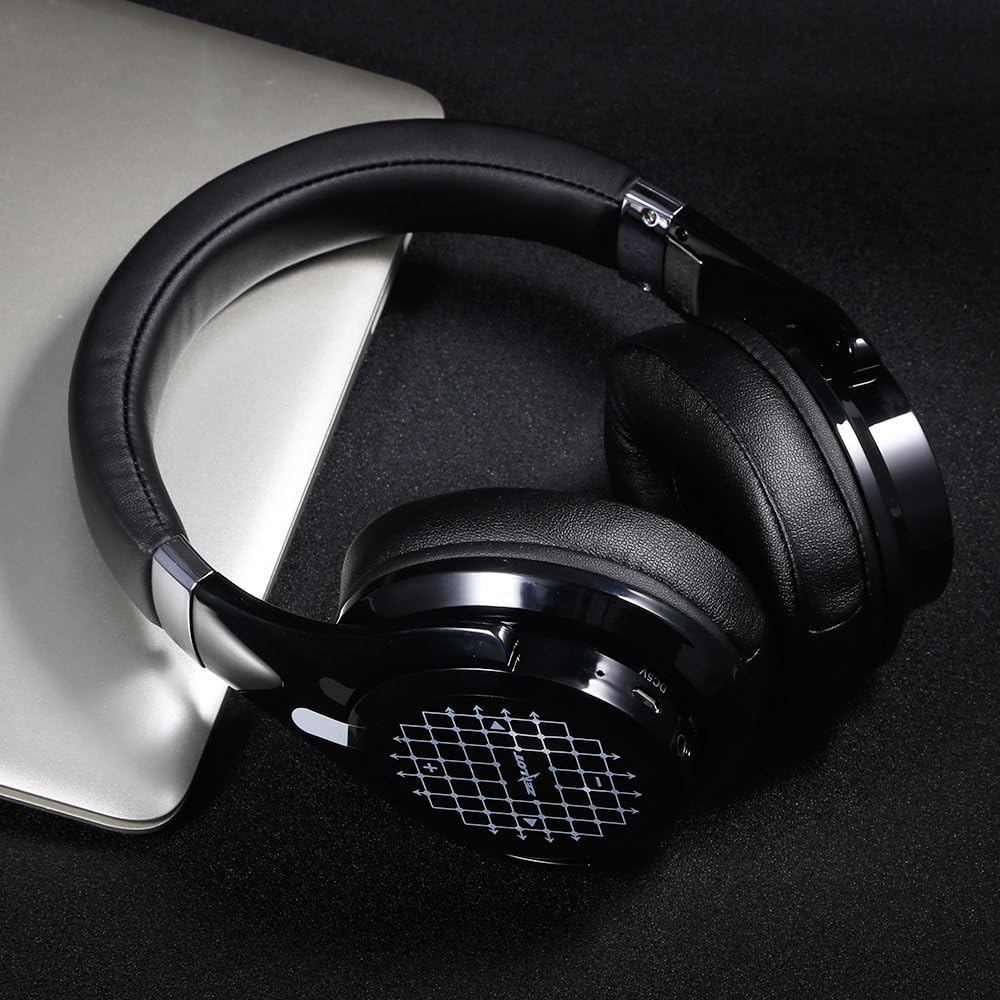
Image: Contents of the ZEALOT B21 package, including headphones, cables, and manual.
3. Усталёўка і першае выкарыстанне
3.1 Зарадка навушнікаў
Before first use, fully charge your ZEALOT B21 headphones. Connect the micro USB charging cable to the charging port on the headphones and the other end to a USB power source (e.g., computer USB port, USB wall adapter). The LED indicator will show charging status and turn off or change color when fully charged.
Заўвага: Поўнай зарадкі хапае прыкладна на 20 гадзін прайгравання.
3.2 Уключэнне/выключэнне
- Уключэнне: Націсніце і ўтрымлівайце кнопку харчавання, пакуль не пачне міргаць святлодыёдны індыкатар.
- Выключэнне: Націсніце і ўтрымлівайце кнопку харчавання, пакуль не пагасне святлодыёдны індыкатар.
3.3 Спалучэнне па Bluetooth
- Пераканайцеся, што навушнікі адключаны.
- Націсніце і ўтрымлівайце кнопку харчавання прыблізна 5-7 секунд, пакуль святлодыёдны індыкатар не пачне міргаць па чарзе чырвоным і сінім колерамі, паказваючы рэжым спалучэння.
- На вашай прыладзе (смартфоне, планшэце, ПК) уключыце Bluetooth і знайдзіце даступныя прылады.
- Select "ZEALOT B21" from the list of found devices.
- Пасля спалучэння святлодыёдны індыкатар будзе павольна міргаць сінім колерам.
Заўвага: Дыяпазон Bluetooth складае прыблізна 10 метраў (33 футы).
3.4 Правадное злучэнне (рэжым AUX)
You can use the ZEALOT B21 headphones in wired mode even if the battery is depleted. Connect one end of the 3.5mm audio cable to the AUX port on the headphones and the other end to your audio source's 3.5mm jack.
Заўвага: The microphone functionality is only available in Bluetooth mode when connected via AUX cable.

Image: ZEALOT B21 headphones demonstrating the use of the AUX cable for passive listening.
4. Кіраванне навушнікамі
4.1 Touch Control Interface
The ZEALOT B21 features an intuitive touch control interface on the right earcup for managing audio playback and calls.
- Павялічыць гучнасць: Правядзіце пальцам па сэнсарнай панэлі ўверх.
- Паменшыць гучнасць: Правядзіце пальцам па сэнсарнай панэлі ўніз.
- Наступны трэк: Swipe the touch panel forward (right).
- Папярэдні трэк: Swipe the touch panel backward (left).
- Прайграванне/Паўза: Tap the center of the touch panel once when listening to music.
- Галасавы набор: Press and hold the center of the touch panel when in standby.

Image: Visual guide to the touch control gestures for volume, track selection, and play/pause on the right earcup.

Image: The ZEALOT B21 headphones displaying the touch-sensitive control panel on the earcup.
4.2 Кіраванне выклікамі
- Адказаць на званок: Tap the center of the touch panel once.
- Завяршыць выклік: Tap the center of the touch panel once during a call.
- Адхіліць выклік: Press and hold the center of the touch panel for approximately 2 seconds.
4.3 Складаная канструкцыя
The ZEALOT B21 headphones feature a foldable design for enhanced portability and easy storage. Gently fold the earcups inwards towards the headband when not in use.

Image: The ZEALOT B21 headphones in their compact, folded state, highlighting their portability.
5. Камфорт і дызайнерскія асаблівасці
The ZEALOT B21 headphones are designed for extended listening comfort and durability.
- Зручныя амбушюры: Equipped with super soft, circumaural earcups and memory foam padding for lasting comfort and sound isolation.
- Solid Steel Headband: Features a durable steel headband for a secure and adjustable fit.

Выява: Падрабязны view of the soft, memory foam earpads designed for comfort and sound isolation.
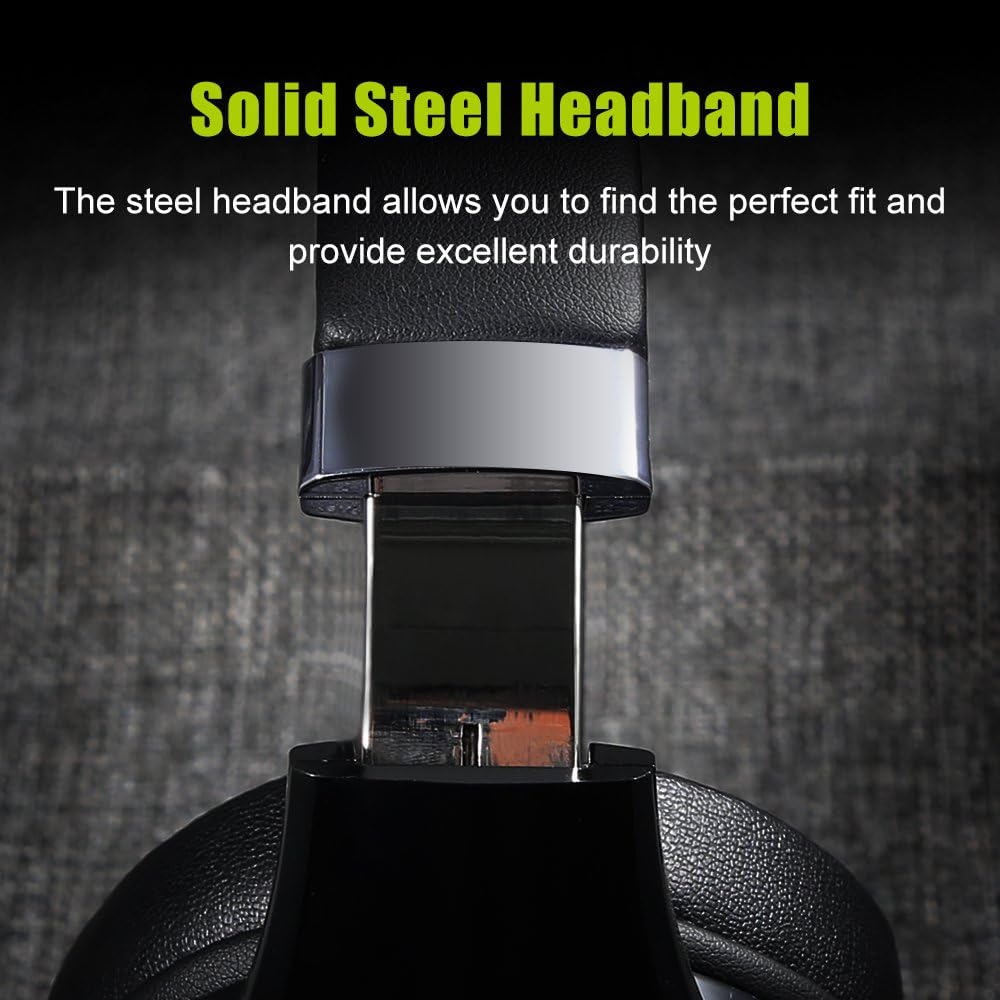
Image: A close-up of the adjustable solid steel headband, emphasizing durability and fit.
6. Тэхнічнае абслугоўванне
To ensure the longevity and optimal performance of your ZEALOT B21 headphones, follow these maintenance guidelines:
- Уборка: Use a soft, dry cloth to wipe the headphones. Avoid using abrasive cleaners, solvents, or harsh chemicals.
- захоўванне: When not in use, store the headphones in the provided storage pouch to protect them from dust and scratches. Store in a cool, dry place.
- Сыход за батарэяй: Avoid fully discharging the battery frequently. For long-term storage, charge the headphones to about 50% every few months.
- Пазбягайце вільгаці: Не падвяргайце навушнікі ўздзеянню вады або празмернай вільгаці.
7. Выпраўленне непаладак
If you encounter issues with your ZEALOT B21 headphones, refer to the following common solutions:
| праблема | Магчымае рашэнне |
|---|---|
| Навушнікі не ўключаюцься. | Ensure the headphones are charged. Connect to a power source using the micro USB cable. |
| Немагчыма падключыцца праз Bluetooth. |
|
| Няма гуку або нізкі ўзровень гучнасці. |
|
| Сэнсарныя элементы кіравання не рэагуюць. |
|
| Не працуе мікрафон. | Ensure headphones are connected via Bluetooth. Microphone functionality is not available in AUX mode. |
8. Тэхнічныя характарыстыкі
| Асаблівасць | Дэталь |
|---|---|
| Назва мадэлі | B21 |
| Тэхналогія падлучэння | Bluetooth |
| Версія Bluetooth | 5.0 |
| Дыяпазон Bluetooth | 10 метра (33 футаў) |
| Тэрмін службы батарэі | Да 20 гадзін |
| АЧХ | 20 Гц - 20 000 Гц |
| Форма навушніка | Накладныя (цыркумаўральныя) |
| Тып кіравання | Націсніце Жэсты |
| Асаблівасць | Убудаваны мікрафон |
| Вага | Прыкладна 2.05 фунта (0.93 кг) |
| Матэрыял | Скура (амбушюры) |
| UPC | 191094172220 |
9. Гарантыя і падтрымка
ZEALOT products are designed for reliability and performance. Your ZEALOT B21 headphones are covered by a manufacturer's warranty, typically for one year from the date of purchase, against defects in materials and workmanship.
For warranty claims, technical support, or further assistance, please contact ZEALOT customer service through the official website or your retailer. Please retain your proof of purchase for warranty validation.
Адмова ад адказнасці: Specifications and product appearance are subject to change without prior notice. This manual is for informational purposes only.