
1. Прадукт скончыўсяview
This manual provides essential information for the safe and efficient operation of your Onida 43UIR 4K UHD LED TV. Please read it thoroughly before using the television and retain it for future reference.
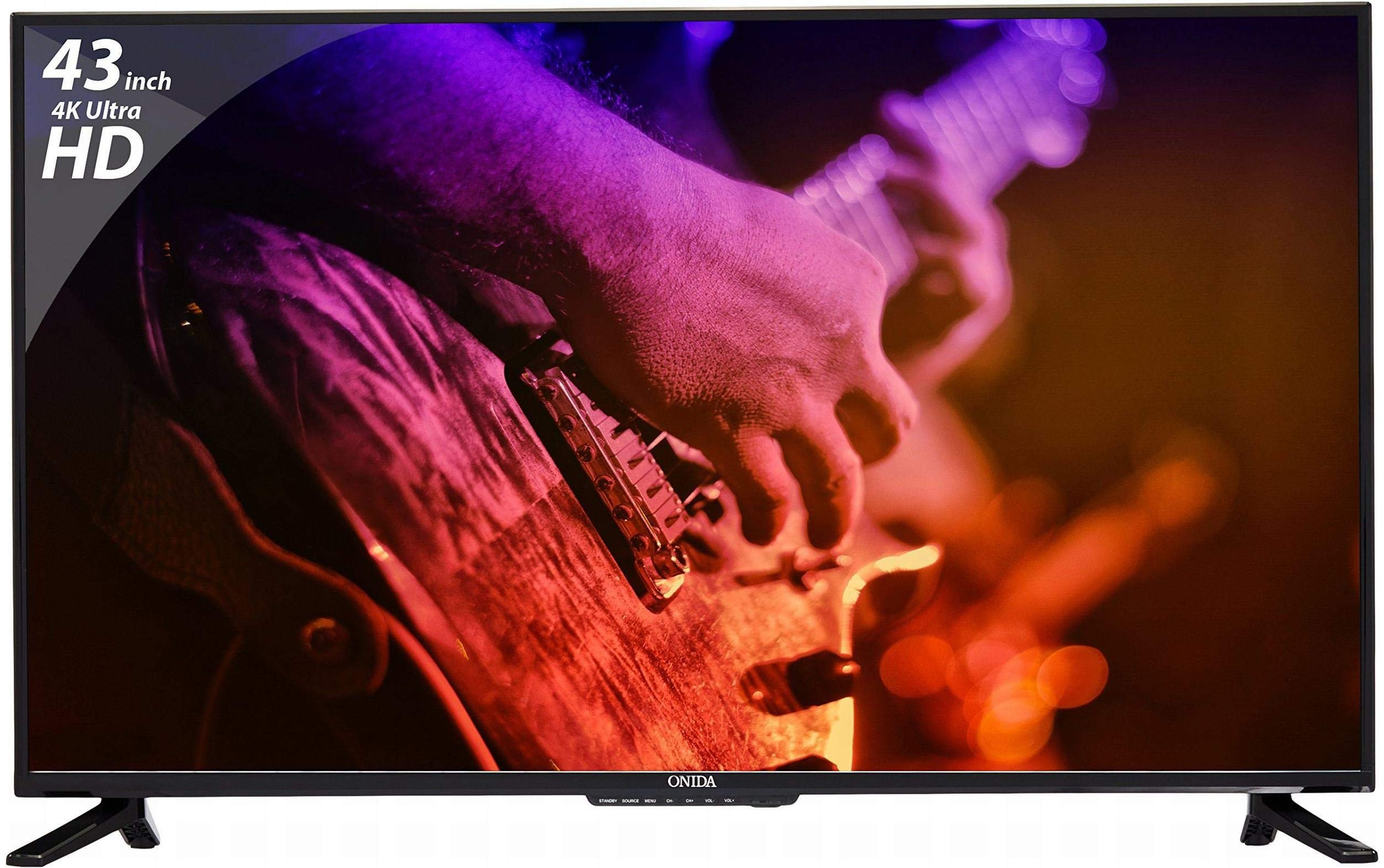
Фронт view of the Onida 43UIR 4K UHD LED TV, showcasinяго дысплей і тонкія рамкі.
Асноўныя характарыстыкі:
- Дысплей: 42.5 Inches (108 cm) 4K Ultra HD (3840 x 2160) LED display with 60 Hz refresh rate and ADS Panel.
- Гук: 500 Watts PMPO audio output with built-in speakers.
- Падключэнне: 3 HDMI ports, 2 USB ports, 1 VGA port, Ethernet, Wi-Fi.
- Разумныя функцыі: Android 5.1.1 (Lollipop) operating system, built-in Wi-Fi, ARM A7 Quad Core Processor, 8 GB internal memory, 1 GB RAM.
- Мантаж: Supports Table Top Stand and Wall Mount (VESA 200 x 200 mm).
2. Што ў скрынцы
Carefully unpack the box and ensure all items are present and undamaged. If any items are missing or damaged, contact customer support immediately.
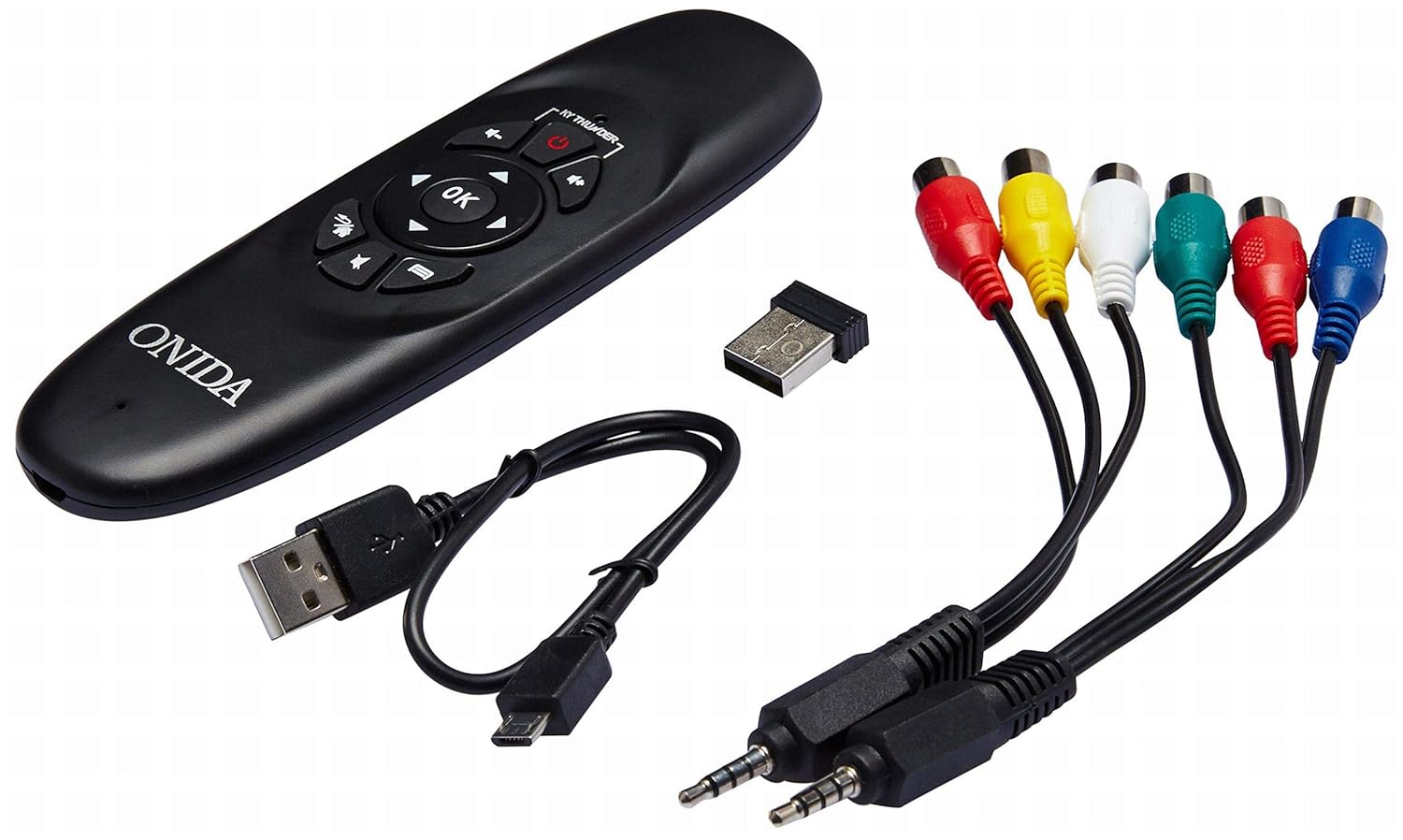
Included accessories: remote control, USB dongle, and various connection cables.
Змест пакета:
- 1 x Onida 4K UHD LED TV (Model: 43UIR)
- 1 x Table Top Stand (with screws)
- 1 x Wall Mount Bracket (optional, may be included)
- 1 х пульт дыстанцыйнага кіравання
- 1 х Кіраўніцтва карыстальніка
- 1 х гарантыйны талон
- Сілавы кабель
Video demonstrating the key features and contents of the Onida 43UIR TV package.
3. Кіраўніцтва па наладцы
3.1. Выбар месцазнаходжання
Place the TV on a stable, flat surface or mount it on a wall using a compatible VESA 200 x 200 mm bracket. Ensure adequate ventilation around the TV.
3.2. Мацаванне падстаўкі (пры наяўнасці)
- Асцярожна пакладзеце тэлевізар экранам уніз на мяккую чыстую паверхню, каб пазбегнуць пашкоджання экрана.
- Align the stand bases with the mounting holes on the bottom of the TV.
- Замацуйце асновы падстаўкі з дапамогай прадугледжаных шруб.
3.3. Wall Mounting (optional)
If wall mounting, refer to the instructions provided with your wall mount bracket. Ensure the bracket is compatible with VESA 200 x 200 mm standards and can support the weight of the TV.

Бокавы профіfile of the Onida 43UIR TV, illustrating its slim design and stand attachment points.
3.4. Падключэнне сілкавання
Plug the power cable into the TV's power input, then into a suitable wall outlet (220 VAC 50 Hz). Do not power on the TV until all connections are made.
4. Сувязь
The Onida 43UIR TV offers multiple ports for connecting external devices.

Падрабязны view of the rear input/output ports on the Onida 43UIR TV.
- Парты HDMI (3): Connect set-top boxes, Blu-Ray players, gaming consoles, and other HDMI-enabled devices.
- USB-парты (x2): Connect USB hard drives, flash drives, and other USB devices for media playback.
- Порт VGA (x1): Connect a laptop or PC for use as a monitor.
- Ethernet порт: Для праваднога падключэння да Інтэрнэту.
- Wi-Fi: Убудаваны бесправадны модуль для доступу ў Інтэрнэт.
- Аўдыё ўваход: HDMI, USB.
- Аўдыявыхад: Stereo (Built-in Speakers).
5. Разумныя функцыі
Your Onida 43UIR TV is a Smart TV running on Android 5.1.1 (Lollipop), offering a range of intelligent functionalities.
- Аперацыйная сістэма: Android 5.1.1 (Lollipop) provides access to various apps and services.
- Працэсар: ARM A7 Quad Core Processor for smooth performance.
- Памяць: 8 GB internal storage and 1 GB RAM.
- Убудаваны Wi-Fi: Connect to your home network wirelessly for streaming, browsing, and app downloads.
- Play Store: Access and download a wide array of applications.
- Адлюстраванне экрана: Miracast technology allows mirroring content from compatible mobile devices to the TV.
6. Інструкцыя па эксплуатацыі
6.1. Пульт дыстанцыйнага кіравання
The included remote control allows you to navigate the TV's menus and functions. Insert two AAA batteries (not included) into the remote control, ensuring correct polarity.
The remote control for the Onida 43UIR TV, used for navigation and control.
6.2. Асноўная аперацыя
- Уключэнне/выключэнне харчавання: Націсніце кнопку харчавання на пульце дыстанцыйнага кіравання або тэлевізары.
- Крыніца ўводу: Use the "Source" button to select between HDMI, USB, VGA, and other inputs.
- Рэгулятар гучнасці: Use the "Vol +" and "Vol -" buttons.
- Навігацыя: Use the arrow keys and "OK" button to navigate menus.
- Функцыі Smart TV: Access the home screen to launch apps, browse the internet, or use screen mirroring.
7. Тэхнічнае абслугоўванне
Proper care ensures the longevity of your Onida TV.
- Ачыстка экрана: Выкарыстоўвайце мяккую тканіну без ворса, спецыяльна прызначаную для электронікі. Не выкарыстоўвайце агрэсіўныя хімікаты або абразіўныя матэрыялы.
- Ачыстка Casing: Працерці мяккай, damp cloth. Avoid direct contact with water.
- Вентыляцыя: Пераканайцеся, што вентыляцыйныя адтуліны не заблакіраваны, каб прадухіліць перагрэў.
- Выключэнне: Заўсёды выключайце тэлевізар і адключайце яго ад электрычнай разеткі перад чысткай або калі ён не будзе выкарыстоўвацца працяглы час.
8. Выпраўленне непаладак
Звярніцеся да гэтага раздзела, каб знайсці рашэнні распаўсюджаных праблем.
| праблема | Магчымая прычына | Рашэнне |
|---|---|---|
| Няма ўлады | Power cable disconnected, no power from outlet. | Check power cable connection. Test outlet with another device. |
| Няма выявы, але гук ёсць | Incorrect input source selected, faulty cable. | Press "Source" button to select correct input. Check HDMI/VGA cable connections. |
| Няма гуку, але выява ёсць | Гучнасць прыглушаная або занадта нізкая, праблема знешняй аўдыёсістэмы. | Unmute volume or increase level. Check connections to external audio devices. |
| Функцыі Smart TV не працуюць | No internet connection, app error. | Check Wi-Fi/Ethernet connection. Restart the TV. Clear app cache or reinstall. |
9. Тэхнічныя характарыстыкі
| Асаблівасць | Дэталь |
|---|---|
| мадэль | 43UIR |
| Памер экрана | 42.5 цалі (108 см) |
| Тэхналогія адлюстравання | LED, Edge LED Backlight, ADS Panel |
| дазвол | 3840 x 2160 (4K UHD) |
| Частата абнаўлення | 60 Гц |
| Суадносіны бакоў | 16:9 |
| Viewing кут | 178 градусаў |
| Аўдыёвыхад | 500 Watts PMPO, Stereo, Built-in Speakers |
| Аперацыйная сістэма | Android 5.1.1 (Lollipop) |
| Працэсар | ARM A7 чатырох'ядравы |
| Унутраная памяць | 8 ГБ |
| АЗП | 1 ГБ |
| Сувязь | 3x HDMI, 2x USB, 1x VGA, Ethernet, Wi-Fi |
| Бесправадныя тэхналогіі | Wi-Fi, Miracast |
| Тып мацавання | Wall Mount (VESA 200 x 200 mm), Table Top |
| Электразабеспячэнне | 220 В пераменнага току 50 Гц |
| Колер | Чорны |
10. Гарантыя і падтрымка
Your Onida 43UIR 4K UHD LED TV comes with a standard manufacturer's warranty. Please refer to the included Warranty Card for specific terms and conditions.
- Гарантыйны тэрмін: 1 год з дня пакупкі.
- Падтрымка кліентаў: For service or support, please contact Onida customer care.
- Інтэрнэт-рэсурсы: Наведайце ст Onida Store on Amazon для атрымання дадатковай інфармацыі аб прадукце і падтрымкі.