
1. Уводзіны
This manual provides essential information for the proper installation, use, and maintenance of your RhinoShield SolidSuit case for iPhone X. Designed for robust protection, the SolidSuit case combines a slim profile with advanced impact absorption technology.
1.1. Сумяшчальнасць
- Гэты корпус спецыяльна распрацаваны для iPhone X.
- It supports Qi wireless charging.
2. Асноўныя магчымасці
- Unparalleled Shock Protection: Certified military-grade protection, absorbing impacts from drops up to 11 feet (3.4 meters). An internal honeycomb structure enhances impact absorption by an additional 10%.
- Minimal Design: The SolidSuit maintains a slim profile, closely following the phone's contours. It features a matte finish and an outer shell designed for a secure grip without interfering with signal reception.
- Трывалы матэрыял: Constructed from a tough yet flexible polymer blend that retains its shape and is scratch-resistant.
- Зручны для карыстальніка: Supports Qi wireless charging. Provides easy access and control for all phone buttons and features precision cutouts for all ports, accommodating most cables.
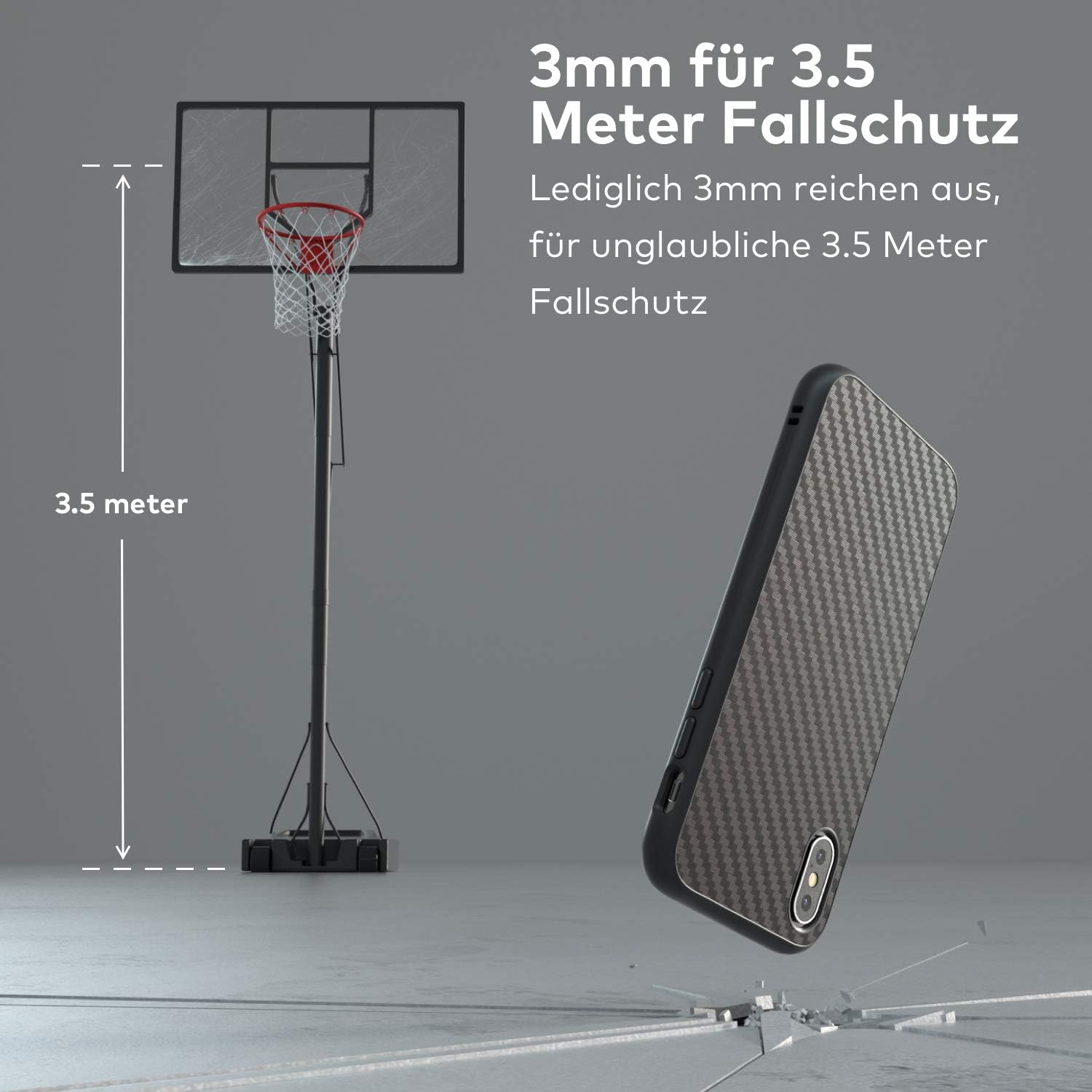
Image: RhinoShield SolidSuit case with carbon fiber texture, highlighting its slim design.

Выява: Крупны план view of the internal honeycomb structure, designed for enhanced shock absorption.

Выява: Падрабязная view of the carbon fiber texture, providing both aesthetics and grip.
3. Настройка і ўстаноўка
3.1. Installing the Case
- Ensure your iPhone X is clean and free of dust or debris.
- Align the top edge of your iPhone X with the top opening of the SolidSuit case.
- Gently push the phone into the case, starting from the top, ensuring all corners snap securely into place.
- Verify that all buttons and ports align correctly with the case's cutouts.
3.2. Removing the Case
The SolidSuit case is designed for a snug fit to maximize protection. Removal may require a firm but careful approach.
- Hold your phone firmly with one hand.
- Using your other hand, gently peel back one of the top corners of the case.
- Once a corner is disengaged, carefully work your way around the edges to release the phone from the case. Avoid excessive force to prevent damage to the phone or case.
Video: Demonstration of the RhinoShield SolidSuit case's drop test performance for iPhone X, illustrating its protective capabilities.
4. Інструкцыя па эксплуатацыі
4.1. Штодзённае выкарыстанне
The SolidSuit case is designed for everyday protection. Its precise cutouts ensure full functionality of your iPhone X, including camera, speakers, microphone, and charging port.
4.2. Бесправадная зарадка
The case is compatible with Qi wireless charging. Simply place your iPhone X (with the SolidSuit case installed) on a compatible wireless charging pad. Ensure proper alignment for efficient charging.

Image: The SolidSuit case featuring precise cutouts for the camera and charging port.
5. Тэхнічнае абслугоўванне
5.1. Cleaning the Case
To clean your SolidSuit case, use a soft, damp cloth. For stubborn dirt, a mild soap solution can be applied. Avoid harsh chemicals or abrasive materials, as these may damage the case's finish or material.
5.2. Агульны догляд
- Avoid prolonged exposure to direct sunlight or extreme temperatures, which can affect the material's integrity.
- Periodically remove the case to clean your iPhone X and the inside of the case to prevent dust buildup that could scratch your device.
6. Выпраўленне непаладак
6.1. Difficulty Installing/Removing the Case
The SolidSuit case is designed for a very secure fit. If you experience difficulty, refer to the installation and removal steps in Section 3. A slight amount of flexibility is built into the material, but avoid bending the case excessively.
6.2. Wireless Charging Issues
If wireless charging is not working, ensure your iPhone X is correctly centered on the charging pad. Also, confirm that the charging pad itself is powered and functioning correctly. The case material does not interfere with wireless charging.
7. Тэхнічныя характарыстыкі
| Атрыбут | Дэталь |
|---|---|
| Марка | RhinoShield |
| мадэль | SolidSuit |
| Сумяшчальныя мадэлі тэлефонаў | iPhone X |
| Матэрыял | Polymer Blend, Carbon Fiber (texture) |
| Колер | Тэкстура вугляроднага валакна |
| Памеры прадмета (Д х Ш х У) | 5.9 х 3 х 0.4 цалі |
| Вага прадмета | 3.52 унцыі |
| Абарона ад падзення | Да 11 футаў (3.4 метраў) |
| Падтрымка бесправадной зарадкі | Yes (Qi compatible) |
| Нумар мадэлі вытворцы | TW-SSA0106449 |
| UPC | 888543700232 |
8. Гарантыя і падтрымка
RhinoShield products are designed for durability and performance. For specific warranty information, please refer to the official RhinoShield webсайт або звярніцеся непасрэдна ў службу падтрымкі кліентаў. Захоўвайце пацвярджэнне пакупкі для любых гарантыйных прэтэнзій.
For further assistance or inquiries, please visit the official RhinoShield webсайт: rhinoshield.io
Відэа: Оверview of RhinoShield's SolidSuit case, highlighting its material and design principles for protection.