
1. Уводзіны
Thank you for choosing the Vandlion V8 Keychain Voice Recorder. This compact and versatile device is designed for high-quality audio recording in various environments, offering ease of use and portability. It also functions as an MP3 player and a USB storage device. Please read this manual thoroughly to understand the features and proper operation of your new device.
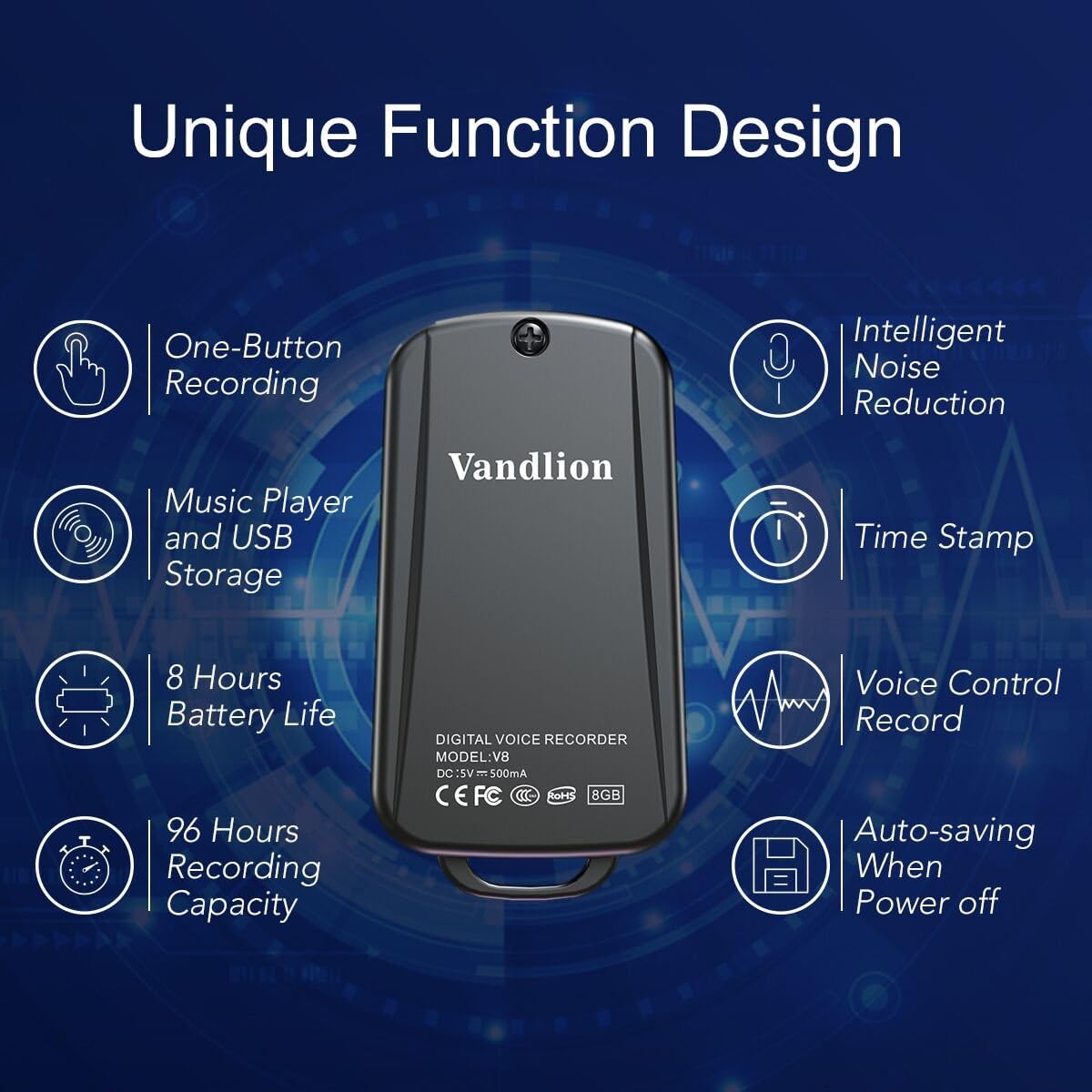
Image 1: Vandlion V8 Keychain Voice Recorder highlighting features like one-button recording, intelligent noise reduction, time stamp, voice control record, auto-saving, music player, USB storage, 8 hours battery life, and 96 hours recording capacity.
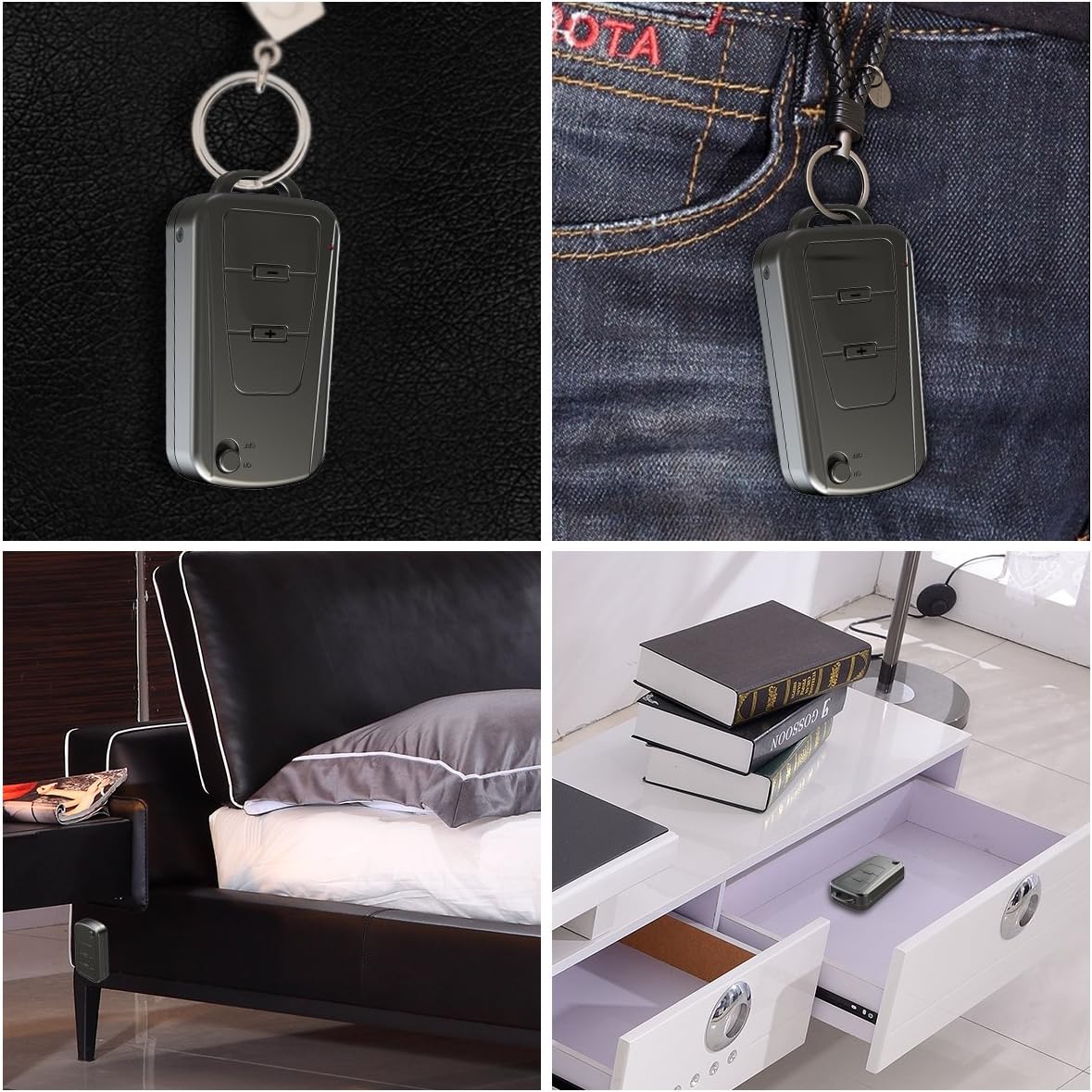
Image 2: The Vandlion V8 recorder shown in various discreet usage scenarios, including attached to a keychain, clipped to trousers, placed beside a bed, and hidden in a drawer.

Image 3: The Vandlion V8 recorder depicted in various application scenarios such as classes, meetings, speeches, concerts, interviews, and for forensic purposes.
2. Змесціва ўпакоўкі
- 1 x Vandlion V8 Voice Recorder
- 1 х USB-кабель
- 1 х Кіраўніцтва карыстальніка (гэты дакумент)
3. Прылада скончанаview
Familiarize yourself with the physical components of your voice recorder.
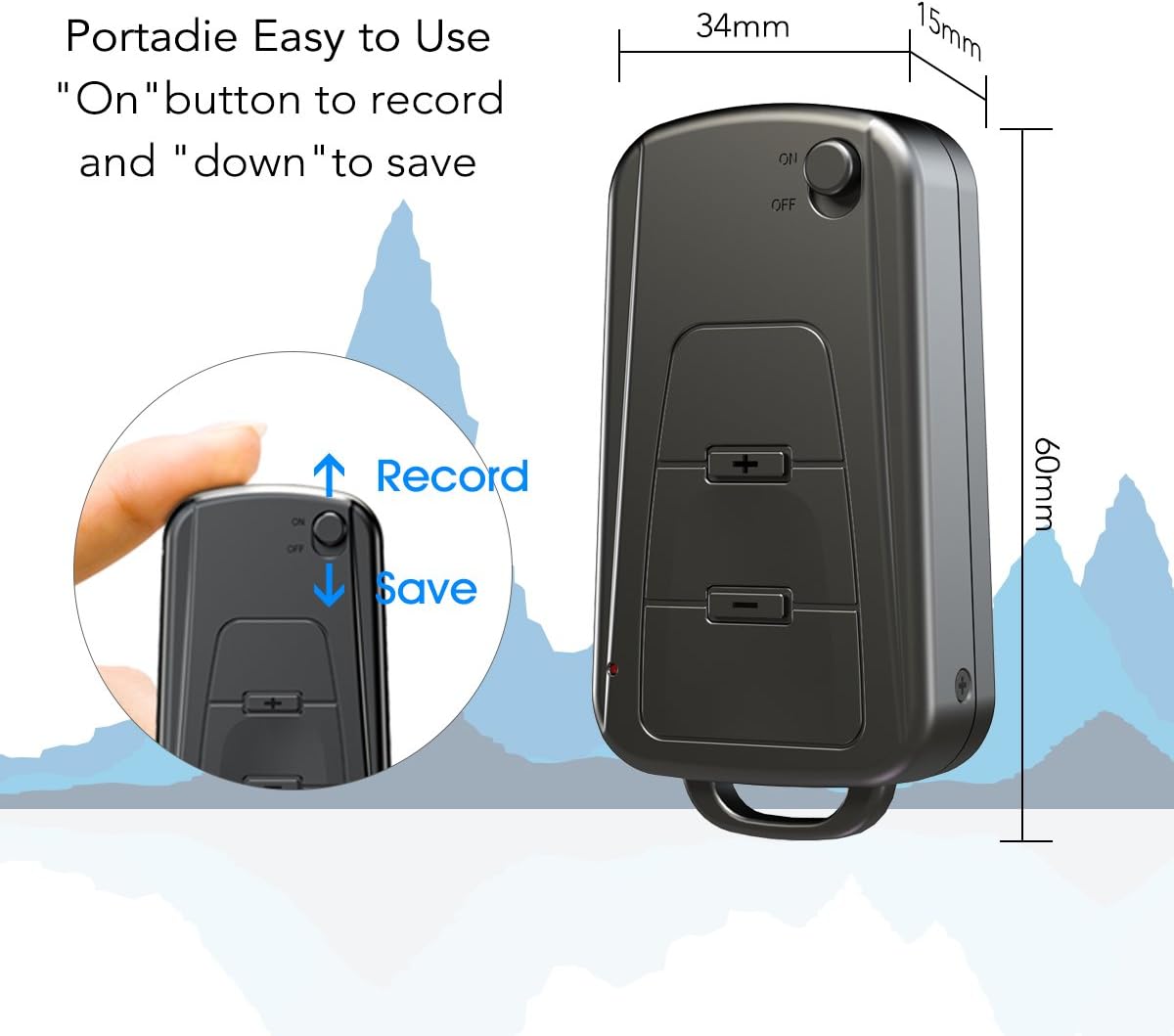
Малюнак 4: Збоку view of the Vandlion V8 recorder, illustrating the ON/OFF switch for recording and saving, along with volume control buttons. Dimensions are also shown: 60mm length, 34mm width, 15mm thickness.
- Пераключальнік уключэння/выключэння: Used to start and stop recording, and to power the device.
- Порт USB: Для зарадкі і падключэння да кампутара.
- Раз'ём для навушнікаў: Для прайгравання аўдыё.
- Мікрафон: Інтэграваны для запісу аўдыё.
- Светлавы індыкатар: Забяспечвае зваротную сувязь аб стане (напрыклад, запіс, зарадка).
4. Настройка
4.1. Зарадка прылады
Before first use, fully charge the voice recorder. Connect the device to a computer's USB port or a USB wall adapter using the provided USB cable. The indicator light will typically show a specific color (e.g., red) during charging and change (e.g., blue or off) when fully charged. A full charge provides approximately 20 hours of operation.
4.2. Пачатковае ўключэнне
Slide the ON/OFF switch to the "ON" position to power on the device. The indicator light will briefly illuminate.
5. Інструкцыя па эксплуатацыі
5.1. One-Button Recording
- To start recording, slide the ON/OFF switch to the "УКЛ" position. The device will automatically begin recording. The indicator light will not flicker during recording to ensure discreet operation.
- To save the recording, slide the ON/OFF switch to the "ВЫКЛ" position. The device will save the current recording and power off.
Image 5: Close-up of the Vandlion V8 recorder demonstrating the simple "ON" to record and "OFF" to save operation.
5.2. Запіс з галасавой актывацыяй (VOR)
The device features a smart voice-activated system. When enabled, the recorder will only record when sound is detected, conserving storage space and battery life. Refer to the full user guide (if available from manufacturer) for detailed instructions on enabling/disabling VOR, as this feature may require specific button presses or software settings not covered by the basic one-button operation.
5.3. Playing Back Recordings
- Connect headphones to the headphone jack on the device.
- Power on the device by sliding the ON/OFF switch to "ON".
- Use the volume buttons (if present) to navigate through recordings and adjust playback volume.
Alternatively, connect the device to a computer to play back recordings.
5.4. Перадача Files да кампутара
- Ensure the recorder is powered off.
- Connect the recorder to your computer using the supplied USB cable. The device will be recognized as a removable storage drive.
- Open the drive, locate the recording files (typically in WAV format), and drag them to your computer.
- Заўвага для карыстальнікаў Mac: You may need to use VLC Media Player or similar software to play WAV files recorded by this device.
5.5. Using as an MP3 Player
The device supports WAV, WMA, and MP3 audio formats. You can transfer music files to the device's storage via USB connection, similar to transferring recordings. Once music files are on the device, connect headphones and power on the device to listen to your music.
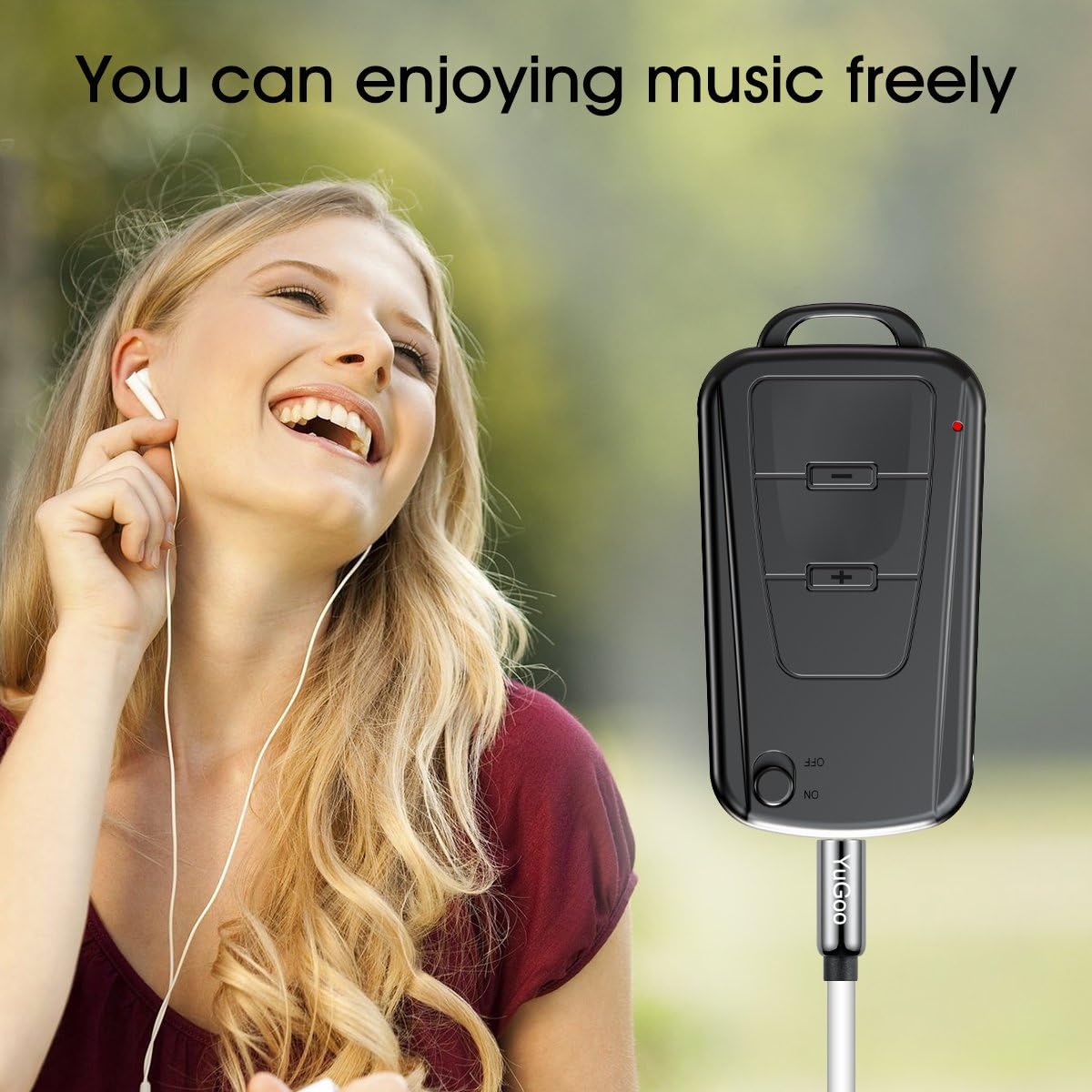
Image 6: The Vandlion V8 recorder connected to earphones, demonstrating its capability as an MP3 player for enjoying music.
6. Тэхнічнае абслугоўванне
- Трымайце прыладу сухім. Пазбягайце кантакту з вільгаццю або вадкасцямі.
- Працірайце прыладу мяккай сухой тканінай. Не выкарыстоўвайце агрэсіўныя хімікаты або абразіўныя ачышчальнікі.
- Захоўвайце прыладу ў прахалодным, сухім месцы, удалечыні ад прамых сонечных прамянёў і экстрэмальных тэмператур.
- Charge the battery regularly, even if not in use, to maintain battery health. Avoid fully discharging the battery for extended periods.
7. Выпраўленне непаладак
- Прылада не ўключаецца:
- Пераканайцеся, што акумулятар зараджаны. Падключыце да крыніцы харчавання і паспрабуйце яшчэ раз.
- Немагчыма запісаць:
- Check if the device has sufficient storage space. Ensure the ON/OFF switch is in the "ON" position.
- Дрэнная якасць запісу:
- Ensure the microphone is not obstructed. Record in a quiet environment. The device features DSP noise reduction for clear audio.
- Прылада не распазнаецца камп'ютарам:
- Try a different USB port or cable. Ensure the device is powered off before connecting. Restart your computer.
- Не магу гуляць files on Mac:
- Mac users are advised to use VLC Media Player for optimal playback of recorded WAV files.
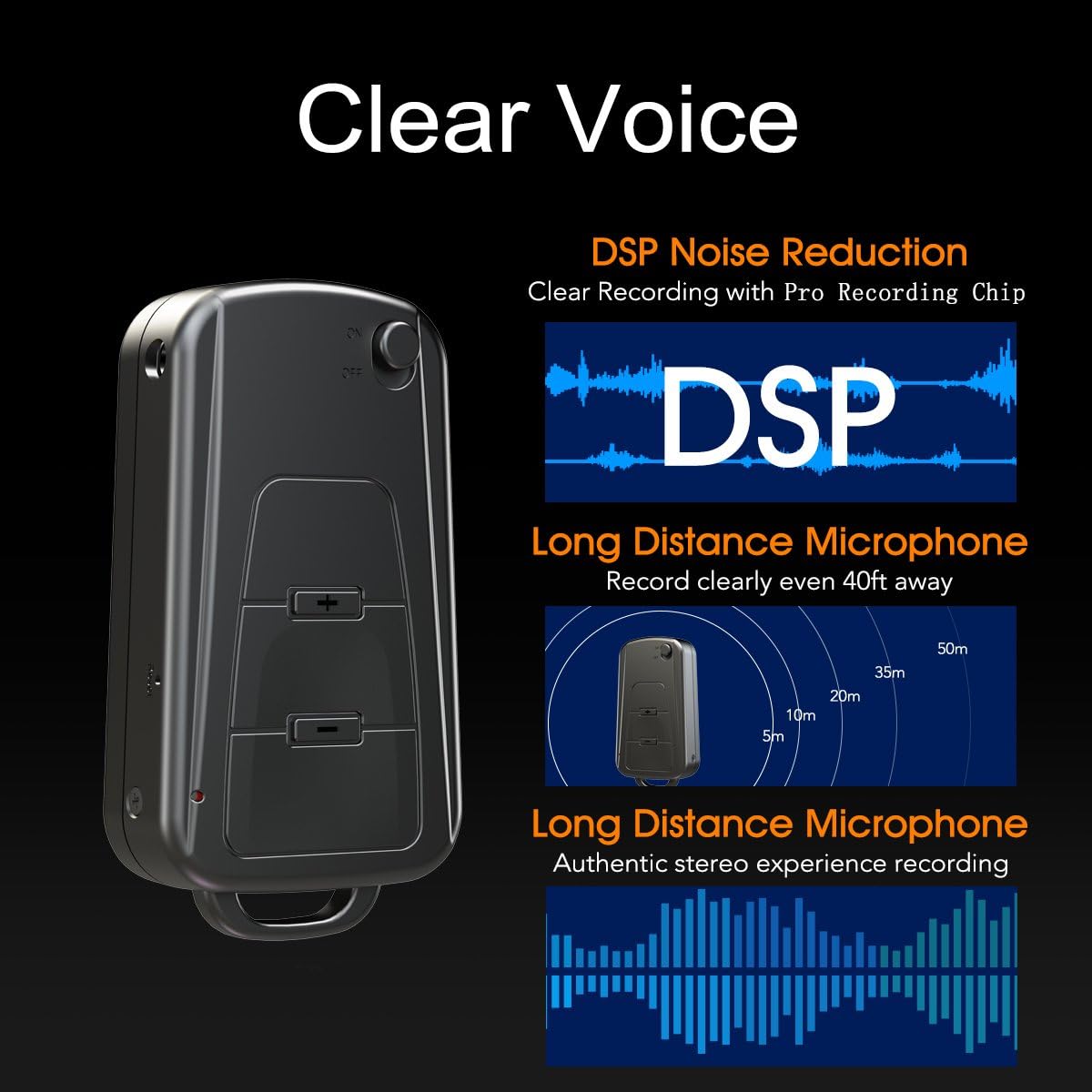
Image 7: Diagram illustrating the Vandlion V8's DSP noise reduction technology for clear recording and its long-distance microphone, capable of capturing sound clearly from up to 40 feet away, providing an authentic stereo experience.
8. Тэхнічныя характарыстыкі
| Асаблівасць | Спецыфікацыя |
|---|---|
| мадэль | V8 |
| Ёмістасць захоўвання | 8GB (approx. 96 hours recording capacity) |
| Тэрмін службы батарэі (запіс) | Прыбл. 20 гадзіны |
| Фармат запісу | WAV |
| Музычны фармат | WAV, WMA, MP3 |
| Sampлінг -стаўка | 192Kbps |
| Памеры | 60 х 34 х 15 мм (2.36 х 1.33 х 0.59 цалі) |
| Вага | 27 г (1.46 унцыі) |
| Інтэрфейс | USB |
| Сумяшчальныя прылады | MP3-плэер, персанальны камп'ютар |
| Рэжым працы мікрафона | Стэрэа |
9. Гарантыя і падтрымка
9.1. Гарантыя вытворцы
This Vandlion V8 Keychain Voice Recorder comes with a Six Months Manufacturer's Warranty з даты пакупкі. Гэтая гарантыя распаўсюджваецца на дэфекты матэрыялаў і вырабу пры нармальным выкарыстанні. Яна не распаўсюджваецца на пашкоджанні, выкліканыя няправільным выкарыстаннем, аварыямі, несанкцыянаванымі мадыфікацыямі або звычайным зносам.
9.2. Падтрымка кліентаў
For further assistance, technical support, or warranty claims, please contact Vandlion customer service through the retailer where the product was purchased or refer to the official Vandlion website for contact information. Additional resources, such as a PDF version of the user manual and updated user guides, may be available for download from the manufacturer's support page.
10. Важная інфармацыя па бяспецы
- Не спрабуйце разабраць або мадыфікаваць прыладу.
- Захоўваць у месцах, недаступных дзецям.
- Утылізуйце прыладу і яе акумулятар адказна ў адпаведнасці з мясцовымі правіламі.
- Пазбягайце экстрэмальных тэмператур і прамых сонечных прамянёў.