
Aftershokz AS650CR
AfterShokz Air Wireless Bone Conduction Headphones User Manual
Model: AS650CR
Уводзіны
The AfterShokz Air Open Ear Wireless Bone Conduction Headphones (Model AS650CR) utilize patented bone conduction technology to deliver audio through your cheekbones, leaving your ears open to your surroundings. This design enhances situational awareness, making them ideal for outdoor activities and daily use where hearing ambient sounds is crucial for safety and connection.
These headphones are designed for comfort, durability, and a reliable wireless experience, featuring a lightweight titanium frame and IP55 sweat resistance.
Змест пакета
Перад пачаткам пераканайцеся, што ў вашай упакоўцы ёсць усе неабходныя рэчы:
- AfterShokz Air Wireless Bone Conduction Headphones
- Магнітны зарадны кабель
- Сумка для пераноскі
- Earplugs (for enhanced audio in quiet environments)

Image: Contents of the AfterShokz Air package, showing the headphones, charging cable, carrying case, and a pair of earplugs.
Настройка
1. Зарадка навушнікаў
Before first use, fully charge your AfterShokz Air headphones. Connect the magnetic charging cable to the charging port on the headphones and plug the USB end into a compatible USB power adapter or computer USB port. The LED indicator will show charging status.
- Зарадка: Цвёрды чырвоны святлодыёд
- Цалкам зараджана: Цвёрда-сіні святлодыёд
A full charge provides approximately 6 hours of continuous music and calls.

Image: The AfterShokz Air headphones, highlighting their 6-hour battery life for music and calls, and Bluetooth V4.2 connectivity.
2. Спалучэнне з прыладай Bluetooth
The AfterShokz Air headphones use Bluetooth for wireless connectivity. Follow these steps to pair them with your smartphone, tablet, or computer:
- Уключэнне: Press and hold the power button (usually the multifunction button) for 3-5 seconds until the LED indicator flashes red and blue, and you hear "pairing."
- Актываваць Bluetooth: On your device (smartphone, tablet, etc.), go to the Bluetooth settings and ensure Bluetooth is turned on.
- Выберыце прыладу: Look for "AfterShokz Air" or "AS650CR" in the list of available Bluetooth devices and select it.
- Пацвердзіць спалучэнне: Once successfully paired, the LED indicator will flash blue once, and you will hear "connected."
The headphones have a Bluetooth range of approximately 10 meters (33 feet).
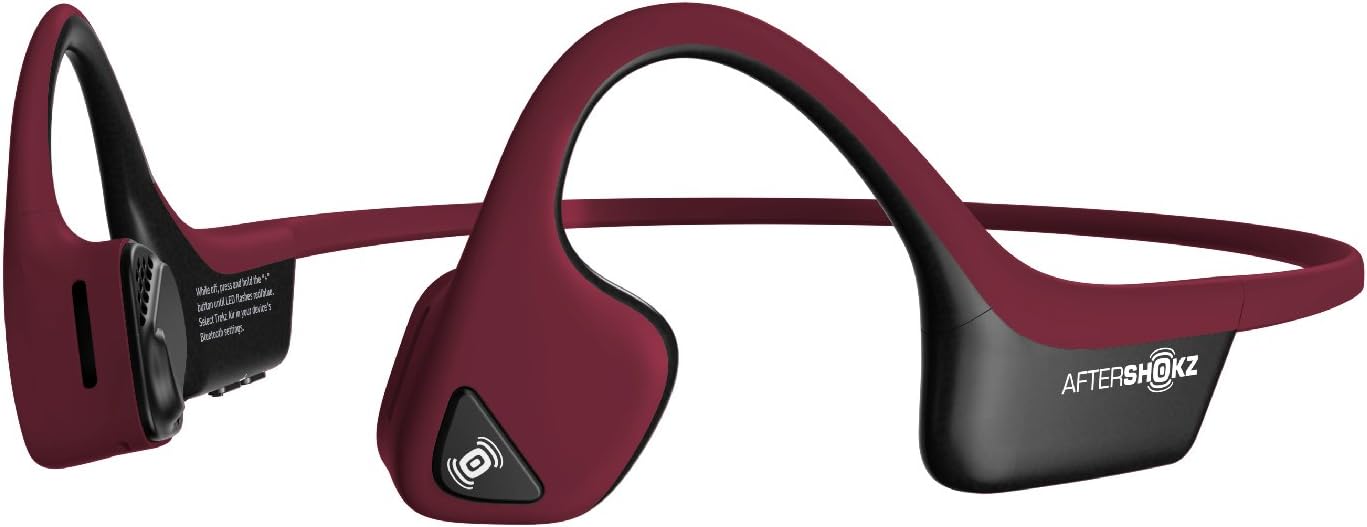
Image: The AfterShokz Air headphones, showcasing their open-ear design and flexible frame, ready for pairing.
Інструкцыя па эксплуатацыі
Нашэнне навушнікаў
Place the headphones so that the transducers rest on your cheekbones, just in front of your ears. The band should wrap around the back of your head. Adjust for a comfortable and secure fit.

Image: A user wearing the AfterShokz Air headphones, illustrating how the open-ear design allows awareness of surroundings.
Шматфункцыянальныя кнопкі кіравання
The multifunction button provides easy control over audio playback and calls:
- Прайграванне/Паўза: Націсніце адзін раз.
- Перайсці наперад: Двайны націск.
- Адказ/завяршэнне выкліку: Націсніце адзін раз.
- Адхіліць выклік: Націсніце і ўтрымлівайце 2 секунды.
- Актывацыя галасавога памочніка (Siri/Google Assistant): Press and hold for 2 seconds (when not on a call).
Рэгулятары гучнасці
Dedicated volume buttons allow you to adjust the audio level:
- Павялічыць гучнасць: Націсніце кнопку «+».
- Паменшыць гучнасць: Націсніце кнопку «-».
Сітуацыйная дасведчанасць
The open-ear design allows you to hear ambient sounds, which is crucial for safety during outdoor activities like running or cycling. This feature ensures you remain aware of traffic and other environmental noises.

Image: A man cycling while wearing AfterShokz Air headphones, emphasizing the ability to hear both music and surrounding traffic for safer outdoor activities.
Тэхнічнае абслугоўванне
Уборка
Працярыце навушнікі мяккай, damp сурвэткай пасля кожнага выкарыстання, асабліва пасля трэніровак, каб выдаліць пот і бруд. Не выкарыстоўвайце агрэсіўныя хімікаты або абразіўныя ачышчальныя сродкі.
Воданепранікальнасць
The AfterShokz Air headphones are IP55 certified, meaning they are sweatproof and resistant to light splashes of water. They are not designed for submersion in water. Ensure the charging port is dry before charging.
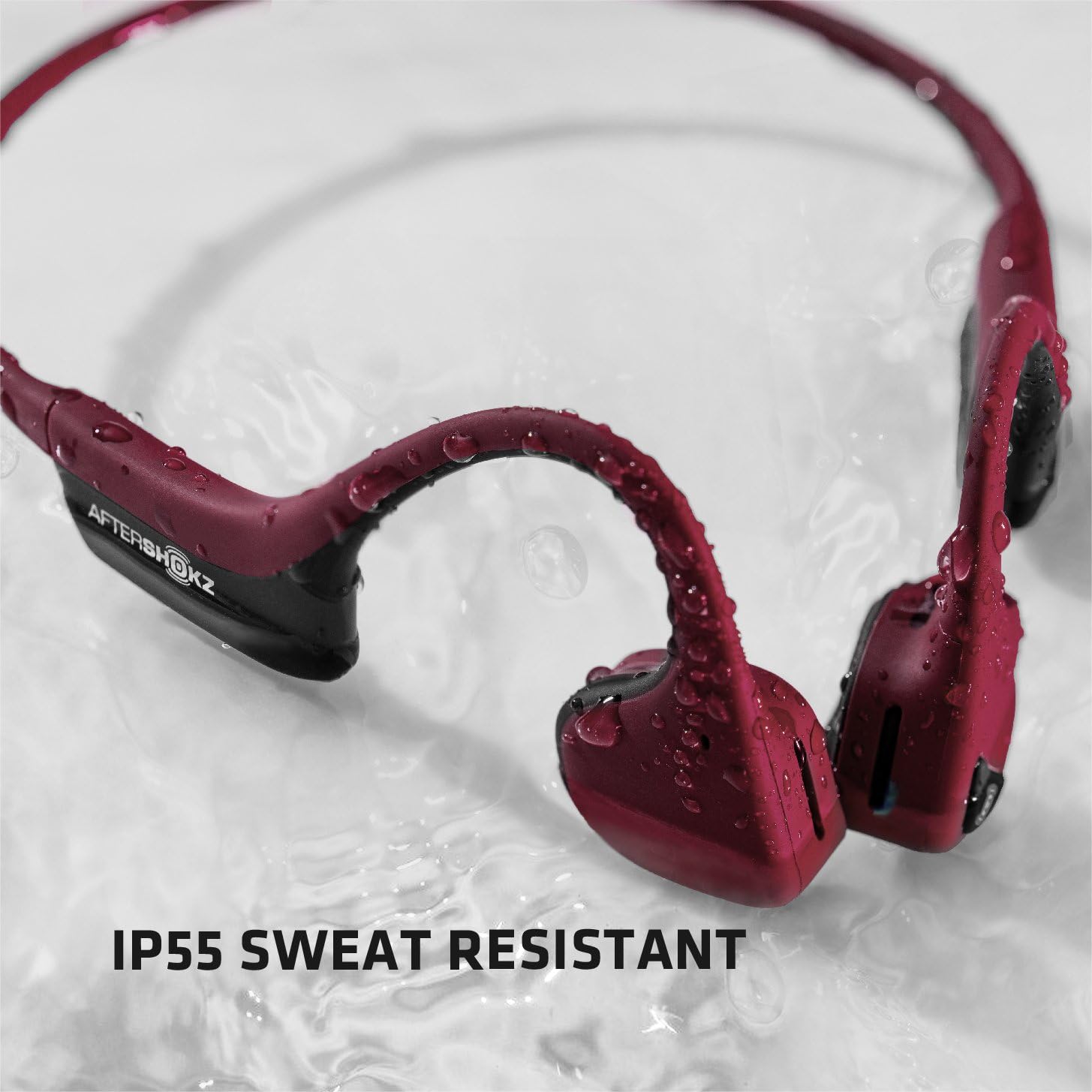
Image: The AfterShokz Air headphones covered in water droplets, demonstrating their IP55 sweat and water resistance.
Захоўванне
Store your headphones in the provided carrying case when not in use to protect them from dust and damage. Avoid storing them in extreme temperatures.
Ліквідацыю непаладак
Няма сілы
- Пераканайцеся, што навушнікі цалкам зараджаныя.
- Праверце зарадны кабель і крыніцу харчавання на правільнасць падключэння.
Немагчыма спалучыць
- Make sure the headphones are in pairing mode (flashing red and blue LED).
- Пераканайцеся, што Bluetooth уключаны на вашай прыладзе.
- Падсуньце навушнікі бліжэй да прылады.
- Try turning off and on Bluetooth on your device, or restarting your device.
- If previously paired, try "forgetting" the device in your Bluetooth settings and re-pairing.
Дрэнная якасць гуку або нізкі ўзровень гучнасці
- Адрэгулюйце гучнасць як на навушніках, так і на падлучанай прыладзе.
- Ensure the transducers are positioned correctly on your cheekbones.
- Move closer to your connected device to avoid Bluetooth interference.
- In noisy environments, consider using the included earplugs to enhance audio perception.
Тэхнічныя характарыстыкі
| Назва мадэлі | AS650CR |
| Тэхналогія падлучэння | Bluetooth |
| Версія Bluetooth | V4.2 |
| Дыяпазон Bluetooth | Да 10 метраў (33 футаў) |
| Тып аўдыё драйвера | Кіроўца касцявой праводнасці |
| АЧХ | 20 Гц - 20 000 Гц |
| Тэрмін службы батарэі | Up to 6 hours of continuous music and calls |
| Воданепранікальнасць | IP55 (Sweatproof, water-resistant) |
| Вага | 31.8 грам (1.12 унцый) |
| Матэрыял | Titanium frame |
| Асаблівасці | Microphone Included, Wind Noise Reduction (for calls) |
Гарантыя і падтрымка
AfterShokz (now Shokz) products typically come with a manufacturer's warranty. Please refer to the official AfterShokz/Shokz webна сайце або ў дакументацыі па куплі, каб даведацца пра канкрэтныя гарантыйныя ўмовы.
For technical support, troubleshooting assistance, or warranty claims, please visit the official AfterShokz/Shokz support page or contact their customer service directly. Keep your proof of purchase handy.
Афіцыйны Webсайт: shokz.com
Ask a question about this manual
Ask about setup, troubleshooting, compatibility, parts, safety, or missing instructions. Manuals+ will review the question and use this page’s manual context to help answer it.