
1. Уводзіны
This manual provides detailed instructions for the installation, operation, and maintenance of your ExquizOn 100-inch 16:9 Motorized Projector Screen. Please read this manual thoroughly before using the product to ensure proper function and longevity.
The ExquizOn motorized projector screen features a 16:9 aspect ratio and a 100-inch diagonal viewing area (87.17" x 49.02"). It offers a 160-degree viewing angle and is compatible with various projector types including 4K, DLP, CRT, LCD, HD, and 3D. The screen is designed for both indoor and outdoor use, making it suitable for home theaters, offices, educational applications, gaming, and various events. Control options include a wall-mounted control panel and a remote control for convenient operation.
2. Змесціва ўпакоўкі
Праверце наяўнасць усіх кампанентаў у камплекце:
- 1 x 100" Electric Motorized Screen
- 1 х пульт дыстанцыйнага кіравання (батарэі не ўваходзяць у камплект)
- 1 х Кіраўніцтва карыстальніка
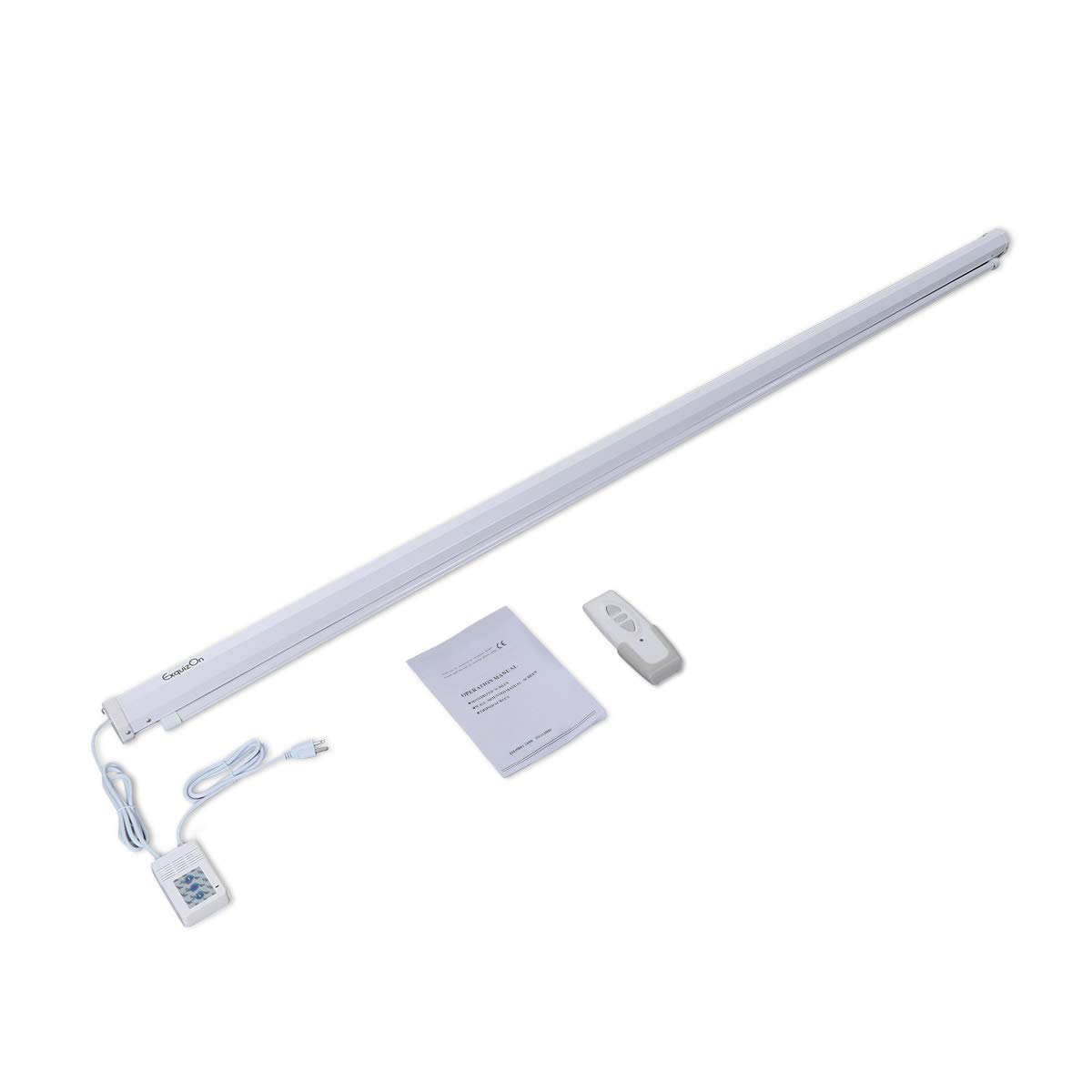
Image: Contents of the ExquizOn motorized projector screen package, showing the rolled screen, remote control, and user manual.
3. Інфармацыя па бяспецы
- Перад устаноўкай і эксплуатацыяй прачытайце ўсе інструкцыі.
- Ensure the screen is securely mounted to prevent accidental falls.
- Не перашкаджайце руху экрана.
- Трымайце пульт дыстанцыйнага кіравання далей ад дзяцей.
- Do not attempt to disassemble or repair the motor or electrical components. Contact qualified service personnel if needed.
- Выкарыстоўвайце толькі ўказаны крыніца харчавання.
4. Настройка і ўстаноўка
4.1 Варыянты мантажу
The projector screen offers flexible mounting options for ceiling or wall installation. Ensure the mounting surface is strong enough to support the screen's weight (approximately 9.05 kg).

Image: Illustration of two common methods for hanging the projector screen: ceiling mounting using hooks and wall mounting using brackets.
4.2 Электраправодка
Connect the power cord from the screen to a suitable electrical outlet. The screen features a wall-mounted control panel for direct operation. Ensure all connections are secure before powering on.

Image: Close-up details of the projector screen's construction, highlighting the power cable entry point and the end cap design.
5. Інструкцыя па эксплуатацыі
The screen can be operated using either the included remote control or the integrated wall-mounted control panel.
5.1 Праца дыстанцыйнага кіравання
Insert batteries (not included) into the remote control. Use the 'Up' button to raise the screen, the 'Down' button to lower it, and the 'Stop' button to pause movement at any desired height. The motor operates quietly and smoothly, taking approximately 38 seconds to fully raise or lower the screen.

Image: The remote control for the projector screen, illustrating its function to freely adjust the screen's position.
5.2 Wall Control Panel Operation
The wall-mounted control panel provides an alternative method for operating the screen. It typically features buttons for 'Up', 'Down', and 'Stop', mirroring the remote control's functionality.
6. Тэхнічнае абслугоўванне
6.1 Ачыстка паверхні экрана
The screen is made from high-quality PVC material that is anti-static and anti-acid, preventing dust accumulation. It can be cleaned easily with mild soap and water. Avoid using abrasive cleaners or harsh chemicals that could damage the screen surface.

Выява: Папярочны разрэз view of the screen material, highlighting its multi-layered construction for durability and image quality, including white screen surface, special imaging PVC, polyester, and under-layer PVC.
7. Выпраўленне непаладак
- Screen does not move: Check if the power cord is securely plugged in. Ensure batteries in the remote control are fresh and correctly inserted.
- Пульт дыстанцыйнага кіравання не працуе: Replace batteries. Ensure there are no obstructions between the remote and the screen's receiver.
- Uneven screen retraction/extension: This is rare. If observed, gently guide the screen during operation. If the issue persists, contact customer support.
- Праблемы з якасцю выявы: Ensure your projector is correctly aligned and focused. The screen's black backing is designed to enhance contrast and reduce light penetration.
8. Тэхнічныя характарыстыкі
| Тып экрана | Электрычны матарызаваны экран для праектара |
| Памер дыяганалі | 100 цаляў |
| Суадносіны бакоў | 16:9 |
| Viewing Area (W x H) | 87.17 цалі х 49.02 цалі (221.4 см х 124.5 см) |
| Узмацненне | 1.2 |
| Viewing кут | 160° |
| Матэрыял | High-quality PVC (Anti-static, Anti-acid, Wrinkle-free, Washable, Mildew Resistant) |
| Метады кантролю | Remote Control, Wall Control Panel |
| Motor Operation Time | Approx. 38 seconds (full travel) |
| Вага прадмета | 9 кг 50 г |
| Памеры ўпакоўкі | 256.54 х 14.48 х 13.72 см |

Image: Diagram illustrating the 100-inch diagonal size and 16:9 aspect ratio of the projector screen, with width and height measurements.
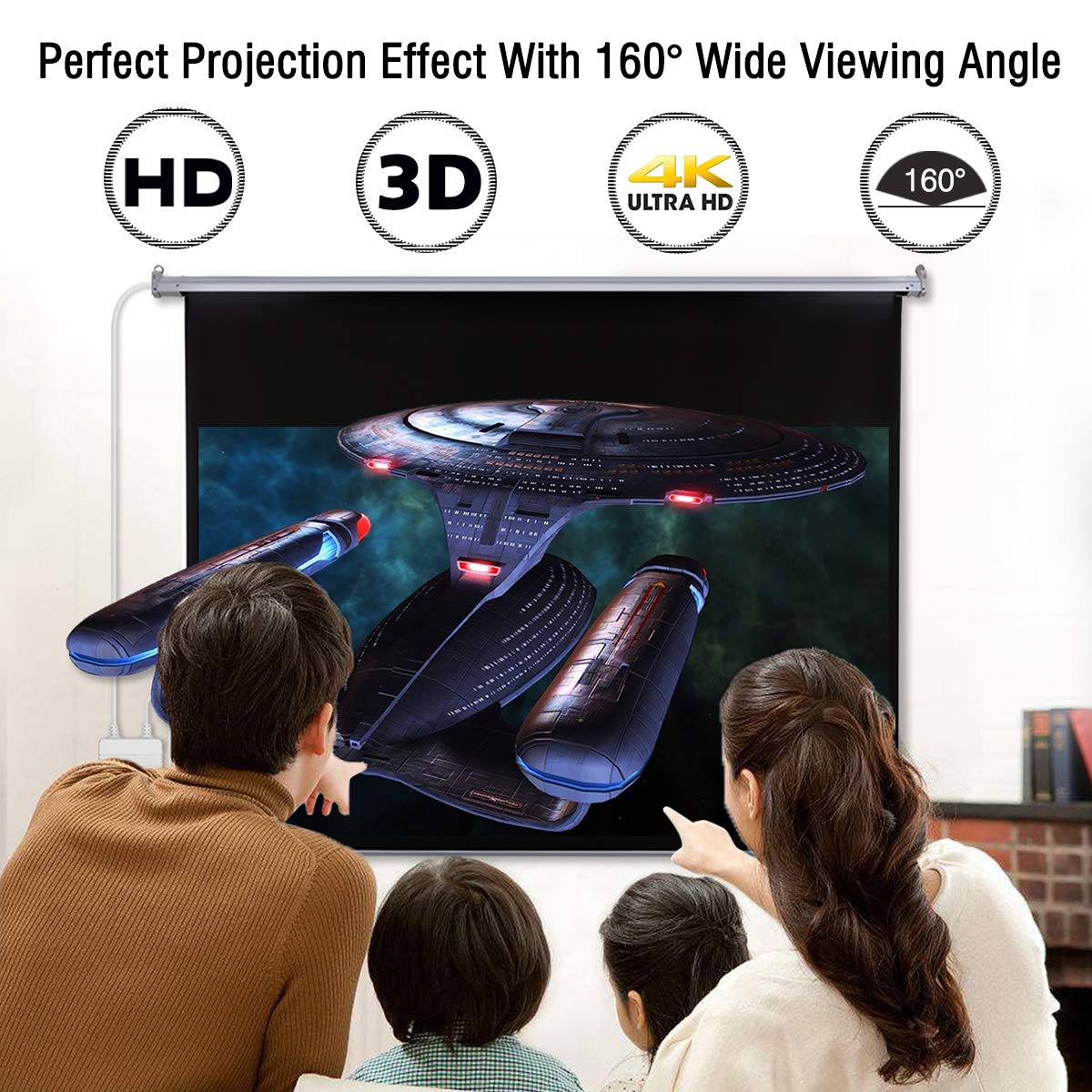
Image: A family enjoying a movie on the projector screen, demonstrating the perfect projection effect with a 160-degree wide viewing angle and compatibility with HD, 3D, and 4K Ultra HD content.
9. Гарантыя і падтрымка
For warranty information or technical support, please refer to the contact details provided with your purchase documentation or visit the official ExquizOn webсайт. Захоўвайце чэк аб куплі як пацверджанне пакупкі.