
Уводзіны
This manual provides instructions for the proper use and care of your SportDOG Basic Training DVD. This DVD is designed to guide dog owners through fundamental training techniques, offering visual demonstrations and expert advice to help establish a strong foundation for your dog's obedience and behavior.
Please read this manual thoroughly before using the DVD to ensure optimal viewing experience and understanding of the training content.
Настройка
To begin using your SportDOG Basic Training DVD, follow these steps:
- Распакуйце DVD-дыск: Carefully remove the DVD from its packaging. Inspect the disc for any visible damage or scratches.
- Падрыхтуйце DVD-плэер: Ensure your DVD player or computer's DVD drive is clean and functioning correctly.
- Устаўце DVD-дыск: Gently insert the SportDOG Basic Training DVD into the disc tray of your DVD player or computer. Ensure the disc is correctly oriented with the label facing upwards.
- Уключэнне: Turn on your television or computer monitor and select the correct input source for your DVD player.
- Пачаць прайграванне: The DVD should auto-play or present a main menu. If not, use your remote control or computer software to select "Play" or "Start."
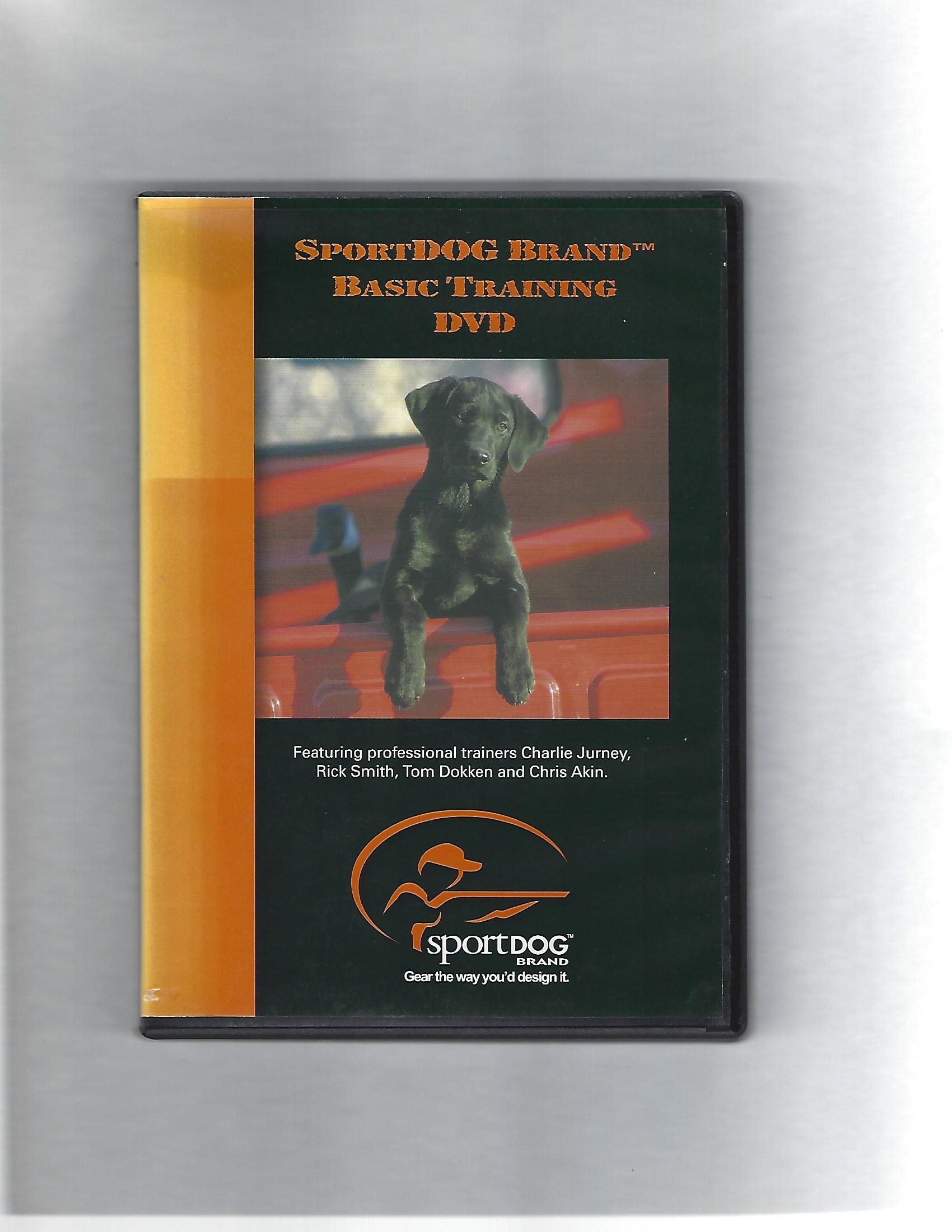
Image: The SportDOG Basic Training DVD cover. This image illustrates the product packaging and design.
Аперацыйная
Navigating the SportDOG Basic Training DVD is straightforward. Use your DVD player's remote control or computer's mouse/keyboard to interact with the menu.
- Галоўнае меню: Upon loading, the DVD will typically display a main menu. Options may include "Play All," "Chapters," "Bonus Features," or "Settings."
- Выбар раздзела: каб view specific training segments, select "Chapters" or a similar option. This allows you to jump directly to topics such as "Sit," "Stay," "Recall," or "Leash Training."
- Элементы кіравання прайграваннем: Use standard DVD player controls (Play, Pause, Stop, Fast Forward, Rewind, Skip Chapter) to manage your viewвопыту.
- Language/Subtitles: If available, these options can usually be accessed from the main menu or during playback via your remote's "Audio" or "Subtitle" buttons.
It is recommended to watch each section thoroughly and practice the techniques with your dog before moving to the next lesson.
Тэхнічнае абслугоўванне
Proper care of your DVD will ensure its longevity and continued performance.
- Апрацоўка: Заўсёды трымайце DVD-дыск за краю або прасунуўшы палец праз цэнтральную адтуліну. Не дакранайцеся да бліскучай паверхні прайгравання.
- Уборка: If the DVD becomes dirty or smudged, gently wipe it with a soft, lint-free cloth (e.g., microfiber) from the center outwards. Do not use abrasive materials or harsh chemical cleaners.
- захоўванне: Store the DVD in its original case when not in use. Keep it away from direct sunlight, extreme temperatures, and high humidity.
- Пазбягайце драпін: Do not place the DVD on rough surfaces or allow it to come into contact with sharp objects.
Ліквідацыю непаладак
If you encounter issues while playing the DVD, consider the following solutions:
| праблема | Рашэнне |
|---|---|
| DVD does not play or load. |
|
| Video or audio skips/freezes. |
|
| Няма гуку. |
|
Тэхнічныя характарыстыкі
- Фармат: DVD відэа
- Змест: Dog training instructions and demonstrations
- Сумяшчальнасць: Standard DVD players, computers with DVD drives
- ASIN: B07F1DYQDP
Інфармацыя аб гарантыі
This SportDOG Basic Training DVD is typically covered by a limited warranty against manufacturing defects. Please retain your proof of purchase. For specific warranty terms and conditions, refer to the information provided with your purchase or contact the retailer. Damage due to improper handling or storage is generally not covered.
Падтрымка
For further assistance or inquiries regarding the content of the SportDOG Basic Training DVD, please refer to the contact information provided by your retailer or visit the official SportDOG webсайт для рэсурсаў падтрымкі.
Note: This DVD provides general training guidance. For specific behavioral issues or advanced training, consult with a certified professional dog trainer or veterinarian.