
Starxing Puck
Starxing Wireless LED Puck Lights with Remote Control
Model: Puck
Уводзіны
Thank you for choosing Starxing Wireless LED Puck Lights. These battery-operated lights provide convenient illumination for various indoor spaces such as cabinets, closets, bookshelves, and stairs. Featuring natural white light, dimmable settings, and remote control functionality, these lights offer versatile lighting solutions without the need for complex wiring.
Важныя заўвагі:
- The lighting is 4000K natural white, not warm or cold white.
- Batteries are not included. 3 x AAA batteries are required per puck light. Rechargeable batteries are recommended for environmental and economic benefits.
- To conserve battery power, the lights cannot be set to stay on indefinitely. They will automatically turn off after 30 minutes if no operation is detected.
- These lights are suitable for small areas where wired installations are inconvenient and are not intended as primary room lighting.
Змест пакета
Калі ласка, пераканайцеся, што ўсе пералічаныя ніжэй прадметы ўваходзяць у ваш пакет:
- 6 святлодыёдных лямпачак Puck
- 2 х Пульты дыстанцыйнага кіравання
- 6 x Adhesive Stick Pads
- 1 х Кіраўніцтва карыстальніка
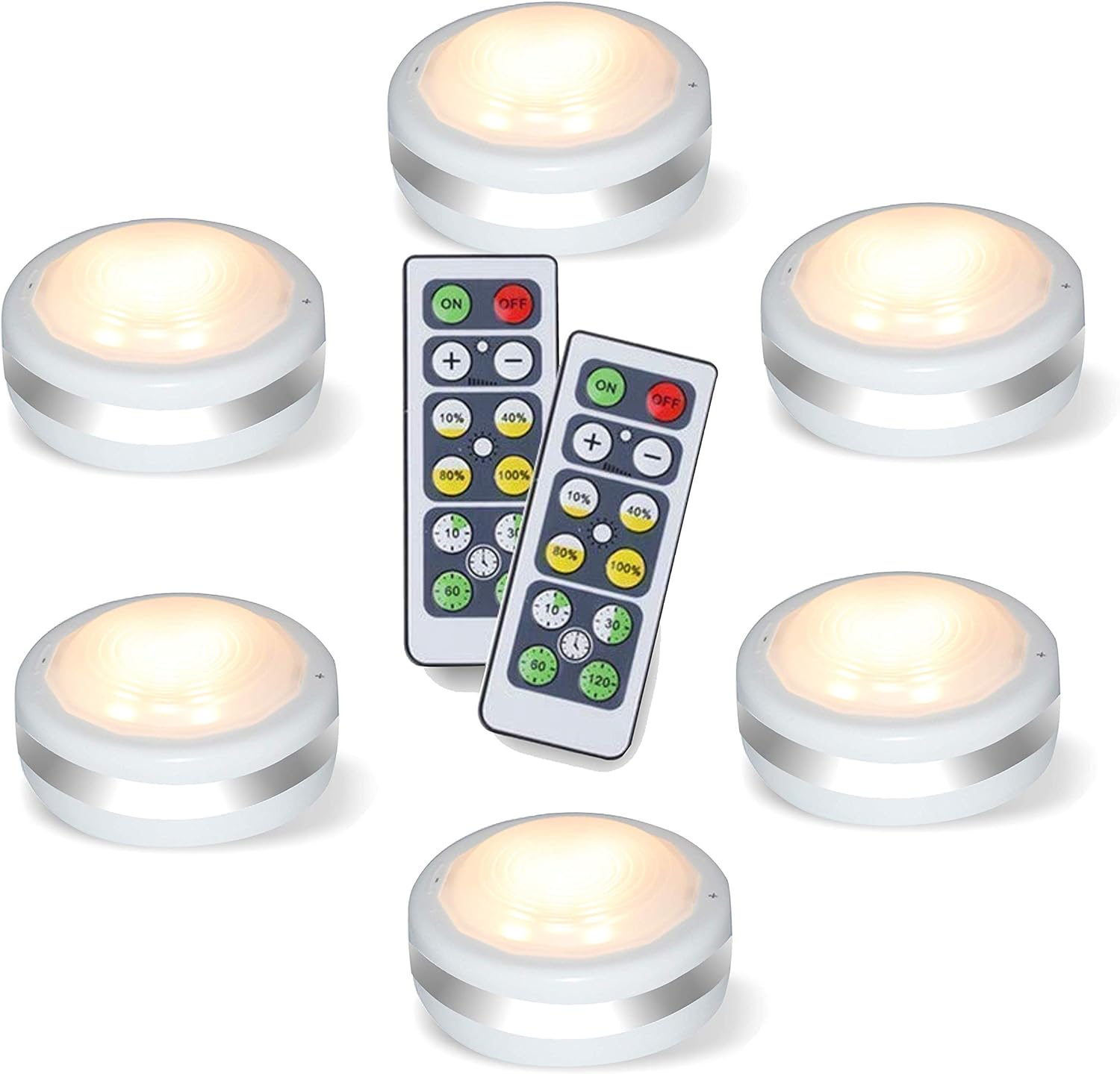
Image: The complete package contents, including six puck lights and two remote controls.
Настройка і ўстаноўка
Follow these steps to set up your Starxing LED Puck Lights:
- Ўстаноўка батарэі:
- Locate the back cover of a puck light.
- Rotate the back cover counter-clockwise to open it.
- Insert 3 x AAA batteries (not included) into the battery compartment, ensuring correct polarity.
- Close the back cover and rotate clockwise until it is securely marked.
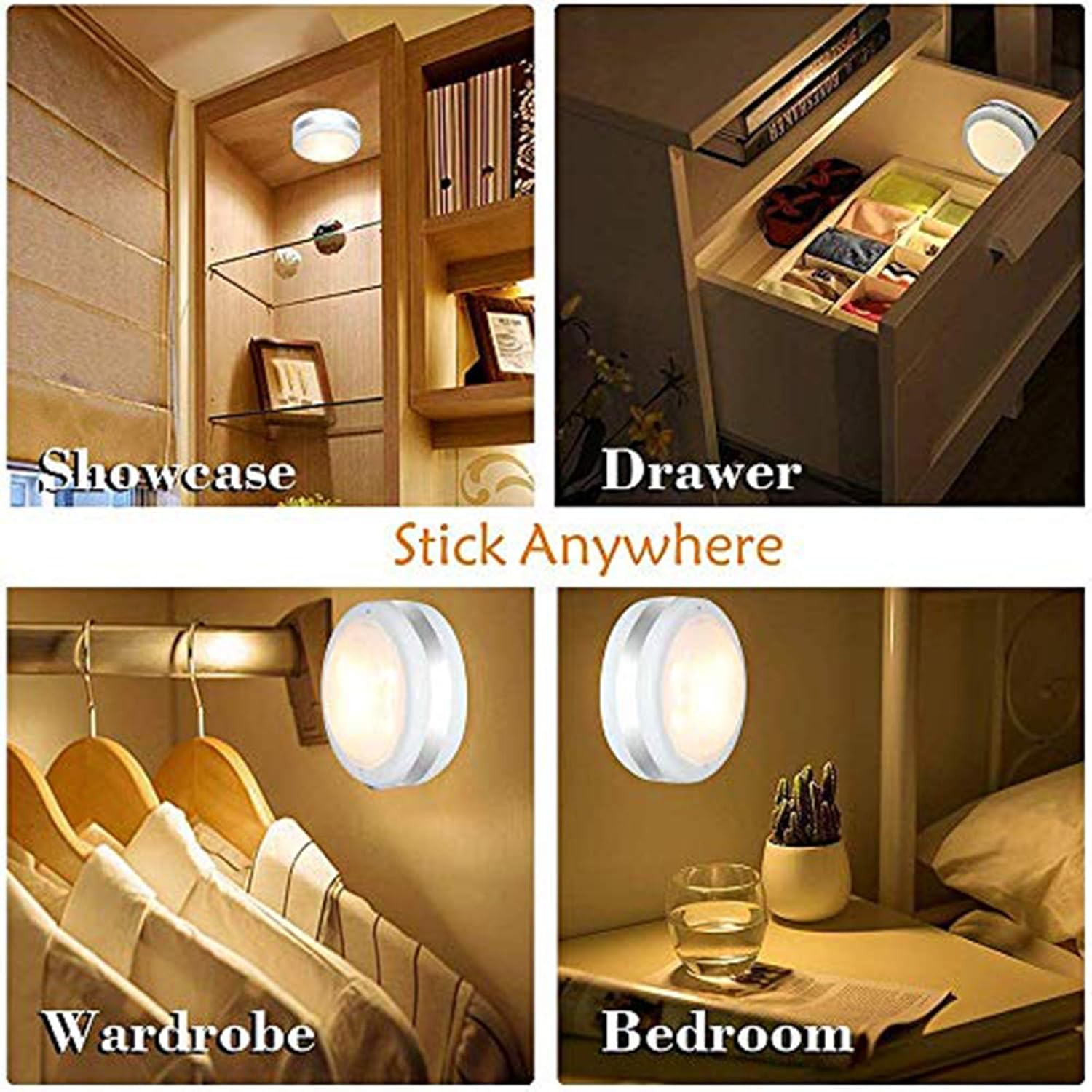
Image: Step-by-step guide for installing AAA batteries into the puck light by twisting the back cover.
Video: A demonstration of how to install batteries into the puck lights and operate them with the remote control.
- Настройка пульта дыстанцыйнага кіравання:
- Remove the PVC insulation film from the remote control's battery compartment.
- Mounting the Puck Lights:
- Ensure the desired surface is clean, dry, and smooth.
- Peel off the protective film from one side of an adhesive stick pad and apply it to the back of the puck light.
- Зніміце ахоўную плёнку з другога боку клейкай падушачкі.
- Press the puck light firmly onto the desired surface for a few seconds to ensure secure attachment.
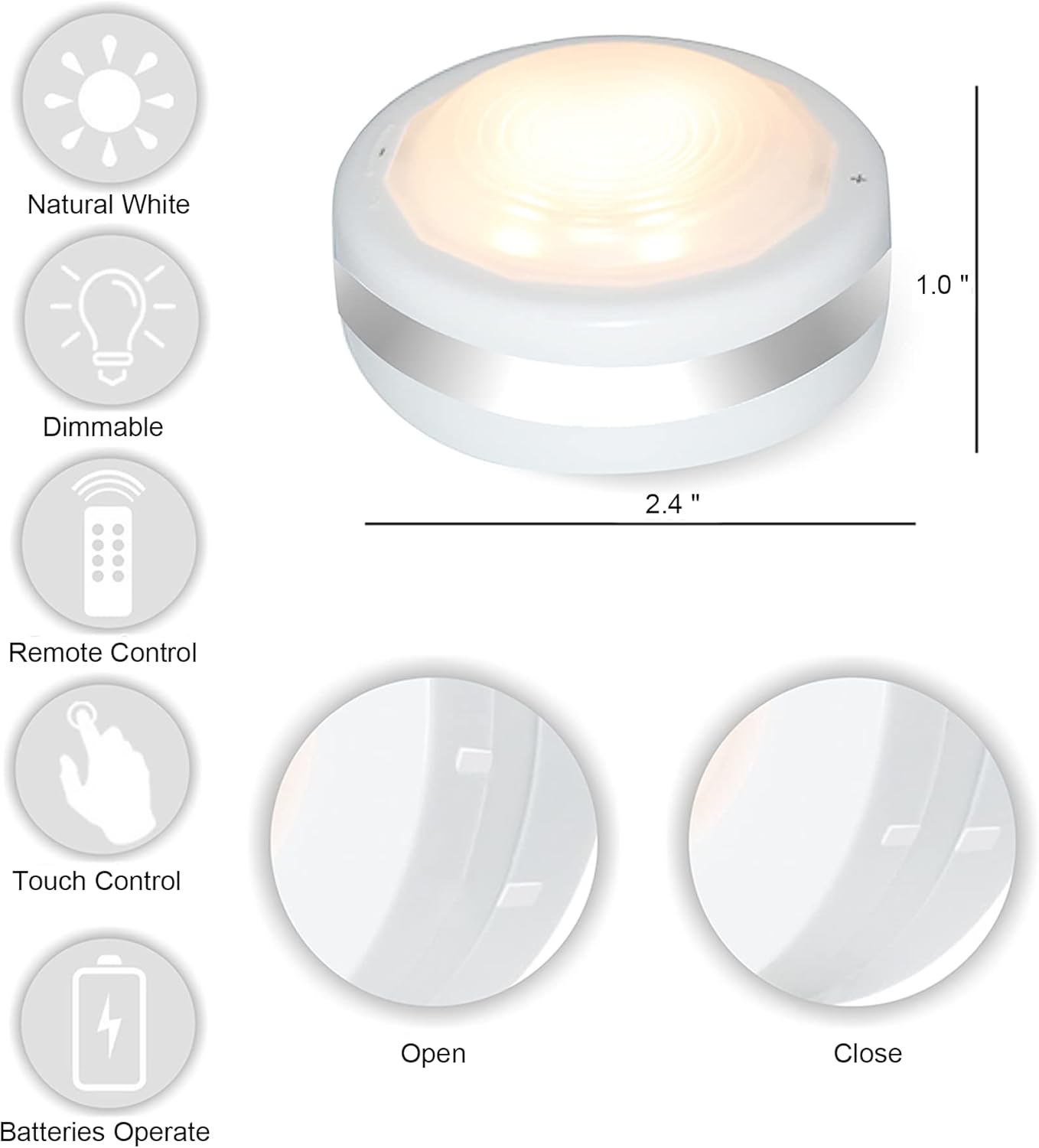
Выява: Зверхуview of puck light features, including adhesive mounting for easy installation.
Інструкцыя па эксплуатацыі
Your Starxing LED Puck Lights can be operated via remote control or manually.
Пульт дыстанцыйнага кіравання:
- Укл/Выкл: Націсніце ON кнопка, каб уключыць святло, і ВЫКЛ кнопку, каб выключыць іх.
- Рэгуляванне яркасці: Выкарыстоўвайце + і - buttons to fine-tune brightness. Alternatively, select preset brightness levels: 10%, 40%, 80%, або 100%.
- Функцыі таймера: Set the lights to automatically turn off after a specific duration using the timer buttons: 10 хвілін, 30 хвілін, 60 хвілін, або 120 хвілін.

Image: Remote control functions for adjusting brightness and setting timers.
Кіраванне ўручную:
- Укл/Выкл: Tap the lens of the puck light to turn it on or off.
- Рэгуляванне яркасці: Доўгі націск + or - button located on the body of the lamp to increase or decrease brightness. The light will remember the last brightness setting.

Image: Manual control features of the puck light, including touch on/off and brightness adjustment.
Тэхнічнае абслугоўванне
- Замена батарэі: When the lights dim significantly or stop responding, it's time to replace the batteries. Follow the battery installation steps in the Setup section. Ensure to use fresh 3 x AAA batteries for each puck light.
- Уборка: Wipe the surface of the puck lights with a soft, dry cloth. Do not use abrasive cleaners or immerse the lights in water.
- захоўванне: Калі вы захоўваеце лямпы працяглы час, выміце батарэйкі, каб пазбегнуць уцечкі і пашкоджання.
Ліквідацыю непаладак
| праблема | Магчымая прычына | Рашэнне |
|---|---|---|
| Святло не гарыць. | Dead or incorrectly installed batteries in puck light or remote. | Replace batteries in the puck light and/or remote control. Ensure correct polarity. |
| Lights are dim or flicker. | Нізкі зарад батарэі. | Replace batteries in the puck lights. |
| Пульт дыстанцыйнага кіравання не рэагуе. | Remote battery is dead, or there is an obstruction between remote and light. | Replace the remote control battery (CR2032). Ensure direct line of sight to the puck lights. |
| Lights turn off automatically too soon. | Функцыя таймера актывавана. | Check the timer settings on the remote. The lights are designed to turn off after 30 minutes of inactivity to save battery. |
| Puck light falls off surface. | Improper installation or unsuitable surface. | Ensure surface is clean, dry, and smooth before applying adhesive. Reapply with new adhesive if necessary. |
Тэхнічныя характарыстыкі
- Марка: Старксінг
- Назва мадэлі: Шайба
- Тып крыніцы святла: святлодыёд
- Светлы колер: Natural White (4000 Kelvin)
- Яркасць: 80 люмен (макс.)
- Dimmable Modes: 10%, 40%, 80%, 100%
- Крыніца харчавання: 3 x AAA Batteries per light (not included)
- Акумулятар пульта дыстанцыйнага кіравання: 1 x CR2032 battery (included with remote)
- Памеры прадукту: 2.36" Г х 2.36" Ш х 0.98" В (прыблізна 6 х 6 х 2.5 см)
- Вага прадмета: 9.2 ounces (total for 6 lights)
- матэрыял: Пластыкавыя
- Тып ўстаноўкі: Клейкі
- Метад кантролю: Remote, Manual (Touch)
- Выкарыстанне ў памяшканні/на вуліцы: У памяшканні
- Асаблівасці: Dimmable, Portable, Timer
For more detailed energy information, please refer to the EU EPREL database: Інфармацыя пра прадукт EPREL
Гарантыя і падтрымка
Starxing products are designed for quality and reliability. For any questions, concerns, or technical support regarding your LED Puck Lights, please contact Starxing customer service through the retailer's platform or the official Starxing webсайт. Калі ласка, захавайце пацвярджэнне пакупкі для прэтэнзій па гарантыі.
Ask a question about this manual
Ask about setup, troubleshooting, compatibility, parts, safety, or missing instructions. Manuals+ will review the question and use this page’s manual context to help answer it.