Уводзіны
Thank you for choosing the INPHIC PM-9 Wireless Rechargeable Silent Mouse. This manual provides detailed instructions for setting up, operating, and maintaining your new mouse. Please read this manual carefully before use to ensure optimal performance and longevity of your device.
Змест пакета
Калі ласка, праверце ўпакоўку на наяўнасць наступных прадметаў:
- 1 x INPHIC Wireless Mouse
- 1 x USB Nano-receiver
- 1 х кабель для зарадкі ад USB да Micro-USB
- 1 х кіраўніцтва карыстальніка
Прадукт скончаныview
Familiarize yourself with the key components of your INPHIC PM-9 mouse:

Image: Underside of the INPHIC PM-9 mouse, highlighting the USB receiver storage, ON/OFF switch, Micro-USB charging port, and DPI adjustment button.
- Порт для зарадкі Micro-USB: Located at the front of the mouse for charging.
- Пераключальнік уключэння/выключэння: Located on the bottom of the mouse to power the device on or off.
- DPI Setting Button: Located on the bottom of the mouse, allows adjustment of cursor sensitivity.
- USB Receiver Slot: A dedicated compartment on the bottom of the mouse for storing the USB Nano-receiver when not in use.
Інструкцыя па наладзе
Follow these steps to set up your INPHIC PM-9 wireless mouse:
- Locate and Connect the USB Receiver:
Gently slide down the back cover on the bottom of the mouse to reveal the USB Nano-receiver. Remove the receiver from its slot.
Image: Visual guide for locating and removing the USB Nano-receiver from the mouse.
Plug the USB Nano-receiver into an available USB port on your computer (PC, laptop, or MacBook). If your device only has USB-C ports, use the included USB-C adapter (if applicable) to connect the receiver.

Image: The USB Nano-receiver connected to a laptop, illustrating the 2.4G wireless transmission.

Image: Instructions for connecting the USB receiver to devices with traditional USB ports and to MacBooks with USB-C ports using an adapter.
- Уключэнне мышы:
Flip the ON/OFF switch on the bottom of the mouse to the "ON" position. The mouse should now be connected to your computer.
- Зарадзіць мыш:
Before first use, or when the mouse battery is low, connect the provided Micro-USB charging cable to the charging port on the front of the mouse and to a USB power source (e.g., computer USB port, USB wall adapter). A full charge can last up to 500 hours of use.

Image: The INPHIC mouse being charged via its Micro-USB port, indicating its rechargeable battery feature.
Відэа кіраўніцтва па наладзе
Video: This video demonstrates the initial setup of the INPHIC PM-9 wireless mouse, including locating the USB receiver, connecting it to a laptop, and basic operation.
Інструкцыя па эксплуатацыі
- Рэгуляванне DPI:
The mouse features 3 adjustable DPI levels (1000, 1200, 1600) to change cursor sensitivity. Press the DPI setting button on the bottom of the mouse to cycle through the available DPI settings. Choose the sensitivity that best suits your needs.

Image: Illustration of the adjustable DPI settings (1000, 1200, 1600) and the location of the DPI button on the mouse.
- Silent Click Feature:
The INPHIC PM-9 mouse is designed with silent click technology, providing a noiseless experience. This is ideal for environments where quiet operation is preferred, such as libraries, offices, or late-night use. Please note that only the left and right main keys support silent click.
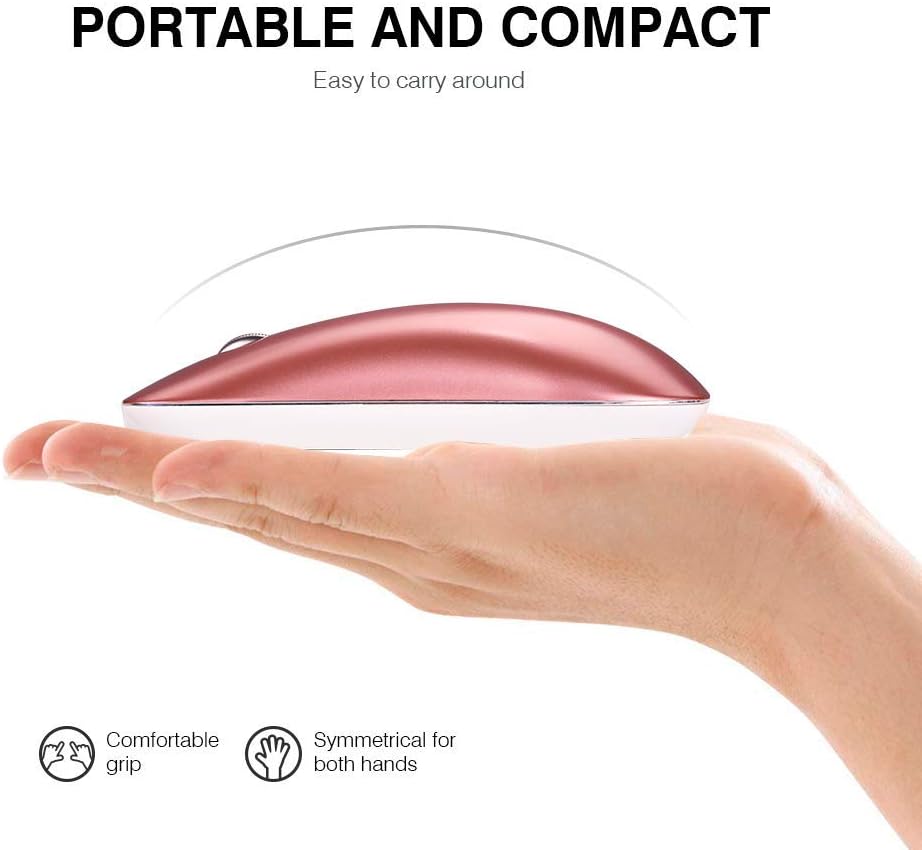
Image: A user operating the mouse quietly, with an icon indicating silent operation, highlighting the silent click feature.
- Аўтаматычны рэжым сну:
To conserve battery life, the mouse will automatically enter sleep mode after 3 minutes of inactivity. To wake the mouse, simply move it gently. For extended periods of non-use, it is recommended to turn off the mouse using the ON/OFF switch on the bottom.
Тэхнічнае абслугоўванне
- Уборка: Для чысткі мышы выкарыстоўвайце мяккую сухую тканіну. Пазбягайце выкарыстання агрэсіўных хімічных рэчываў або абразіўных матэрыялаў.
- захоўванне: When not in use, store the USB Nano-receiver in its dedicated slot on the bottom of the mouse to prevent loss. Store the mouse in a cool, dry place.
- Сыход за батарэяй: Recharge the mouse regularly to maintain battery health. Avoid fully depleting the battery frequently.
Ліквідацыю непаладак
- Мышка не рэагуе:
- Пераканайцеся, што мыш уключана.
- Check if the USB Nano-receiver is securely plugged into your computer's USB port.
- Паспрабуйце падключыць прыёмнік да іншага USB-порта.
- Зарадзіце мыш, калі батарэя разраджаная.
- Перарывістае падключэнне:
- Пераканайцеся, што мыш знаходзіцца ў межах 10-метровага працоўнага радыусу дзеяння прымача.
- Avoid using the mouse on metallic surfaces, which can interfere with the wireless signal.
- Remove any large metal objects between the mouse and the receiver.
- Рух курсора няўстойлівы:
- Ачысціце аптычны датчык у ніжняй частцы мышы.
- Паспрабуйце выкарыстоўваць мыш на іншай паверхні або кілімку для мышы.
- Знізіце значэнне DPI, калі курсор занадта адчувальны.
Тэхнічныя характарыстыкі
| Асаблівасць | Дэталь |
|---|---|
| Нумар мадэлі | ПМ-9 |
| Тэхналогія падлучэння | Бесправадная сувязь 2.4G (USB-прыёмнік) |
| Выяўленне руху | Аптычны |
| Ўзроўні DPI | 1000 / 1200 / 1600 (рэгуляваны) |
| Гузікі | 3 (Налева, направа, кола пракруткі) |
| Тып батарэі | Акумулятарная літый-іённая |
| Час зарадкі | 2-3 гадзін |
| Тэрмін службы батарэі | Да 500 гадзін (пасля поўнай зарадкі) |
| Далёкасць бесправадной сувязі | Да 10 метраў (33 футаў) |
| Памеры прадукту | 4.33 х 2.48 х 0.91 цалі (110 х 63 х 23 мм) |
| Вага прадмета | 2.57 унцый (72.86 г) |
| Сумяшчальнасць | Windows 10/8/7/XP, Vista, Linux, Mac OS |
Гарантыя і падтрымка
The INPHIC PM-9 Wireless Mouse comes with a standard warranty. For specific warranty details, returns, or technical support, please refer to the product packaging or contact your retailer. You may also visit the official INPHIC webсайт для далейшай дапамогі.