
Уводзіны
The Konftel CAM 20 is a high-quality conference camera designed to deliver 4K Ultra HD video for huddle rooms and medium-sized meeting spaces. This manual provides essential information for setting up, operating, maintaining, and troubleshooting your Konftel CAM 20 to ensure optimal performance and longevity.
Што ў скрынцы
- Konftel Cam20 Camera
- Пульт дыстанцыйнага кіравання
- 5 м кабель USB 2.0
- 2 батарэйкі тыпу AAA (для пульта дыстанцыйнага кіравання)
- Кароткае кіраўніцтва
- Інфармацыя па бяспецы
Прадукт скончаныview
The Konftel CAM 20 features a 4K Ultra HD sensor, a 105-degree field of view, and WDR technology for excellent image quality in various lighting conditions. It connects via USB 3.0 for seamless integration with your preferred conferencing software.

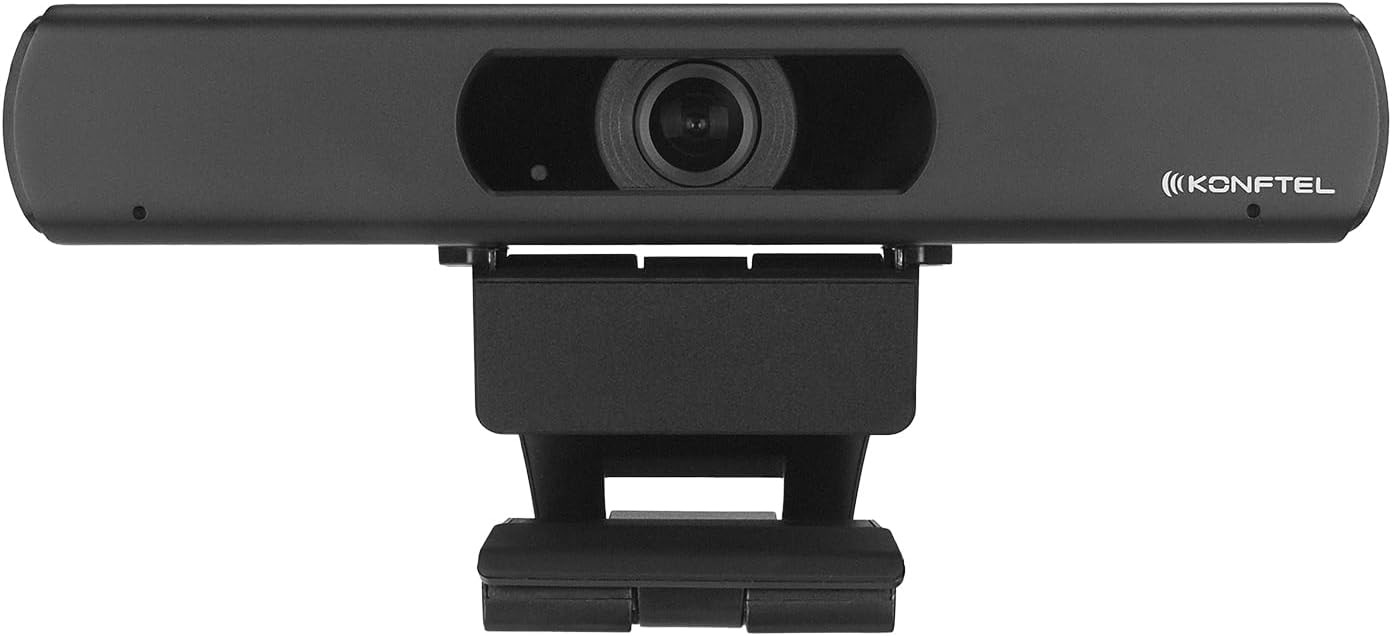
Малюнак 1: Спераду view of the Konftel CAM 20 Conference Camera, showing the lens and Konftel branding.
Малюнак 2: Зверху ўніз view of the Konftel CAM 20 Conference Camera, highlighting its compact design.
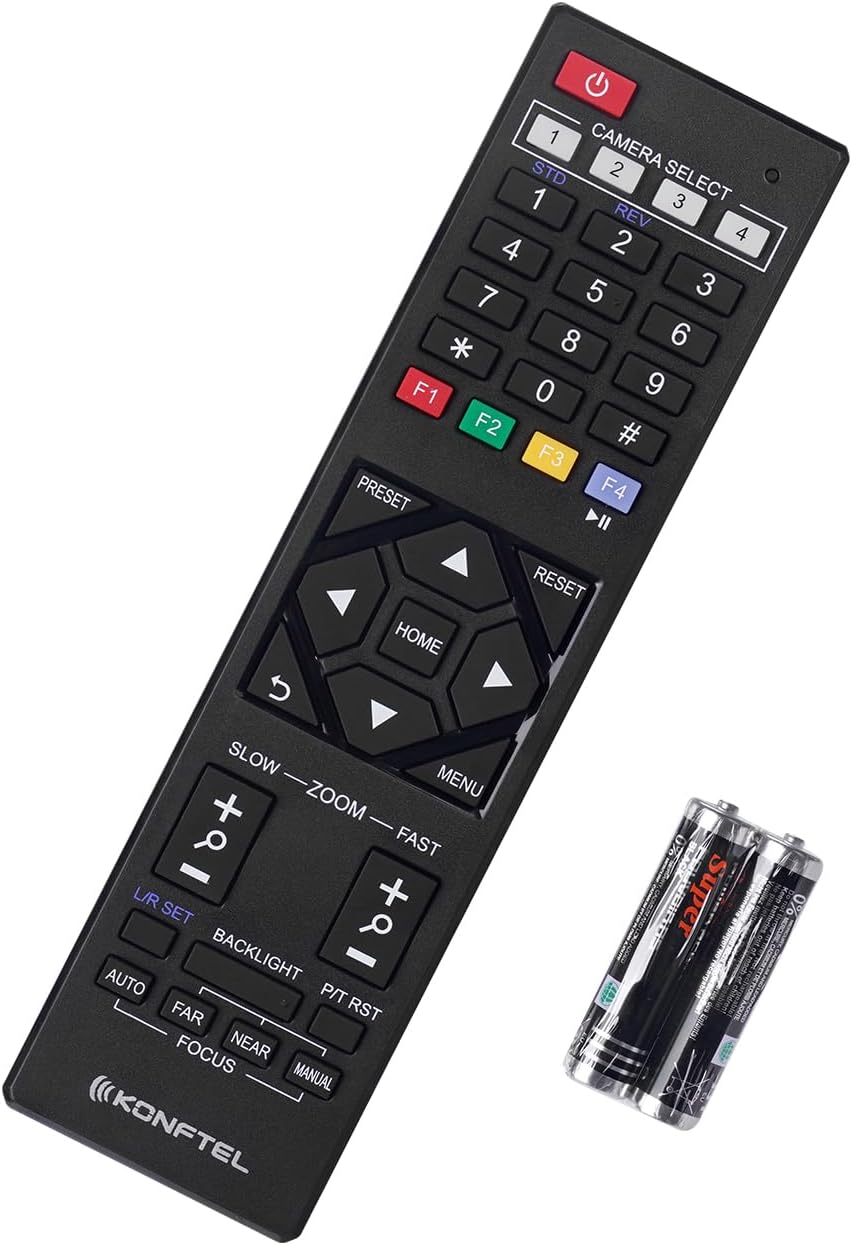
Figure 3: The Konftel CAM 20 Conference Camera shown with its included remote control and AAA batteries.
Настройка
1. Размяшчэнне камеры
Position the Konftel CAM 20 on top of your display or on a flat surface near your meeting area. Ensure the camera has a clear line of sight to all participants. The integrated mount allows for easy adjustment.
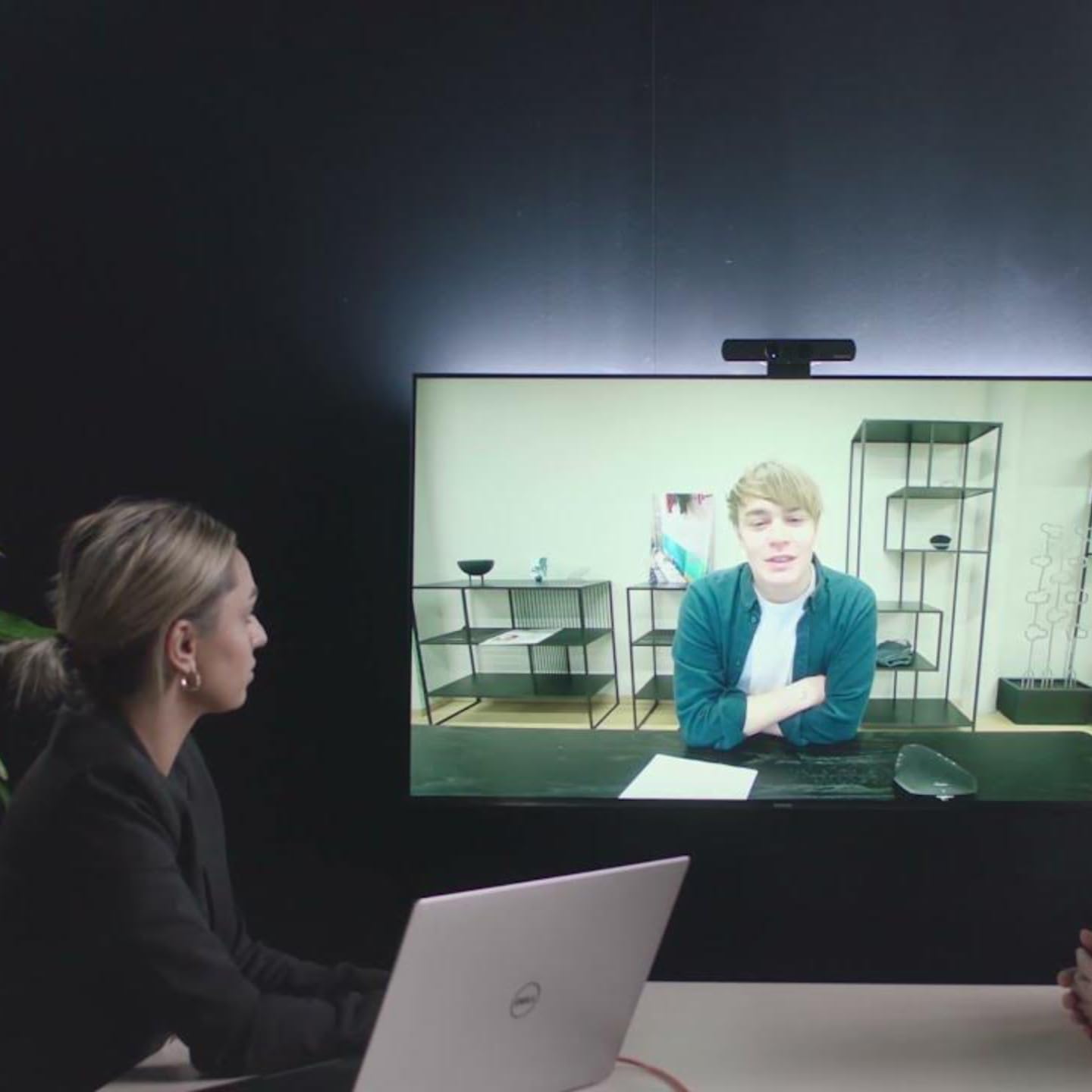
Figure 4: The Konftel CAM 20 Conference Camera securely mounted on top of a monitor, demonstrating typical placement.
2. Падключэнне да кампутара
- Connect the supplied 5m USB 2.0 cable to the USB 3.0 port on the Konftel CAM 20.
- Connect the other end of the USB cable to an available USB port on your computer. For optimal performance, use a USB 3.0 port if available.
- The camera is UVC (USB Video Class) compliant and should be automatically recognized by your operating system (Windows, macOS, Linux) without requiring additional drivers.
3. Connecting to an External Display (Optional)
The Konftel CAM 20 features an HDMI output for local monitoring of the video feed.
- Connect an HDMI cable (not included) from the HDMI port on the Konftel CAM 20 to an HDMI input on your external display.
- This allows you to see what the camera is transmitting in real-time, independent of your computer's display.
Інструкцыя па эксплуатацыі
1. Selecting the Camera in Your Application
Once connected, open your preferred video conferencing application (e.g., Zoom, Microsoft Teams, Google Meet, Skype for Business). Navigate to the video settings and select "Konftel CAM 20" as your video device.
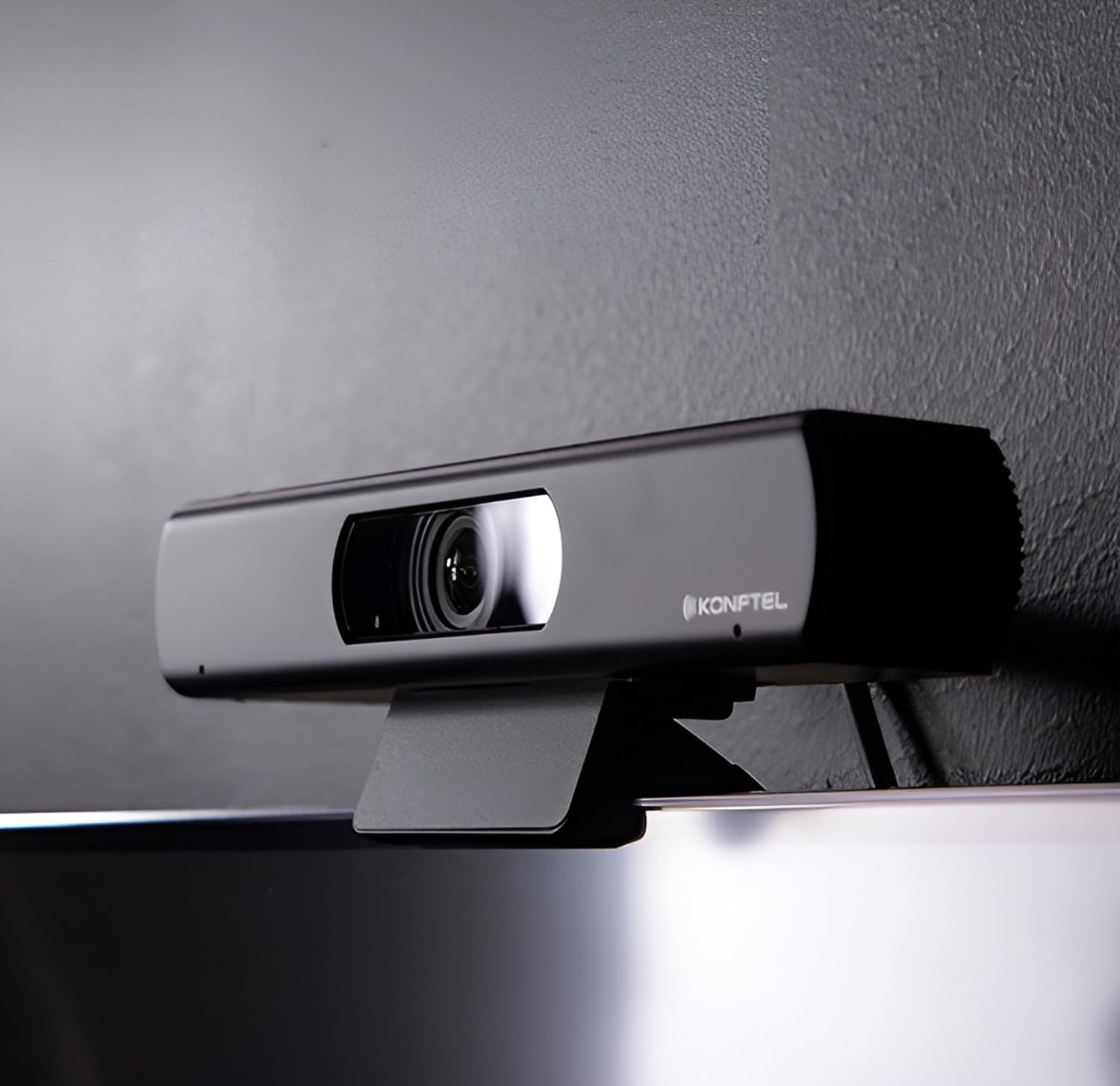
Figure 5: The Konftel CAM 20 actively used in a meeting setting, displaying a clear video feed on a large screen.
2. Выкарыстанне пульта дыстанцыйнага кіравання
The included remote control allows for easy adjustment of camera settings.
Figure 6: Close-up of the Konftel CAM 20 remote control, showing various buttons for camera control.
- Кнопка харчавання: Уключае/выключае камеру.
- Pan/Tilt/Zoom (PTZ) Controls: Use the arrow keys to pan (left/right) and tilt (up/down) the camera. Use the zoom buttons to zoom in/out. The 4K resolution allows for deep and sharp digital zoom.
- Кнопкі загадзя настроеных налад (1-9): Save and recall specific camera positions and zoom levels for quick access. To save a preset, adjust the camera to the desired position, then press and hold a number button until the camera confirms. To recall, simply press the number button.
- Кнопка дадому: Returns the camera to its default home position.
- Фокус: Adjusts the focus (Auto/Manual, Far/Near).
- Падсвятленне: Adjusts backlight compensation.
3. Optimal Field of View
The Konftel CAM 20 offers a 105-degree field of view, ideal for capturing all participants in huddle rooms without distortion. Position the camera to ensure everyone is comfortably within the frame.
Тэхнічнае абслугоўванне
- Уборка: Выкарыстоўвайце мяккую сухую тканіну для чысткі аб'ектыва і корпуса камеры. Пазбягайце выкарыстання абразіўных ачышчальнікаў або растваральнікаў.
- Абнаўленні праграмнага забеспячэння: Konftel provides free software updates. Check the official Konftel website periodically for the latest firmware to ensure optimal performance and access to new features.
- захоўванне: Калі камера не выкарыстоўваецца працяглы час, захоўвайце яе ў прахалодным, сухім месцы, удалечыні ад прамых сонечных прамянёў і экстрэмальных тэмператур.
Ліквідацыю непаладак
| праблема | Магчымая прычына | Рашэнне |
|---|---|---|
| Няма відэавыхаду / Камера не выяўлена |
|
|
| Дрэнная якасць выявы |
|
|
| Пульт дыстанцыйнага кіравання не працуе |
|
|
Тэхнічныя характарыстыкі
| Асаблівасць | Дэталь |
|---|---|
| Нумар мадэлі | 931201001 |
| Дазвол відэа | 4K Ultra HD |
| Поле в View (FoV) | 105 градусаў |
| Сувязь | USB 3.0 (зваротная сумяшчальнасць з USB 2.0) |
| Відэавыхад | USB, HDMI |
| Памеры (Д х Ш х У) | 7.64 х 1.34 х 1.65 цалі (19.4 х 3.4 х 4.2 см) |
| Вага | 12 унцыі (340 грам) |
| Магутнасць | Харчаванне ад USB |
| Падтрымліваюцца АС | Windows, macOS, Linux |
| Асаблівасці | WDR technology, Digital Pan-Tilt-Zoom, Remote Control, Presets |
Інфармацыя аб гарантыі
Konftel products are covered by a limited warranty. For detailed warranty terms and conditions, please refer to the official Konftel website or the warranty card included with your product. Please retain your proof of purchase for warranty claims.
Typical warranty coverage includes defects in materials and workmanship under normal use. Damage resulting from misuse, accidents, unauthorized modifications, or improper installation is not covered.
Падтрымка кліентаў
For further assistance, technical support, or to download the latest software updates, please visit the official Konftel support webсайт:
You may also contact Konftel customer service directly through the contact information provided on their webсайт.