
Уводзіны
Thank you for choosing SIMOLIO JH-711 Wireless Kids Headphones. These headphones are designed with children's safety and comfort in mind, featuring 3-level volume limiting for hearing protection, Bluetooth connectivity, and a durable, foldable design. This manual will guide you through the setup, operation, and maintenance of your new headphones.
Асаблівасці прадукту
- 3-Level Volume Limiting: Protects children's hearing with selectable limits of 75dB (toddlers), 85dB (kids), and 94dB (adults).
- Wireless & Wired Modes: Connect via Bluetooth for wireless freedom or use the included 3.5mm audio cable when the battery is low or with non-Bluetooth devices.
- Убудаваны мікрафон: Enables hands-free calling for convenience.
- Порт сумеснага выкарыстання аўдыё: Allows another headphone to connect and share audio from the same device.
- Durable & Flexible Design: Constructed with memory stainless steel strips in the headband to withstand bending and twisting.
- Складаны і кампактны: Easy to fold and store in the included EVA hard carrying case, perfect for travel and school.
- Доўгі тэрмін службы батарэі: Забяспечвае да 15 гадзін прайгравання на адной зарадцы.

Image: Diagram illustrating the 3-level volume limiting feature (75dB, 85dB, 94dB) for different age groups.

Image: Hands bending the headphone headband, showcasing its flexible and durable construction.

Image: The headphones folded compactly, ready to be stored in their EVA hard carrying case.
Што ў скрынцы
- SIMOLIO JH-711 Wireless Kids Headphones (2 Count)
- USB-кабель для зарадкі
- Аўдыёкабель 3.5 мм AUX
- Кіраўніцтва карыстальніка (гэты дакумент)
- EVA Hard Carrying Case
Настройка
1. Зарадка навушнікаў
- Locate the Micro USB charging port on the headphone earcup.
- Падключыце зарадны кабель USB, які ўваходзіць у камплект, да зараднага порта навушнікаў.
- Падключыце другі канец USB-кабеля да сумяшчальнай крыніцы харчавання USB (напрыклад, камп'ютара, насценнага адаптара USB).
- The LED indicator will illuminate during charging and turn off when fully charged. A full charge takes approximately 3 hours.

Image: The SIMOLIO JH-711 headphones with the charging cable inserted into the Micro USB port.
2. Спарванне Bluetooth
- Пераканайцеся, што навушнікі цалкам зараджаныя.
- Press and hold the Power button (MFB) on the headphone earcup until the LED indicator flashes blue and red, indicating pairing mode.
- На вашай прыладзе (смартфоне, планшэце і г.д.) уключыце Bluetooth і знайдзіце даступныя прылады.
- Select "SIMOLIO JH-711" from the list of devices.
- Пасля падлучэння святлодыёдны індыкатар будзе павольна міргаць сінім.
3. Правадное злучэнне (рэжым AUX)
- Locate the 3.5mm AUX port on the headphone earcup.
- Connect one end of the provided 3.5mm AUX audio cable to the headphone's AUX port.
- Connect the other end of the AUX cable to the 3.5mm audio jack of your device.
- The headphones will automatically switch to wired mode. This mode works even if the headphone battery is depleted.
4. Adjusting Volume Limiter
The headphones feature a 3-level volume limiter switch (75dB, 85dB, 94dB) located on the earcup. Slide the switch to select the desired maximum volume level appropriate for the user's age and environment.

Image: Detail of the headphone earcup highlighting the 3-level volume limiter switch.
5. Рэгуляванне абадка
The headband is adjustable to fit various head sizes. Gently slide the earcups up or down along the headband to achieve a comfortable and secure fit. The flexible design allows for minor reshaping.

Image: A person demonstrating how to adjust the headband for a proper fit.
Інструкцыя па эксплуатацыі
1. Уключэнне/выключэнне харчавання
- Уключэнне: Press and hold the Multi-Function Button (MFB) for approximately 3 seconds until the LED indicator lights up.
- Выключэнне: Press and hold the MFB for approximately 3 seconds until the LED indicator turns off.
2. Прайграванне музыкі
- Прайграванне/Паўза: Кароткае націсканне MFB.
- Наступны трэк: Long press the "Volume Up" button.
- Папярэдні трэк: Long press the "Volume Down" button.
- Павялічыць гучнасць: Short press the "Volume Up" button.
- Паменшыць гучнасць: Short press the "Volume Down" button.
3. Кіраванне выклікамі
- Адказ/завяршэнне выкліку: Кароткае націсканне MFB.
- Адхіліць выклік: Доўга націсніце на шматфункцыянальную кнопку.
4. Audio Sharing
To share audio with another pair of headphones, connect a 3.5mm audio cable from the sharing jack on the right earcup of the SIMOLIO headphones to the audio input of another headphone. This allows two users to listen to the same audio source simultaneously.
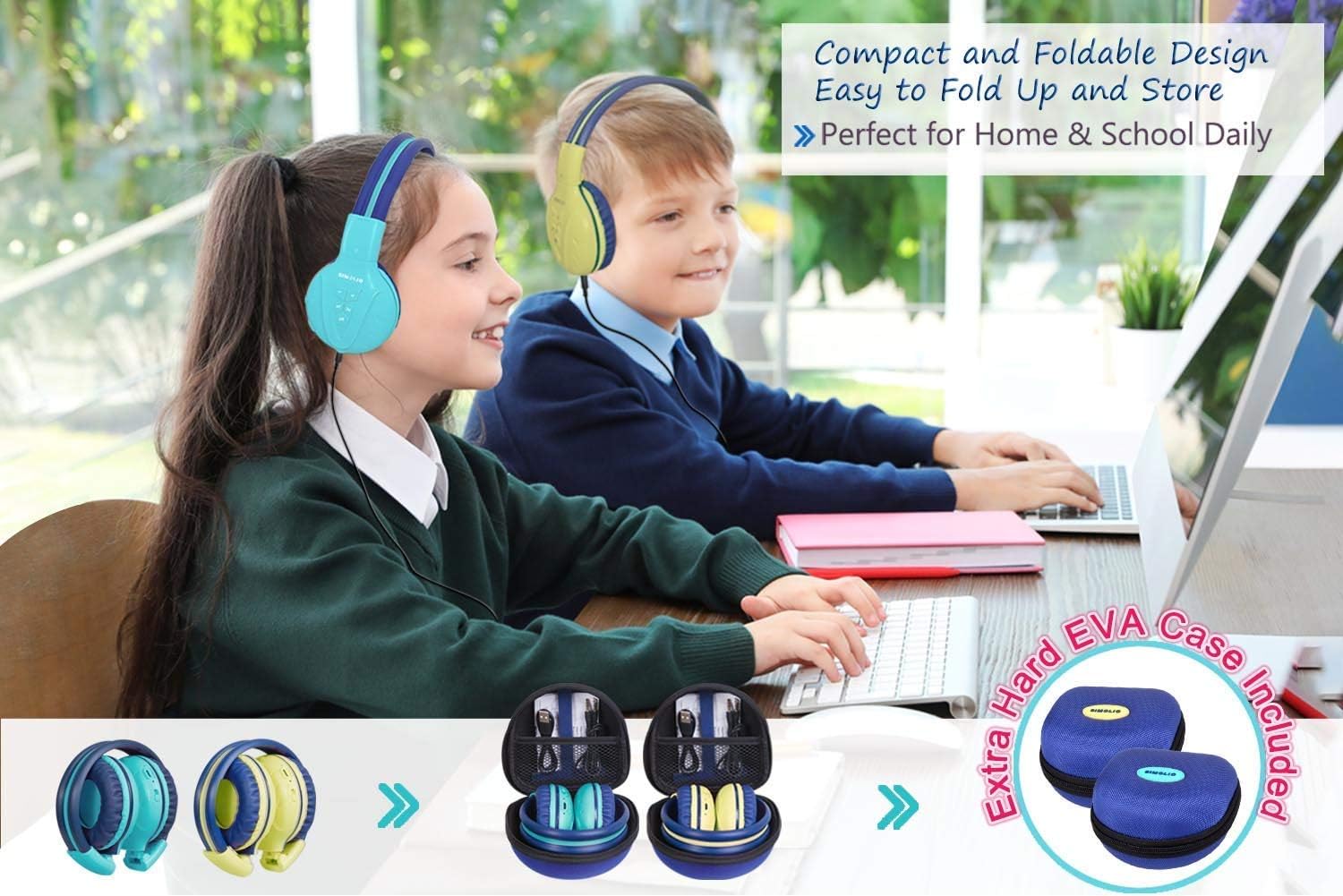
Image: Two pairs of headphones connected using the audio sharing feature, allowing simultaneous listening.
Тэхнічнае абслугоўванне
- Уборка: Для чысткі навушнікаў выкарыстоўвайце мяккую сухую тканіну. Не выкарыстоўвайце вадкія ачышчальнікі або аэразолі.
- захоўванне: When not in use, fold the headphones and store them in the provided EVA hard carrying case to protect them from dust and damage.
- Сыход за батарэяй: Каб падоўжыць тэрмін службы батарэі, не разраджайце навушнікі цалкам часта. Рэгулярна зараджайце іх, нават калі яны не выкарыстоўваюцца пастаянна.
Ліквідацыю непаладак
| праблема | Рашэнне |
|---|---|
| Навушнікі не ўключаюцца. | Пераканайцеся, што навушнікі зараджаныя. Падключыце іх да крыніцы харчавання з дапамогай USB-кабеля. |
| Немагчыма падключыцца праз Bluetooth. | Make sure the headphones are in pairing mode (flashing blue/red LED). Ensure your device's Bluetooth is on and within range. Forget previous pairings on your device and try again. |
| У правадным рэжыме гуку няма. | Check that the 3.5mm AUX cable is securely connected to both the headphones and the audio source. Ensure the audio source's volume is not muted or too low. |
| Sound is too low/high. | Adjust the volume using the +/- buttons on the headphones and on your connected device. Check the 3-level volume limiter switch setting. |
Тэхнічныя характарыстыкі
- Назва мадэлі: Kids Bluetooth Headphones JH-711MY
- Тэхналогія падключэння: Бесправадная сувязь (Bluetooth), правадная (3.5 мм AUX)
- Тэхналогія бесправадной сувязі: Bluetooth 4.0
- Дыяпазон Bluetooth: 30 футаў
- Тэрмін службы батарэі: Да 15 гадзін
- Час зарадкі: Прыкладна 3 гадзін
- Тып аўдыё драйвера: Дынамічны драйвер
- Размяшчэнне вушэй: Над вухам
- Кантроль шуму: Гукаізаляцыя
- Асаблівасці: 3 Adjustable Volume Limited, Built-in Microphone, Durable and Flexible, Foldable, Audio Share Port, EVA Case
- Памеры прадукту: 5.51 х 3.15 х 5.31 цалі
- Вага прадмета: 1.8 фунта (0.82 кілаграма)
- матэрыял: Nylon, Stainless Steel (headband), EVA (carrying case)
Афіцыйнае відэа пра прадукт
Video: An official product video from Simolio Direct showcasing the features and usage of the SIMOLIO Bluetooth Headphones for Kids with Case JH-711.
Гарантыя і падтрымка
For warranty information or technical support, please refer to the contact details provided on the product packaging or visit the official SIMOLIO webсайт.