
Inateck SA01003
Inateck SA01003 3.5 Inch HDD Enclosure User Manual
Мадэль: SA01003
1. Уводзіны
The Inateck SA01003 is a 3.5-inch HDD enclosure designed to convert an internal SATA hard drive into an external USB 3.0 storage device. It features a mesh metal shell for efficient heat dissipation, supporting hard drives up to 10TB. This enclosure offers high-speed data transfer with USB 3.0 and UASP support, ensuring reliable performance for your data storage needs.

Image 1.1: The Inateck SA01003 3.5 Inch HDD Enclosure, showcasing its sleek design and mesh exterior.

Image 1.2: The mesh design of the enclosure facilitates optimal heat dissipation, extending the lifespan of the hard drive.
2. Змесціва ўпакоўкі
Калі ласка, пераканайцеся, што ўсе прадметы прысутнічаюць у камплекце:
- SA01003 Hard Drive Enclosure x 1
- USB B to A cable x 1
- 12V/2A power adapter x 1
- Інструкцыя па эксплуатацыі x 1
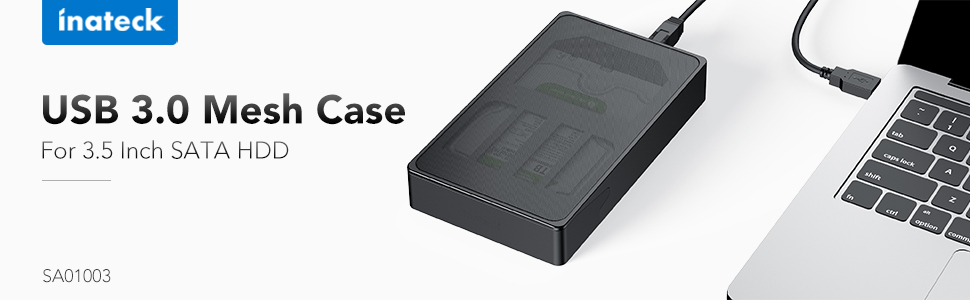
Image 2.1: All components included in the Inateck SA01003 package, including the enclosure, cables, power adapter, and manual.
3. Інструкцыі па ўсталёўцы
Follow these steps to install your 3.5-inch SATA hard drive into the enclosure:
- Unlock the Enclosure: Locate the lock switch on the back of the enclosure. Slide the switch to the unlocked position.
- Open the Front Door: Gently rotate the front door of the enclosure open.
- Insert the Hard Drive: Carefully slide your 3.5-inch SATA hard drive into the enclosure, ensuring the SATA connectors align and connect properly. The drive label should typically face upwards. Press firmly until the drive is seated securely.

Image 3.1: Illustration of how to correctly insert a 3.5-inch hard drive into the enclosure.
- Зачыніць і заблакаваць: Close the front door until it clicks into place. Slide the lock switch back to the locked position to secure the drive.
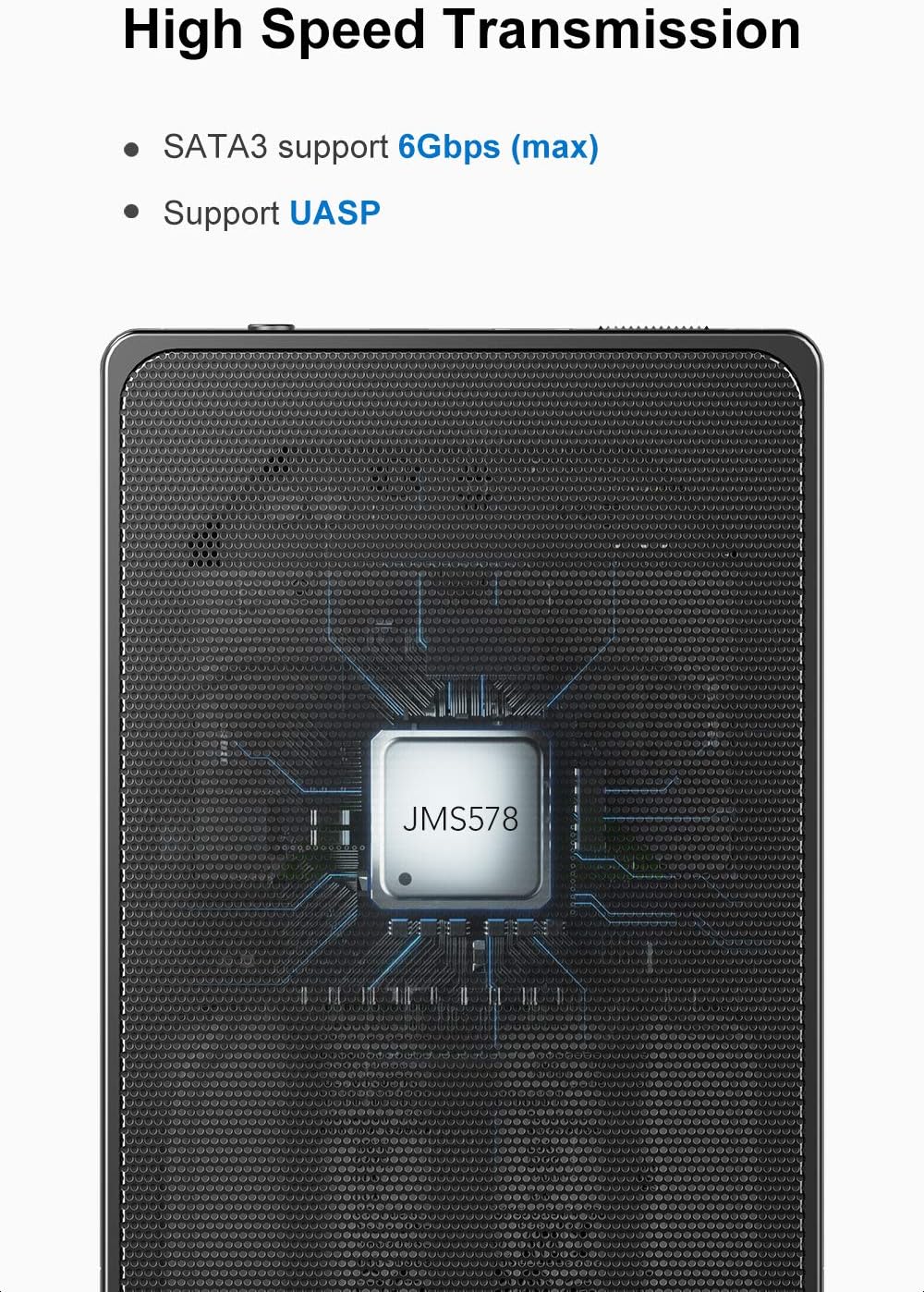
Image 3.2: The unique switch design on the back panel helps prevent the hard drive from accidentally slipping out.
- Падключыце харчаванне: Connect the provided 12V/2A power adapter to the DC input port on the enclosure, then plug the adapter into a power outlet.
- Падключыцеся да кампутара: Connect the USB B end of the provided USB 3.0 cable to the enclosure and the USB A end to an available USB 3.0 port on your computer.

Image 3.3: The included 12V/2A power adapter ensures stable power supply for high-capacity hard drives.
4. Інструкцыя па эксплуатацыі
4.1 Падключэнне да кампутара
Once the hard drive is installed and the enclosure is powered on, connect the USB 3.0 cable to your computer. The operating system should automatically detect the new hardware. For new hard drives, you may need to initialize and format the drive through your computer's disk management utility before use.
4.2 High-Speed Data Transfer (UASP)
The enclosure supports SuperSpeed USB 3.0, offering data transfer speeds up to 5Gbps. It also supports UASP (USB Attached SCSI Protocol), which enhances transfer speeds, especially for large files, when connected to a UASP-enabled host controller and operating system.

Image 4.1: The internal chipset supports SATA3 (up to 6Gbps) and UASP for efficient data transfer.
4.3 Функцыянальнасць гарачай замены
The Inateck SA01003 supports hot-swapping, allowing you to connect or disconnect the enclosure from your computer without needing to restart the system. Always ensure data transfer is complete before disconnecting to prevent data loss.
4.4 Automatic Idle Mode
To protect the hard drive and conserve energy, the enclosure will enter an idle mode if there is no operation on the hard drive for over 10 minutes. The drive will spin down and resume operation automatically when accessed.
4.5 Сумяшчальнасць сістэмы
The enclosure is compatible with Windows XP/7/8/10, Linux, and Mac OS 9.1/10.8.4 and above. No additional drivers are typically needed for these operating systems.
5. Тэхнічнае абслугоўванне
- Уборка: Для чысткі вонкавых паверхняў корпуса выкарыстоўвайце мяккую сухую тканіну. Пазбягайце выкарыстання вадкіх ачышчальнікаў або растваральнікаў.
- Вентыляцыя: Ensure the mesh areas are not obstructed to allow for proper airflow and heat dissipation.
- захоўванне: Захоўвайце корпус у прахалодным, сухім месцы, удалечыні ад прамых сонечных прамянёў і экстрэмальных тэмператур.
- Адключэнне: Always safely eject the hard drive from your operating system before physically disconnecting the USB cable or power adapter to prevent data corruption.
6. Выпраўленне непаладак
6.1 Hard Drive Not Detected
- Ensure the hard drive is correctly seated within the enclosure and the front door is locked.
- Verify that the power adapter is securely connected to both the enclosure and a working power outlet.
- Check the USB cable connections at both the enclosure and the computer. Try a different USB port or cable if available.
- For new hard drives, ensure they are initialized and formatted in your computer's Disk Management (Windows) or Disk Utility (Mac) before use.
- Test the enclosure with a different hard drive, or test the hard drive in another enclosure/system to isolate the issue.
6.2 Slow Data Transfer Speed
- Ensure the enclosure is connected to a USB 3.0 port on your computer. USB 2.0 ports will result in significantly lower speeds.
- Verify that your operating system and host controller support UASP for optimal performance.
- Check the condition of the USB cable. A damaged or low-quality cable can affect transfer speeds.
- The performance of the hard drive itself can also be a limiting factor.
6.3 Enclosure Feels Warm
It is normal for the enclosure to feel warm during operation, especially during prolonged data transfers, due to the heat generated by the hard drive. The mesh design is intended to dissipate this heat. Ensure the enclosure has adequate ventilation and is not placed in an enclosed space.
7. Тэхнічныя характарыстыкі
| мадэль | SA01003 |
| Абсталяванне інтэрфейсу | USB 3.0 |
| Сумяшчальныя прылады | 3.5 inch HDDs |
| Ёмістасць памяці | Да 10 ТБ |
| Хуткасць перадачы даных | 5 гігабіт у секунду (USB 3.0) |
| Матэрыял корпуса | Metal (Mesh) |
| Памеры прадукту (Д х Ш х У) | 7.68" x 4.53" x 1.26" |
| Падтрымліваюцца аперацыйныя сістэмы | Windows XP/7/8/10, Linux, Mac OS 9.1/10.8.4 and above |
| Адаптар сілкавання | 12 В/2 А |
8. Гарантыя і падтрымка
8.1 Інфармацыя аб гарантыі
This Inateck product is covered by a 1-гадовая гарантыя вытворцы з даты пакупкі. Гэтая гарантыя распаўсюджваецца на дэфекты матэрыялаў і вырабу пры нармальным выкарыстанні. Яна не распаўсюджваецца на пашкоджанні, выкліканыя няправільным выкарыстаннем, няшчаснымі выпадкамі, несанкцыянаванымі мадыфікацыямі або стыхійнымі бедствамі.
8.2 Падтрымка кліентаў
If you encounter any issues or have questions regarding your Inateck SA01003 HDD Enclosure, please contact Inateck customer support. You can typically find contact information on the official Inateck webна сайце або праз прадаўца, у якога вы набылі тавар.
When contacting support, please have your product model (SA01003) and purchase details ready to assist with faster service.
Звязаныя дакументы - SA01003
 |
User Manual: 2.5 Inch Screwless HDD Enclosure - Installation and Usage Guide Comprehensive user manual for the 2.5 Inch Screwless HDD Enclosure, covering product features, specifications, installation steps, troubleshooting, and precautions. Supports USB 3.0 and SATA drives. |
 |
Інструкцыя па эксплуатацыі ахоўнага блока для 3.5-цалевага жорсткага дыска Inateck HPF У гэтым дакуменце прыведзены інструкцыі па выкарыстанні ахоўнага бокса для жорсткіх дыскаў Inateck HPF 3.5 цалі, у тым ліку інфармацыя па зборцы, выкарыстанні і адпаведнасці патрабаванням. |
 |
kebidumei VIV000312 2.5-inch SATA SSD HDD External Enclosure User Guide User guide for the kebidumei VIV000312 2.5-inch SATA SSD HDD external enclosure. Features USB 3.0, UASP, tool-free installation, and broad OS compatibility. Includes safety precautions and CE compliance information. |
 |
Кіраўніцтва карыстальніка Inateck UA1001 - адаптар USB 3.0 - SATA Кіраўніцтва карыстальніка для Inateck UA1001, адаптара USB 3.0 на SATA, які падтрымлівае жорсткія дыскі і SSD-назапашвальнікі 2.5"/3.5". Мае USB 3.0 5 Гбіт/с, SATA III, UASP для больш хуткай перадачы дадзеных, а таксама ўключае кантактную інфармацыю сэрвіснага цэнтра і дэкларацыі аб адпаведнасці. |
 |
Знешні корпус для жорсткага дыска UGREEN US222 USB 3.0 Кіраўніцтва карыстальніка Інструкцыя карыстальніка для UGREEN US222, 3.5-цалевага вонкавага жорсткага дыска SATA. Уключае інструкцыі па ўсталёўцы, заўвагі па тэхніцы бяспекі, інфармацыю аб камплекце, гарантыйную інфармацыю і дэкларацыю адпаведнасці ЕС. |
 |
Yottamaster DM3 Hard Drive Enclosure User Manual Official user manual for the Yottamaster DM3 hard drive enclosure, providing setup instructions, feature explanations, and warranty information. |
Ask a question about this manual
Ask about setup, troubleshooting, compatibility, parts, safety, or missing instructions. Manuals+ will review the question and use this page’s manual context to help answer it.