
1. Уводзіны
The TP-Link Archer T2U Plus is an AC600 High Gain Wireless Dual Band USB Adapter designed to provide high-speed Wi-Fi connectivity for desktop PCs and laptops. It supports both 2.4 GHz and 5 GHz bands, offering flexible connectivity options and enhanced range with its 5dBi high-gain antenna. This manual provides instructions for setting up, operating, and maintaining your adapter.

Image: The TP-Link Archer T2U Plus AC600 High Gain Wireless Dual Band USB Adapter.
2. Змесціва ўпакоўкі
Пераканайцеся, што ваш пакет змяшчае наступныя элементы:
- AC600 High Gain Wireless Dual Band USB Adapter (Archer T2U Plus)
- Кіраўніцтва па хуткай ўстаноўцы
- Рэсурсны кампакт-дыск (з драйверамі і ўтылітамі)

Image: The retail packaging for the Archer T2U Plus, showing the adapter and its key features.
3. Сістэмныя патрабаванні
Before installation, ensure your system meets the following requirements:
- An available USB port (USB 2.0 or higher recommended).
- Operating System: Windows 11/10/8.1/8/7/XP or Mac OS 10.15 and earlier.
- CD-ROM drive (for driver installation from Resource CD) or internet access (for driver download).

Image: Icons representing compatible operating systems: Windows 10, Windows 8.1, Windows 8, Windows 7, Windows XP, and Mac OS.
4. Усталёўка і ўстаноўка драйвера
4.1 Устаноўка абсталявання
- Устаўце адаптар: Plug the Archer T2U Plus USB adapter into an available USB port on your computer. Ensure it is securely seated.
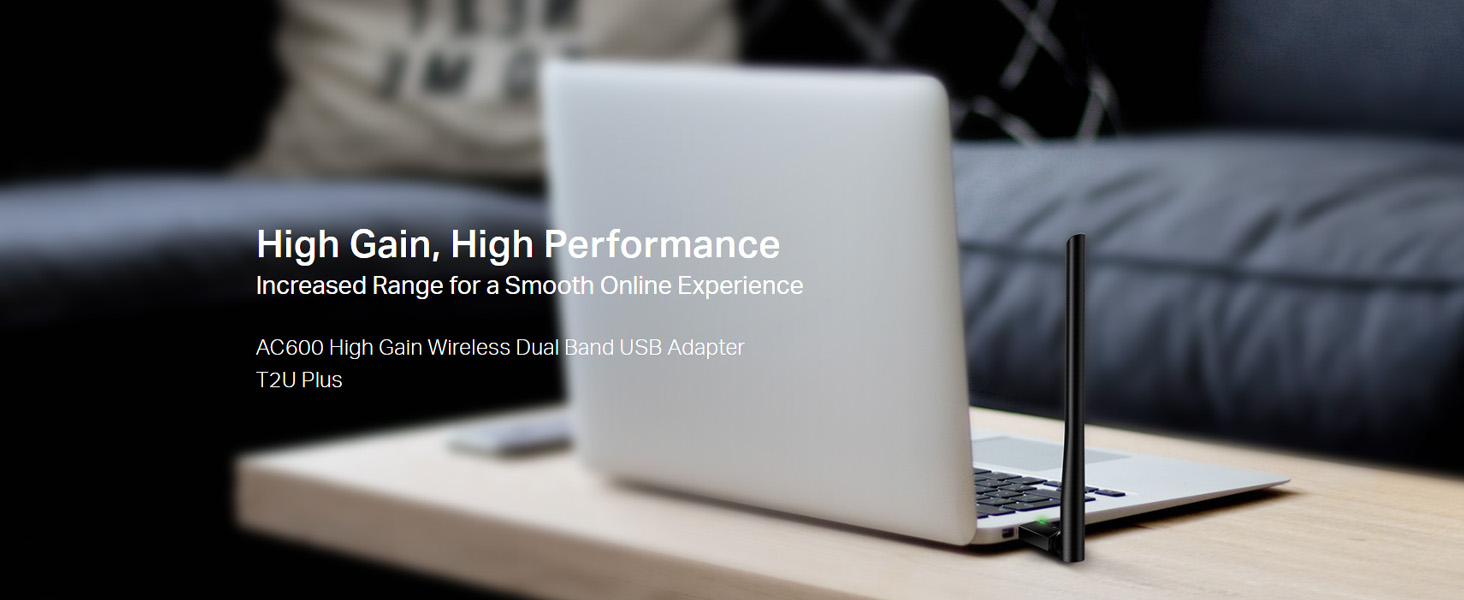
Image: The Archer T2U Plus adapter connected to a laptop's USB port, demonstrating its compact form factor.
4.2 Ўстаноўка драйвера
The adapter requires a driver to function correctly. You can install it using the provided Resource CD or by downloading it from the TP-Link webсайт.
Option A: Using the Resource CD
- Устаўце кампакт-дыск з рэсурсамі ў прывад CD-ROM вашага кампутара.
- Follow the on-screen instructions to run the setup wizard.
- Select the Archer T2U Plus model and proceed with the driver installation.
- Перазагрузіце кампутар, калі будзе прапанавана.
Option B: Downloading Drivers Online
- Звярніцеся ў афіцыйную службу падтрымкі TP-Link webсайт (www.tp-link.com/support/download/).
- Пошук "Archer T2U Plus" and download the latest driver compatible with your operating system.
- Распампаваць спампаванае file (if compressed) and run the setup executable.
- Follow the installation wizard and restart your computer if required.
5. Інструкцыя па эксплуатацыі
5.1 Падключэнне да сеткі Wi-Fi
- After successful driver installation, the adapter will be detected by your operating system.
- Click the Wi-Fi icon in your system tray (Windows) or menu bar (Mac OS).
- Select your desired Wi-Fi network (SSID) from the list of available networks.
- Enter the network password (security key) if prompted and click Злучыцца.
- The adapter will establish a connection to the Wi-Fi network.
5.2 Dual Band Functionality
The Archer T2U Plus supports both 2.4 GHz and 5 GHz Wi-Fi bands. The 5 GHz band offers faster speeds and less interference, ideal for streaming and gaming, while the 2.4 GHz band provides wider coverage.
- Дыяпазон 2.4 ГГц: Up to 200 Mbps data rate, suitable for general web прагляд і электронная пошта.
- Дыяпазон 5 ГГц: Up to 433 Mbps data rate, ideal for HD video streaming and online gaming.
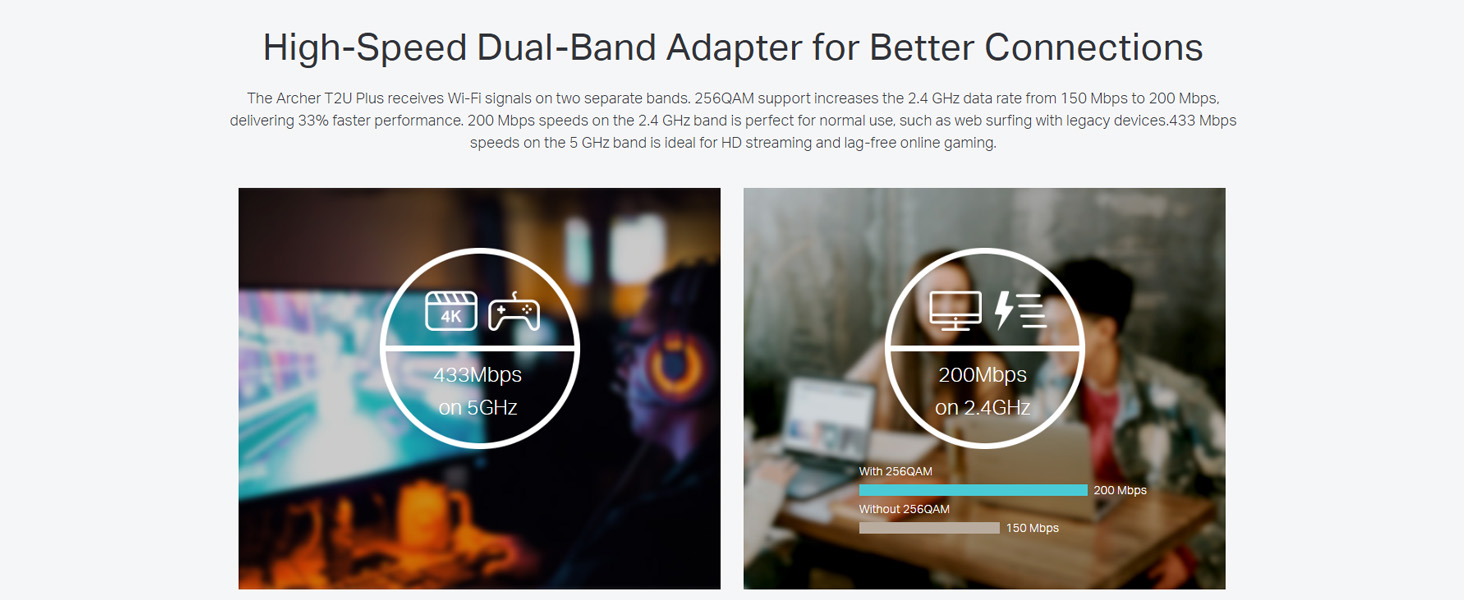
Image: A visual representation comparing the data rates and typical uses for the 2.4 GHz (200 Mbps) and 5 GHz (433 Mbps) bands.
5.3 Рэгуляванне антэны
The adapter features an adjustable, multi-directional 5dBi high-gain antenna to optimize signal reception and transmission.
- Rotate and adjust the antenna in various directions to find the optimal position for signal strength and performance in your environment.
- Experiment with different angles to achieve the best possible Wi-Fi range and stability.

Image: The Archer T2U Plus adapter illustrating its adjustable antenna, capable of rotating up to 180 degrees and tilting 90 degrees for optimal signal.
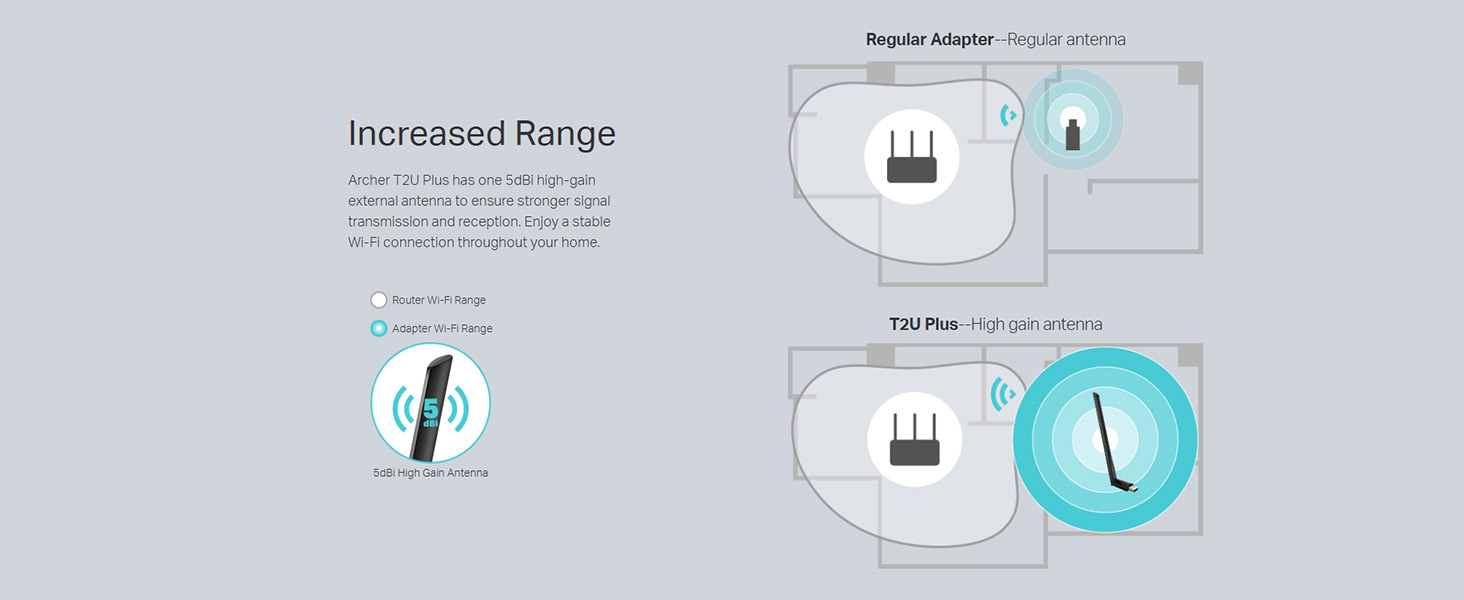
Image: A diagram comparing the Wi-Fi coverage area of a regular adapter with a standard antenna versus the extended range provided by the Archer T2U Plus's high-gain antenna.
6. Тэхнічнае абслугоўванне
6.1 Абнаўленні драйвераў
Рэгулярна правярайце службу падтрымкі TP-Link website for updated drivers. Keeping your drivers current ensures optimal performance, compatibility, and security.
6.2 Ачыстка
To maintain the adapter's performance, keep it clean and free from dust. Use a soft, dry cloth to wipe the device. Avoid using liquid cleaners or solvents.
7. Выпраўленне непаладак
If you encounter issues with your Archer T2U Plus adapter, refer to the following common troubleshooting steps:
- Няма падключэння да Wi-Fi:
- Пераканайцеся, што адаптар надзейна падключаны да порта USB.
- Verify that the drivers are correctly installed. Reinstall if necessary.
- Праверце, ці ўключаны ваш маршрутызатар і ці перадае ён сігнал Wi-Fi.
- Паспрабуйце падключыцца да іншага порта USB.
- Павольная хуткасць Wi-Fi:
- Ensure you are connected to the 5 GHz band if your router supports it, for faster speeds.
- Adjust the antenna position for better signal reception.
- Каб паменшыць перашкоды, перамясціце адаптар далей ад іншых электронных прылад.
- Update your adapter's drivers to the latest version.
- Адаптар не выяўлены:
- Try plugging the adapter into another USB port.
- Перазагрузіце кампутар.
- Усталюйце драйверы ўручную з кампакт-дыска або з TP-Link webсайт.
8. Тэхнічныя характарыстыкі
| Марка | TP-Link |
| мадэль | Archer T2U Plus |
| Абсталяванне інтэрфейсу | USB, USB 2.0 |
| Хуткасць перадачы даных | 600 Megabits Per Second (200 Mbps on 2.4 GHz, 433 Mbps on 5 GHz) |
| Тып антэны | 5dBi High-Gain External Antenna |
| Сумяшчальныя аперацыйныя сістэмы | Windows 11/10/8.1/8/7/XP, Mac OS 10.15 and earlier |
| Памеры прадукту (Д х Ш х У) | 5.8 Д х 1.8 Ш х 17.3 У сантыметраў |
| Вага прадмета | 12 грам |
| Колер | Чорны |
9. Гарантыя і падтрымка
9.1 Інфармацыя аб гарантыі
Гэты прадукт пастаўляецца з a Гарантыя 3 год з даты пакупкі. Калі ласка, захавайце пацвярджэнне пакупкі для прэтэнзій па гарантыі. Гарантыя распаўсюджваецца на вытворчыя дэфекты і няспраўнасці пры нармальных умовах выкарыстання.
9.2 Тэхнічная падтрымка
For technical assistance, driver downloads, or further inquiries, please contact TP-Link support:
- Бясплатная падтрымка: 1800-209-4168
- Падтрымка па электроннай пошце: support.in@tp-link.com
- Webсайт: www.tp-link.com/in/support/