
1. Прадукт скончыўсяview
The OttLite Organize LED Desk Lamp is designed to provide versatile and clear lighting for various tasks, including crafting, office work, and reading. It features OttLite's exclusive ClearSun LED technology, which aims to reduce eyestrain and provide accurate color representation. The lamp also includes convenient built-in storage and a USB charging port.
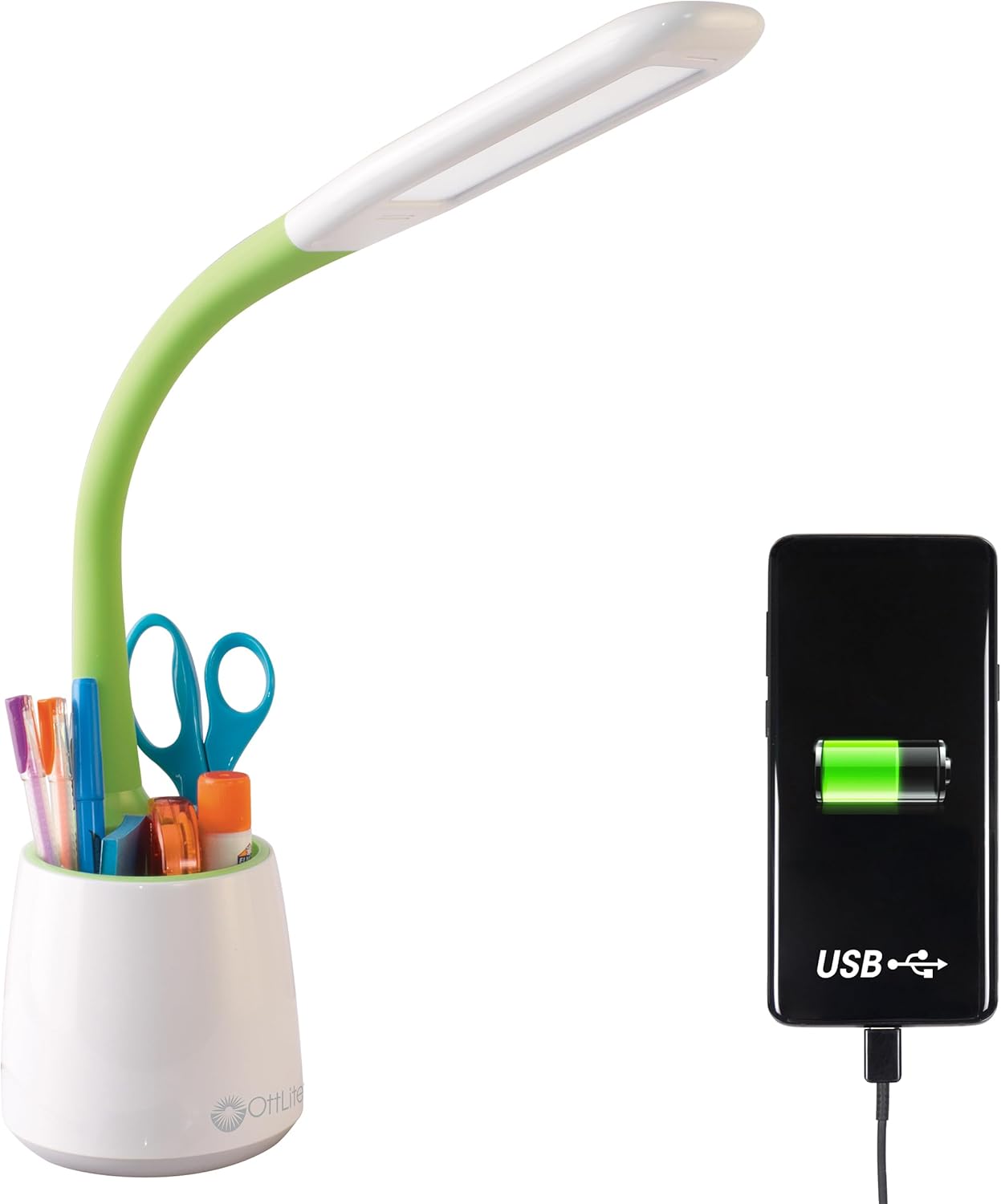
Image 1.1: The OttLite Organize LED Desk Lamp, highlighting its integrated USB charging port and storage cup.
2. Асноўныя магчымасці
- Універсальнае асвятленне: Flexible neck adjusts from 11 to 23 inches, providing adaptable illumination for various activities.
- ClearSun LED Technology: Reduces eyestrain by up to 51% and offers a high 95+ CRI for accurate color rendering, mimicking natural daylight.
- Інтэграванае сховішча: A built-in compartment in the base helps keep your workspace organized by holding pens, tools, or other small items.
- Порт для зарадкі USB: Features a 5V, 2.1A USB port for convenient charging of mobile devices.
- Рэгуляваная яркасць: Three touch-activated brightness levels allow you to customize the light intensity for your specific needs.

Image 2.1: Annotated diagram illustrating the key features of the OttLite Organize LED Desk Lamp.

Image 2.2: A comprehensive diagram detailing the lamp's adjustable height, brightness settings, USB port, and touch-sensitive controls.
3. ClearSun LED Technology
OttLite's ClearSun LED technology is engineered to provide light that closely mimics natural daylight, offering a balanced spectrum that reduces eyestrain and enhances visual clarity. This technology ensures colors are seen accurately and details are crisp, making it ideal for tasks requiring precision.
Video 3.1: An official video from OttLite Technologies explaining the benefits and technology behind ClearSun LED lighting, including its impact on reducing eyestrain and providing true-to-life colors.

Image 3.1: A visual comparison of sunlight versus typical LED light spectrums, illustrating the unbalanced nature of standard LEDs.

Image 3.2: A demonstration of color accuracy under different Color Rendering Index (CRI) levels, highlighting the superior performance of OttLite's 95+ CRI ClearSun LEDs.
4. Інструкцыі па ўсталёўцы
- Распакуйце Lamp: Акуратна дастаньце ўсе кампаненты з упакоўкі.
- Размясціце Lamp: Змесціце lamp on a stable, flat surface where you intend to use it. Ensure the power cord can reach an electrical outlet without strain.
- Падключыце харчаванне: Устаўце кабель харчавання ў раз'ём lamp's power input port, typically located at the back of the base. Plug the other end of the power cable into a standard electrical outlet.
- Адрэгулюйце гнуткую шыю: Gently adjust the flexible neck to position the light head as desired for your task.
5. Інструкцыя па эксплуатацыі
- Уключэнне/выключэнне і рэгуляванне яркасці: У лamp features a touch-sensitive switch, usually located on the base.
- Tap once to turn the lamp on at the lowest brightness setting.
- Tap again to cycle through the three brightness levels (low, medium, high).
- Tap a fourth time to turn the lamp выключаны.
- Выкарыстанне USB-порта для зарадкі: The 5V, 2.1A USB charging port is located on the back of the lampбаза.
- Connect your device's USB charging cable to the lampUSB-порт.
- Ensure your device begins charging. The lamp does not need to be on for the USB port to function, as long as it is plugged into a power outlet.
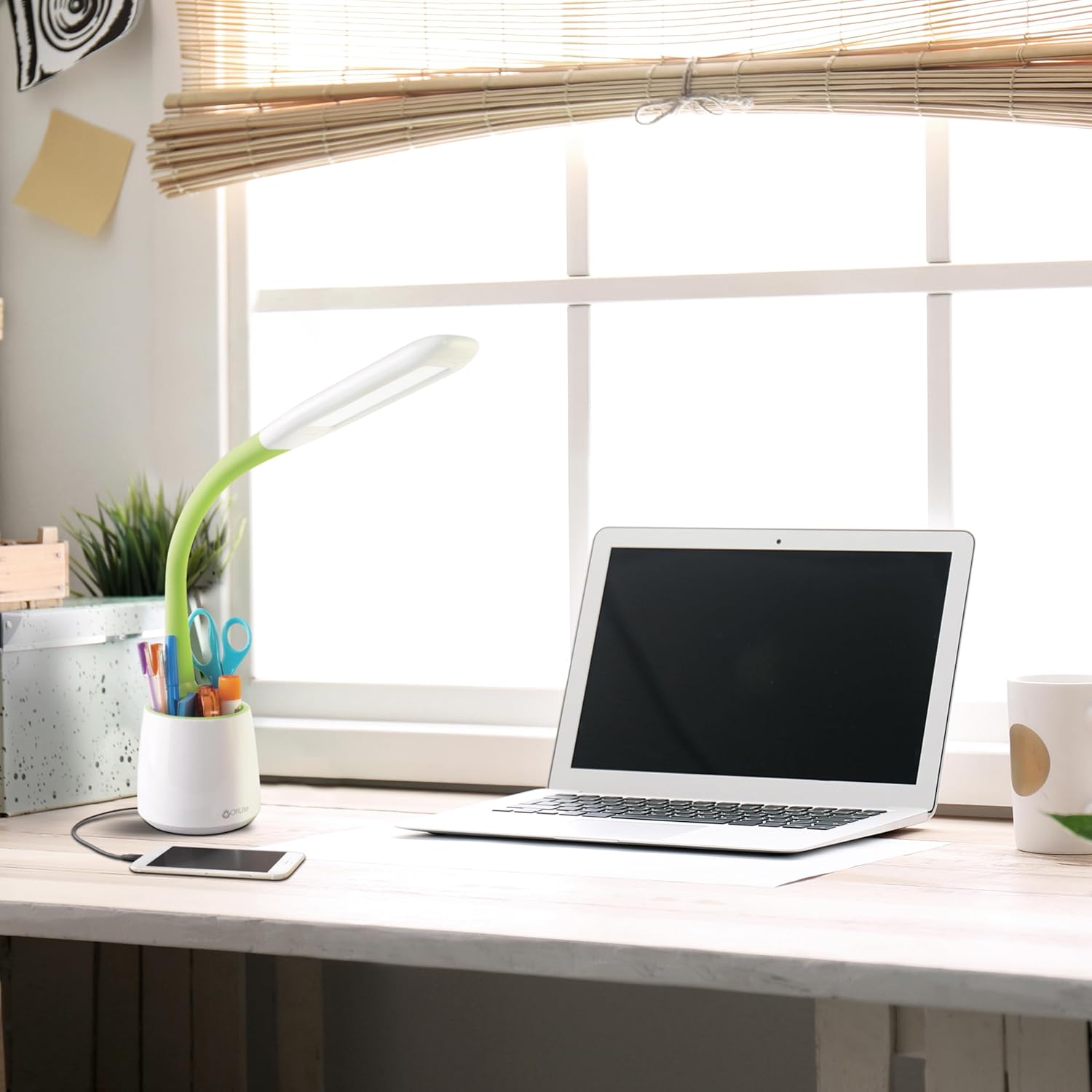
Image 5.1: The OttLite lamp in use, demonstrating a smartphone charging via its integrated USB port.
6. Тэхнічнае абслугоўванне
To ensure the longevity and optimal performance of your OttLite Organize LED Desk Lamp, выконвайце наступныя простыя рэкамендацыі па тэхнічным абслугоўванні:
- Уборка: Адлучыце lamp from the power outlet before cleaning. Use a soft, dry cloth to wipe down the lamp's surfaces. Avoid abrasive cleaners or solvents, as they may damage the finish.
- святлодыёды: Святлодыёды ў гэтым лamp are designed for long-term use and are not user-replaceable. Do not attempt to open the light head.
- захоўванне: Пры захоўванні lamp працяглы час, пераканайцеся, што ён чысты і сухі. Захоўвайце яго ў прахалодным, сухім месцы, удалечыні ад прамых сонечных прамянёў.
7. Выпраўленне непаладак
If you encounter any issues with your OttLite Organize LED Desk Lamp, калі ласка, звярніцеся да наступных распаўсюджаных крокаў па ліквідацыі непаладак:
- Lamp Не ўключаецца:
- Пераканайцеся, што кабель харчавання надзейна падключаны да абодвух разетакamp і спраўная электрычная разетка.
- Праверце разетку з дапамогай іншай прылады, каб пераканацца, што яна атрымлівае электрычнасць.
- Порт USB не зараджаецца:
- Праверце lamp is plugged into a live electrical outlet.
- Check that your device's USB cable is fully inserted into the lamp's USB port and your device.
- Try a different USB cable or device to rule out cable or device issues.
- Непаслядоўная яркасць:
- Ensure the touch-sensitive switch area is clean and free from debris.
- Cycle through the brightness levels by tapping the switch multiple times.
If these steps do not resolve the issue, please contact OttLite customer support for further assistance.
8. Тэхнічныя характарыстыкі прадукту
| Марка | OttLite |
| Нумар мадэлі | CS59399SHPR |
| Памеры прадукту | 8.6"D x 7.75"W x 11"H (adjustable up to 23"H) |
| Вага прадмета | 1.76 фунта |
| Lamp Тып | Працоўны стол Lamp |
| Тып крыніцы святла | LED (ClearSun Technology) |
| Ватtage | 3.3 ват |
| Яркасць | 410 люмен |
| тtage | 120 вольт |
| Тэхналогія падлучэння | USB (5V, 2.1A charging port) |
| Метад кантролю | Дакранацца |
| Матэрыял | Пластыкавыя |
| Уключаныя кампаненты | Сілавы кабель |
9. Гарантыя і падтрымка
This OttLite Organize LED Desk Lamp comes with a standard manufacturer's warranty. For specific details regarding warranty coverage, duration, and terms, please refer to the documentation included with your product or visit the official OttLite webсайт.
For technical support, troubleshooting assistance beyond what is provided in this manual, or warranty claims, please contact OttLite customer service directly. Contact information can typically be found on the manufacturer's webсайт або ўпакоўка прадукту.