
1. Уводзіны
Thank you for choosing the Cshidworld G33Pro-W Wireless Earbuds. This manual provides detailed instructions on how to set up, operate, and maintain your earbuds to ensure optimal performance and longevity. Please read this manual carefully before using the product and keep it for future reference.
2. Змесціва ўпакоўкі
- Cshidworld G33Pro-W Wireless Earbuds (Left and Right)
- Партатыўны чахол для зарадкі
- USB-кабель для зарадкі
- Кіраўніцтва карыстальніка
3. Прадукт скончыўсяview

Image: The Cshidworld G33Pro-W Wireless Earbuds resting inside their open charging case, showcasinіх кампактны дызайн і белае пакрыццё.
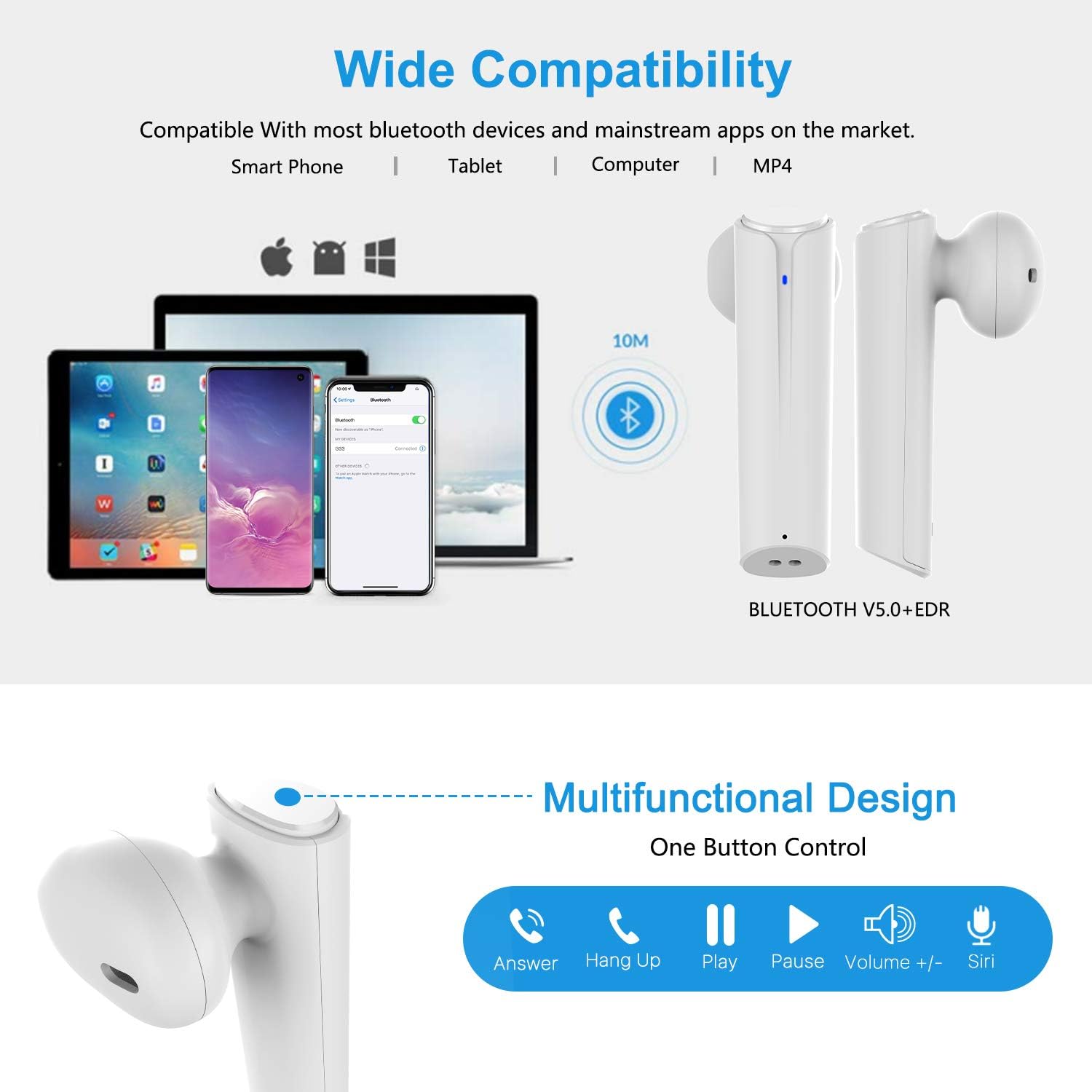
Image: A visual representation of the multi-function button on the earbud, detailing its various controls for answering calls, playing music, and activating voice assistants.
Кампаненты навушнікаў-ўкладышаў:
- Шматфункцыянальная кнопка: Кіруе прайграваннем, выклікамі і галасавым памочнікам.
- Святлодыёдны індыкатар: Паказвае стан спалучэння і ўзровень зарада батарэі.
- Мікрафон: Для гучнай сувязі.
Кампаненты зараднага чахла:
- Парты для зарадкі: For charging the case and earbuds.
- Святлодыёдныя індыкатары: Show charging status of the case.
4. Настройка
4.1 Зарадка навушнікаў і футляра
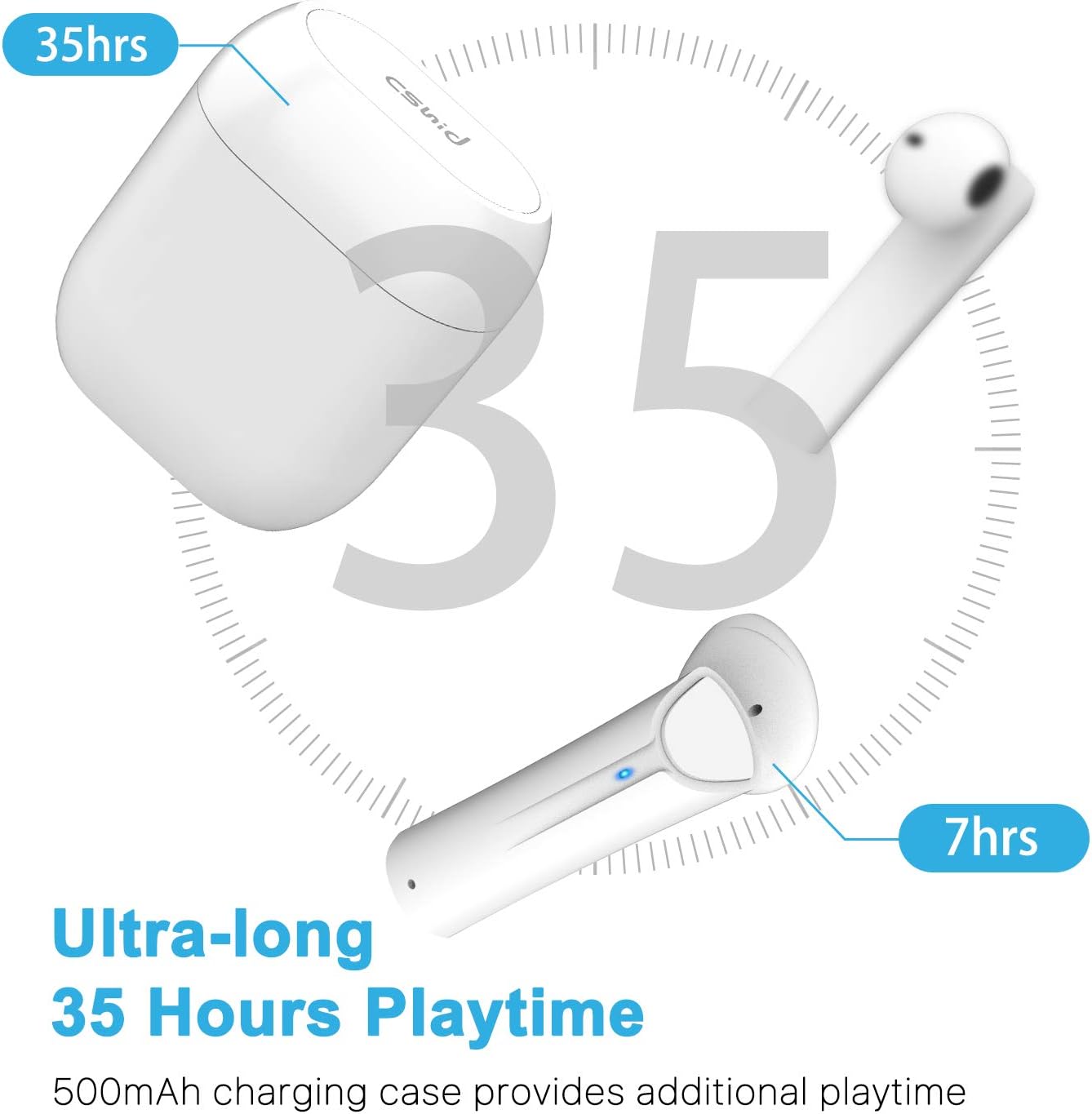
Image: An illustration highlighting the ultra-long 35 hours of total playtime, with 7 hours from a single earbud charge and additional charges from the case.
Before first use, ensure both the earbuds and the charging case are fully charged. The earbuds provide up to 7 hours of playtime on a single charge, and the charging case can provide an additional 5 full charges, extending the total playtime to up to 35 hours.
- Змесціце навушнікі ў зарадны футляр. Пераканайцеся, што яны правільна ўсталяваныя.
- Падключыце кабель зарадкі USB да порта зарадкі на корпусе і да крыніцы харчавання.
- Святлодыёдныя індыкатары на корпусе будуць паказваць стан зарадкі. Пасля поўнай зарадкі індыкатары зменяцца або выключацца.
4.2 Initial Pairing (One-Step Pairing)

Image: A step-by-step guide showing how to pair the earbuds: simply take them out of the case and select 'G33' on your device's Bluetooth settings.
The G33Pro-W earbuds feature one-step pairing technology for quick and easy connection.
- Take both earbuds out of the charging case. They will automatically power on and enter pairing mode. The LED indicator on one earbud will flash, indicating it's ready to pair.
- На вашай прыладзе (смартфоне, планшэце і г.д.) уключыце Bluetooth.
- Пошук "G33" in the list of available Bluetooth devices and select it to connect.
- Once connected, the LED indicators on both earbuds will stop flashing. You are now ready to use your earbuds.
4.3 Выкарыстанне аднаго навушніка-ўкладыша
You can use either the left or right earbud independently. Simply take one earbud out of the charging case, and it will automatically enter pairing mode. Connect to "G33" on your device. To use both again, take the second earbud out, and they will automatically reconnect.
5. Інструкцыя па эксплуатацыі
The G33Pro-W earbuds are controlled via a multi-function button on each earbud.
| Функцыя | Дзеянне |
|---|---|
| Уключэнне | Take earbuds out of charging case (automatic) |
| Выключэнне | Place earbuds back into charging case (automatic) |
| Прайграванне/прыпыненне музыкі | Press the multi-function button once on either earbud |
| Наступны трэк | Double-press the multi-function button on the Right earbud |
| Папярэдні трэк | Double-press the multi-function button on the Left earbud |
| Адказаць/завяршыць выклік | Press the multi-function button once on either earbud |
| Адхіліць выклік | Press and hold the multi-function button for 2 seconds on either earbud |
| Актывацыя галасавога памочніка (Siri/Google Assistant) | Тройчы націсніце шматфункцыянальную кнопку на любым навушніку |
| Павялічыць гучнасць | Press and hold the multi-function button on the Right earbud |
| Памяншэнне гучнасці | Press and hold the multi-function button on the Left earbud |
6. Тэхнічнае абслугоўванне

Image: Two scenarios demonstrating earbud use: one person driving safely with hands-free calling, and another person working out, highlighting the sweat-proof and cable-free design.
6.1 Ачыстка
Рэгулярная ўборка дапамагае падтрымліваць якасць гуку і гігіену.
- Выкарыстоўвайце мяккую, сухую тканіну без ворса, каб праціраць навушнікі і зарадны футляр.
- Для ўстойлівага бруду злёгку ачысціцеampen тканіна з вадой або мяккім неабразіўным ачышчальнікам.
- Не выкарыстоўвайце агрэсіўныя хімікаты або абразіўныя матэрыялы.
- Пераканайцеся, што зарадныя кантакты на навушніках і ў футляры чыстыя і сухія.
6.2 Захоўванне
Калі навушнікі не выкарыстоўваюцца, захоўвайце іх у зарадным чахле, каб абараніць і падтрымліваць зарад. Захоўвайце ў прахалодным, сухім месцы, удалечыні ад экстрэмальных тэмператур.
6.3 Воданепранікальнасць
The earbuds are designed to be waterproof, making them suitable for workouts and light rain. However, they are not intended for swimming or submersion in water. Ensure earbuds are dry before placing them back into the charging case to prevent damage.
7. Выпраўленне непаладак
If you encounter issues with your earbuds, please refer to the following common problems and solutions:
- Навушнікі не спалучаюцца з прыладай:
Ensure Bluetooth is enabled on your device. Place earbuds back in the case, then take them out again to re-enter pairing mode. Try forgetting "G33" from your device's Bluetooth list and re-pairing. - Працуе толькі адзін навушнік:
Place both earbuds back into the charging case. Close the lid for a few seconds, then open it and take both earbuds out simultaneously. They should automatically connect to each other. - Няма гуку:
Праверце ўзровень гучнасці як на прыладзе, так і ў навушніках. Пераканайцеся, што навушнікі правільна падключаны да прылады. Паспрабуйце прайграваць розныя крыніцы гуку. - Навушнікі не зараджаюцца:
Пераканайцеся, што зарадны кабель надзейна падключаны як да чахла, так і да крыніцы харчавання. Праверце, ці чыстыя кантакты зарадкі на навушніках і ўнутры чахла і ці няма на іх смецця. - Дрэнная якасць гуку:
Ensure the earbuds are properly seated in your ears. Check for any obstructions in the earbud speakers. Move closer to your connected device to avoid signal interference.
8. Тэхнічныя характарыстыкі
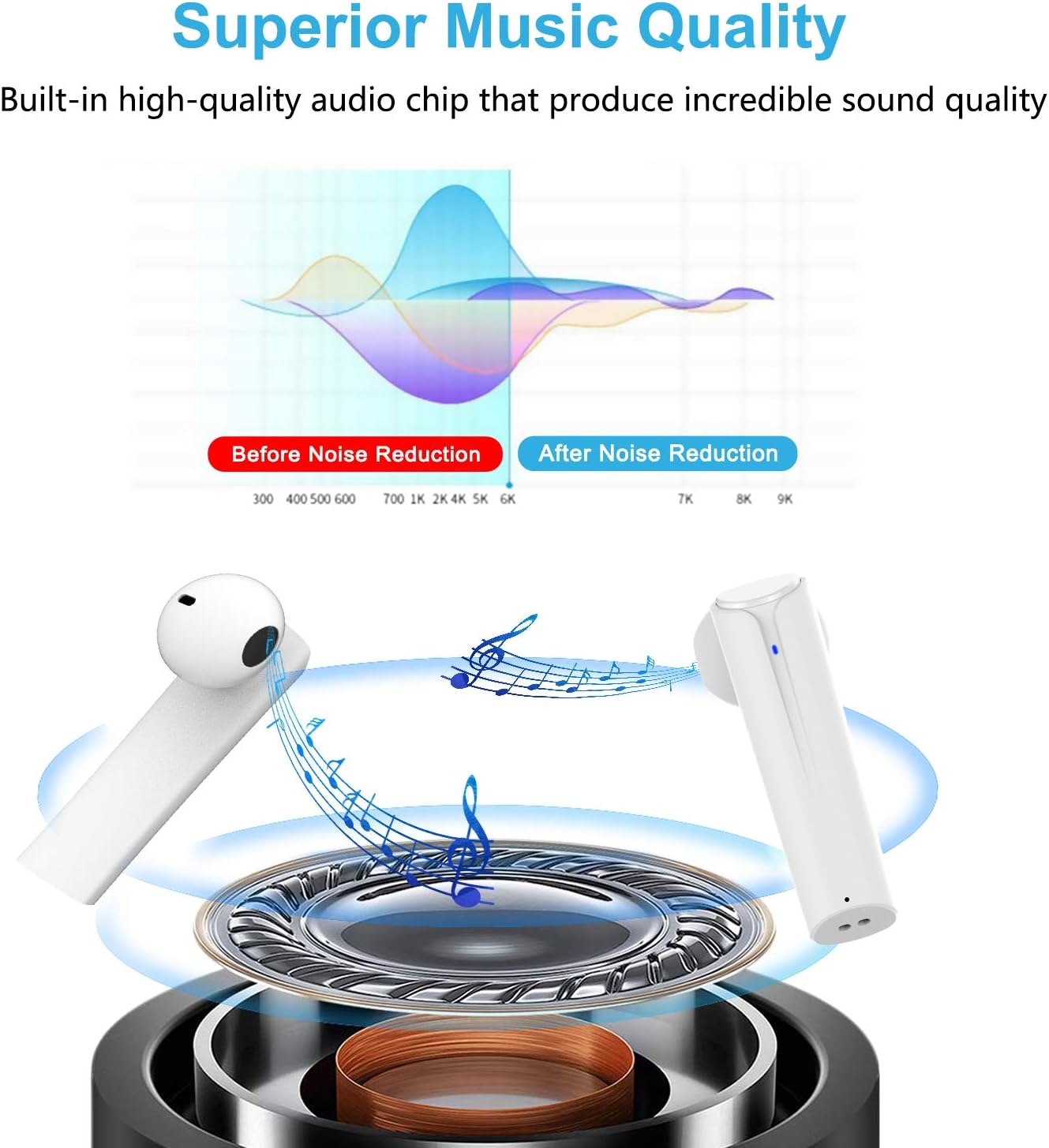
Image: A graph illustrating the effect of noise reduction on sound quality, accompanied by a detailed diagram of the earbud's internal audio components.
- мадэль: G33Pro-W
- Падключэнне: Bluetooth 5.0
- Playtime (Earbuds): Да 7 гадзін зарадкі
- Агульны час прайгравання (з зарадным чахлом): Да 35 гадзін
- Мікрафон: Built-In Dual Microphones
- Тып кіравання: Шматфункцыянальная кнопка
- матэрыял: Пластыкавыя
- Воданепранікальнасць: Воданепранікальны
- колер: Белы
9. Інфармацыя па бяспецы
Калі ласка, выконвайце наступныя рэкамендацыі па бяспецы для бяспечнага і правільнага выкарыстання навушнікаў-ўкладышаў:
- Не падвяргайце навушнікі або зарадны футляр уздзеянню экстрэмальных тэмператур, прамых сонечных прамянёў або высокай вільготнасці.
- Avoid dropping, hitting, or disassembling the product.
- Не выкарыстоўвайце навушнікі на занадта высокай гучнасці працяглы час, бо гэта можа пашкодзіць слых.
- Захоўвайце прадукт далей ад дзяцей і хатніх жывёл.
- Утылізуйце выраб і яго кампаненты адказна ў адпаведнасці з мясцовымі правіламі.
10. Гарантыя і падтрымка
Cshidworld provides a 30-day hassle-free return policy і а адзін год гарантыі for the G33Pro-W Wireless Earbuds. For any product-related inquiries, technical support, or warranty claims, please contact Cshidworld customer service through the platform where you purchased the product or refer to the contact information provided with your purchase.