
1. Важная інфармацыя па бяспецы
Please read all instructions carefully before using the Media-Tech MT6510 Sonic Electric Toothbrush. Keep this manual for future reference.
- Do not immerse the charging base in water or any other liquid.
- Ensure the charging port cover on the toothbrush handle is securely closed before rinsing the handle under water. The toothbrush handle is IPX7 waterproof, meaning it can withstand immersion in water up to 1 meter for 30 minutes.
- Гэты прыбор змяшчае батарэі, якія не падлягаюць замене.
- Do not modify or repair the appliance yourself. Contact qualified service personnel for any repairs.
- Keep out of reach of children. This product is designed for adult use.
- If you have any medical concerns regarding oral health, consult your dentist before using this product.
2. Прадукт скончыўсяview
The Media-Tech MT6510 Sonic Electric Toothbrush utilizes advanced sonic technology to provide effective oral hygiene. It features 36,000 vibrations per minute, two cleaning modes, a 2-minute timer with 30-second interval reminders, and a long-lasting battery.

Выява 2.1: Спераду view of the Media-Tech MT6510 Sonic Electric Toothbrush, showcasinяго элегантны дызайн і кнопкі кіравання.
2.1 Уключаныя кампаненты
- 1 x Media-Tech MT6510 Sonic Toothbrush Handle
- 2 x DuPont Toothbrush Heads
- 1 х зарадная база
- 1 х дарожны футляр
- 1 х Кіраўніцтва карыстальніка

Image 2.2: The Media-Tech MT6510 toothbrush, two brush heads, and travel case, as included in the set.
3. Настройка
3.1 Першапачатковая зарадка
Before first use, fully charge the toothbrush for approximately 12-16 hours. A full charge provides up to 60 days of use based on twice-daily brushing for 2 minutes.
- Падключыце зарадную базу да разеткі.
- Place the toothbrush handle onto the charging base. Ensure the handle is seated correctly.
- The charging indicator light will illuminate to show that the toothbrush is charging.
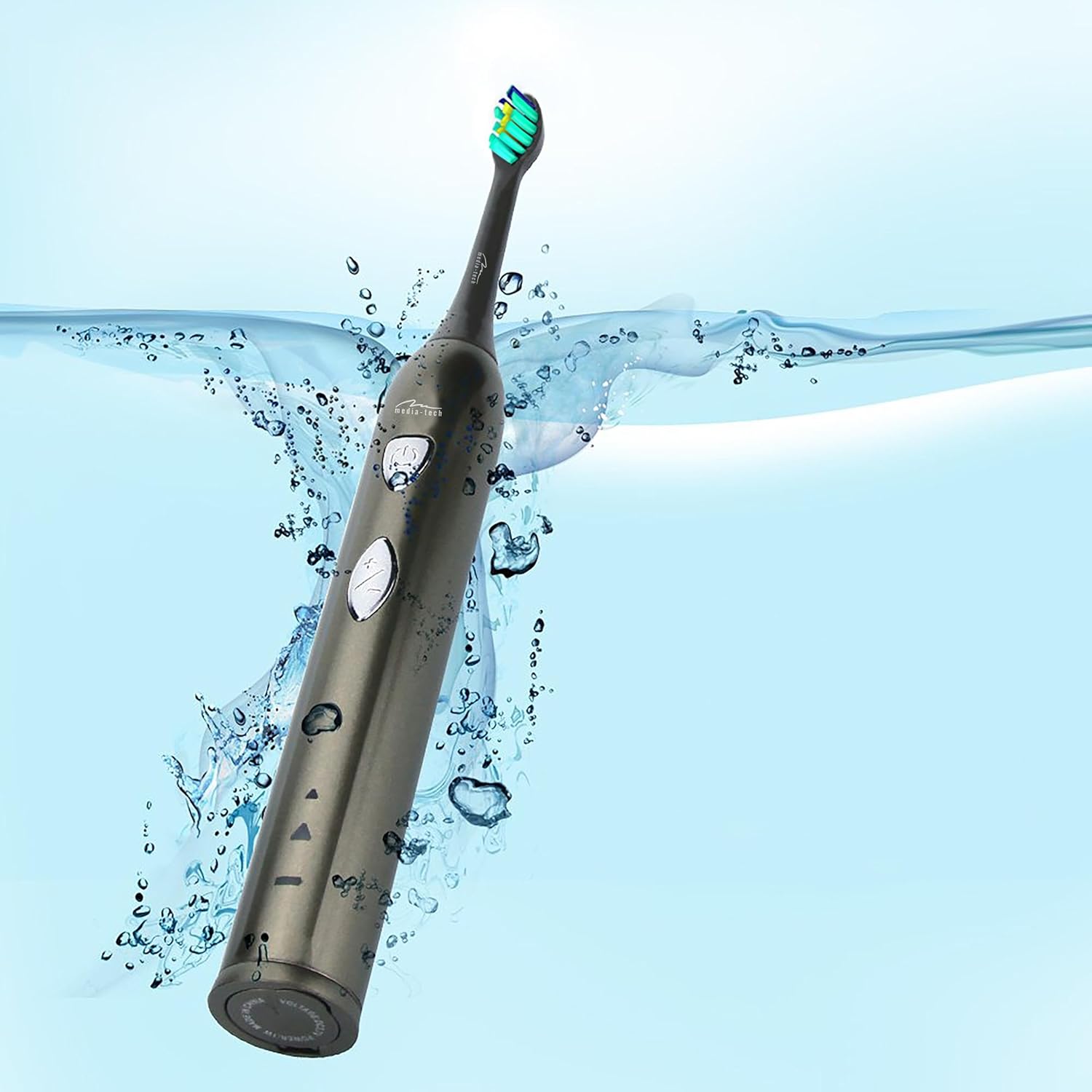
Image 3.1: The toothbrush handle placed on its charging base, indicating the charging process.
3.2 Усталяванне галоўкі шчоткі
Сумясціце галоўку шчоткі з металічным стрыжнем на ручцы зубной шчоткі і моцна націсніце на яе ўніз, пакуль яна не зафіксуецца са шчоўкам. Перад выкарыстаннем пераканайцеся, што яна надзейна замацавана.
4. Інструкцыя па эксплуатацыі
4.1 Уключэнне/выключэнне харчавання і выбар рэжыму

Малюнак 4.1: Падрабязны view of the toothbrush handle, showing the power button and mode selection button.
- Уключэнне: Press the power button (top button) once to turn on the toothbrush. It will start in the last used mode.
- Змяніць рэжым: While the toothbrush is on, press the mode button (bottom button) to cycle through the available cleaning modes:
- Daily Cleaning Mode: For regular, thorough cleaning.
- Рэжым адбельвання: For deep cleaning and stain removal.
- Выключэнне: Зноў націсніце кнопку харчавання, каб выключыць зубную шчотку.
4.2 Тэхніка чысткі зубоў шчоткай
- Намачыце галоўку шчоткі і нанёс невялікую колькасць зубной пасты.
- Прыкладзеце галоўку шчоткі да зубоў пад невялікім вуглом да лініі дзёсен.
- Націсніце кнопку харчавання, каб пачаць чыстку зубоў.
- Gently move the brush head slowly from tooth to tooth, allowing the sonic vibrations to clean. Do not scrub.
- The toothbrush features a 2-minute timer and a 30-second interval reminder. It will briefly pause every 30 seconds to indicate when to move to a different quadrant of your mouth.
- After 2 minutes, the toothbrush will automatically turn off, signaling the completion of the recommended brushing time.

Image 4.2: The toothbrush positioned in a glass in a bathroom setting, ready for use.
5. Тэхнічнае абслугоўванне
5.1 Чыстка галоўкі шчоткі
After each use, rinse the brush head thoroughly under running water. Do not use harsh cleaning agents.
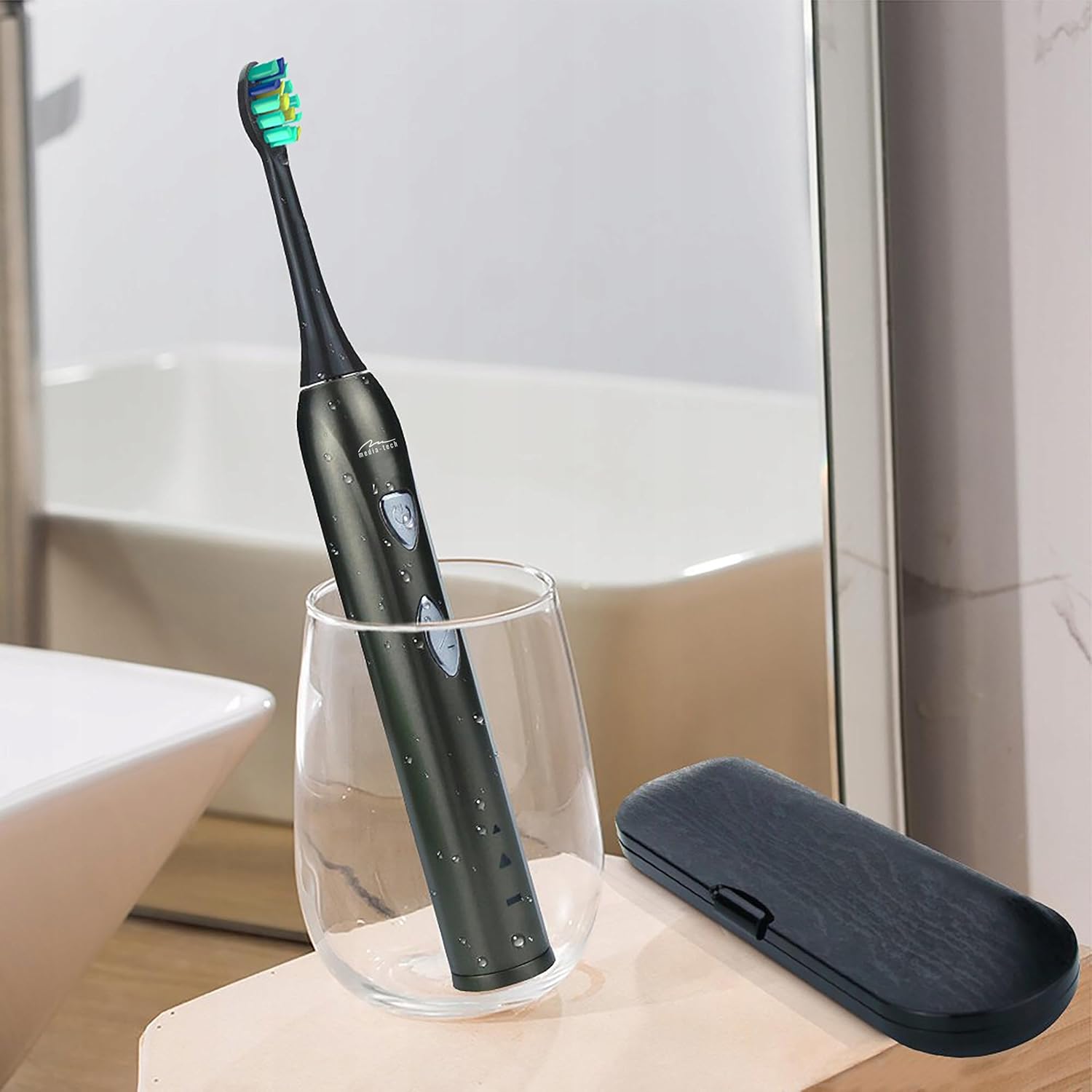
Image 5.1: A close-up of the brush head, showing bristles and water droplets after rinsing.
5.2 Cleaning the Handle
Працярыце ручку зубной шчоткі рэкламайamp cloth. Ensure the charging port cover is closed before rinsing the handle under running water. Do not use abrasive cleaners or immerse the entire handle in water for extended periods.
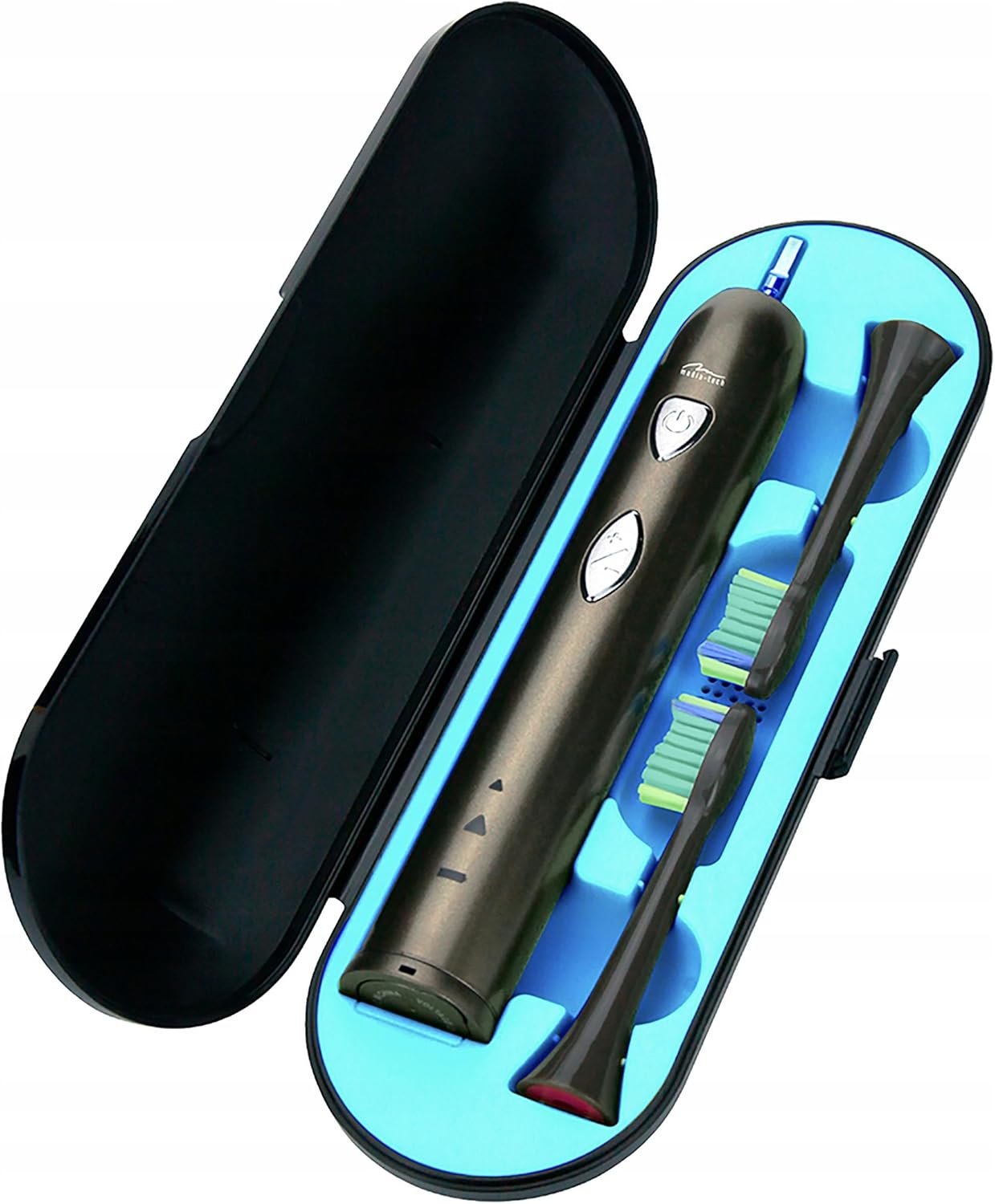
Image 5.2: The toothbrush handle partially submerged in water, demonstrating its IPX7 waterproof rating.
5.3 Замена шчотак
Dentists recommend replacing brush heads every 3 months, or sooner if the bristles become frayed. To replace, simply pull the old brush head off the handle and push a new one on until it clicks.
5.4 Захоўванне
When not in use, store the toothbrush and brush heads in a clean, dry place. The included travel case is ideal for hygienic storage and transport.
6. Выпраўленне непаладак
| праблема | Магчымая прычына | Рашэнне |
|---|---|---|
| Зубная шчотка не ўключаецца. | Акумулятар разраджаны. | Зараджайце зубную шчотку не менш за 12 гадзіны. |
| Weak vibration or performance. | Нізкі акумулятар. | Зарадзіце зубную шчотку. |
| Галоўка шчоткі адчуваецца свабоднай. | Галоўка шчоткі няправільна прымацаваная. | Remove and re-attach the brush head, ensuring it clicks into place. |
| Індыкатар зарадкі не загараецца. | Charging base not connected or toothbrush not seated correctly. | Check power connection and ensure the toothbrush is properly placed on the charging base. |
7. Тэхнічныя характарыстыкі
- Нумар мадэлі: MT6510
- Марка: Медыя-тэхн
- Тэхналогія: Сонік
- Вібрацыі: 36,000 у хвіліну
- Рэжымы ачысткі: 2 (Daily Cleaning, Whitening)
- Таймер: 2-minute auto-off with 30-second interval reminder
- Рэйтынг воданепранікальнасці: IPX7
- Тып батарэі: Літый-іённы
- Тэрмін службы батарэі: Up to 60 days (based on typical use)
- Памеры прадукту: 17.5 x 2.7 x 17.5 cm (approximate, as per packaging)
- Вага: 95 г (прыблізна)
8. Гарантыя і падтрымка
For warranty information, please refer to the documentation provided at the time of purchase or contact your retailer. For technical support or further assistance, please contact Media-Tech customer service or visit their official webсайт.