
1. Уводзіны
The usogood TC20 Trail Camera is designed for capturing high-quality images and videos of wildlife and for security surveillance. Featuring 14MP photos, 1080P video recording, no-glow night vision, and a robust IP66 waterproof design, this camera is suitable for various outdoor environments. Its motion-activated trigger ensures that no important moment is missed.
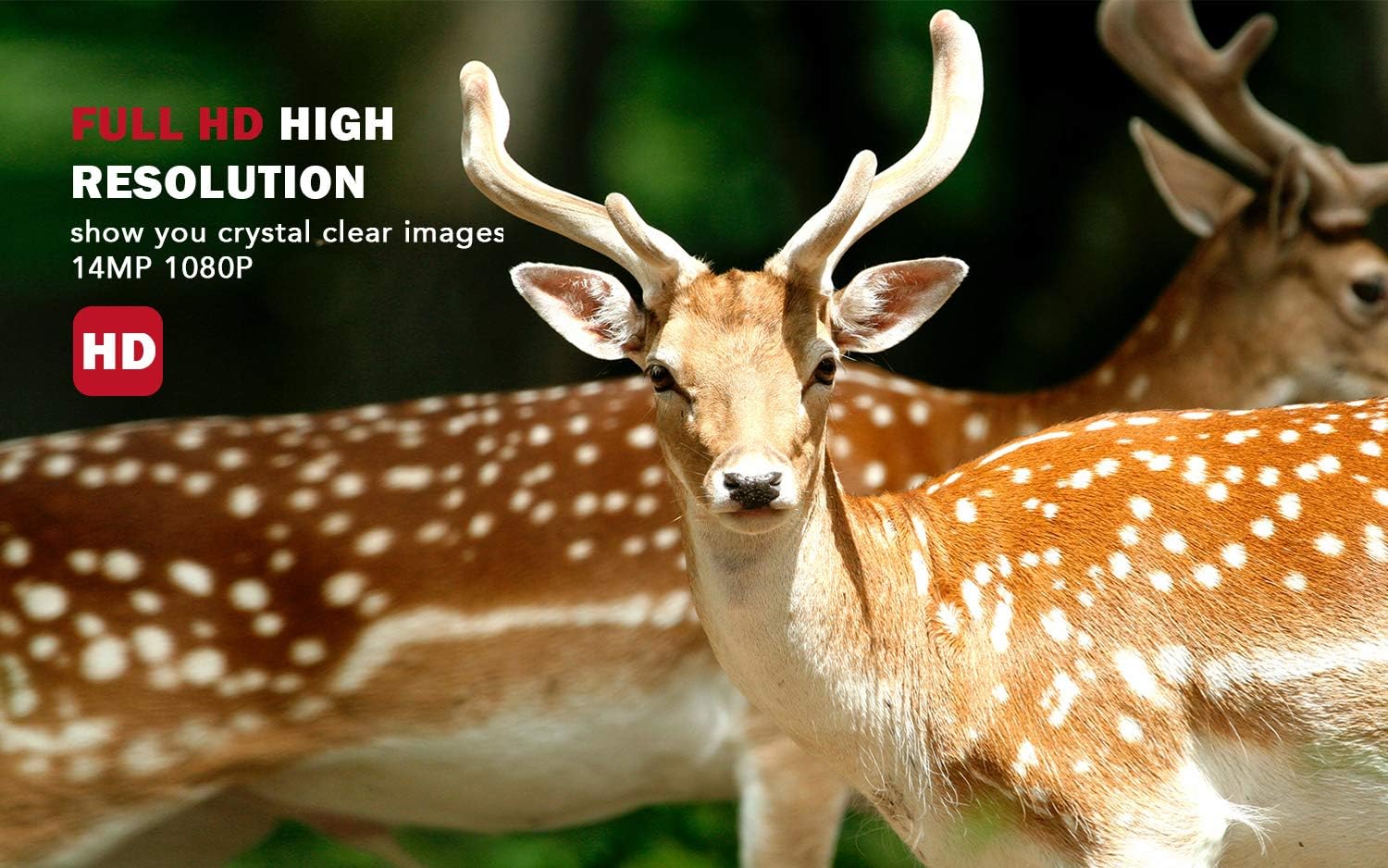
Image: The usogood TC20 Trail Camera captures high-resolution images and videos, providing clear details of wildlife.
2. Што ў скрынцы
Калі ласка, пераканайцеся, што ўсе кампаненты прысутнічаюць у камплекце:
- 1x TC20 Trail Camera
- 1x Інструкцыя па эксплуатацыі
- 1x кабель USB
- 1x насценнае мацаванне
- 1x мантажны рэмень
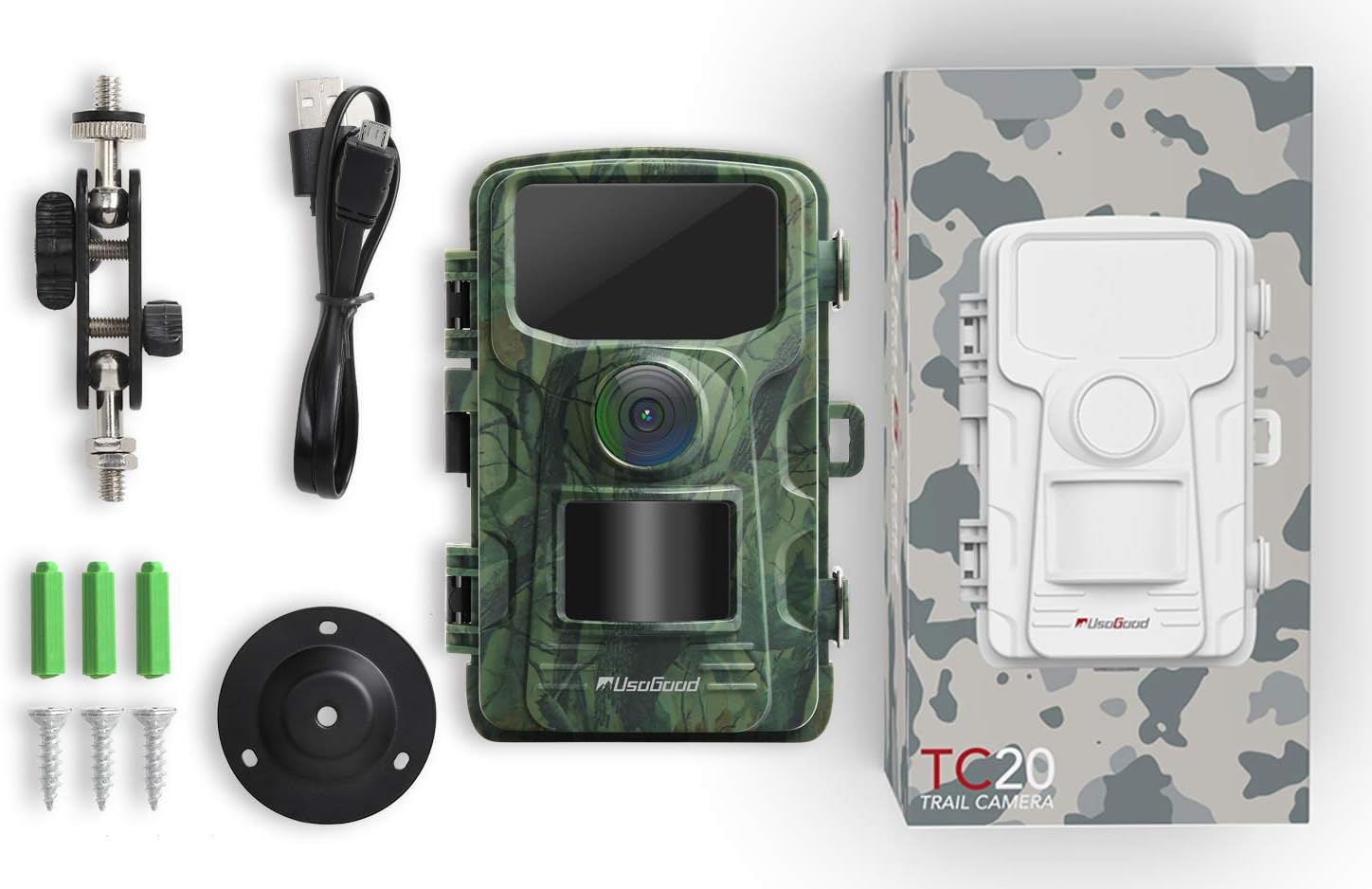
Image: All components included with the usogood TC20 Trail Camera.
3. Настройка
3.1 Усталёўка акумулятара і SD-карты
- Open the camera housing.
- Устаўце 8 батарэйкі АА (не ўваходзяць у камплект) у батарэйны адсек, сочачы за правільнай палярнасцю.
- Insert a compatible SD card (up to 32GB, Class 10 recommended) into the SD card slot.

Image: Accessing the battery and SD card compartments for initial setup.
3.2 Мантаж камеры
Use the provided mounting belt or wall mount to secure the camera in your desired location. Ensure the camera is stable and pointed towards the area you wish to monitor. For optimal performance, position the camera to avoid direct sunlight into the lens.

Image: The usogood TC20 Trail Camera securely mounted on a tree.
4. Інструкцыя па эксплуатацыі
4.1 Уключэнне і выбар рэжыму
Slide the power switch to the 'ON' position. The camera will enter setup mode, allowing you to configure settings. Use the navigation buttons (MENU, OK, UP, DOWN, LEFT, RIGHT) to navigate through the menu options on the 2.4" LCD screen.
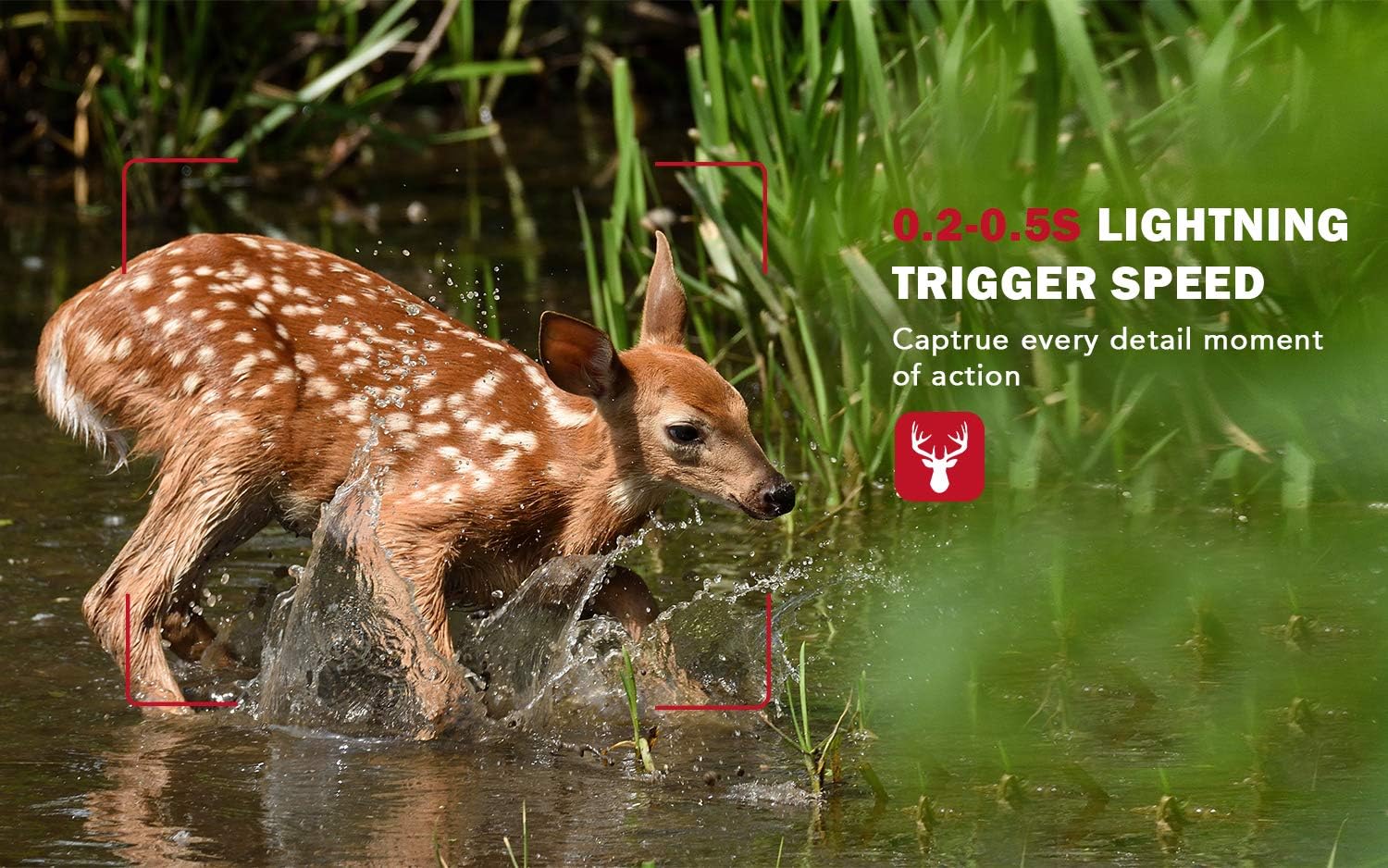
Image: Navigating the camera's menu on the 2.4" LCD screen.
4.2 Рэжымы запісу
Камера падтрымлівае розныя рэжымы запісу:
- Рэжым фота: Захоплівае нерухомыя выявы.
- Рэжым відэа: Запісвае відэакліпы з гукам.
- Фота + відэа рэжым: Захоплівае нерухомы малюнак, а затым відэакліп.
Adjust settings such as resolution (14MP for photos, 1080P for video), trigger interval, and sensitivity in the menu.
4.3 Начное бачанне
The TC20 features 42 pcs 940nm invisible infrared LEDs, ensuring no-glow night vision. This allows the camera to capture clear black and white images and videos in complete darkness without startling wildlife.
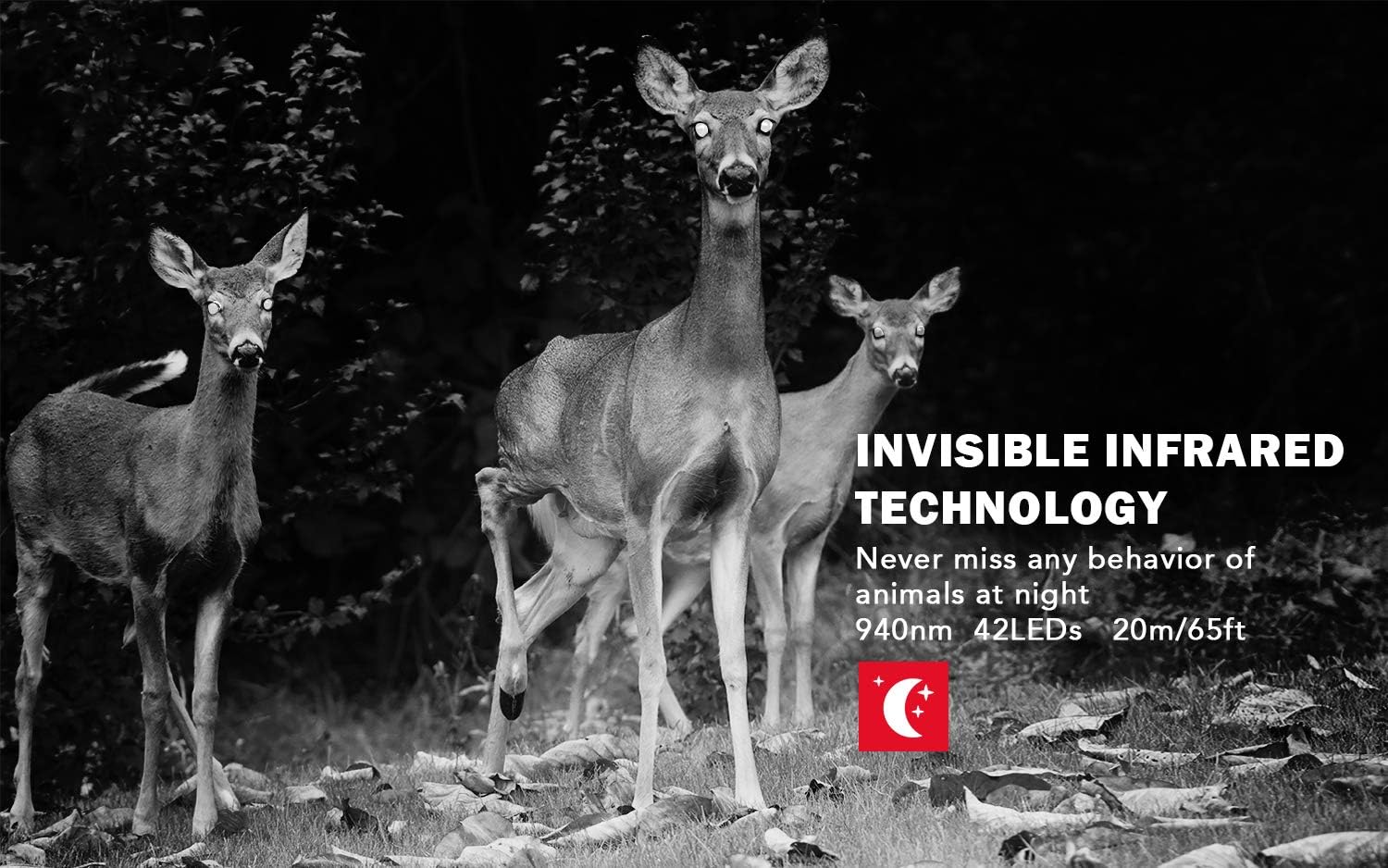
Image: Night vision capabilities of the usogood TC20 Trail Camera.
4.4 Motion Activation and Trigger Speed
The camera is equipped with a highly sensitive motion sensor. Once movement is detected, the camera triggers instantly within 0.2 seconds, capturing fast-moving subjects effectively.

Image: The camera's fast trigger speed captures dynamic moments.
5. Тэхнічнае абслугоўванне
- Уборка: Regularly clean the camera lens and IR sensors with a soft, dry cloth to ensure clear image quality.
- Праверка батарэі: Monitor battery levels periodically. Replace or recharge batteries as needed to prevent interruption of recording. The camera has a standby time of up to 6 months with 8 AA batteries.
- Кіраванне SD-картай: Рэгулярна фарматуйце SD-карту, каб падтрымліваць аптымальную прадукцыйнасць і прадухіліць пашкоджанне дадзеных. Рэзервовае капіраванне важнае. files перад фарматаваннем.
- Воданепранікальная пячатка: Ensure the camera's IP66 waterproof housing is securely closed at all times to protect against water and dust.
6. Выпраўленне непаладак
- Камера не ўключаецца: Check battery installation and ensure batteries are charged. Verify the power switch is in the 'ON' position.
- Нізкая якасць выявы/відэа: Clean the lens and IR sensors. Ensure the camera is mounted securely to prevent movement. Check resolution settings.
- No Recordings: Verify the SD card is inserted correctly and has sufficient space. Check motion sensor sensitivity settings and ensure the camera is in an active recording mode.
- Кароткі тэрмін службы батарэі: Ensure high-quality batteries are used. Consider reducing the frequency of recordings or using an external power source like a compatible solar panel.
7. Тэхнічныя характарыстыкі
| Асаблівасць | Спецыфікацыя |
|---|---|
| Назва мадэлі | TC20 |
| Эфектыўнае рашэнне | 14MP (up to 20MP interpolated) |
| Эфектыўнае дазвол відэа | 1080 пікселя |
| Начное бачанне | 940nm Invisible IR LEDs, 65 Feet Range |
| Спускавая хуткасць | 0.2 секунд |
| Рэйтынг воданепранікальнасці | IP66 |
| ВК-экран | Каляровы ВК 2.4 цалі |
| Крыніца харчавання | 8 батарэйкі АА (не ўключаны) |
| Час чакання | Да 6 месяцаў |
| Захоўванне | SD-карта (да 32 ГБ) |
| Тэхналогія падлучэння | НЯМА |
8. Гарантыя і падтрымка
The usogood TC20 Trail Camera comes with a 1-Year Return and Lifetime Warranty. For any inquiries or support, please contact usogood customer service, available 7 days a week, 24 hours a day.