
Уводзіны
Thank you for choosing the Edifier TWS1 True Wireless Stereo Earbuds. This manual provides essential information for the proper use and maintenance of your device. The TWS1 earbuds offer a wire-free audio experience with dynamic stereo sound. They feature an impressive 32-hour total playtime with the charging case and are designed with an IPX5 rating for splash and sweat resistance, making them suitable for various activities.
Please read this manual thoroughly before operating the earbuds to ensure optimal performance and longevity.
Змест пакета
Праверце, ці ўсе пералічаныя ніжэй прадметы ўваходзяць у вашу ўпакоўку:
- Edifier TWS1 True Wireless Stereo Earbuds (Left and Right)
- Чахол для зарадкі
- USB-кабель для зарадкі
- Розныя памеры амбушюр (малыя, сярэднія, вялікія)
- Кіраўніцтва карыстальніка
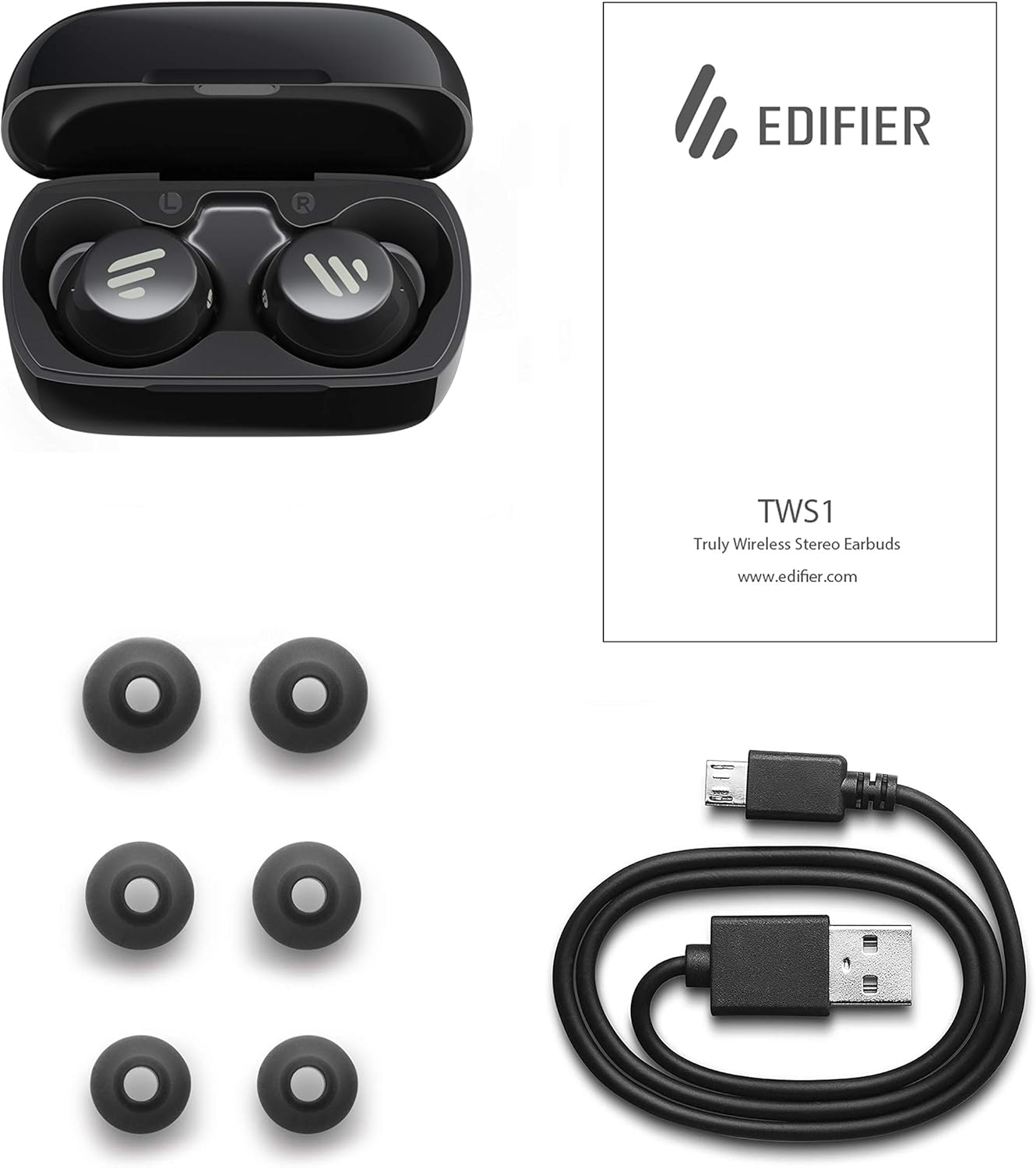
Image: The Edifier TWS1 earbuds, charging case, USB charging cable, and various sizes of ear tips are displayed alongside the user manual, illustrating the complete package contents.
Настройка
1. Зарадка навушнікаў і чахла
Before first use, fully charge the earbuds and the charging case. Place the earbuds into the charging case. Connect the USB charging cable to the charging port on the case and a power source. The indicator light on the case will show charging status. Once fully charged, the indicator will change or turn off.
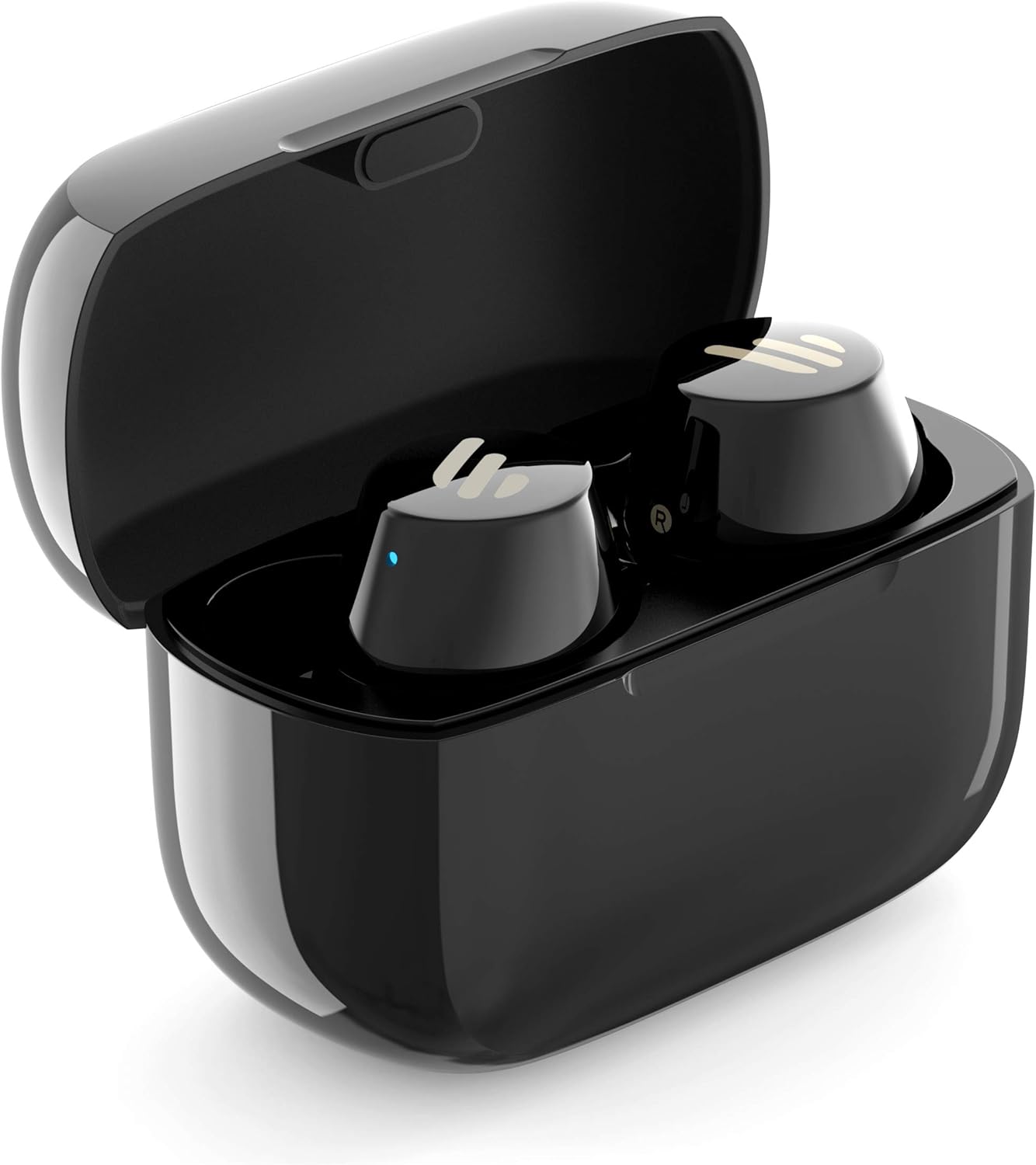
Image: The Edifier TWS1 earbuds are shown nestled within their open charging case, with a blue indicator light visible, signifying charging or power status.
2. Спалучэнне з прыладай
- Пераканайцеся, што навушнікі зараджаны.
- Open the charging case. The earbuds will automatically enter pairing mode, and the indicator light on one earbud will flash rapidly.
- На вашай прыладзе (смартфоне, планшэце, ноўтбуку) уключыце Bluetooth і пачніце пошук новых прылад.
- Select "EDIFIER TWS1" from the list of available devices.
- Пасля падключэння індыкатар на навушніках перастане міргаць.
3. Усталёўка навушнікаў
Choose the ear tips that provide the most comfortable and secure fit for your ears. Insert the earbuds into your ear canals and gently twist them until they feel snug and stable. A proper fit is crucial for optimal sound quality and noise isolation.
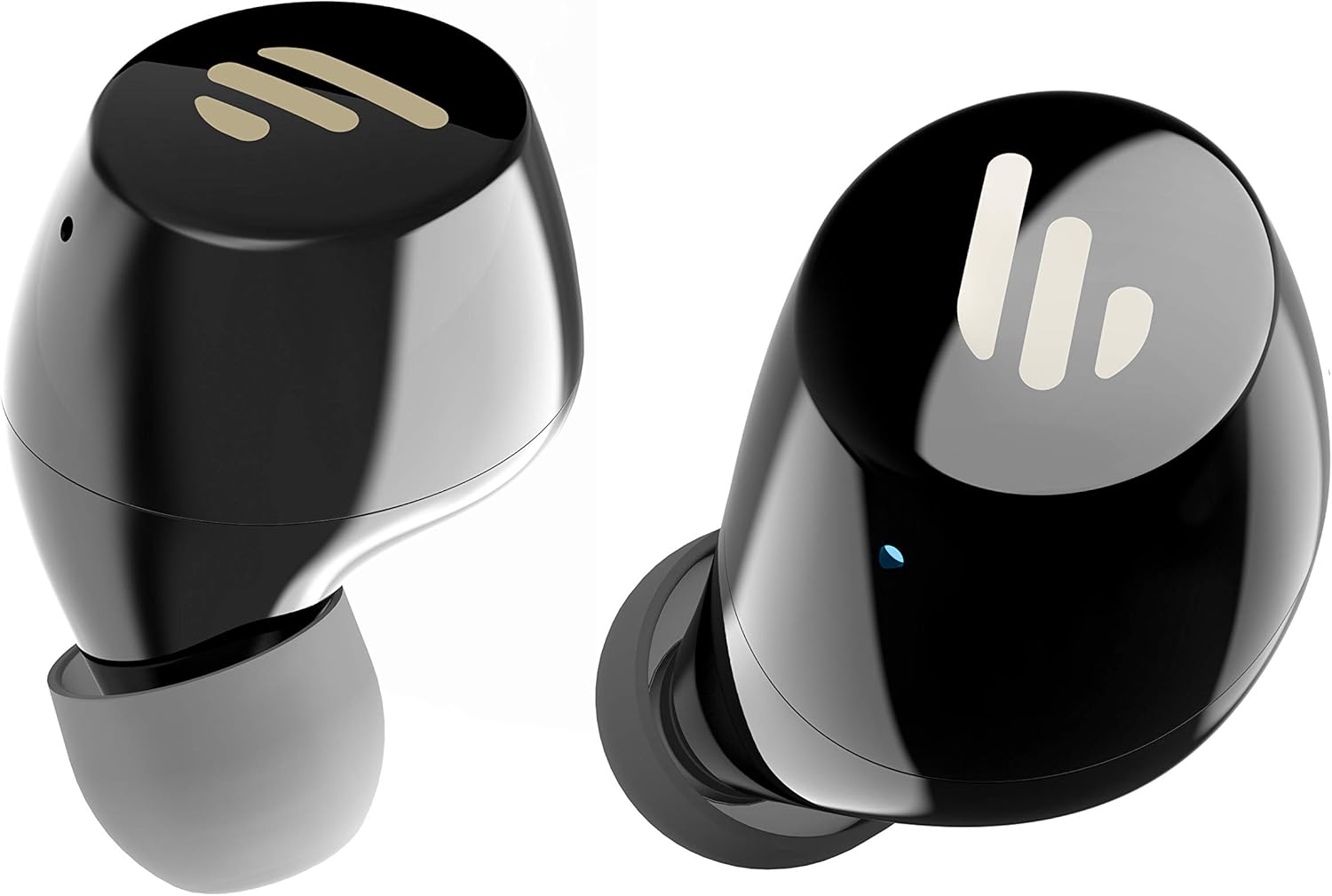
Выява: Падрабязны view of the Edifier TWS1 earbuds, highlighting their ergonomic shape and the silicone ear tips designed for a comfortable and secure in-ear fit.
Інструкцыя па эксплуатацыі
The Edifier TWS1 earbuds feature touch controls for easy operation.
- Уключэнне: Навушнікі ўключаюцца аўтаматычна пры выманні з зараднага футляра.
- Выключэнне: Place earbuds back into the charging case to power off automatically.
- Прайграванне/Паўза: Double-tap the touch panel on either earbud.
- Наступны трэк: Triple-tap the touch panel on the right earbud.
- Папярэдні трэк: Triple-tap the touch panel on the left earbud.
- Адказ/завяршэнне выкліку: Double-tap the touch panel on either earbud.
- Адхіліць выклік: Press and hold the touch panel on either earbud for 2 seconds.
- Актываваць галасавы памочнік: Press and hold the touch panel on the left earbud for 2 seconds.
Тэхнічнае абслугоўванне
- Уборка: Рэгулярна працірайце навушнікі і зарадны футляр мяккай сухой тканінай. Не выкарыстоўвайце абразіўныя ачышчальнікі або растваральнікі.
- Воданепранікальнасць: The earbuds are IPX5 rated, meaning they are resistant to splashes and sweat. Do not submerge them in water or expose them to heavy rain. Ensure the charging port is dry before charging.
- захоўванне: Калі навушнікі не выкарыстоўваюцца, захоўвайце іх у зарадным чахле, каб абараніць і падтрымліваць зарад. Захоўвайце ў прахалодным, сухім месцы, удалечыні ад экстрэмальных тэмператур.
- Сыход за батарэяй: Каб падоўжыць тэрмін службы батарэі, не разраджайце навушнікі і зарадны футляр часта цалкам. Рэгулярна зараджайце іх, нават калі яны не выкарыстоўваюцца пастаянна.
Ліквідацыю непаладак
If you encounter issues with your Edifier TWS1 earbuds, please refer to the following common solutions:
| праблема | Рашэнне |
|---|---|
| Навушнікі не ўключаюцься. | Ensure the earbuds and charging case are fully charged. Place earbuds in the case and close it, then open to power on. |
| Немагчыма спалучыць прыладу. | Make sure Bluetooth is enabled on your device. Ensure earbuds are in pairing mode (flashing indicator). Try forgetting the device in your Bluetooth settings and re-pairing. |
| Працуе толькі адзін навушнік. | Place both earbuds back into the charging case, close the lid, and then open it again. This should re-sync them. If the issue persists, try resetting the earbuds. |
| Няма гуку або нізкі ўзровень гучнасці. | Check the volume level on both your device and the earbuds. Ensure earbuds are properly seated in your ears. Try cleaning the ear tips and speaker mesh. |
| Праблемы з зарадкай. | Ensure the charging cable is securely connected. Try a different USB port or power adapter. Clean the charging contacts on the earbuds and inside the case. |
Скід да заводскіх налад
If problems persist, a factory reset may resolve them:
- Устаўце абодва навушнікі ў чахол для зарадкі.
- Press and hold the touch panel on both earbuds simultaneously for approximately 8 seconds until the indicator lights flash rapidly, then release.
- Дастаньце навушнікі з чахла і паспрабуйце зноў падключыць іх да прылады.
Тэхнічныя характарыстыкі
| Асаблівасць | Дэталь |
|---|---|
| Фірмовае найменне | Эдыфікатар |
| Назва мадэлі | TWS1 BK |
| Нумар мадэлі тавару | TWS1_BK |
| Колер | Чорны |
| Матэрыялы | Пластыкавыя |
| Тэхналогія падлучэння | Бесправадная сувязь |
| Тэхналогія бесправадной сувязі | Bluetooth |
| Форм-фактар навушнікаў | У вуха |
| Размяшчэнне вушэй | У вуха |
| Раз'ём для навушнікаў | Няма Джэка |
| Метад кантролю | Дакранацца |
| Узровень воданепранікальнасці | Воданепранікальнасць (IPX5) |
| Сумяшчальныя прылады | Смартфоны, планшэты, ноўтбукі, настольныя кампутары |
| Канкрэтнае выкарыстанне прадукту | Сувязь |
| Памеры прадукту | 2.32 х 1.72 х 2.04 см; 130 грамаў |
| Уключаныя кампаненты | Навушнікі TWS1 |
| Апісанне ўзроставага дыяпазону | Дарослы |
Гарантыя і падтрымка
Edifier products are designed and manufactured to the highest quality standards. For information regarding warranty coverage, please refer to the warranty card included with your product or visit the official Edifier website. For technical support or further assistance, please contact Edifier customer service through their official channels.


