
HyperGear 15077
HyperGear RaveMini Portable Wireless LED Speaker Instruction Manual
Мадэль: 15077
Уводзіны
The HyperGear RaveMini is a compact, portable wireless speaker designed to deliver powerful sound with an interactive, beat-driven LED light show. This speaker is suitable for both indoor and outdoor use, offering extended battery life and multiple playback options for a versatile audio experience.

The HyperGear RaveMini speaker and its packaging.
Што ў скрынцы
- HyperGear RaveMini Portable Wireless LED Speaker
- Зарадны кабель Micro USB
- 3.5mm Stereo Auxiliary Cable
Асаблівасці
- Малы памер, магутны гук: Engineered with a 40mm neodymium driver for room-filling sound.
- Beat-Driven LED Lightshow: Multi-colored LEDs flash to the beat of your music.
- Бесправаднае падключэнне: Connects with any Bluetooth device within a 33-foot range.
- Павялічаны тэрмін службы батарэі: Built-in rechargeable battery provides up to 3 hours of wireless playback on a single charge.
- Зносіны без рук: Integrated microphone and intuitive controls for managing calls and playlists.
- Некалькі варыянтаў прайгравання: Supports Bluetooth, Aux-in, Micro SD memory card, and USB flash drive audio playback.

The RaveMini combines HD sound with a vibrant LED lightshow.

The multi-colored LED lights dance to the beat of the music.
Настройка
Зарадка дынаміка
Before first use, fully charge your RaveMini speaker. Connect the included Micro USB charging cable to the speaker's charging port and the other end to a USB power source (e.g., wall adapter, computer USB port). The charging time is approximately 1 hour, providing up to 3 hours of playback.
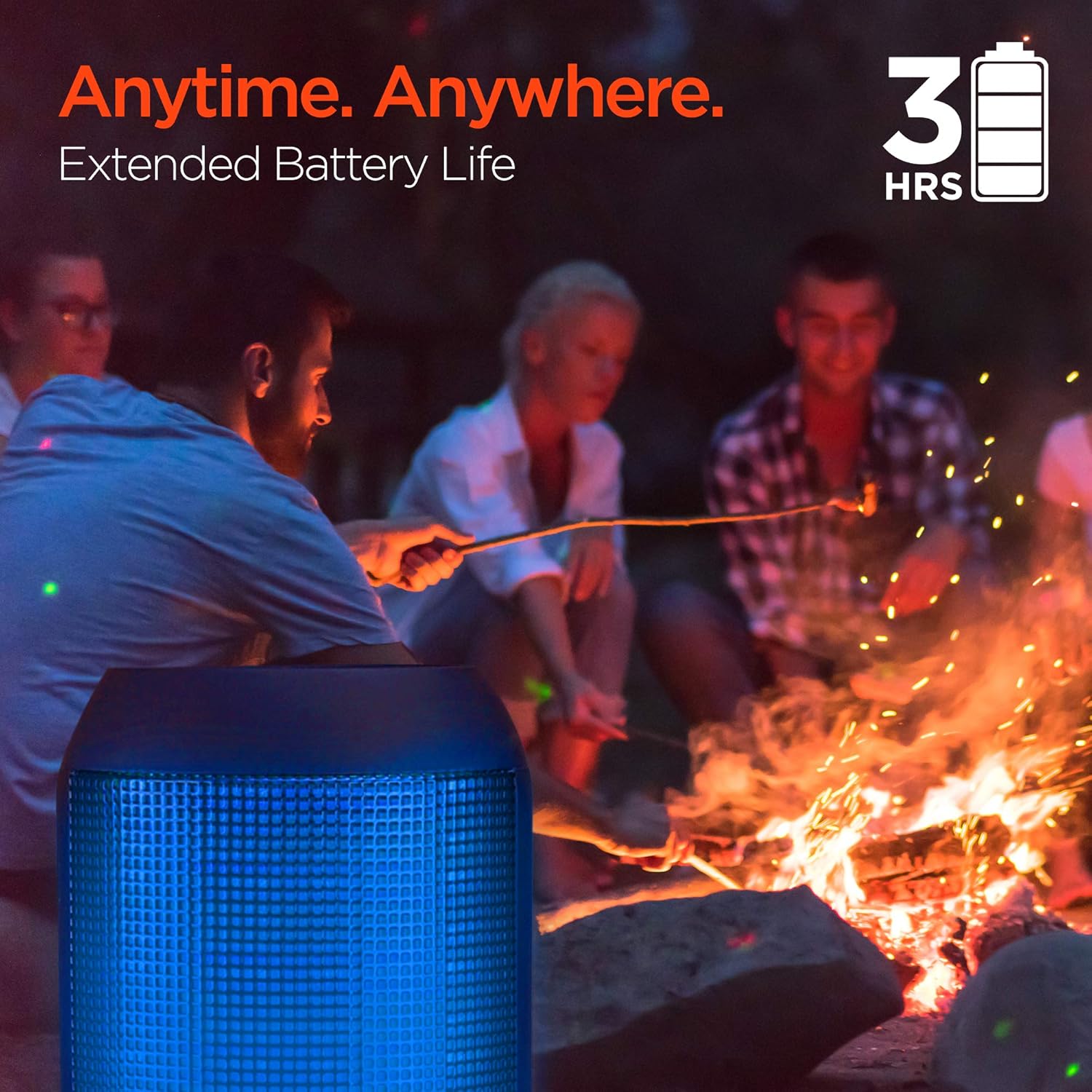
Enjoy up to 3 hours of music with the RaveMini's extended battery life.
Уключэнне/выключэнне
Locate the power button on the speaker. Press and hold the power button for a few seconds to turn the speaker on or off. An audible cue or LED indicator will confirm the power status.
Спалучэнне Bluetooth
- Ensure the RaveMini speaker is powered on and in pairing mode (usually indicated by a flashing LED light).
- На прыладзе з падтрымкай Bluetooth (смартфоне, планшэце і г.д.) перайдзіце ў налады Bluetooth.
- Пошук available devices and select "HyperGear RaveMini" (or similar name) from the list.
- Once connected, the speaker will provide an audible confirmation, and the LED light may change to a solid color.
- The speaker has a wireless range of up to 33 feet.
Кіраванне дынамікам
Элементы кіравання і функцыі
The RaveMini features intuitive controls for managing your audio and calls directly from the speaker. Refer to the specific button layout on your device for functions such as:
- Прайграванне/прыпыненне музыкі
- Adjust Volume (Volume Up/Down)
- Прапускаць трэкі (наступны/папярэдні)
- Адказ/завяршэнне выклікаў
- Activate Voice Assistant (if supported)
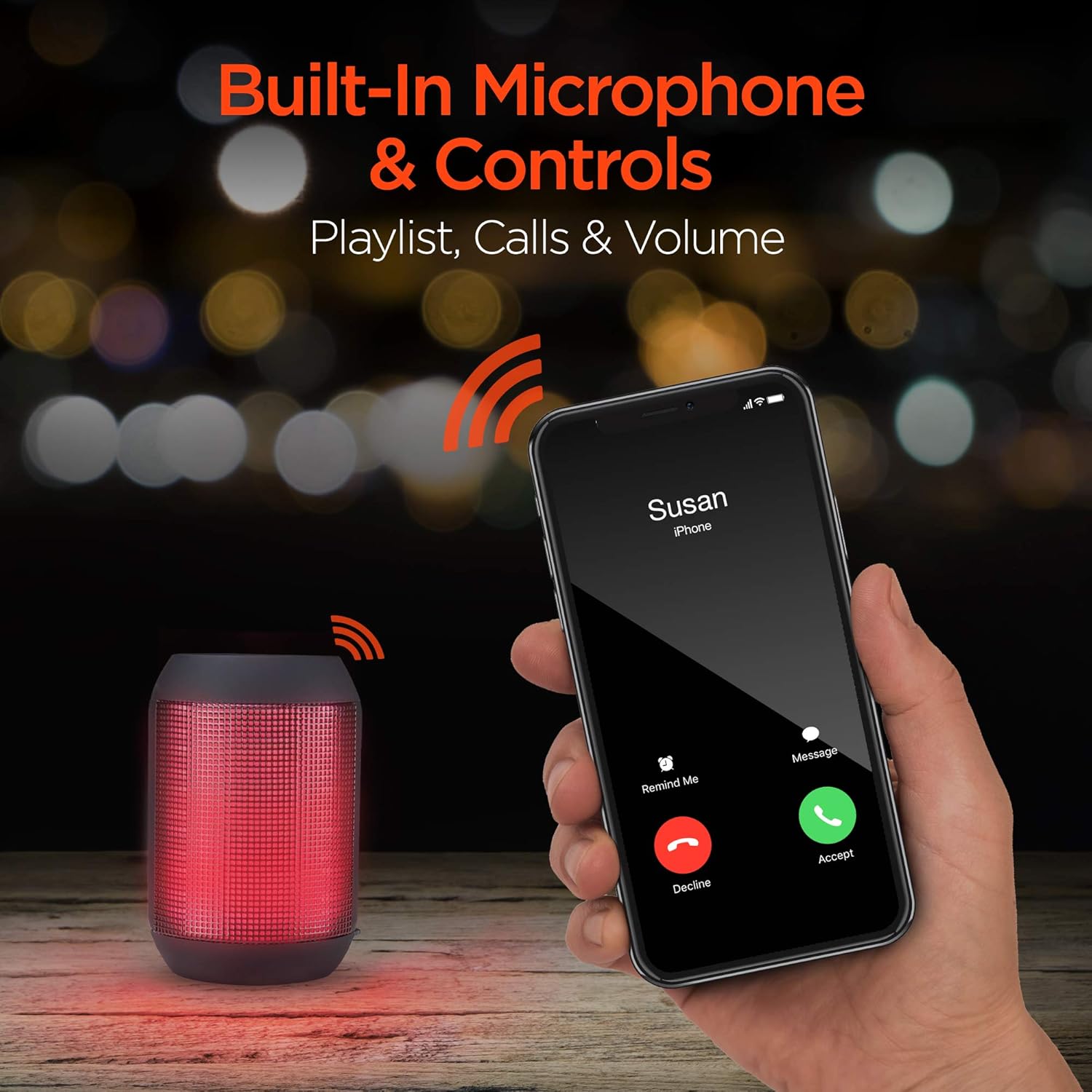
Built-in microphone and controls allow for hands-free calls and playlist navigation.
Рэжымы прайгравання
The RaveMini offers four ways to play your audio:
- Bluetooth: Бесправадное падключэнне да смартфона, планшэта або іншых прылад з падтрымкай Bluetooth.
- Дапаможны ўваход: Use the included 3.5mm stereo auxiliary cable to connect to non-Bluetooth devices.
- Micro SD-карта: Insert a Micro SD memory card with audio fileу прызначаны слот.
- USB-назапашвальнік: Падключыце флэш-назапашвальнік USB з аўдыёзапісам files да порта USB.

The RaveMini supports four versatile playback options.
Тэхнічнае абслугоўванне
- Keep the speaker dry. Do not expose it to excessive moisture or liquids.
- Clean the speaker with a soft, dry cloth. Avoid using harsh chemicals or abrasive cleaners.
- Захоўвайце дынамік у прахалодным сухім месцы, калі ён не выкарыстоўваецца.
- Пазбягайце падзення дынаміка і не падвяргайце яго моцным ударам.
Ліквідацыю непаладак
| праблема | Магчымае рашэнне |
|---|---|
| Дынамік не ўключаецца. | Ensure the speaker is fully charged. Connect it to a power source using the Micro USB cable. |
| Немагчыма спалучыцца з прыладай Bluetooth. |
|
| Няма гуку або нізкі ўзровень гучнасці. |
|
| Святлодыёдныя ліхтары не працуюць. | Check if the light show feature is enabled (if there's a dedicated button). Ensure the speaker has sufficient battery charge. |
Тэхнічныя характарыстыкі
| Асаблівасць | Дэталь |
|---|---|
| Назва мадэлі | 15077 |
| Тып дынаміка | На адкрытым паветры |
| Асаблівасць | Wireless Music + Calls, HD Stereo Sound, Beat-Driven LED Lightshow, Aux-in, Micro SD & USB compatible |
| Рэкамендуемае выкарыстанне для прадукту | Для музычных прайгравальнікаў |
| Тып кантролера | Харчаванне ад батарэі |
| Колер | Чорны |
| Тэрмін службы батарэі | 3 гадзін |
| Час зарадкі | 1 гадзін |
| Воданепранікальны | ХЛУСНЯ |
| Метад кантролю | дадатак |
| Тэхналогія бесправадной сувязі | Bluetooth |
| Памер дынаміка | 40 міліметра |
| Крыніца харчавання | Харчаванне ад батарэі |
| Колькасць батарэек | Патрабуецца 2 батарэйка ААА. (у камплекце) |
| Тып аўдыё драйвера | Дынамічны драйвер |
| Дыяпазон Bluetooth | 33 футаў |
| Памер аўдыё драйвера | 40 міліметра |
| Пратакол злучэння | Bluetooth |
| Колькасць партоў USB 2 | 1 |
| UPC | 633755150777 |
| Вытворца | ГІПЕРШЭСТУРАНТ |
| Вага прадмета | 10.9 унцыі |
| ASIN | B07VHTZHJ4 |
| Дата першай даступнасці | 18 ліпеня 2019 г |
| Марка | HyperGear |
| Максімальная выхадная магутнасць дынаміка | 5 ват |
| Тэхналогія падлучэння | Bluetooth, дапаможны, USB |
| Рэжым выхаду гуку | Стэрэа |
| Тып мацавання | Настольнае мацаванне |
Гарантыя
The HyperGear RaveMini Portable Wireless LED Speaker comes with a Limited Warranty. For detailed information regarding warranty coverage, terms, and conditions, please refer to the official HyperGear webсайт або звярніцеся непасрэдна ў службу падтрымкі кліентаў. Захоўвайце пацвярджэнне пакупкі для прэтэнзій па гарантыі.
Падтрымка
Для атрымання дадатковай дапамогі, рэгістрацыі прадукту або view frequently asked questions, please visit the official HyperGear webсайт:
Visit the HyperGear Store on Amazon
You may also contact HyperGear customer service for direct support.
Ask a question about this manual
Ask about setup, troubleshooting, compatibility, parts, safety, or missing instructions. Manuals+ will review the question and use this page’s manual context to help answer it.