
1. Уводзіны
This manual provides detailed instructions for the operation and maintenance of your Microware EZCAP230 Cassette to MP3 Converter. This device allows you to convert your old cassette tapes into digital MP3 format, preserving your audio memories. It can function as a standalone converter or connect to a computer for conversion and playback.
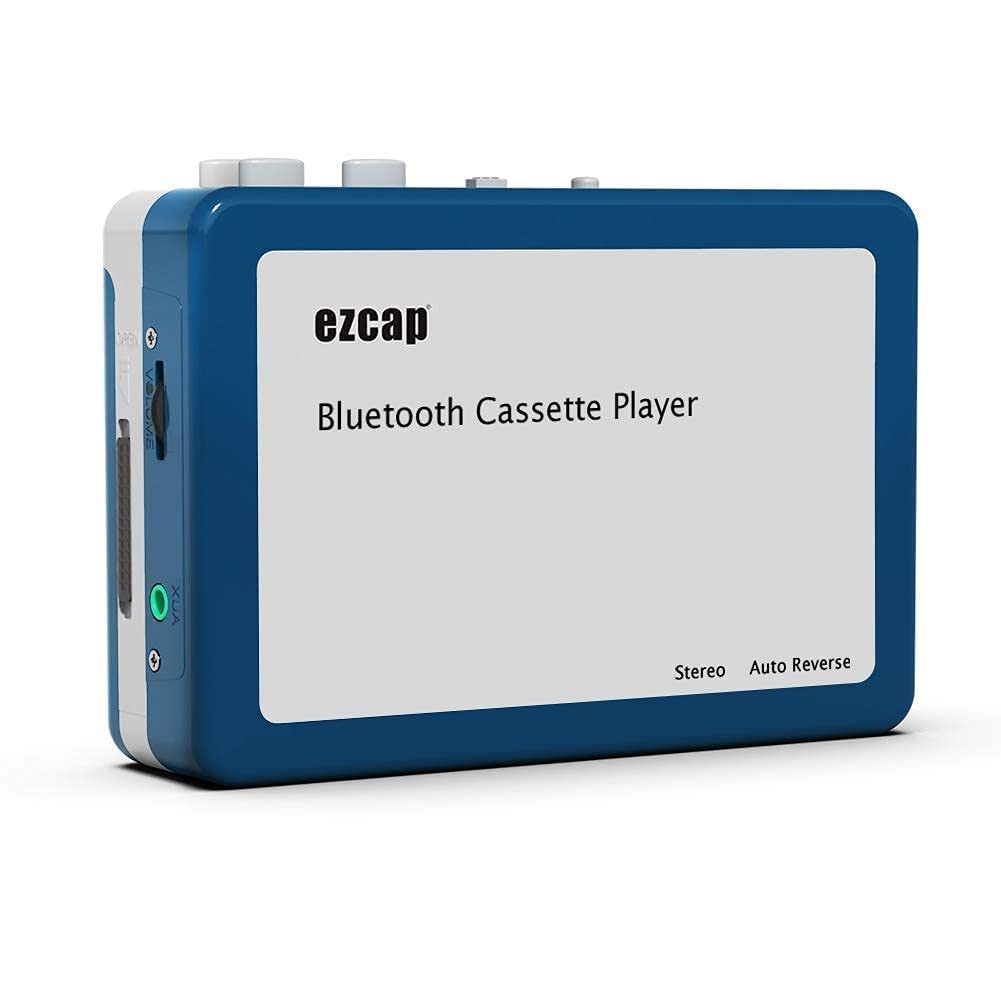
Image 1.1: The Microware EZCAP230 Cassette to MP3 Converter.
2. Прадукт скончыўсяview
2.1 Асноўныя магчымасці
- Converts cassette tapes to MP3 format.
- Standalone operation: No computer required for conversion.
- USB connectivity for power and data transfer.
- Playback function to check recorded music.
- Кампактны і партатыўны дызайн.
- Supports FAT, FAT32, exFAT USB formats up to 64GB. NTFS format is not supported.
2.2 Змест пакета
- Microware EZCAP230 Cassette to MP3 Converter
- Кабель USB
- Навушнікі
- Кіраўніцтва карыстальніка (гэты дакумент)

Image 2.1: The converter unit, USB cable, and earphones.
3. Настройка
3.1 Крыніца харчавання
Прылада можа харчавацца двума спосабамі:
- USB Харчаванне: Connect the provided USB cable to the device and a computer USB port or a 5V DC power adapter (not included).
- Магутнасць батарэі: Insert 2 x AA batteries (not included) into the battery compartment.
3.2 Устаўка касеты
- Open the cassette compartment cover.
- Insert your cassette tape with the open side facing up.
- Close the cassette compartment cover securely.

Image 3.1: Proper insertion of a cassette tape.
3.3 Connecting Earphones/Speakers and USB Flash Drive
- Connect the earphones to the 3.5mm audio output jack for private listening.
- To save converted MP3 files, insert a USB flash drive into the USB port. The device supports FAT, FAT32, and exFAT formats up to 64GB.

Image 3.2: Connecting earphones and a USB flash drive to the converter.
4. Інструкцыя па эксплуатацыі
4.1 Standalone Cassette to MP3 Conversion
Follow these steps to convert your cassette tapes directly to MP3 format without a computer:
- Уключэнне: Ensure the device is powered via USB or batteries.
- Устаўце касету: Place a cassette tape into the compartment.
- Падключыце USB-дыск: Insert a USB flash drive into the USB port. A green light will flash, indicating it's ready.
- Пачаць прайграванне: Press the "Play" button on top of the device to begin playing the tape.
- Пачаць запіс: Press the "Record" button to start recording. The default mode is manual division. To divide tracks, press the "Record/Stop" button each time you want a new MP3 file.
- Спыніць запіс: Press the "Record" button again to stop recording. The MP3 files will be saved to your USB flash drive.

Image 4.1: Step-by-step guide for independent cassette to MP3 conversion.
4.2 Прайграванне касет
To use the device as a cassette player:
- Устаўце касету.
- Connect earphones or external speakers to the 3.5mm audio output jack.
- Press the "Play" button.
- Адрэгулюйце гучнасць з дапамогай рэгулятара гучнасці.
4.3 Падключэнне да кампутара
The device can be connected to a computer via USB for power and to transfer recorded MP3 files. While the device primarily functions for standalone conversion, you can manage the converted files на вашым кампутары.
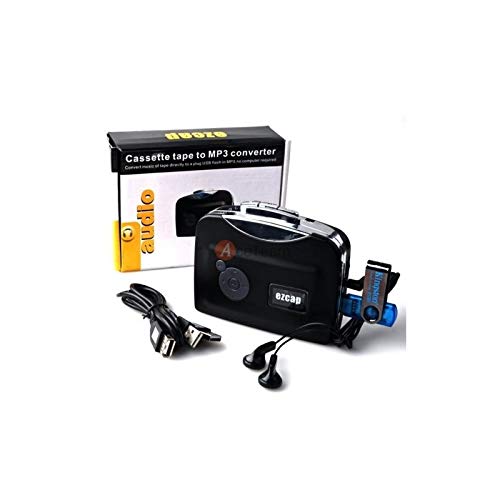
Image 4.2: The converter connected to a laptop, illustrating the digital conversion process.
4.4 Playback Function
The device includes a playback function to review the recorded MP3 files directly on the device. This allows you to verify the quality of your conversions.
Відэа 4.1: Оверview of the Microware Cassette to MP3 Converter's features and operation, demonstrating its ease of use for digitizing old tapes.
5. Тэхнічнае абслугоўванне
- Трымайце прыладу чыстай і без пылу. Выкарыстоўвайце для чысткі мяккую сухую тканіну.
- Пазбягайце ўздзеяння на прыладу экстрэмальных тэмператур, вільготнасці або прамых сонечных прамянёў.
- Не выкарыстоўвайце абразіўныя ачышчальнікі або растваральнікі.
- Калі прылада не выкарыстоўваецца працяглы час, выміце батарэйкі, каб прадухіліць уцечку.
6. Выпраўленне непаладак
6.1 Няма харчавання
- Check if the USB cable is securely connected to a power source.
- Пры выкарыстанні батарэй пераканайцеся, што яны ўстаўлены правільна і не разрадзіліся.
6.2 Poor Audio Quality During Playback/Recording
- Ensure the cassette tape is clean and in good condition.
- Check earphone connections.
- Clean the tape head and pinch rollers with a cotton swab lightly dampз ізапрапілавым спіртам.
6.3 MP3 Files Not Saving to USB Drive
- Ensure the USB flash drive is properly inserted.
- Verify that the USB drive is formatted to FAT, FAT32, or exFAT. NTFS is not supported.
- Check if the USB drive has sufficient free space.
7. Тэхнічныя характарыстыкі
| Асаблівасць | Спецыфікацыя |
|---|---|
| Марка | МІКРАПАЗНАЧАННЕ |
| мадэль | EZCAP230 |
| Вага прадмета | 150 г |
| Памеры ўпакоўкі | 14 х 10.01 х 5.99 см |
| Крыніца харчавання | USB Power (5V DC) or 2 x AA Batteries |
| USB Format Support | FAT, FAT32, exFAT (up to 64GB). NTFS not supported. |
8. Гарантыя і падтрымка
For warranty information and technical support, please refer to the official MICROWARE webсайт або звярніцеся да прадаўца. Захоўвайце чэк аб куплі як пацверджанне пакупкі.
вытворца: МІКРАПАЗНАЧАННЕ
Дата першай даступнасці: 24 верасня 2019 г
Каб атрымаць дадатковую дапамогу, наведайце MICROWARE Store on Amazon.