
1. Уводзіны
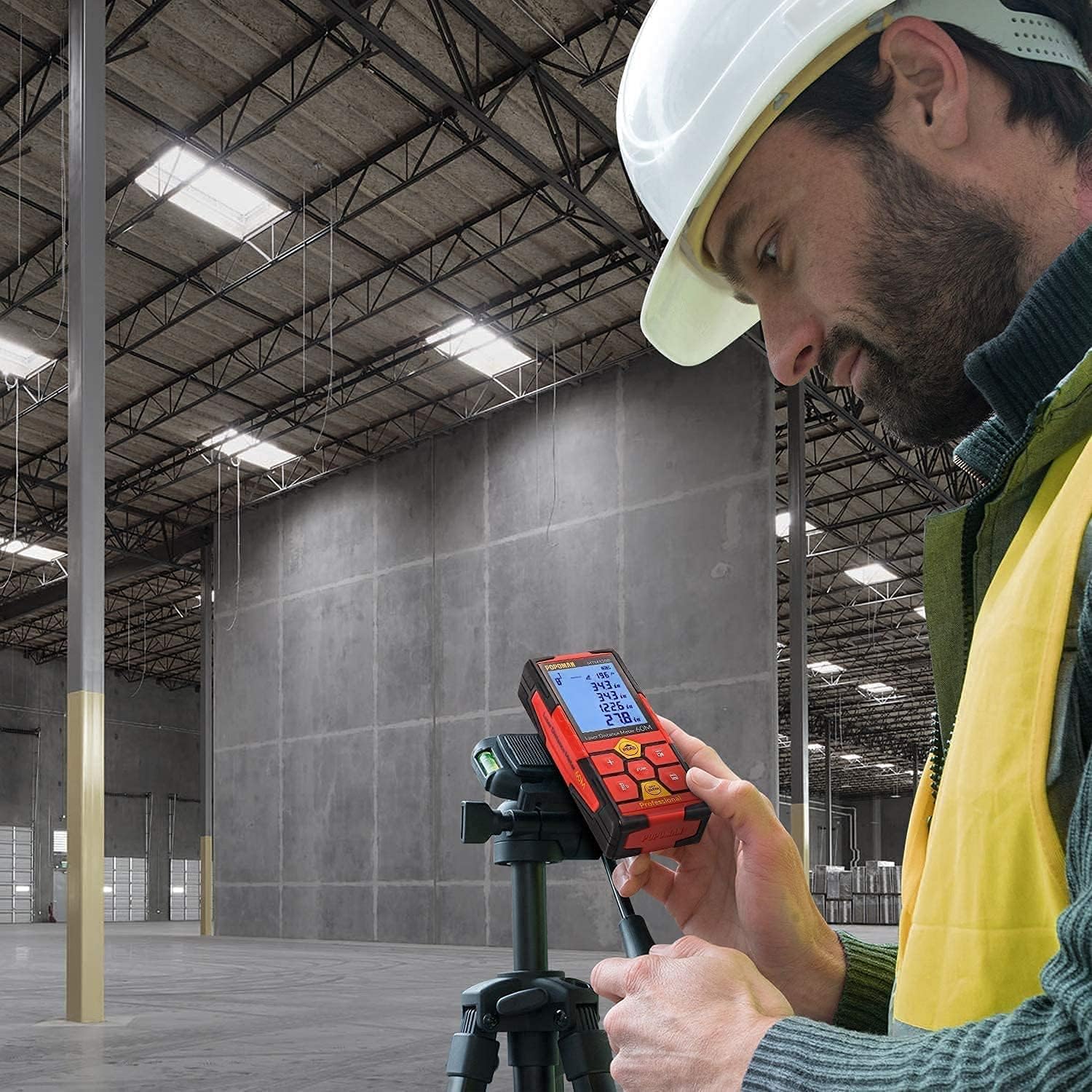
Thank you for choosing the POPOMAN MTM120B Laser Distance Meter. This device is designed for precise and efficient distance measurements, offering various functions including area, volume, and Pythagorean calculations. It features a USB rechargeable battery, a clear LCD with backlight, and data storage capabilities. Please read this manual thoroughly before using the device to ensure safe and optimal performance.
2. Інструкцыі па тэхніцы бяспекі
To prevent injury and damage to the device, observe the following safety precautions:
- Лазерная бяспека: This product emits a Class 2 laser. Do not stare directly into the laser beam or point it at other people. Avoid direct eye exposure.
- Do not disassemble or modify the device. Repairs should only be performed by authorized service personnel.
- Захоўвайце прыладу ў месцах, недаступных дзецям.
- Do not use the device in explosive environments or near flammable materials.
- Protect the device from extreme temperatures, moisture, and strong vibrations.
- Ensure the measurement surface is suitable for laser reflection; highly reflective or transparent surfaces may affect accuracy.
3. Змесціва ўпакоўкі
Праверце наяўнасць усіх прадметаў у камплекце:
- 1 x POPOMAN MTM120B Laser Distance Meter
- 1 х USB-кабель для зарадкі
- 1 х Кіраўніцтва карыстальніка
- 1 x Reflective Plate (Laser Target)
- 1 х партатыўны мяшочак
- 1 х ручны рэмень

Малюнак 3.1: Contents of the POPOMAN MTM120B package, including the laser distance meter, USB cable, user manual, laser target, portable pouch, and hand strap.
4. Прадукт скончыўсяview
Familiarize yourself with the components and controls of your POPOMAN MTM120B Laser Distance Meter.

Малюнак 4.1: Фронт view of the POPOMAN MTM120B Laser Distance Meter with key components labeled.
4.1. Кампаненты прылады
- Laser On: Indicates when the laser is active.
- крыніца харчавання: Індыкатар ўзроўню зарада батарэі.
- кут: Displays the current tilt angle (Electronic Angle Sensor).
- Дысплей: LCD screen showing measurements, modes, and settings.
- Turn on / Measuring (READ button): Powers on the device, activates the laser, and initiates measurements.
- Subtraction / Sound button: Used for subtraction calculations and toggling sound on/off.
- Addition button: Used for addition calculations.
- Area / Volume / Pythagorean Measuring (FUNC button): Cycles through different measurement modes.
- Reference Point / Unit Switch button: Changes the measurement reference point (front/rear) and switches measurement units (m/in/ft/ft+in).
- Кнопка захавання: Stores current measurement data.
- Turn off / Remove (OFF CLEAR button): Powers off the device or clears the current measurement.
5. Настройка
5.1. Зарадка акумулятара
The POPOMAN MTM120B features a built-in rechargeable lithium battery. Before first use, fully charge the device.
- Locate the USB charging port on the side of the device.
- Connect the provided USB charging cable to the device and to a standard USB power source (e.g., laptop, power bank, AC adapter, car charger).
- The battery indicator on the display will show charging status. A full charge typically takes approximately 30 minutes and provides power for up to 8,000 measurements.
Малюнак 5.1: Various methods for charging the POPOMAN MTM120B, including laptop, power bank, AC adapter, and car charger.
5.2. Уключэнне / выключэнне харчавання
- Каб уключыць: Націсніце ЧЫТАЦЬ кнопка. Дысплей падсвяціцца.
- Каб выключыць: Націсніце і ўтрымлівайце ВЫКЛ. АЧЫСЦІЦЬ button for a few seconds. The device will also automatically power off after a period of inactivity to conserve battery.
6. Інструкцыя па эксплуатацыі
6.1. Асноўныя вымярэнні
- Націсніце ЧЫТАЦЬ button once to activate the laser. A red laser dot will appear.
- Aim the laser dot at the target point.
- Націсніце ЧЫТАЦЬ зноў націсніце кнопку, каб зрабіць адно вымярэнне. Вымераная адлегласць будзе адлюстравана на экране.
6.2. Змена адзінак вымярэння
Націсніце Кропка адліку / Пераключальнік блока button repeatedly to cycle through available units: meters (m), inches (in), feet (ft), and feet + inches (ft+in).
6.3. Changing Reference Point
The device can measure from its front edge or its rear edge. Press and hold the Кропка адліку / Пераключальнік блока button to toggle between front and rear reference points. An icon on the display will indicate the active reference point.
6.4. Бесперапыннае вымярэнне (адсочванне)
In continuous measurement mode, the device constantly updates the distance as you move it.
- From standby, press and hold the ЧЫТАЦЬ button until "MIN/MAX" appears on the display.
- Move the device slowly. The display will show the current distance, as well as the minimum and maximum distances recorded during the session.
- Прэса ЧЫТАЦЬ again to stop continuous measurement.
6.5. Вымярэнне плошчы
- Націсніце ФУНКЦЫЯ button once until the area icon (a square) appears on the display.
- Вымерайце першы бок (напрыклад, даўжыню), націснуўшы ЧЫТАЦЬ.
- Вымерайце другі бок (напрыклад, шырыню), націснуўшы ЧЫТАЦЬ.
- Будзе адлюстравана разлічаная плошча.
6.6. Вымярэнне аб'ёму
- Націсніце ФУНКЦЫЯ button twice until the volume icon (a cube) appears on the display.
- Вымерайце даўжыню, націснуўшы ЧЫТАЦЬ.
- Вымерайце шырыню, націснуўшы ЧЫТАЦЬ.
- Вымерайце вышыню, націснуўшы ЧЫТАЦЬ.
- Будзе адлюстраваны разлічаны аб'ём.
6.7. Pythagorean Measurement (Indirect Measurement)
This mode allows indirect measurement of heights or distances using the Pythagorean theorem.
- Націсніце ФУНКЦЫЯ button three or four times until a Pythagorean icon appears (e.g., a triangle with one side flashing).
- Follow the on-screen prompts to measure the required sides of the triangle (e.g., hypotenuse, base).
- Прылада разлічыць і адлюструе невядомы бок.
6.8. Addition and Subtraction
After taking a measurement, you can add or subtract subsequent measurements.
- Take a first measurement.
- Націсніце + button for addition or the - кнопка для аднімання.
- Take the next measurement. The result will be added to or subtracted from the previous total.
- Repeat as needed. Press ЧЫТАЦЬ to finalize the calculation.
6.9. Electronic Angle Sensor
The device features an electronic angle sensor that displays the tilt angle in real-time on the screen, useful for leveling or specific indirect measurements.

Малюнак 6.1: The device display indicating the real-time electronic angle measurement.
6.10. Data Storage (Memory)
The POPOMAN MTM120B can store up to 99 sets of measurement data.
- After a measurement is displayed, press the Захаваць button to store it.
- Каб аднавіць захаваныя дадзеныя, націсніце і ўтрымлівайце Захаваць кнопка. Выкарыстоўвайце + і - кнопкі для навігацыі па захаваных запісах.
- To exit memory view, націсніце ВЫКЛ. АЧЫСЦІЦЬ кнопка.

Малюнак 6.2: The device display showing multiple stored measurement data sets, indicating the 99-set memory feature.
6.11. Рэжым адключэння гуку
To operate the device silently, press the Subtraction / Sound button to toggle the sound on or off. This is useful in quiet environments.
7. Тэхнічнае абслугоўванне
- Уборка: Выкарыстоўвайце мяккі, damp cloth to clean the device. Do not use abrasive cleaners or solvents. Pay special attention to keeping the laser lens clean.
- захоўванне: Store the device in its portable pouch in a cool, dry place when not in use. Avoid direct sunlight and extreme temperatures.
- Сыход за батарэяй: Although the device has a built-in lithium battery, it is recommended to charge it periodically if not used for extended periods to maintain battery health.
- The device has an IP54 rating, meaning it is protected against dust ingress and splashing water from any direction. However, it is not waterproof and should not be submerged.
8. Выпраўленне непаладак
If you encounter issues with your POPOMAN MTM120B, refer to the table below for common problems and solutions.
| праблема | Магчымая прычына | Рашэнне |
|---|---|---|
| Прылада не ўключаецца. | Нізкі акумулятар. | Зарадзіце прыладу з дапамогай USB-кабеля, які ўваходзіць у камплект. |
| Недакладныя вымярэнні. |
|
|
| Дысплей цьмяны або нечытэльны. | Low battery or strong ambient light. | Charge the device. Move to an area with less direct sunlight. |
| No sound feedback. | Mute mode is active. | Націсніце Subtraction / Sound button to toggle sound on. |
9. Тэхнічныя характарыстыкі
| мадэль | POPOMAN MTM120B |
| Дыяпазон вымярэнняў | 0.05 м да 50 м |
| Дакладнасць | ± 2.0 мм |
| Адзінкі вымярэння | м / цаля / фут / фут + цаля |
| Лазерны клас | 2 клас |
| Рэйтынг міжнароднай абароны (IP) | IP54 (абаронены ад пылу і пырскаў вады) |
| Дысплей | 2.25-inch LCD with backlight |
| Памяць дадзеных | 99 камплектаў |
| Тып батарэі | Літыевая акумулятарная батарэя |
| Час зарадкі | Approx. 30 minutes (for full charge) |
| Тэрмін службы батарэі | Прыблізна 8,000 вымярэнняў на адной зарадцы |
| Automatic Laser Shut-off | 30 секунд (прыкладна) |
| Automatic Device Shut-off | 180 секунд (прыкладна) |
| Памеры прадукту | 11.7 х 5.2 х 2.6 см |
| Вага прадукту | 260 г |
| Нітка штатыва | 1/4 цалі |
10. Гарантыя і падтрымка
10.1. Інфармацыя аб гарантыі
The POPOMAN MTM120B Laser Distance Meter comes with a 24-month quality commitment з даты пакупкі. Гэтая гарантыя распаўсюджваецца на вытворчыя дэфекты і гарантуе, што прадукт адпавядае зададзеным стандартам прадукцыйнасці пры нармальным выкарыстанні.
The warranty does not cover damage caused by misuse, unauthorized modification, accidents, or normal wear and tear.
10.2. Падтрымка кліентаў
If you have any questions, require technical assistance, or need to claim warranty service, please contact POPOMAN customer support. Refer to the contact information provided on the product packaging or the official POPOMAN webсайт з найбольш актуальнымі каналамі падтрымкі.