
Уводзіны
This manual provides essential instructions for the safe and efficient use of your Redmi 10000mAh Power Bank (Model PB100LZm). Please read this manual thoroughly before using the product and retain it for future reference.
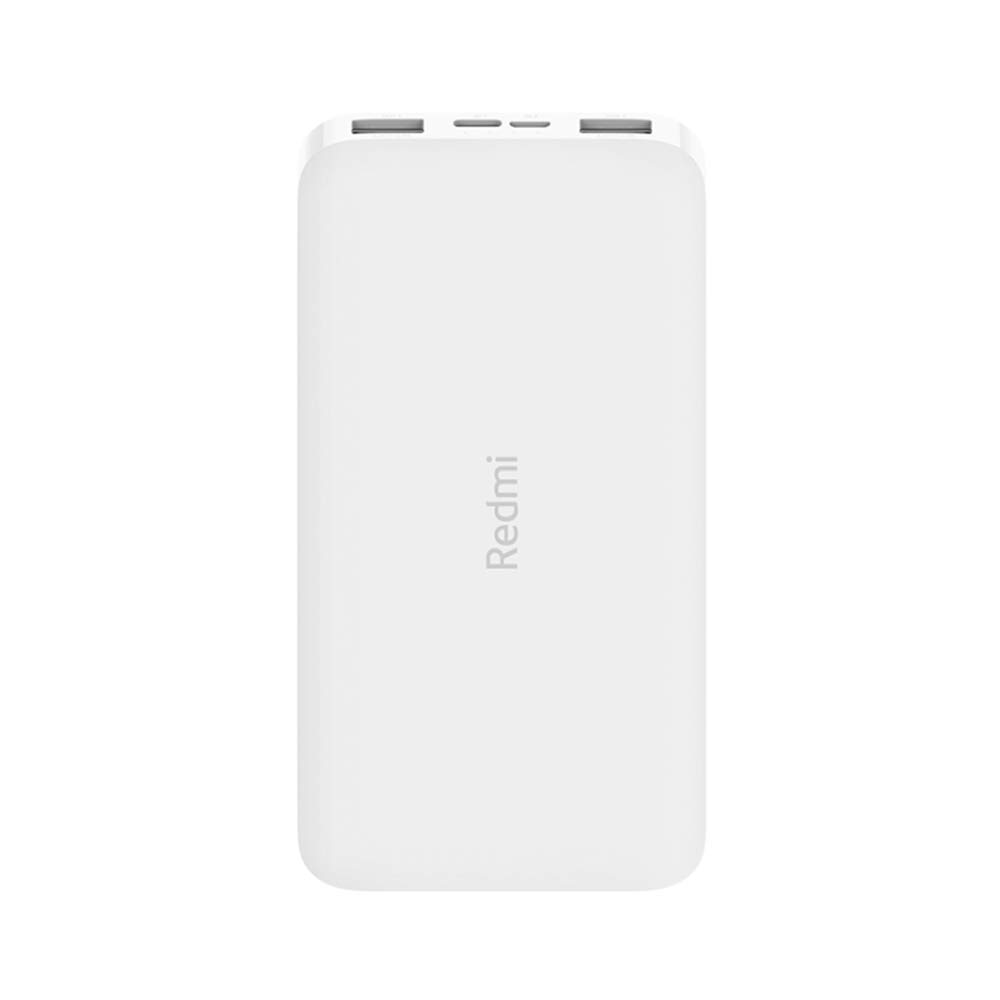
Выява: Пад вуглом view of the white Redmi 10000mAh Power Bank.
Інфармацыя па бяспецы
To prevent injury, damage to the product, or damage to property, observe the following safety precautions:
- Не разбірайце, не рамантуйце і не мадыфікуйце знешні акумулятар.
- Do not expose the power bank to fire, high temperatures, or direct sunlight.
- Пазбягайце кантакту з вадой або іншымі вадкасцямі.
- Не кідайце, не ўдарайце і не падвяргайце знешні акумулятар моцнай вібрацыі.
- Захоўваць у месцах, недаступных дзецям.
- Выкарыстоўвайце толькі сумяшчальныя зарадныя кабелі і адаптары.
- Утылізуйце знешні акумулятар у адпаведнасці з мясцовымі правіламі.
Прадукт скончаныview
Familiarize yourself with the components of your Redmi 10000mAh Power Bank.

Image: Close-up of the power bank's top edge showing two USB-A output ports (OUT1, OUT2), one Micro-USB input port (IN1), one USB-C input port (IN2), and four LED battery level indicators.
- Выхадныя парты USB-A (OUT1, OUT2): Used to charge external devices.
- Micro-USB Input Port (IN1): Used to charge the power bank.
- USB-C Input Port (IN2): Used to charge the power bank.
- Святлодыёдныя індыкатары: Four small lights indicating the remaining battery level.
- Кнопка харчавання: Located on the side, used to check battery level or activate charging.

Выява: Збоку view of the power bank highlighting the power button.
Настройка
Пачатковая зарадка паўэрбанка
Before first use, fully charge your Redmi 10000mAh Power Bank.
- Connect a compatible USB cable to either the Micro-USB (IN1) or USB-C (IN2) input port on the power bank.
- Падключыце другі канец кабеля да адаптара харчавання USB (не ўваходзіць у камплект) або да USB-порта кампутара.
- The LED indicators will light up, showing the charging progress. All four LEDs will be solid when fully charged.
Падключэнне прылад
The power bank is compatible with mobile phones and other USB-powered devices.
- Use the appropriate charging cable for your device.
- Connect one end of the cable to one of the USB-A output ports (OUT1 or OUT2) on the power bank.
- Падключыце другі канец кабеля да порта зарадкі вашай прылады.
Інструкцыя па эксплуатацыі
Зарадка знешніх прылад
Once a device is connected, the power bank should automatically begin charging. If not, press the power button once to initiate charging.

Image: The power bank connected via a USB cable to charge a mobile phone, resting on a wooden table.
- The LED indicators will show the power bank's remaining battery level during charging.
- You can charge two devices simultaneously using both USB-A output ports.
Праверка ўзроўню зарада батарэі
Press the power button once to check the remaining battery level. The LED indicators will light up for a few seconds:
- 1 святлодыёд: Зарад акумулятара 0-25%.
- 2 святлодыёда: Зарад акумулятара 25-50%.
- 3 святлодыёда: Зарад акумулятара 50-75%.
- 4 святлодыёда: Зарад акумулятара 75-100%.
Тэхнічнае абслугоўванне
- Уборка: Працірайце знешні акумулятар мяккай сухой тканінай. Не выкарыстоўвайце агрэсіўныя хімічныя рэчывы або абразіўныя матэрыялы.
- захоўванне: Захоўвайце знешні акумулятар у прахалодным, сухім месцы, удалечыні ад прамых сонечных прамянёў і экстрэмальных тэмператур.
- Сыход за батарэяй: For optimal battery life, avoid fully discharging the power bank frequently. Recharge it when the battery level is low. If not used for extended periods, charge it to about 50% every three months.
Ліквідацыю непаладак
| праблема | Магчымае рашэнне |
|---|---|
| Паўэрбанк не зараджаецца. |
|
| Прылада не зараджаецца ад паўэрбанка. |
|
| Павольная зарадка. |
|
Тэхнічныя характарыстыкі
| Марка | Xiaomi |
| Нумар мадэлі | PB100LZm |
| Ёмістасць | 10000 мАг |
| Колер | Белы |
| Тып батарэі | Літый-палімерны |
| Уваходныя парты | 1x Micro-USB, 1x USB-C |
| Выхадныя парты | 2x USB-A (5.1V=2.4A each) |
| Сумяшчальныя прылады | Mobile Phones and other USB-powered devices |
| Памеры | 15.8 х 8 х 2 см |
| Вага | 276 грамаў |
Гарантыя і падтрымка
Based on the provided product information, this product is indicated as having няма гарантыі. For any product-related inquiries or technical support, please refer to the official Xiaomi support channels or your point of purchase.