
Divoom ACDIVDITPNK
Divoom Ditoo Retro Pixel Art Game Bluetooth Speaker Instruction Manual
Model: ACDIVDITPNK
1. Уводзіны
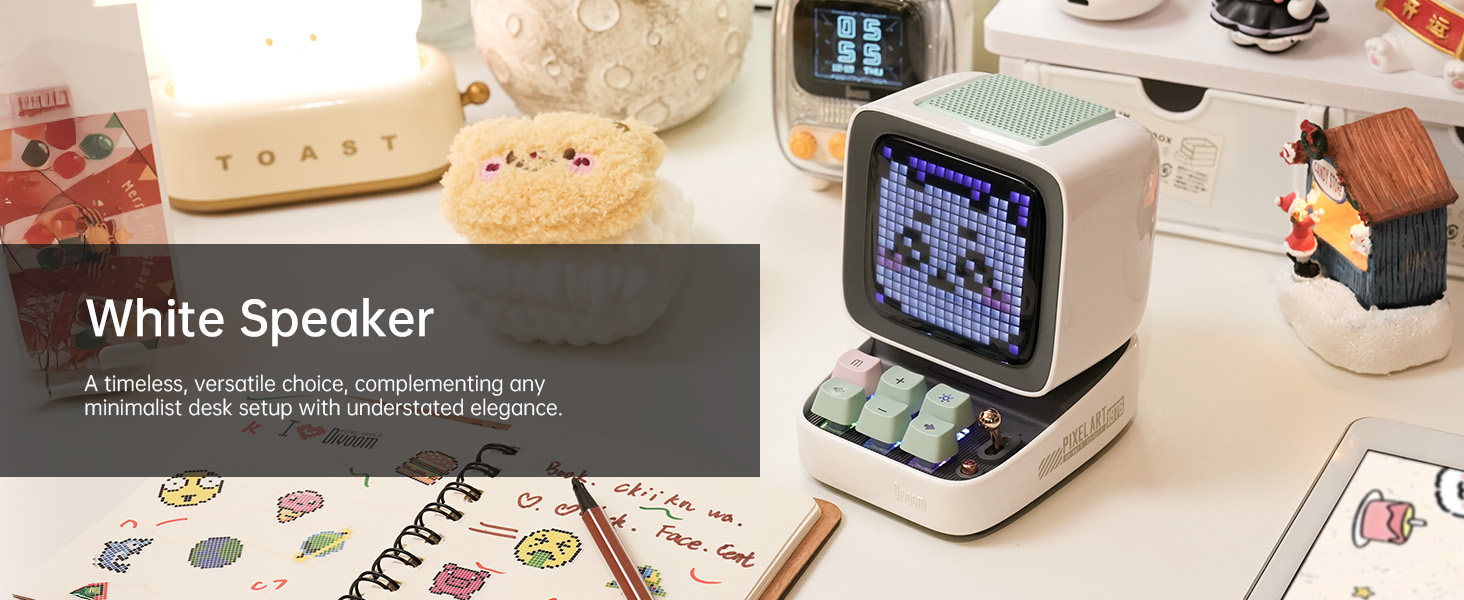
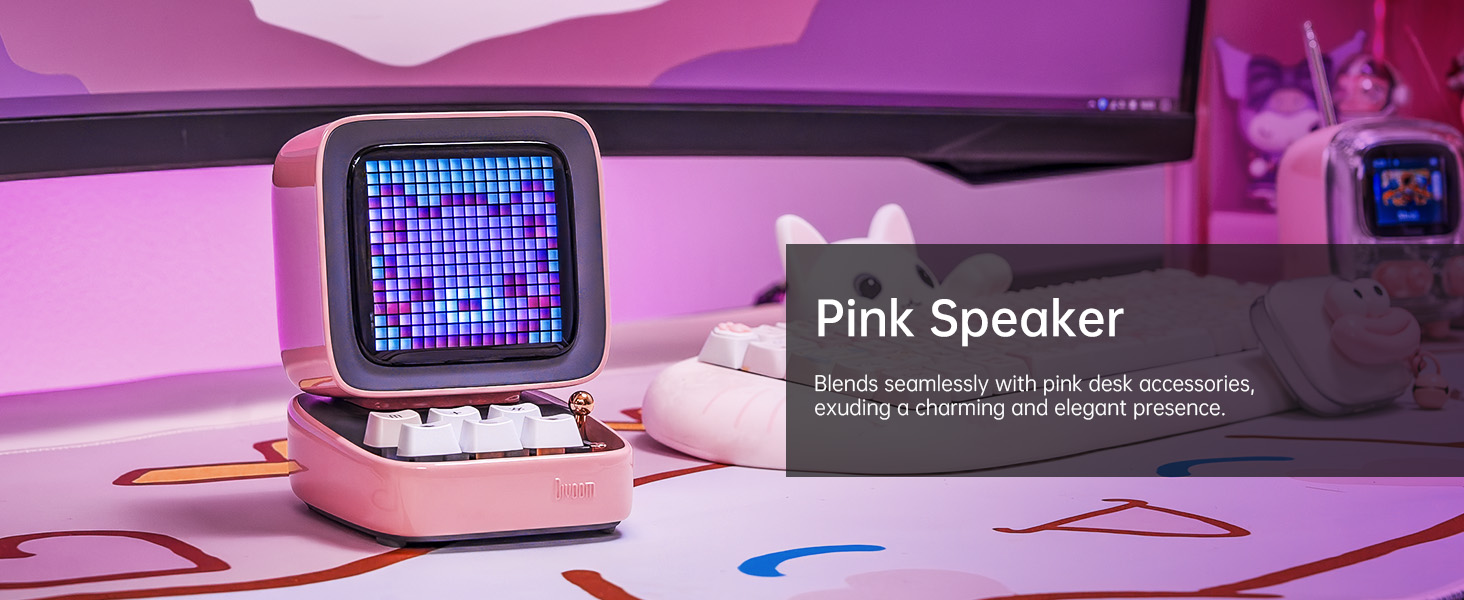
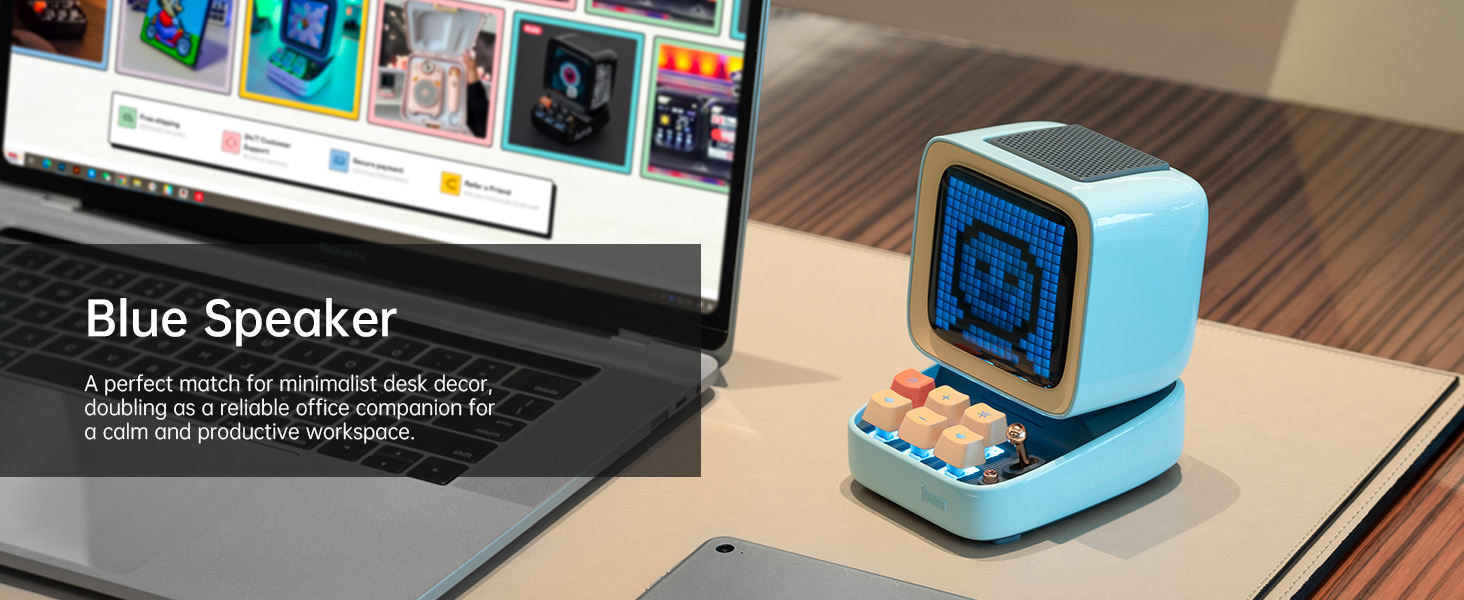
The Divoom Ditoo is a versatile retro-styled pixel art Bluetooth speaker designed to enhance your daily life with its unique blend of audio quality and interactive visual display. It features a 16x16 LED screen for pixel art, a powerful 10W DSP speaker, and a range of smart functions controlled via a dedicated mobile application. This manual provides detailed instructions for setting up, operating, maintaining, and troubleshooting your Divoom Ditoo speaker.

2. Кіраўніцтва па наладцы
2.1. Што ўваходзіць у камплект
Upon unboxing your Divoom Ditoo, please ensure all the following items are present:
- DitooPro Speaker
- Падарункавая скрынка
- Зарадны кабель USB-C
- Кароткае кіраўніцтва
- Cute Sticker

2.2. Зарадка прылады
Before first use, fully charge your Divoom Ditoo speaker. Connect the provided USB-C charging cable to the USB-C charging port (13) located on the back of the device and plug the other end into a compatible USB power adapter (not included). The battery indicator (9) will show charging status. A full charge provides approximately 8 hours of playback, though this may vary based on display brightness and image complexity.
2.3. Пачатковае ўключэнне
To power on the Divoom Ditoo, press and hold the ON/OFF button (14) located on the back of the device until the screen illuminates.
2.4. Усталёўка прыкладання
For full functionality and customization, download the Divoom app on your smartphone or tablet. Scan the QR code on the product packaging or visit the official Divoom webсайт: http://www.divoom.com/AppDownLoad
2.5. Спарванне Bluetooth
Once the app is installed and the Ditoo is powered on, open the Divoom app on your device. The app will guide you through the Bluetooth pairing process. Ensure Bluetooth is enabled on your smartphone/tablet. Select 'Ditoo' from the list of available devices to connect.
3. Аперацыя
3.1. Элементы кіраванняview
The Divoom Ditoo features a set of physical buttons and a lever for direct control, in addition to app control. Refer to the diagram and table below for button functions:

| няма | Кнопка/порт | Function (Press) | Function (Hold) |
|---|---|---|---|
| 1 | "m" button | Уваход/Выхад з сістэмы меню | Уключэнне/выключэнне падсвятлення клавіятуры |
| 2 | Кнопка «+» | Павялічыць гучнасць | Змена светлавых эфектаў |
| 3 | "*" Lighting button | Змяніць функцыю святла | Змена светлавых эфектаў |
| 4 | Кнопка «-» | Папярэдняя песня | Апошні светлавы эфект |
| 5 | "---" Lower key | Паменшыць гучнасць | Больш нізкая яркасць |
| 6 | Кнопка «+» | Наступная песня | Наступны светлавы эфект |
| 7 | Рычаг | Short pull: Play/Pause | Long pull: Start voice memo recording |
| 8 | Кнопка крыніцы гуку | Пераключэнне паміж рознымі крыніцамі аўдыё | Double press: Disconnect Bluetooth connection |
| 9 | Індыкатар батарэі | Націсніце любую кнопку, каб праверыць стан батарэі | Н/Д |
| 10 | Басовы порт | Н/Д | Н/Д |
| 11 | Задняя засланка порта | Н/Д | Н/Д |
| 12 | Скінуць адтуліну для шпількі | Н/Д | Н/Д |
| 13 | Порт для зарадкі USB Type-C | Н/Д | Н/Д |
| 14 | Кнопка ON/OFF | Н/Д | Утрымлівайце: Уключэнне/выключэнне дынаміка |
| 15 | Слот для карты TF | Прайграванне музыкі з TF карты | Н/Д |
3.2. Pixel Art Creation & Gallery
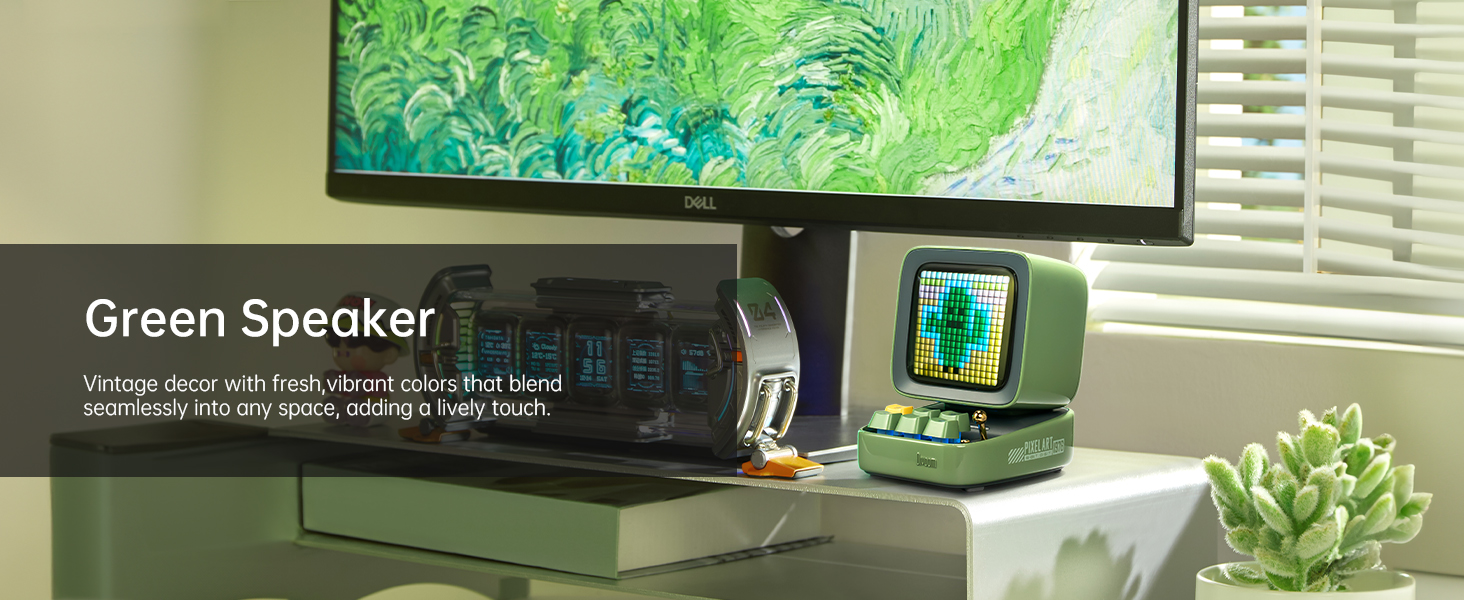
The Divoom Ditoo's standout feature is its pixel art display. Use the Divoom app to create your own pixel art designs or browse a vast online gallery of user-generated content. You can display static images, animations, or even text messages on the screen.


3.3. Прайграванне музыкі
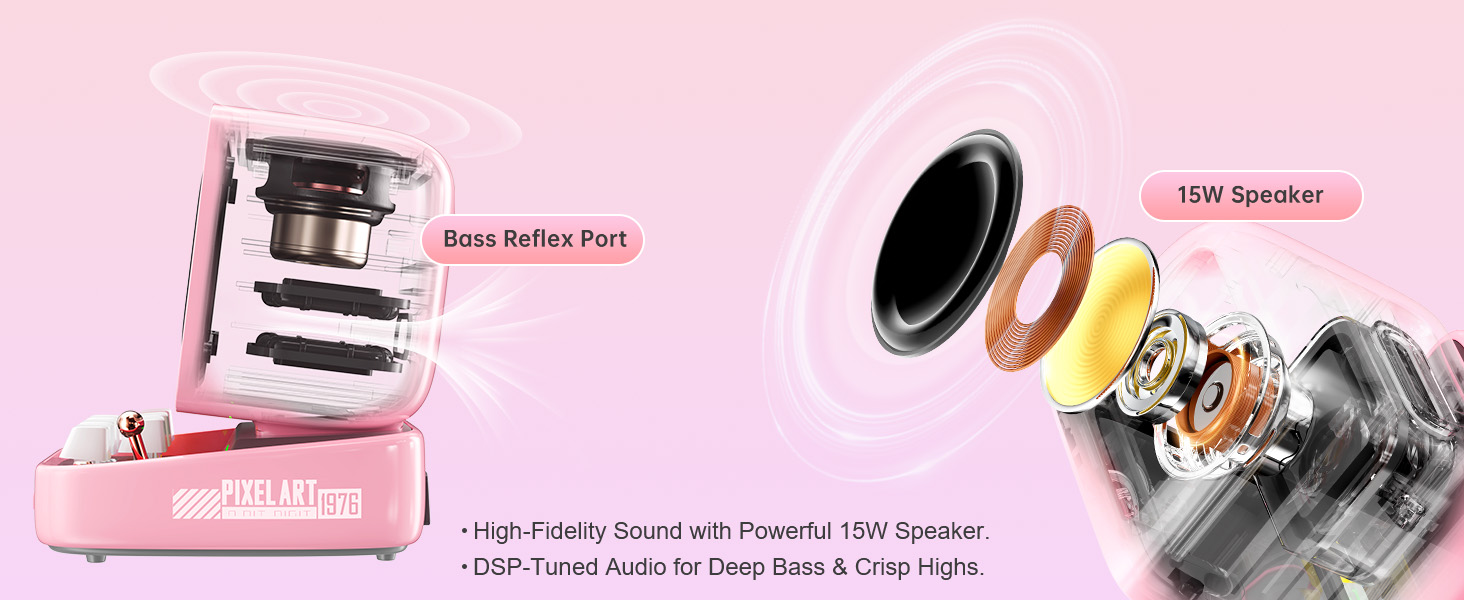
Connect your Ditoo via Bluetooth to stream music from your smartphone or tablet. The 10W DSP-tuned speaker delivers clear audio with deep bass and crisp highs. The pixel display can also visualize the music with dynamic equalizer effects.
3.4. Smart Alarm & Sleep Aid
Utilize the Divoom Ditoo as a smart alarm clock with customizable wake-up sounds. The app also offers a sleep aid function with 24 soothing white noise sounds to help you relax and fall asleep.
3.5. Іншыя асаблівасці
The Divoom Ditoo offers a variety of additional features:
- Online Radio: Access various internet radio stations through the app.
- Апавяшчэнні: Receive social media notifications displayed on the screen.
- Міні-гульні: Play classic pixel games like Tetris and Snake directly on the device.
- Галасавая нататка: Record short voice messages.
- Time Planner: Organize your schedule and set reminders.
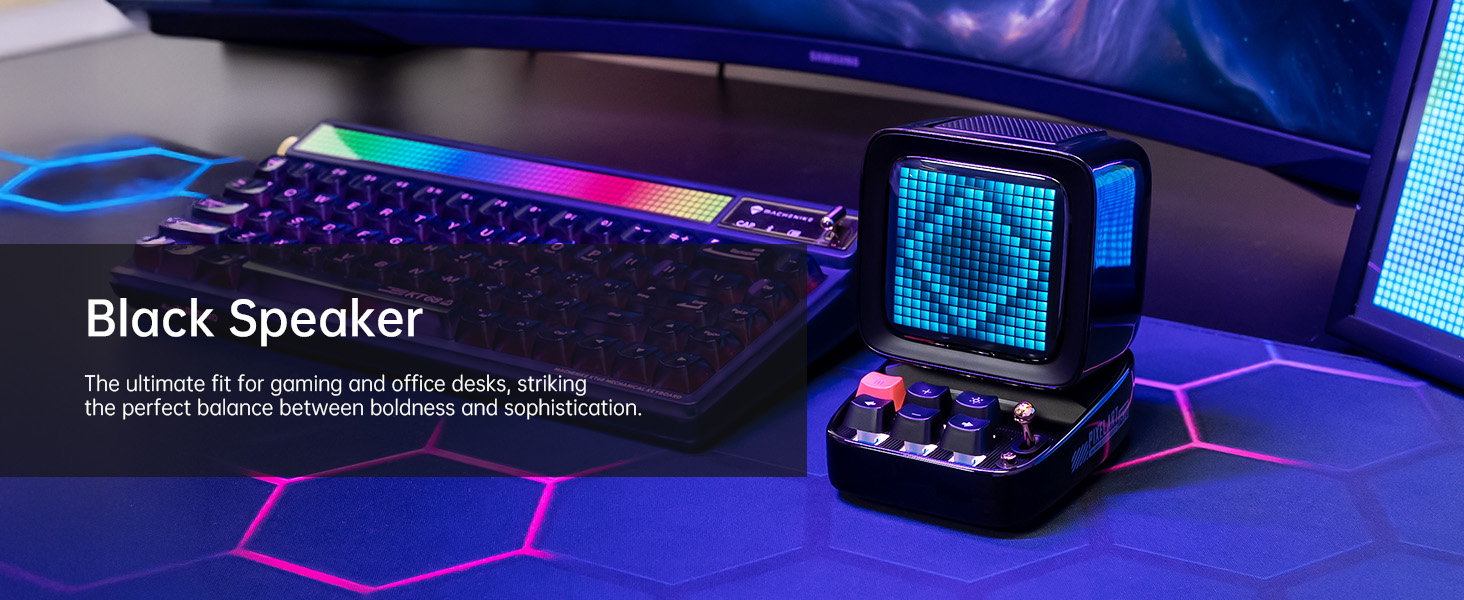
- RGB асвятленне: Customize the keyboard backlight with a wide range of colors.
4. Тэхнічнае абслугоўванне
4.1. Уборка
To clean your Divoom Ditoo, gently wipe the exterior surfaces with a soft, dry, lint-free cloth. Avoid using abrasive cleaners, solvents, or spray cleaners directly on the device. Do not expose the device to excessive moisture.
4.2. Сыход за батарэяй
To prolong battery life, avoid fully discharging the device frequently. If storing the device for an extended period, charge it to approximately 50% before storage and recharge every few months to prevent deep discharge.
5. Выпраўленне непаладак
If you encounter issues with your Divoom Ditoo, please refer to the following common troubleshooting steps:
- Прылада не ўключаецца: Ensure the device is fully charged. Connect it to a power source using the USB-C cable and try again.
- Праблемы з падключэннем Bluetooth:
- Пераканайцеся, што Bluetooth уключаны на вашым смартфоне/планшэце.
- Пераканайцеся, што Ditoo знаходзіцца ў межах 10-метровага радыусу дзеяння Bluetooth.
- Try disconnecting and re-pairing the device via the Divoom app or your device's Bluetooth settings.
- Restart both the Ditoo speaker and your connected device.
- Display Not Working Correctly:
- Check the brightness settings using the "---" lower key button (5) or through the app.
- If the display appears washed out, especially with light colors, this can be a characteristic of the pixel screen; try designs with stronger contrast.
- Праблемы з якасцю гуку:
- Ensure the volume is adjusted on both the Ditoo and your connected device.
- Check for any obstructions around the speaker or bass port (10).
- High-Pitched Buzzing Sound (when plugged in with high brightness): If you experience a high-pitched buzzing sound when the device is plugged in and brightness is high, try reducing the display brightness or operating the device on battery power.
- Праблемы з функцыянальнасцю праграмы: Ensure your Divoom app is updated to the latest version. Try restarting the app or reinstalling it if problems persist.
- Прылада не адказвае: Locate the reset pin hole (12) on the back of the device. Use a small pin or paperclip to press the reset button inside. This will restart the device without erasinг дадзеных.
If these steps do not resolve your issue, please contact Divoom customer support for further assistance.
6. Тэхнічныя характарыстыкі
Below are the detailed technical specifications for the Divoom Ditoo speaker:
| Спецыфікацыя | Каштоўнасць |
|---|---|
| Назва мадэлі | Гэтак жа |
| Нумар мадэлі тавару | АКДІВДІТПНК |
| Памеры прадукту | 2.64" Г х 2.48" Ш х 2.64" В (67 мм х 63 мм х 67 мм) |
| Вага прадмета | 1.76 фунта (800 грамаў) |
| Колер | Ружовы |
| Памер дынаміка | 48 міліметра |
| Максімальная выхадная магутнасць дынаміка | 15 ват |
| АЧХ | 20000 Гц |
| Тэхналогія падлучэння | Bluetooth (бесправадны) |
| Дыяпазон Bluetooth | 10 метраў |
| Ёмістасць батарэі | 5000 Міліamp Гадзіны |
| Тэрмін службы батарэі (прайграванне) | Да 8 гадзін (у залежнасці ад выкарыстання) |
| Крыніца харчавання | Харчаванне ад батарэі |
| Метад кантролю | Кантроль прыкладанняў |
| Асаблівасці | Pixel Art Creation, Alarm Clock, Online Radio, Game, Voice Memo, Notification, Wireless Bluetooth |
| Сумяшчальныя прылады | Ноўтбук, персанальны кампутар, смартфон |
| Краіна паходжання | Кітай |
7. Гарантыя і падтрымка
Каб атрымаць інфармацыю аб гарантыі і падтрымцы кліентаў, звярніцеся да афіцыйнага сайта Divoom. website or the contact details provided in your product packaging. You can also find a digital version of the user manual (PDF) at: https://m.media-amazon.com/images/I/B1F1b6OO60S.pdf
Divoom is committed to providing quality products and support. If you have any questions or require assistance, do not hesitate to reach out to their customer service team.