
1. Уводзіны
Thank you for choosing the Tribit FlyBuds C1 True Wireless Earbuds (Model BTH91). This manual provides essential information for setting up, operating, and maintaining your new earbuds. Please read it thoroughly to ensure optimal performance and longevity of your device.

Image: Tribit FlyBuds C1 Wireless Earbuds and Charging Case.
2. Інфармацыя па бяспецы
To prevent damage to your earbuds or injury to yourself, please observe the following safety precautions:
- Не разбірайце і не мадыфікуйце навушнікі або зарадны футляр.
- Трымайце прыладу далей ад экстрэмальных тэмператур, прамых сонечных прамянёў і адкрытага агню.
- Avoid exposing the earbuds to water for prolonged periods, despite their IPX8 rating. Ensure the charging port cover is securely closed before exposure to liquids.
- Не выкарыстоўвайце абразіўныя ачышчальнікі або агрэсіўныя хімікаты для чысткі прылады.
- Слухайце на ўмераным узроўні гучнасці, каб пазбегнуць пашкоджання слыху.
- Захоўваць у месцах, недаступных дзецям і хатнім жывёлам.
3. Змесціва ўпакоўкі
The Tribit FlyBuds C1 package includes:
- Tribit FlyBuds C1 Earbuds (Model BTH91)
- Чахол для зарадкі
- Зарадны кабель USB-C
- Шнурок
- 6 Pairs of Silicone Ear Tips (various sizes)
- Кіраўніцтва карыстальніка
- 18-месячны гарантыйны талон
Image: All items included in the Tribit FlyBuds C1 retail package.
4. Настройка
4.1. Зарадка навушнікаў і чахла
Перад першым выкарыстаннем цалкам зарадзіце навушнікі і зарадны футляр.
- Змесціце навушнікі ў зарадны чахол. Пераканайцеся, што яны правільна ўсталяваны ў адпаведныя гнязда.
- Connect the USB-C charging cable to the charging port on the case and to a power source. The LED indicators on the case will show charging status. A full charge takes approximately 1.5 hours.
- Зарадны чахол таксама падтрымлівае бесправадную зарадку. Проста пакладзеце чахол на сумяшчальную бесправадную зарадную пляцоўку.
The earbuds provide up to 5 hours of playback on a single charge, and the charging case extends total playtime to up to 100 hours.
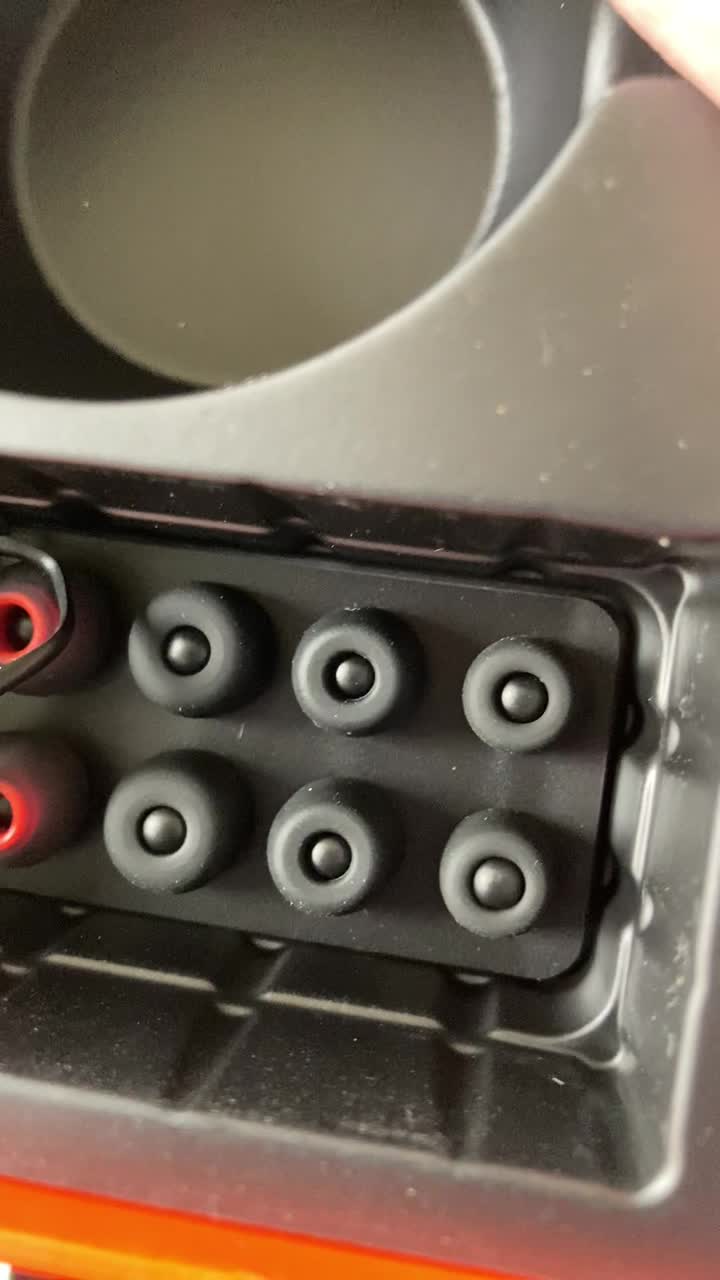
Image: Tribit FlyBuds C1 earbuds charging inside their case, with battery indicator lights visible.
4.2. Спалучэнне з вашай прыладай
The Tribit FlyBuds C1 feature one-step pairing for convenience.
- Адкрыйце зарадны кейс. Навушнікі аўтаматычна пяройдуць у рэжым спалучэння.
- На вашай прыладзе (смартфоне, планшэце, ноўтбуку) уключыце Bluetooth і знайдзіце даступныя прылады.
- Select "Tribit FlyBuds C1" from the list of devices. Once connected, a voice prompt will confirm successful pairing.
- The earbuds will automatically connect to the last paired device when the case is opened. To unpair, press and hold the button on the charging case.
4.3. Усталёўка навушнікаў
Для аптымальнай якасці гуку і камфорту выбірайце амбушуры правільнага памеру.
- Experiment with the 6 included pairs of silicone ear tips to find the best fit for your ears. A snug fit ensures better bass response and noise isolation.
- Акуратна ўстаўце навушнікі ў слыхавы праход і злёгку павярніце іх, каб зафіксаваць.
Image: Selection of silicone ear tips for personalized fit.
5. Інструкцыя па эксплуатацыі
5.1. Уключэнне/выключэнне харчавання
- Уключэнне: Адкрыйце зарадны чахол, і навушнікі-ўкладышы аўтаматычна ўключацца.
- Выключэнне: Змясціце навушнікі назад у зарадны футляр і зачыніце вечка. Яны аўтаматычна выключацца і пачнуць зараджацца.
5.2. Прайграванне музыкі
The Tribit FlyBuds C1 feature physical buttons for control:
- Прайграванне/Паўза: Націсніце кнопку на любым навушніку адзін раз.
- Наступны трэк: Double-press the button on the right earbud.
- Папярэдні трэк: Double-press the button on the left earbud.
Note: Volume control is not directly available on the earbuds. Please adjust volume via your connected device.
5.3. Кіраванне выклікамі
- Адказ/завяршэнне выкліку: Націсніце кнопку на любым навушніку адзін раз.
- Адхіліць выклік: Press and hold the button on either earbud for 2 seconds.
- Актывацыя галасавога памочніка (Siri, Google Assistant): Triple-press the button on either earbud.
The earbuds feature 4 microphones with CVC 8.0 Call Noise Reduction for clear calls.
5.4. Рэжым аднаго навушніка
Either earbud can be used independently. Simply take one earbud out of the case, and it will automatically connect to your device. The other earbud can remain in the case or be used later.
5.5. Воданепранікальнасць IPX8
The Tribit FlyBuds C1 are IPX8 rated, offering protection against sweat, splashes, and submersion in water up to 1 meter for 30 minutes. This makes them suitable for sports and exercise in various weather conditions.
- Ensure the USB-C charging port cover is securely closed before exposing the earbuds to water.
- Do not charge the earbuds if they are wet. Dry them thoroughly before placing them back in the charging case.
6. Тэхнічнае абслугоўванне
Proper maintenance ensures the longevity and performance of your Tribit FlyBuds C1.
- Уборка: Regularly clean the earbuds and charging case with a soft, dry, lint-free cloth. For ear tips, remove them and wash with mild soap and water, then dry completely before reattaching.
- захоўванне: Калі навушнікі не выкарыстоўваюцца, захоўвайце іх у зарадным чахле, каб абараніць і падтрымліваць зарад. Захоўвайце ў прахалодным, сухім месцы, удалечыні ад экстрэмальных тэмператур.
- Пазбягайце пашкоджанняў: Do not drop, puncture, or expose the device to strong impacts.
7. Выпраўленне непаладак
If you encounter issues with your Tribit FlyBuds C1, try the following solutions:
| праблема | Рашэнне |
|---|---|
| Навушнікі не спалучаюцца |
|
| Няма гуку альбо малая гучнасць |
|
| Навушнікі не зараджаюцца |
|
| Перарывістае злучэнне |
|
8. Тэхнічныя характарыстыкі
| Асаблівасць | Дэталь |
|---|---|
| Назва мадэлі | BTH91 (FlyBuds C1) |
| Тэхналогія падлучэння | Бесправадная сувязь (Bluetooth) |
| Версія Bluetooth | 5.2 |
| Дыяпазон Bluetooth | 10 метраў |
| Тэрмін службы батарэі (навушнікі) | Да 5 гадзін зарадкі |
| Агульны час прайгравання (з зарадным чахлом) | Да 100 гадзін |
| Час зарадкі | Прыблізна 1.5 гадзіны (футляр) |
| Узровень воданепранікальнасці | IPX8 (воданепранікальны) |
| Функцыі кантролю шуму | CVC 8.0 Call Noise Reduction, Sound Isolation |
| Метад кантролю | Фізічная кнопка |
| Порт для зарадкі | USB-C, Wireless Charging (Qi-compatible) |
| Вага прадмета | 2.4 унцыі |
| Памеры прадукту | 2.4 х 2.4 х 1.2 цалі |
9. Гарантыя і падтрымка
Tribit provides an 18-month warranty for the FlyBuds C1 (Model BTH91) from the date of purchase. This warranty covers manufacturing defects and ensures your product is free from material and workmanship flaws under normal use.
For warranty claims, technical support, or any questions regarding your product, please contact Tribit customer service:
- электронная пошта: support@tribitaudio.com
- Падтрымка: Наведайце tribitaudio.com/support
- тэлефон: 1-888-232-3138 (Mon-Fri, 9:00-6:00 PST [US])
Please have your purchase receipt and product model number (BTH91) ready when contacting support.