
Уводзіны
This manual provides detailed instructions for the proper use and maintenance of your Awei A799BL Foldable Gaming Wireless Headphone. Please read this manual thoroughly before using the product to ensure optimal performance and longevity. The Awei A799BL is designed for an immersive audio experience, featuring both wireless Bluetooth and wired connectivity options, a built-in microphone, and noise-cancelling capabilities.
Змест пакета
Пасля распакавання пераканайцеся, што ўсе пералічаныя ніжэй прадметы наяўныя і знаходзяцца ў добрым стане:
- Awei A799BL Foldable Gaming Wireless Headphone
- USB-кабель для зарадкі
- Аўдыёкабель 3.5 мм (для праваднога падключэння)
- Кіраўніцтва карыстальніка (гэты дакумент)
Прадукт скончаныview
Familiarize yourself with the various components and controls of your Awei A799BL headphones.

Выява: спераду view of the Awei A799BL Foldable Gaming Wireless Headphone, showcasing its black and silver design with red geometric patterns on the earcups.
Асноўныя характарыстыкі:
- Foldable Design for portability.
- Wireless Bluetooth Connectivity (Bluetooth Version 5.0).
- Wired Connectivity via 3.5mm audio jack.
- Integrated Microphone for communication.
- Active Noise Cancellation (ANC) for an immersive audio experience.
- Over-Ear design for comfort during extended use.
Controls (Typical Layout - Refer to product for exact placement):
- Кнопка харчавання: Укл./Выкл., Прайграванне/Паўза, Адказ/Завяршэнне выкліку.
- Кнопка павелічэння гучнасці/наступнага трэка: Павялічыць гучнасць, перайсці да наступнага трэка.
- Кнопка памяншэння гучнасці/пераключэння на папярэдні трэк: Паменшыць гучнасць, перайсці да папярэдняй кампазіцыі.
- Кнопка ANC: Activate/Deactivate Active Noise Cancellation.
- Порт мікрафона: For detachable microphone (if applicable).
- 3.5 мм аўдыяраз'ём: Для праваднога падключэння.
- Порт для зарадкі: Порт Micro USB для зарадкі.
- Святлодыёдны індыкатар: Паказвае стан харчавання, зарадкі і спалучэння.
Настройка
1. Зарадка навушнікаў
Before initial use, fully charge the headphone. Connect the provided USB charging cable to the headphone's charging port and the other end to a USB power source (e.g., computer USB port, wall adapter). The LED indicator will typically show red during charging and turn off or change color when fully charged. A full charge takes approximately 2 hours.
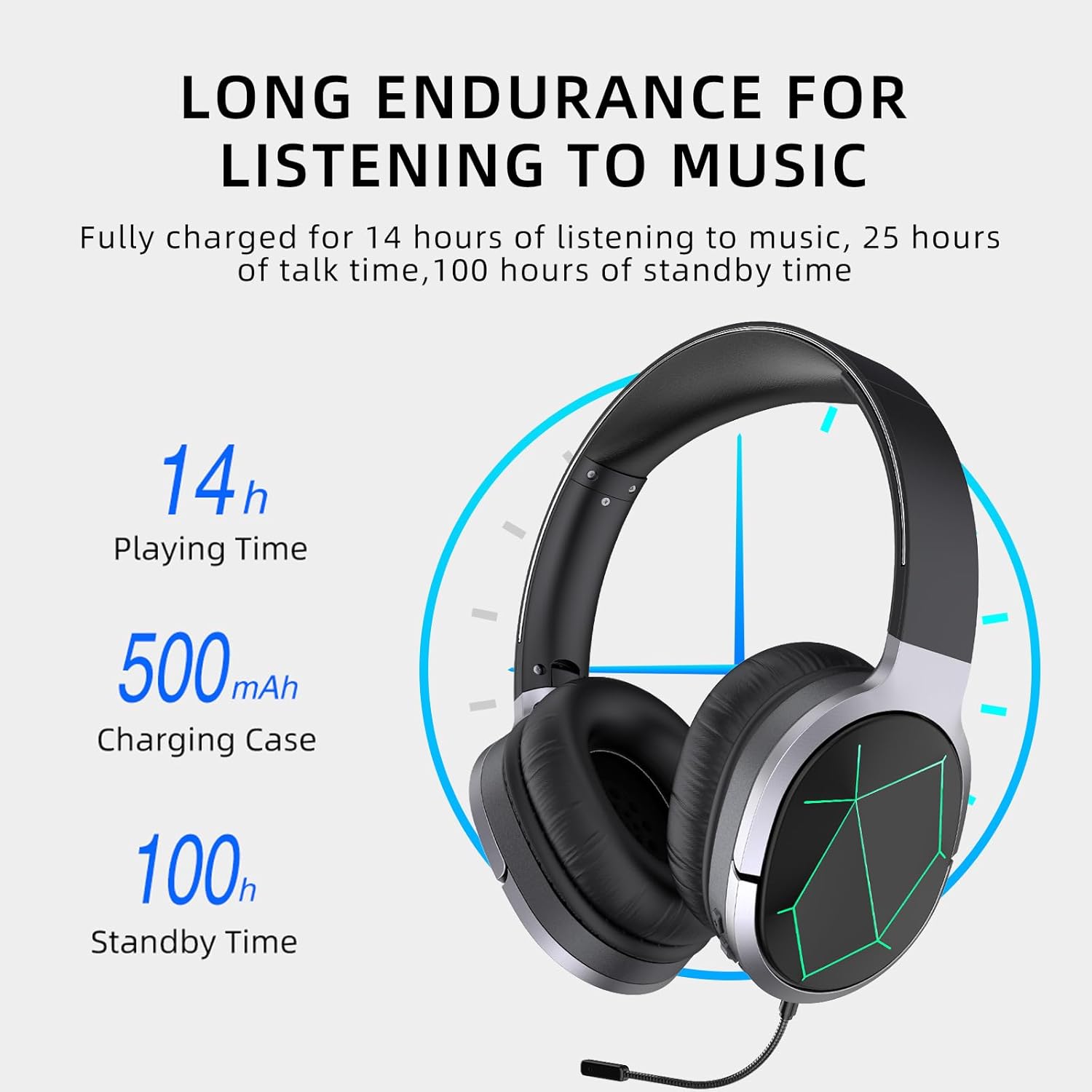
Image: Awei A799BL Headphone illustrating its long endurance with 14 hours play time, 500mAh battery capacity, and 100 hours standby time.
2. Спарванне Bluetooth
- Ensure the headphone is charged and turned off.
- Націсніце і ўтрымлівайце кнопку харчавання, пакуль святлодыёдны індыкатар не пачне міргаць па чарзе сінім і чырвоным колерамі, што паказвае на рэжым спалучэння.
- На вашай прыладзе (смартфоне, планшэце, камп'ютары) уключыце Bluetooth і знайдзіце даступныя прылады.
- Select "Awei A799BL" from the list of found devices.
- Once paired, the LED indicator will typically flash blue slowly or turn solid blue.
- If a password is required, enter "0000".

Image: Awei A799BL Headset with "Bluetooth Gaming Headset" text, emphasizing its wireless gaming capability.
3. Правадное падключэнне (аўдыёкабель 3.5 мм)
To use the headphone in wired mode, connect one end of the 3.5mm audio cable to the headphone's 3.5mm jack and the other end to your audio source's 3.5mm output. This mode does not require battery power for audio playback, but the microphone and ANC features may require power.

Image: Awei A799BL Headphone connected via a 3.5mm audio cable to various devices, highlighting the alternative wired connection option.
Інструкцыя па эксплуатацыі
Уключэнне/выключэнне харчавання:
- Уключэнне: Націсніце і ўтрымлівайце кнопку харчавання прыблізна 3 секунды, пакуль не загарыцца святлодыёдны індыкатар.
- Выключэнне: Націсніце і ўтрымлівайце кнопку харчавання прыблізна 3-5 секунд, пакуль не пагасне святлодыёдны індыкатар.
Music Playback (Bluetooth Mode):
- Прайграванне/Паўза: Кароткае націсканне кнопкі харчавання.
- Наступны трэк: Доўга націсніце кнопку павелічэння гучнасці.
- Папярэдні трэк: Доўга націсніце кнопку памяншэння гучнасці.
- Павялічыць гучнасць: Кароткачасова націсніце кнопку павелічэння гучнасці.
- Паменшыць гучнасць: Кароткачасова націсніце кнопку памяншэння гучнасці.
Call Management (Bluetooth Mode):
- Адказ/завяршэнне выкліку: Кароткае націсканне кнопкі харчавання.
- Адхіліць выклік: Доўгі націск на кнопку харчавання на працягу 2 секунд.
- Паўторны набор апошняга нумара: Двойчы націсніце кнопку харчавання.
Актыўнае падаўленне шуму (ANC):
Press the ANC button to activate or deactivate the noise cancellation feature. The LED indicator for ANC will light up when active.
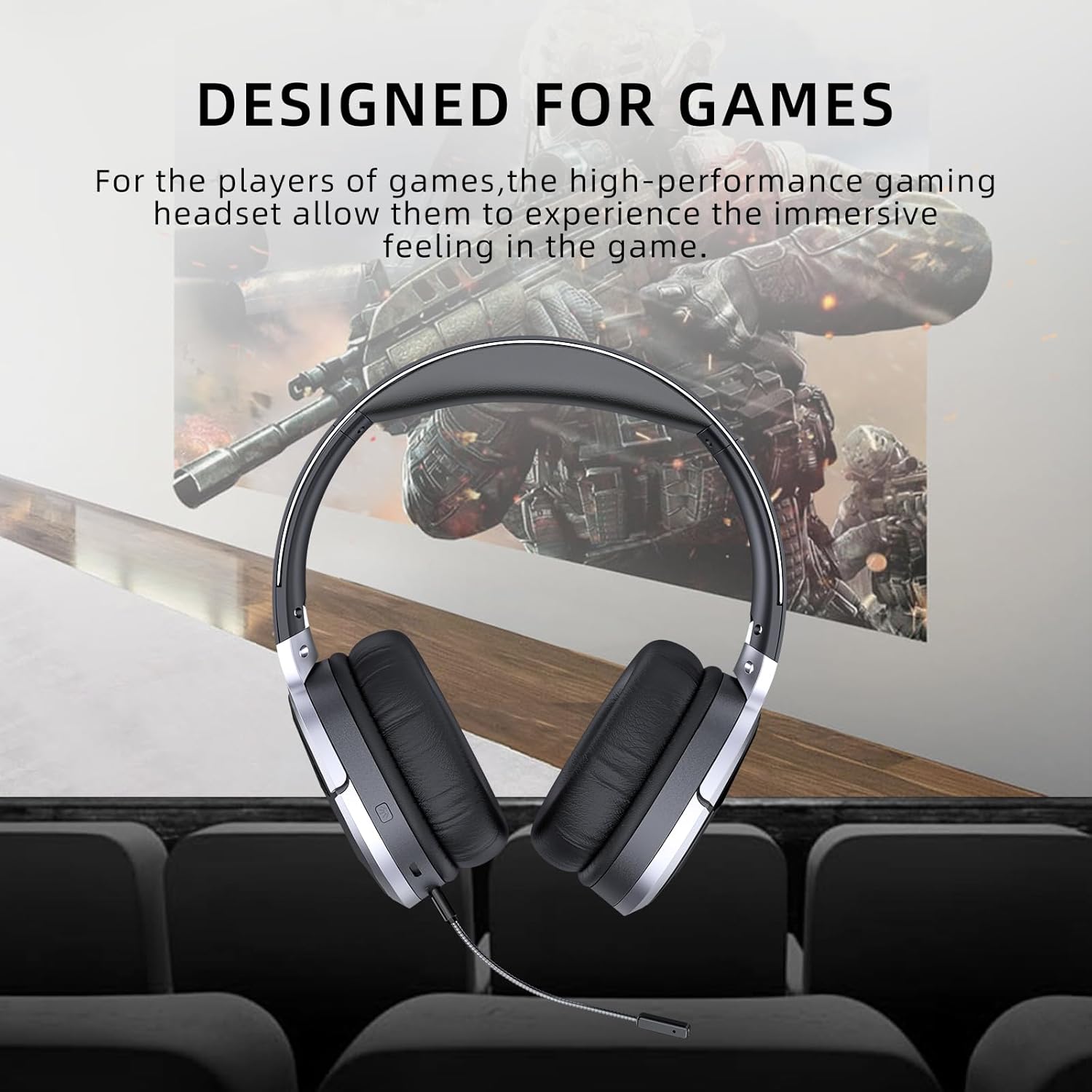
Image: Awei A799BL Headphone with "Designed for Games" text, indicating its suitability for gaming with immersive audio.
Тэхнічнае абслугоўванне
- Keep the headphone dry. Avoid exposure to moisture or liquids.
- Clean the headphone with a soft, dry cloth. Do not use abrasive cleaners or solvents.
- Store the headphone in a cool, dry place away from direct sunlight and extreme temperatures.
- Avoid dropping or subjecting the headphone to strong impacts.
- Do not attempt to disassemble or modify the headphone, as this will void the warranty and may cause damage.
Ліквідацыю непаладак
| праблема | Магчымае рашэнне |
|---|---|
| Headphone does not power on. | Ensure the headphone is fully charged. Connect to a power source and try again. |
| Немагчыма падключыцца праз Bluetooth. |
|
| Няма гуку ў рэжыме Bluetooth. |
|
| Не працуе мікрафон. |
|
| Якасць гуку дрэнная або скажоная. |
|
Тэхнічныя характарыстыкі

Image: Awei A799BL Headphone displaying its basic parameters and specifications.
| Параметр | Каштоўнасць |
|---|---|
| Нумар мадэлі | А799БЛ |
| Версія Bluetooth | 5.0 |
| Час чакання | 100 гадзін |
| Час размовы | 25 гадзін |
| Час гульні | 14 гадзін |
| Час зарадкі | 2 гадзін |
| АЧХ | 2.402G-2.480G |
| Ёмістасць батарэі | 500mAh/3.7V (Lithium Polymer) |
| Адлегласць перадачы | 10 метраў |
| Падтрымліваецца Profiles | HSP/ HFP/ A2DP/ AVRCP |
| Імпеданс | 32 Ом |
| Кантроль шуму | Актыўны шумапрыглушэння (ANC) |
| Сувязь | Wireless (Bluetooth) and Wired (3.5mm Jack) |
| Памеры прадукту | 4 х 10 х 16.5 см |
| Вага прадукту | 4.54 г |
Гарантыя і падтрымка
For warranty information and customer support, please refer to the warranty card included with your purchase or contact the retailer where the product was acquired. Keep your proof of purchase for warranty claims.
For further assistance, you may visit the official Awei website or contact their customer service department. Contact details are typically available on the product packaging or the brand's official online presence.