
1. Уводзіны
This manual provides detailed instructions for the setup, operation, maintenance, and troubleshooting of your Darmoshark ZEUS6400 Wired Gaming Mouse. Please read this manual thoroughly before using the product to ensure proper function and longevity.
2. Змесціва ўпакоўкі
- Darmoshark ZEUS6400 Wired Gaming Mouse
- Кіраўніцтва карыстальніка

Image: The Darmoshark ZEUS6400 gaming mouse shown in its retail packaging, highlighting the product and its presentation.
3. Прадукт скончыўсяview
The Darmoshark ZEUS6400 is a lightweight wired gaming mouse designed for precision and comfort. It features a honeycomb shell, a 6400 DPI optical sensor, and 6 programmable function buttons.
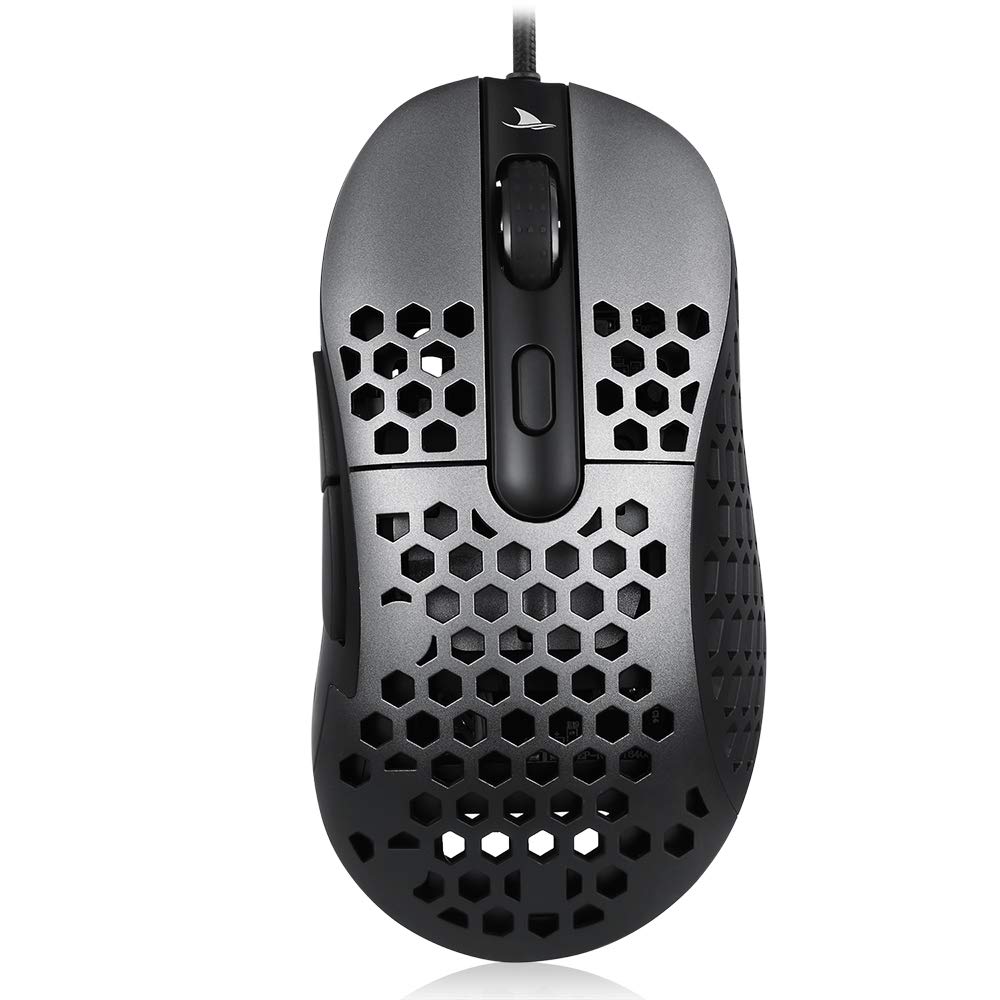
Выява: зверху ўніз view of the Darmoshark ZEUS6400 Wired Gaming Mouse, showcasing its dark grey finish and honeycomb shell design.
Асноўныя характарыстыкі:
- Lightweight Honeycomb Shell (approx. 66g)
- 6 Function Buttons + Scroll Wheel
- Аптычны датчык 6400 DPI
- Adjustable DPI and USB Refresh Rate
- Durable Teflon Foot Stickers
- 1.8M Ultra-flexible Braided Cable
4. Інструкцыі па ўсталёўцы
Падключэнне мышы:
- Знайдзіце даступны USB-порт на вашым кампутары.
- Plug the USB connector of the Darmoshark ZEUS6400 mouse into the USB port.
- Ваша аперацыйная сістэма павінна аўтаматычна выявіць і ўсталяваць неабходныя драйверы. Для базавай функцыянальнасці звычайна не патрабуецца ўсталёўка дадатковага праграмнага забеспячэння.
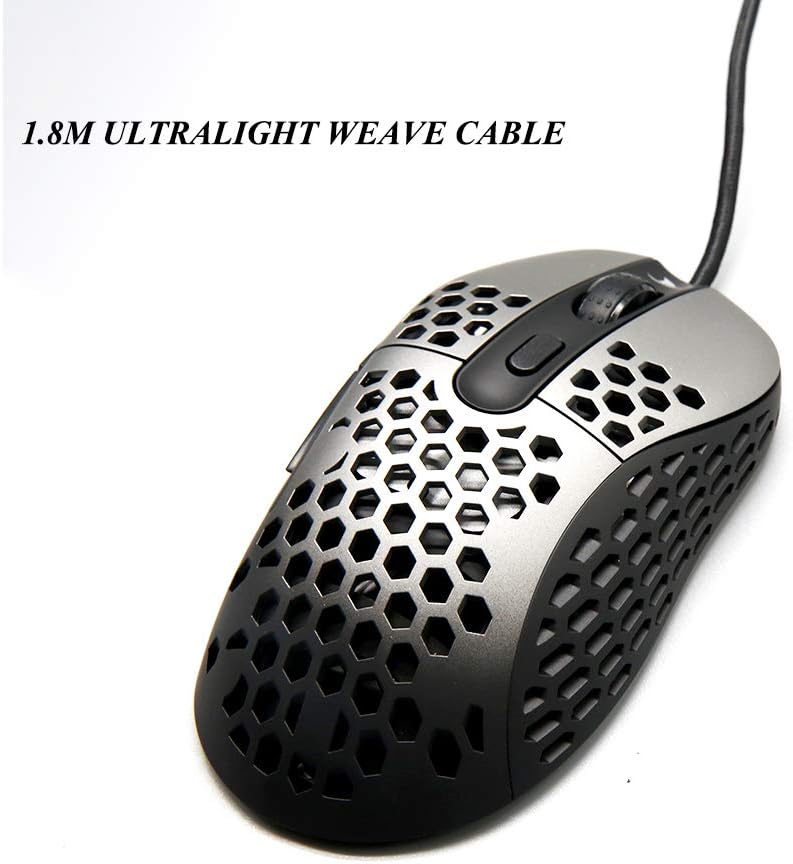
Image: The Darmoshark ZEUS6400 mouse connected via its 1.8-meter ultralight weave cable, illustrating the wired connection.
5. Інструкцыя па эксплуатацыі
Функцыі кнопак:
The Darmoshark ZEUS6400 mouse features 6 function buttons and a scroll wheel:
- Левая кнопка: Функцыя асноўнага націску.
- Правая кнопка: Функцыя другаснага кліку (кантэкстнае меню).
- Кнопка колы: Middle click, often used for opening links in new tabs or specific in-game actions.
- Кнопка DPI: Цыклічнае пераключэнне паміж наладамі DPI.
- Кнопка "Наперад": Перамяшчаецца наперад web браўзэры або file даследчыкі.
- Кнопка "Назад": Пераходзіць назад у web браўзэры або file даследчыкі.
Рэгуляванне DPI:
Press the DPI button located on the top of the mouse to cycle through the 6 available DPI settings. Each setting is indicated by a specific LED color:
- 400 DPI: Чырвоны святлодыёд
- 800 DPI: Сіні святлодыёд
- 1600 DPI: Зялёны святлодыёд
- 3200 DPI: Фіялетавы святлодыёд
- 4800 DPI: Аранжавы святлодыёд
- 6400 DPI: Ледзяна-сіні святлодыёд

Image: The Darmoshark ZEUS6400 mouse, emphasizing its gaming-grade optical sensor and high performance capabilities like 6400 DPI and 6200 FPS scanning rate.
USB Refresh Rate Adjustment:
The USB refresh rate (polling rate) can be adjusted to 125Hz, 500Hz (default), or 1000Hz. The method for adjusting this setting is typically through dedicated software or a combination of mouse buttons. Refer to the manufacturer's website for specific instructions if software is required.
6. Тэхнічнае абслугоўванне
Правільнае абслугоўванне забяспечвае даўгавечнасць і аптымальную прадукцыйнасць вашай гульнявой мышы.
Уборка:
- Знешні выгляд: Выкарыстоўвайце мяккую сухую тканіну для працірання паверхні мышы. Для выдалення ўстойлівага бруду злёгкуamp можна выкарыстоўваць тканіну з мяккім мылам, сачыце за тым, каб вадкасць не патрапіла ўнутр мышы.
- Honeycomb Shell: Use compressed air to clear dust and debris from the honeycomb perforations. A soft brush can also be used gently.
- Аптычны датчык: Gently clean the optical sensor lens on the underside of the mouse with a cotton swab or compressed air to prevent tracking issues.
Сыход за кабелем:
- Пазбягайце рэзкіх выгібаў або перагібаў кабеля.
- Do not pull the mouse by its cable. Always grasp the mouse body.
- Keep the cable away from heat sources or sharp edges.
Налепкі для ног:
The mouse is equipped with super wear-resistant Teflon foot stickers. If these become worn over time, replacement stickers can be purchased from authorized retailers to maintain optimal glide performance.
7. Выпраўленне непаладак
If you encounter issues with your Darmoshark ZEUS6400 mouse, refer to the following common problems and solutions:
- Мышка не рэагуе:
- Пераканайцеся, што кабель USB надзейна падключаны да спраўнага порта USB на вашым кампутары.
- Паспрабуйце падключыць мыш да іншага USB-порта.
- Перазагрузіце кампутар.
- Няправільны рух курсора:
- Ачысціце аптычны датчык на ніжняй частцы мышы.
- Пераканайцеся, што вы карыстаецеся мышшу на чыстай, аднастайнай паверхні (напрыклад, кілімку для мышы). Пазбягайце моцна бліскучых або празрыстых паверхняў.
- Check for any physical obstructions around the sensor.
- Налада DPI не змяняецца:
- Ensure you are pressing the dedicated DPI button.
- Observe the LED indicator to confirm DPI changes.
- Калі праблема не знікне, паспрабуйце перазагрузіць кампутар.
- Кнопкі не працуюць:
- Verify that the buttons are not physically stuck.
- Праверце мыш на іншым кампутары, каб выключыць канфлікты праграмнага забеспячэння.
8. Тэхнічныя характарыстыкі
Detailed technical specifications for the Darmoshark ZEUS6400 Wired Gaming Mouse:
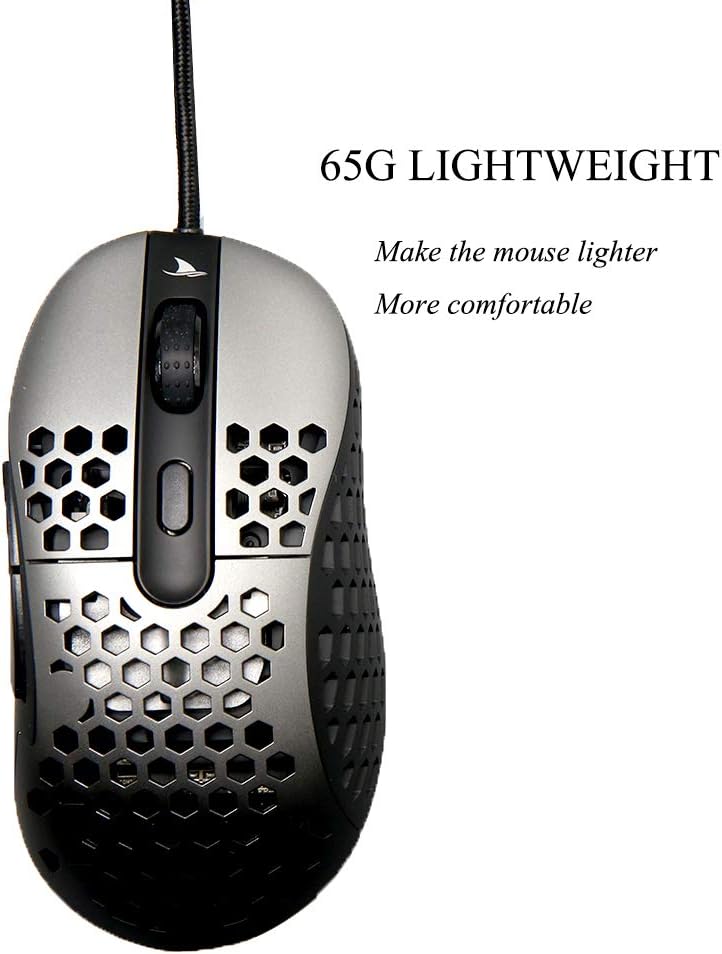
Image: The Darmoshark ZEUS6400 mouse, emphasizing its lightweight design at 65 grams for enhanced comfort and maneuverability.
| Асаблівасць | Спецыфікацыя |
|---|---|
| мадэль | ZEUS6400 |
| Памер цела | 128 х 66 х 39 мм |
| Вага (без дроту) | 66г ± 5г |
| Матэрыял | ABS Plastic (Honeycomb Shell) |
| Гузікі | 6 Function Buttons + 3D Scroll Wheel |
| Пераключыць жыццё | Approx. 20 million clicks |
| Даўжыня кабеля | 1.8M (exposed 1.7M), USB Gold Plated, Five-core shielded magnetic ring braided wire |
| Аперацыйная сістэма | Windows XP/Vista/7/8/10, Macintosh OS |
| Рабочы выпtage | 5 В пастаяннага току ± 5% |
| Працоўны ток | ≤ 100мА |
| Аптычная мікрасхема | ZEUS6400 |
| Інтэрфейс | USB 2.0 |
| Налады DPI | 400 (Red), 800 (Blue), 1600 (Green), 3200 (Purple), 4800 (Orange), 6400 (Ice Blue) |
| SPI Sampчас Час | 8ms / 2ms (default) / 1ms (adjustable) |
| Частата абнаўлення USB | 125Hz / 500Hz (default) / 1000Hz (adjustable) |
| Image Processing FPS | 6200 кадраў/сек |
| Максімальная хуткасць | IPS 220 |
| Паскарэнне | 30 г |

Image: The Darmoshark ZEUS6400 mouse, showcasing its comfortable ergonomic design optimized for right-handed gaming, including two extra side buttons.
9. Гарантыя і падтрымка
Інфармацыя аб гарантыі:
For specific warranty terms and conditions, please refer to the warranty card included with your product or contact the retailer from whom you purchased the mouse. Warranty coverage typically includes defects in materials and workmanship under normal use.
Падтрымка кліентаў:
If you require further assistance or have questions not covered in this manual, please contact YUNZII customer support through their official website or the contact information provided with your product. When contacting support, please have your product model (ZEUS6400) and purchase details ready.