
1. Уводзіны
Welcome to the user manual for your new Taurus Homeland Laser Robot Vacuum Cleaner. This intelligent cleaning device is designed to provide efficient and thorough cleaning for your home, utilizing advanced ElegantLaser technology for precise navigation and mapping. Please read this manual carefully before using the product to ensure proper operation, maintenance, and safety.
Інфармацыя па бяспецы
Заўсёды прытрымвайцеся наступных рэкамендацый бяспекі:
- Do not allow children to operate the robot vacuum cleaner.
- Ensure the charging base is placed on a flat, stable surface against a wall, with no obstacles within 1 meter in front and 0.5 meters on either side.
- Keep the robot away from water or wet surfaces to prevent electric shock.
- Do not use the robot to clean liquids, burning objects, or large, sharp debris.
- Regularly check and clean the brushes and sensors to maintain optimal performance.
- Выкарыстоўвайце толькі арыгінальны адаптар сілкавання і зарадную базу, якія пастаўляюцца ў камплекце з прадуктам.
- Калі шнур харчавання пашкоджаны, яго павінен замяніць вытворца або кваліфікаваны сэрвісны агент.
2. Прадукт скончыўсяview
Familiarize yourself with the components of your Taurus Homeland Laser Robot Vacuum Cleaner.
Змест пакета
- Taurus Homeland Laser Robot Vacuum Cleaner
- Зарадная база
- Адаптар сілкавання
- Пульт дыстанцыйнага кіравання
- Бакавыя шчоткі (2 пары)
- Галоўная шчотка
- Дашбін
- Рэзервуар для вады з тканінай для швабры
- Інструмент для ачысткі
- Кіраўніцтва карыстальніка
Кампаненты робата


3. Настройка
Распакоўка і пачатковае размяшчэнне
- Акуратна дастаньце ўсе кампаненты з упакоўкі.
- Choose a suitable location for the charging base. It should be placed against a wall on a hard, level surface. Ensure there are no obstacles within 1 meter (3.3 feet) in front of the base and 0.5 meters (1.6 feet) on either side to allow the robot to dock easily.
- Connect the power adapter to the charging base and plug it into a wall outlet. Ensure the indicator light on the charging base illuminates.
Ўстаноўка бакавых шчотак
Turn the robot over. Align the side brushes with the corresponding slots (L and R) on the bottom of the robot and press them down until they click into place.
Першапачатковая зарадка
Place the robot onto the charging base, ensuring the charging contacts on the robot align with those on the base. The robot will begin charging automatically. For first-time use, it is recommended to fully charge the robot before its initial cleaning cycle (approximately 4-5 hours).
App Setup and Wi-Fi Connection
To unlock the full potential of your robot, download the dedicated mobile application.

- Пошук the 'Taurus Homeland' app in your smartphone's app store (Google Play Store for Android or Apple App Store for iOS).
- Спампуйце і ўсталюйце праграму.
- Follow the in-app instructions to create an account and connect your robot vacuum cleaner to your home Wi-Fi network. Ensure your Wi-Fi network is 2.4GHz.
- Пасля падключэння вы можаце кіраваць робатам, планаваць уборку і view cleaning maps from your smartphone.
4. Інструкцыя па эксплуатацыі
Уключэнне/выключэнне
- Уключэнне: Press and hold the power button on the robot or the remote control until the indicator lights illuminate.
- Выключэнне: Press and hold the power button on the robot or the remote control until the indicator lights turn off.
Запуск цыклу ачысткі
Press the power button on the robot or the 'Clean' button on the remote control/app to start an automatic cleaning cycle. The robot will begin mapping and cleaning your home using its ElegantLaser navigation.


Рэжымы ачысткі
The robot offers 10 different cleaning modes, accessible via the remote control or the mobile app:
- Аўто: Standard cleaning mode, the robot intelligently navigates and cleans the entire area.
- Select Room: Clean specific rooms identified on the app's map.
- Перыметр: Чысціць уздоўж сцен і па краях мэблі.
- Спіраль: Cleans a concentrated area in a spiral pattern.
- Кіраўніцтва: Control the robot's movement manually using the remote control or app.
- Вярнуцца на галоўную старонку: Robot returns to the charging base.
- Максімальная магутнасць: Павялічвае магутнасць ўсмоктвання для больш глыбокай уборкі.
- Restricted Zone: Define areas on the app map that the robot should avoid.
- Restricted Wall: Create virtual walls on the app map to block off areas.
- Ачыстка плям: Інтэнсіўна чысціць невялікую пэўную зону.
З дапамогай мабільнага прыкладання
Дадатак прапануе шырокія магчымасці кіравання і налады:

- Адлюстраванне: The robot creates a real-time map of your home, which is displayed in the app.
- Zone Restriction: Draw virtual boundaries or no-go zones on the map to prevent the robot from entering certain areas.
- Планаванне: Set daily or weekly cleaning schedules for automated cleaning.
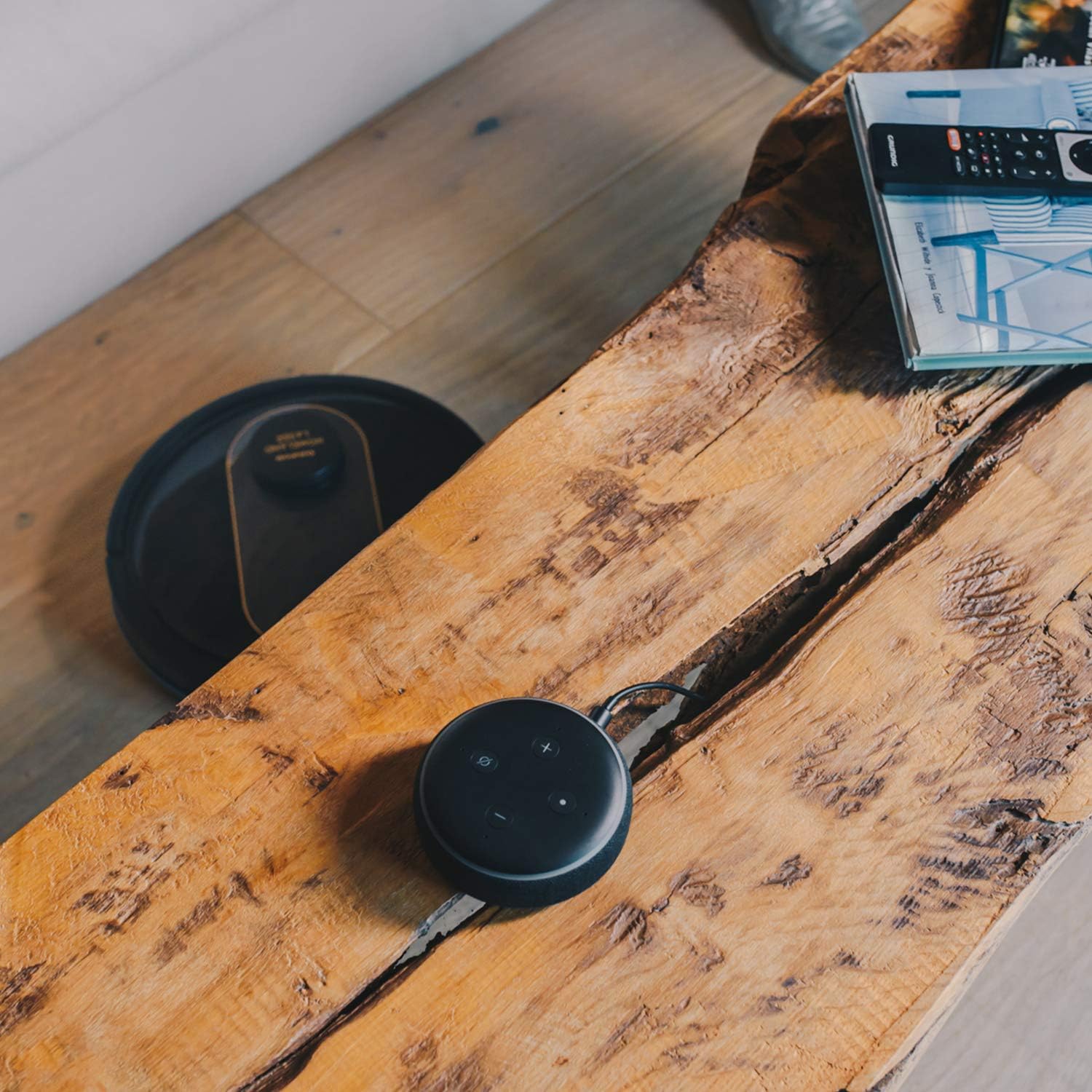
- Галасавое кіраванне: Compatible with Alexa and Google Assistant for convenient voice commands (e.g., "Alexa, start cleaning").
Функцыя прыбірання
To use the mopping function, fill the water tank with clean water and attach the mop cloth. Insert the water tank into the robot. The robot will then vacuum and mop simultaneously. Do not use detergents or harsh chemicals in the water tank.
5. Тэхнічнае абслугоўванне
Рэгулярнае тэхнічнае абслугоўванне забяспечвае аптымальную прадукцыйнасць і падаўжае тэрмін службы вашага робата-пыласоса.
Ачыстка сметніцы
The dustbin should be emptied after each cleaning cycle or when the 'dustbin full' indicator (if available) illuminates. Press the dustbin release button, pull out the dustbin, open its lid, and discard the debris.
Ачыстка фільтра
The HEPA filter should be cleaned weekly. Remove the filter from the dustbin and tap it gently over a trash can to remove dust. Do not wash the HEPA filter with water; if it becomes heavily soiled, replace it.
Шчоткі для чысткі
- Асноўная шчотка: Remove the main brush cover and lift out the main brush. Use the provided cleaning tool to remove hair and debris tangled around the brush. Clean the brush compartment.
- Бакавыя шчоткі: Periodically check the side brushes for tangled hair or debris. If necessary, remove them and clean them. Replace worn or damaged side brushes.
Ачыстка датчыкаў і зарадных кантактаў
Wipe the cliff sensors (located on the bottom of the robot), wall sensors (on the front bumper), and charging contacts (on the robot and charging base) with a clean, dry cloth. This ensures proper navigation and charging.
Ачыстка рэзервуара для вады і швабры
After mopping, empty any remaining water from the tank. Remove the mop cloth and wash it thoroughly. Allow both the tank and cloth to air dry completely before reassembling.
6. Выпраўленне непаладак
Калі ў вас узніклі праблемы з робатам-пыласосам, звярніцеся да наступных распаўсюджаных праблем і рашэнняў:
| праблема | Магчымая прычына | Рашэнне |
|---|---|---|
| Робат не ўключаецца. | Нізкі ўзровень зарада батарэі; кнопка харчавання націснута няправільна. | Пастаўце робата на зарадную базу; націсніце і ўтрымлівайце кнопку харчавання некалькі секунд. |
| Робат не зараджаецца. | Зарадныя кантакты забруджаныя; адаптар сілкавання не падключаны. | Clean charging contacts on robot and base; Ensure power adapter is securely plugged in. |
| Робат часта захрасае. | Занадта шмат перашкод; датчыкі абрыву забруджаныя. | Прыбярыце перашкоды з шляху ачысткі; ачысціце датчыкі абрыву. |
| Слабая эфектыўнасць уборкі. | Пыласборнік поўны; шчоткі заблыталіся; фільтр забіты. | Ачысціце пылазборнік; ачысціце асноўную і бакавыя шчоткі; ачысціце або заменіце фільтр. |
| Праблемы з падключэннем да праграмы. | Няправільны пароль Wi-Fi; маршрутызатар занадта далёка; сетка Wi-Fi 5 ГГц. | Re-enter Wi-Fi password; Move robot closer to router; Ensure 2.4GHz Wi-Fi is used. |
| Робат выдае незвычайныя гукі. | Смецце ў шчотках або колах; закаркаванне вентылятара. | Inspect and clean main brush, side brushes, and wheels; Check for obstructions in the suction path. |
If the problem persists after trying these solutions, please contact Taurus customer support.
7. Тэхнічныя характарыстыкі
Key technical specifications for the Taurus Homeland Laser Robot Vacuum Cleaner:
| Асаблівасць | Спецыфікацыя |
|---|---|
| Марка | Цялец |
| Назва мадэлі | Homeland Laser |
| Нумар мадэлі | 948895000 |
| Колер | Чорны/залаты |
| Памеры (Д х Ш х У) | 32L x 32W x 10H cm (approx. 7.6 cm height for cleaning under furniture) |
| Вага прадмета | 2.7 кілаграма |
| тtage | 240 вольт |
| Матэрыял | Пластыкавыя |
| Магутнасць ўсмоктвання | 1800 PA |
| Тып батарэі | Літый-іённы |
| Тэрмін службы батарэі | Да 120 хвілін |
| Тып фільтра | HEPA |
| Сувязь | Wi-Fi (2.4GHz), Smartphone App, Alexa & Google Assistant compatible |
| Рэжымы ачысткі | 10 (Auto, Select Room, Perimeter, Spiral, Manual, Return to Home, Max Power, Restricted Zone, Restricted Wall, Spot Cleaning) |
8. Гарантыя і падтрымка
Your Taurus Homeland Laser Robot Vacuum Cleaner comes with a manufacturer's warranty. Please refer to the warranty card included in your product packaging for specific terms and conditions, including the warranty period and coverage details.
Падтрымка кліентаў
For technical assistance, troubleshooting beyond this manual, or warranty claims, please contact Taurus customer support. Contact information can typically be found on the official Taurus webсайце або на ўпакоўцы вашага прадукту.
We recommend registering your product on the Taurus webсайт для атрымання абнаўленняў і падтрымкі.