
Уводзіны
The Globe Electric 50200 Smart Wi-Fi Light Switch allows you to automate and control your home lighting using the GLOBE SUITE™ App, voice commands, or directly from the switch. This manual provides essential information for installation, operation, and maintenance to ensure safe and efficient use of your smart switch.

Image: The Globe Electric Smart Switch, highlighting its compatibility with various smart home platforms.
Інфармацыя па бяспецы
Before installing or operating the Globe Electric 50200 Smart Wi-Fi Light Switch, please read and understand all safety instructions. Failure to follow these instructions may result in electric shock, fire, or property damage.
- ПАПЯРЭДЖАННЕ: Risk of Electric Shock. Installation requires working with high voltage wiring. Always turn off power at the circuit breaker before installation.
- Калі ў вас ёсць сумневы адносна якой-небудзь часткі працэсу ўстаноўкі, звярніцеся да кваліфікаванага электрыка.
- Гэта прылада прызначана толькі для выкарыстання ў памяшканні.
- Ensure the switch is installed in a standard wall box.
- Не перавышайце максімальную ватtagмагутнасць 100 Вт.
Змест пакета
Перад пачаткам усталёўкі пераканайцеся, што ўсе кампаненты наяўныя:
- Globe Electric 50200 Smart Wi-Fi Light Switch
- Screwless Faceplate
- Wires and Backplate
- Шрубы (2)
- Драцяныя гайкі (4)
- Wire Label Stickers
Настройка і ўстаноўка
Follow these steps for proper installation of your smart switch. This switch is designed for single-pole indoor use only.
- Выключыць харчаванне: Знайдзіце выключальнік і адключыце сілкаванне выключальніка, які вы замяняеце. Пераканайцеся, што сілкаванне адключана, выкарыстоўваючы рэгулятар гучнасці.tagэлектронны тэстар.
- Зняць стары перамыкач: Carefully remove the existing wall plate and unscrew the old switch from the wall box. Disconnect the wires, noting their connections (e.g., Line, Load, Neutral, Ground). Use the provided wire label stickers if needed.
- Падключыце разумны камутатар: Connect the wires from your wall box to the corresponding wires on the Globe Electric 50200 Smart Switch using the provided wire nuts.
- Падключыце лінія wire (usually black, coming from the breaker) to the Line wire on the smart switch.
- Падключыце Нагрузка wire (usually black, going to the light fixture) to the Load wire on the smart switch.
- Падключыце Нейтральны wire (usually white) to the Neutral wire on the smart switch. A neutral wire is required for this smart switch.
- Падключыце зямля wire (usually bare copper or green) to the Ground wire on the smart switch.
- Устанавіце камутатар: Gently push the wired smart switch into the wall box. Secure it with the provided screws. Attach the screwless faceplate.
- Аднавіць сілу: Turn the power back on at the circuit breaker. The indicator light on the smart switch should illuminate.
- Падключэнне да праграмы:
- Спампаваць бясплатна GLOBE SUITE™ App з крамы праграм вашага смартфона.
- Адкрыйце праграму і стварыце ўліковы запіс або ўвайдзіце ў сістэму.
- Press the restart button located on the right side below the on/off rocker after installation.
- Follow the in-app instructions to add your new smart switch. Ensure your phone is connected to a 2.4 GHz Wi-Fi network during the initial setup. You can switch back to a 5 GHz network afterward if preferred.
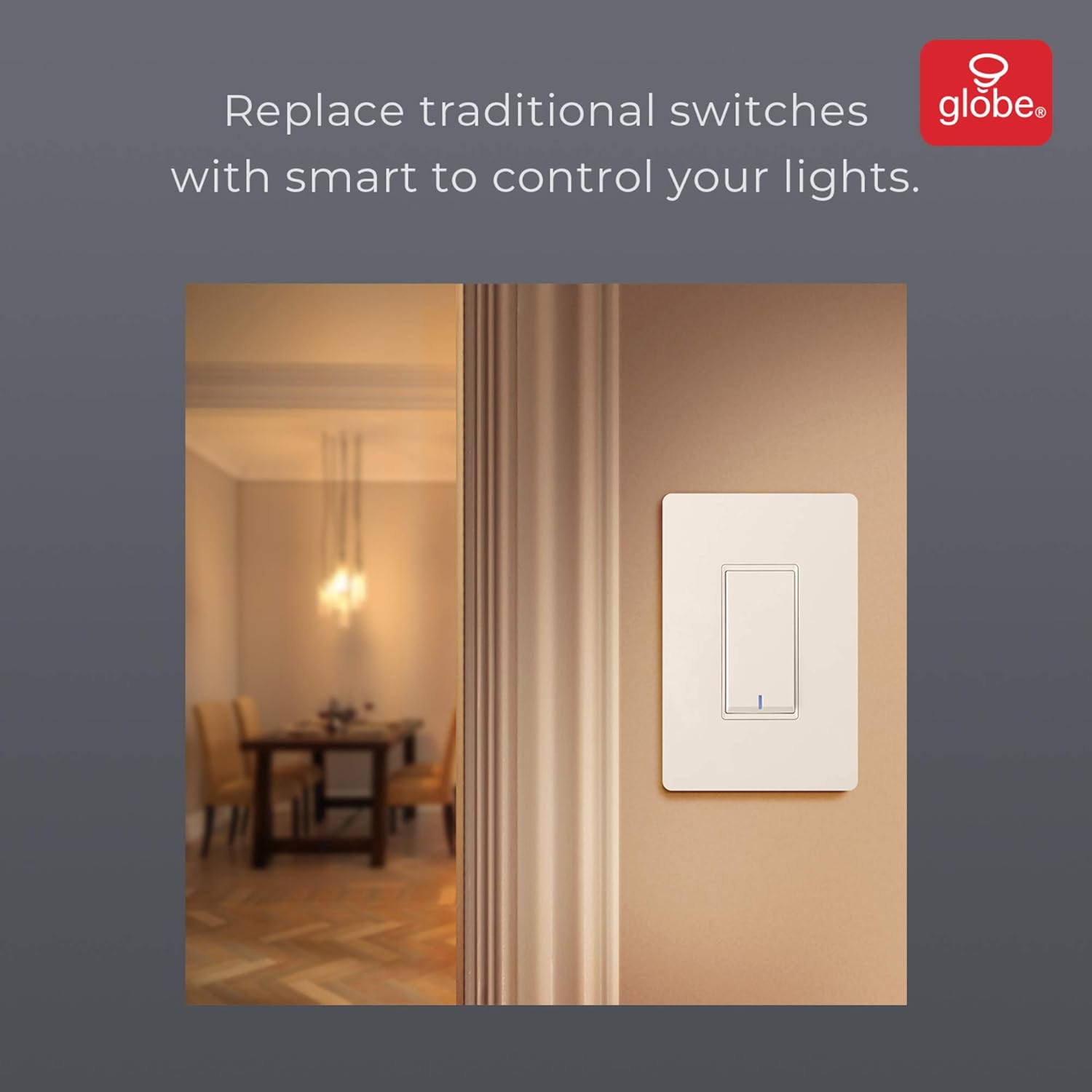
Image: The smart switch installed in a wall, demonstrating its integration into a home environment.
Інструкцыя па эксплуатацыі
Once installed and connected to the GLOBE SUITE™ App, you can operate your smart switch in several ways:
- Кіраванне ўручную: Press the rocker switch directly to turn connected lights on or off.
- Кіраванне праграмамі: Use the GLOBE SUITE™ App on your smartphone to turn lights on/off from anywhere with an internet connection.
- Галасавое кіраванне: Integrate with Amazon Alexa, Google Assistant, or Siri for hands-free control.
- ExampКаманды le: "Alexa, turn on the living room light," "Hey Google, turn off the kitchen switch," "Siri, activate evening scene."
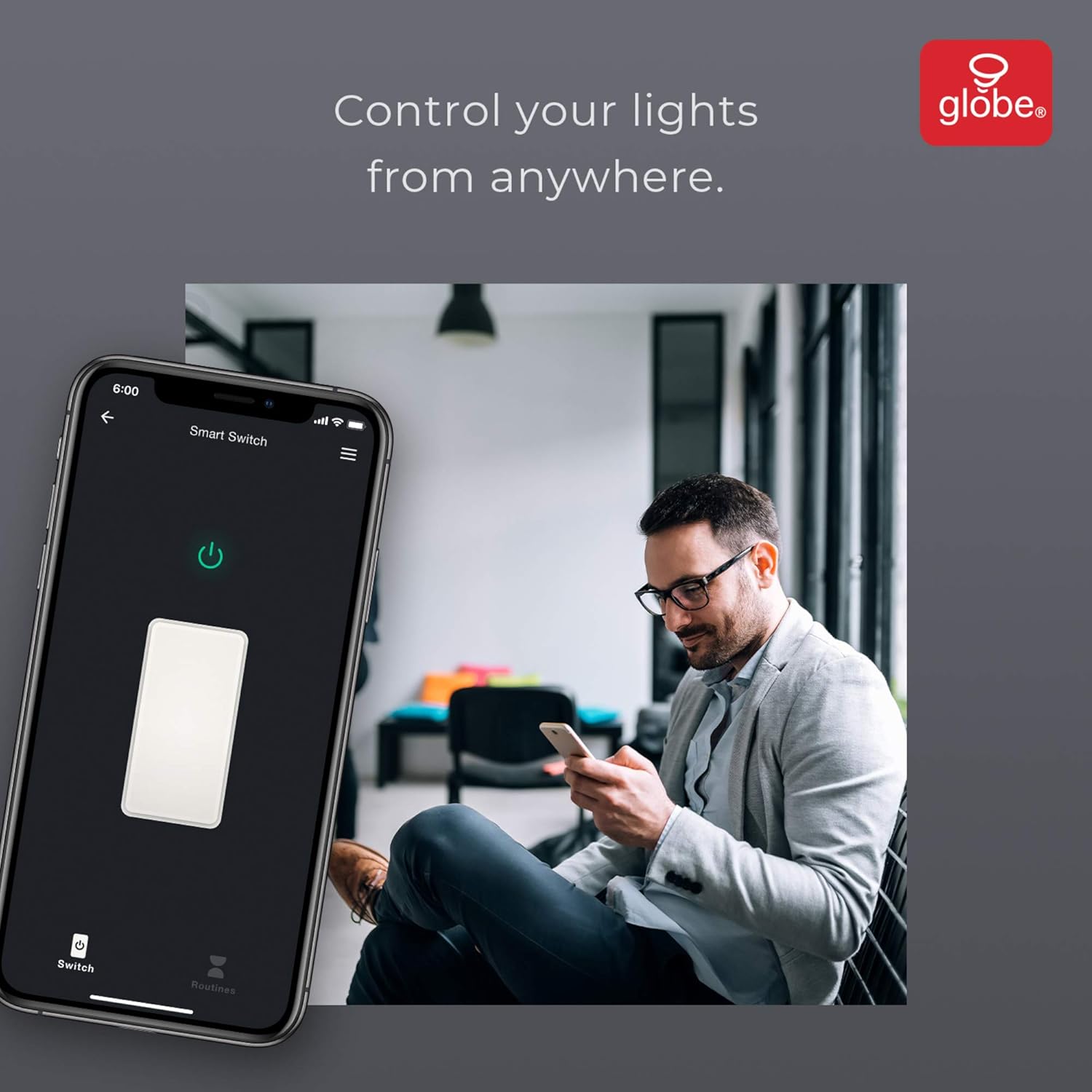
Image: A user controlling the smart switch remotely via the GLOBE SUITE™ mobile application.
App Integration and Smart Features
The GLOBE SUITE™ App unlocks the full potential of your smart switch:
- Планаванне: Create custom schedules to automatically turn lights on or off at specific times, days of the week, or based on sunrise/sunset.
- Сцэны: Combine multiple smart devices into custom scenes. For example, a "Movie Night" scene could dim lights and turn on entertainment devices simultaneously.
- Аўтаматызацыя: Set up automations based on conditions like presence detection, temperature, or other smart device triggers.

Image: The GLOBE SUITE™ app interface demonstrating the scheduling feature for automated lighting control.
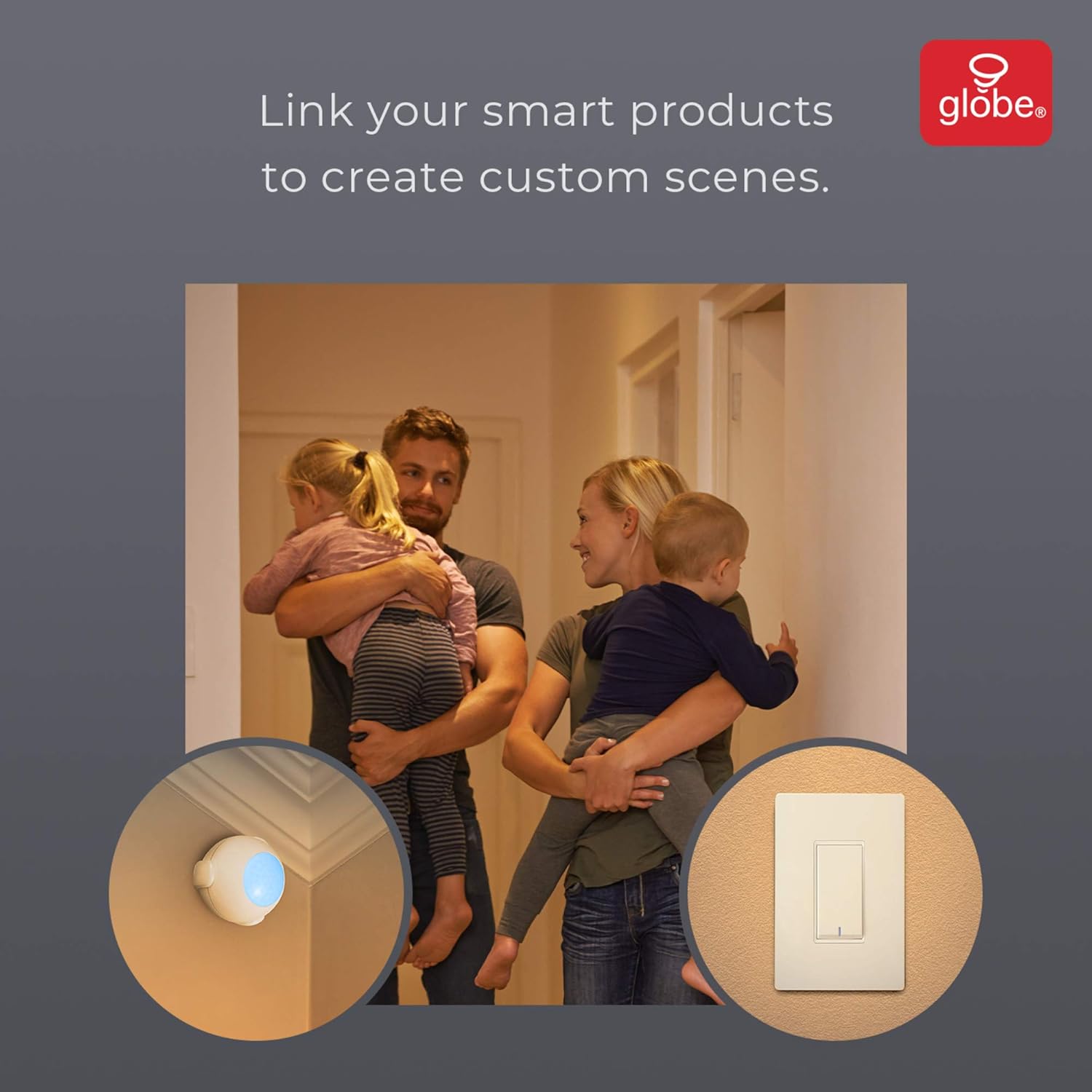
Image: Demonstrates how to link multiple Globe Electric smart products to create custom scenes for various home activities.
Тэхнічнае абслугоўванне
The Globe Electric 50200 Smart Wi-Fi Light Switch requires minimal maintenance.
- Уборка: Disconnect power at the circuit breaker before cleaning. Wipe the switch and faceplate with a soft, damp тканіна. Не выкарыстоўвайце агрэсіўныя хімікаты або абразіўныя ачышчальнікі.
- Абнаўленні прашыўкі: Periodically check the GLOBE SUITE™ App for available firmware updates to ensure optimal performance and security.
Ліквідацыю непаладак
If you encounter issues with your Globe Electric 50200 Smart Wi-Fi Light Switch, refer to the following common solutions:
| праблема | Магчымая прычына | Рашэнне |
|---|---|---|
| Switch does not turn on/off lights. | No power, incorrect wiring, or bulb issue. | Check circuit breaker. Verify wiring connections (Line, Load, Neutral, Ground). Test the light bulb. |
| Немагчыма падключыцца да Wi-Fi. | Няправільны дыяпазон Wi-Fi, слабы сігнал або няправільны пароль. | Ensure your router is broadcasting a 2.4 GHz network. Move closer to the router. Double-check Wi-Fi password. Press the restart button on the switch and try pairing again. |
| Галасавое кіраванне не працуе. | Incorrect integration with voice assistant or device naming. | Ensure the GLOBE SUITE™ App is correctly linked to your Amazon Alexa, Google Assistant, or Siri account. Verify the device name in the app matches what you are saying. |
| Switch frequently disconnects. | Weak Wi-Fi signal or network interference. | Ensure the switch is within good range of your 2.4 GHz Wi-Fi router. Consider a Wi-Fi extender if necessary. |
Тэхнічныя характарыстыкі
| Асаблівасць | Дэталь |
|---|---|
| мадэль | 50200 |
| Марка | Электрычны глобус |
| Пратакол злучэння | Wi-Fi (2.4 ГГц) |
| Метад кантролю | App, Voice, Manual |
| Тып кантролера | Amazon Alexa, Google Assistant, Siri |
| Ватtage | 100 Вт (макс.) |
| Рэжым працы | ON-NONE-ON or ON-ON-OFF |
| Тып перамыкача | Качалка |
| Тып мацавання | Насценнае мацаванне |
| Памеры прадмета (Д х Ш х У) | 1.96 х 2.05 х 4.13 цалі |
| Матэрыял | Метал, пластык |
| Вага прадмета | 0.28 фунта |
| UPC | 058219502006 |
Інфармацыя аб гарантыі
The Globe Electric 50200 Smart Wi-Fi Light Switch comes with a Абмежаваная гарантыя вытворцы на 1 год. This warranty covers defects in materials and workmanship under normal use. For specific terms and conditions, please refer to the official Globe Electric webсайт або звярніцеся ў службу падтрымкі кліентаў.
Падтрымка
For further assistance, technical support, or warranty claims, please contact Globe Electric customer service. You can find contact information on the official Globe Electric webсайт: www.globe-electric.com.
You can also visit the Globe Electric Store on Amazon for more products and information: Globe Electric Amazon Store.