
Wireless Gear G0679
Wireless Gear Bluetooth 5.0 True Wireless Stereo Earbuds User Manual
Мадэль: G0679
Уводзіны
This manual provides comprehensive instructions for the Wireless Gear Bluetooth 5.0 True Wireless Stereo Earbuds. Please read this manual carefully before using the product to ensure proper operation and to maximize your listening experience. Keep this manual for future reference.
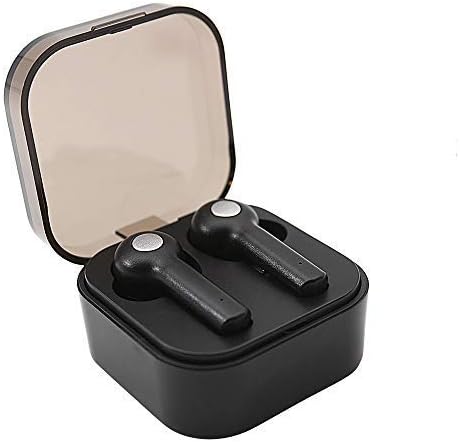
Image: Wireless Gear True Wireless Earbuds in their open charging case, showcasinг іх кампактны дызайн.
Змест пакета
Пераканайцеся, што ўсе прадметы прысутнічаюць у пасылцы:
- Wireless Gear True Wireless Earbuds (Left and Right)
- Партатыўны чахол для зарадкі
- USB-кабель для зарадкі
- Кіраўніцтва карыстальніка (гэты дакумент)
- Additional Ear Gels (various sizes)
Асаблівасці прадукту
- Тэхналогія Bluetooth 5.0: Provides stable and efficient wireless connection.
- Сапраўднае бесправадное стэрэа (TWS): Delivers rich audio and powerful bass.
- Убудаваны мікрафон: Дазваляе рабіць званкі ў рэжыме hands-free.
- Сэнсарнае кіраванне: Manage music playback, calls, and voice assistant activation directly from the earbuds.
- Auto Pair & Auto Power On: Seamless pairing with previously connected devices.
- Noise-Isolating Ear Gels: Designed for comfort and enhanced sound acoustics.
- Партатыўны чахол для зарадкі: Extends playtime and protects earbuds.
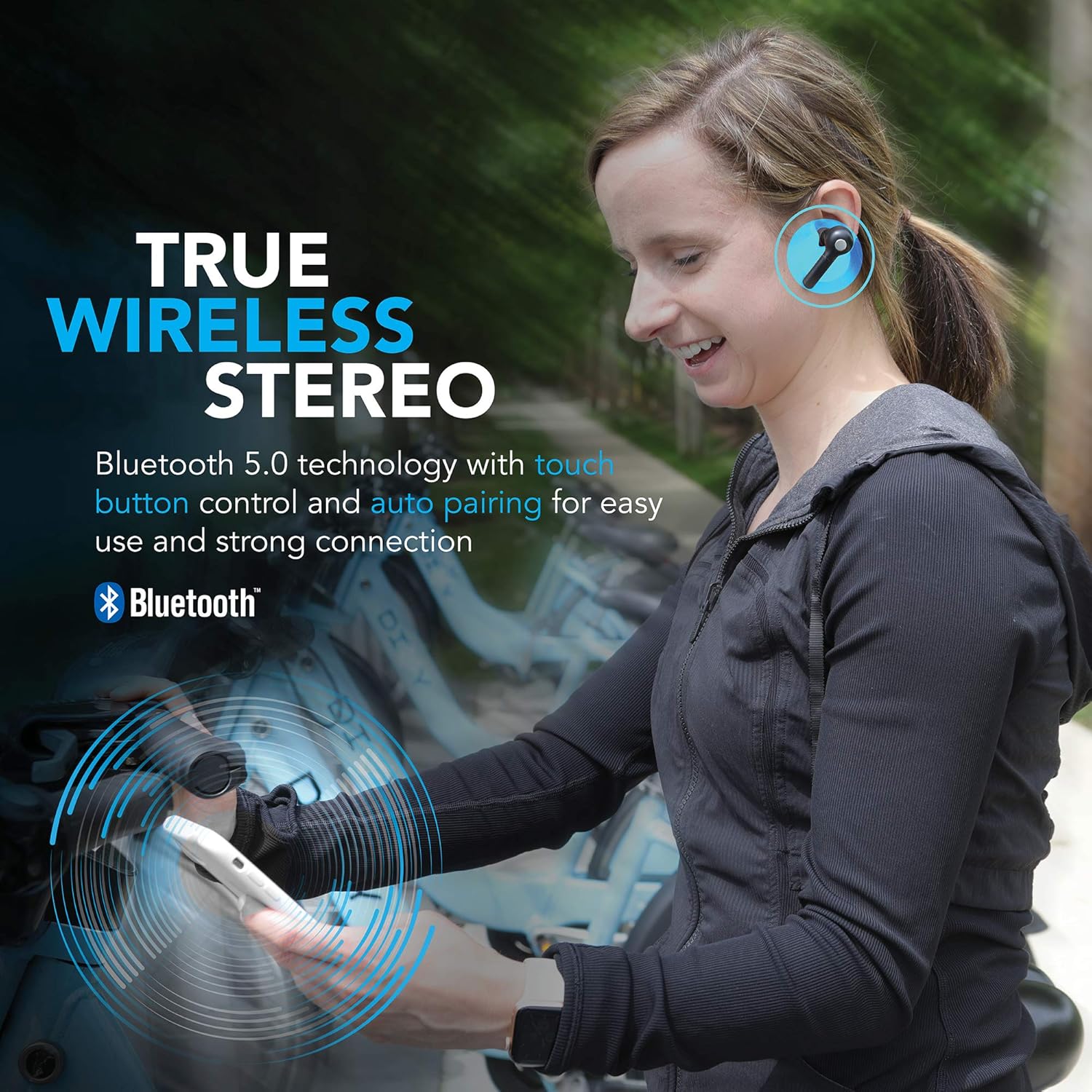
Image: A woman wearing the Wireless Gear earbuds, illustrating the true wireless stereo and Bluetooth 5.0 capabilities.

Image: A woman using the earbuds for hands-free communication, highlighting the built-in microphone feature.
Налада і першае выкарыстанне
1. Зарадка навушнікаў і чахла
Before first use, fully charge the earbuds and the charging case. Place the earbuds into the charging case. Connect the USB charging cable to the charging port on the case and the other end to a USB power source (e.g., computer, wall adapter).
- The charging indicator lights on the case will show charging status.
- A full charge provides up to 2.5 hours of playtime for the earbuds, and the case can provide 4-5 additional charges, totaling up to 8 hours of playtime.
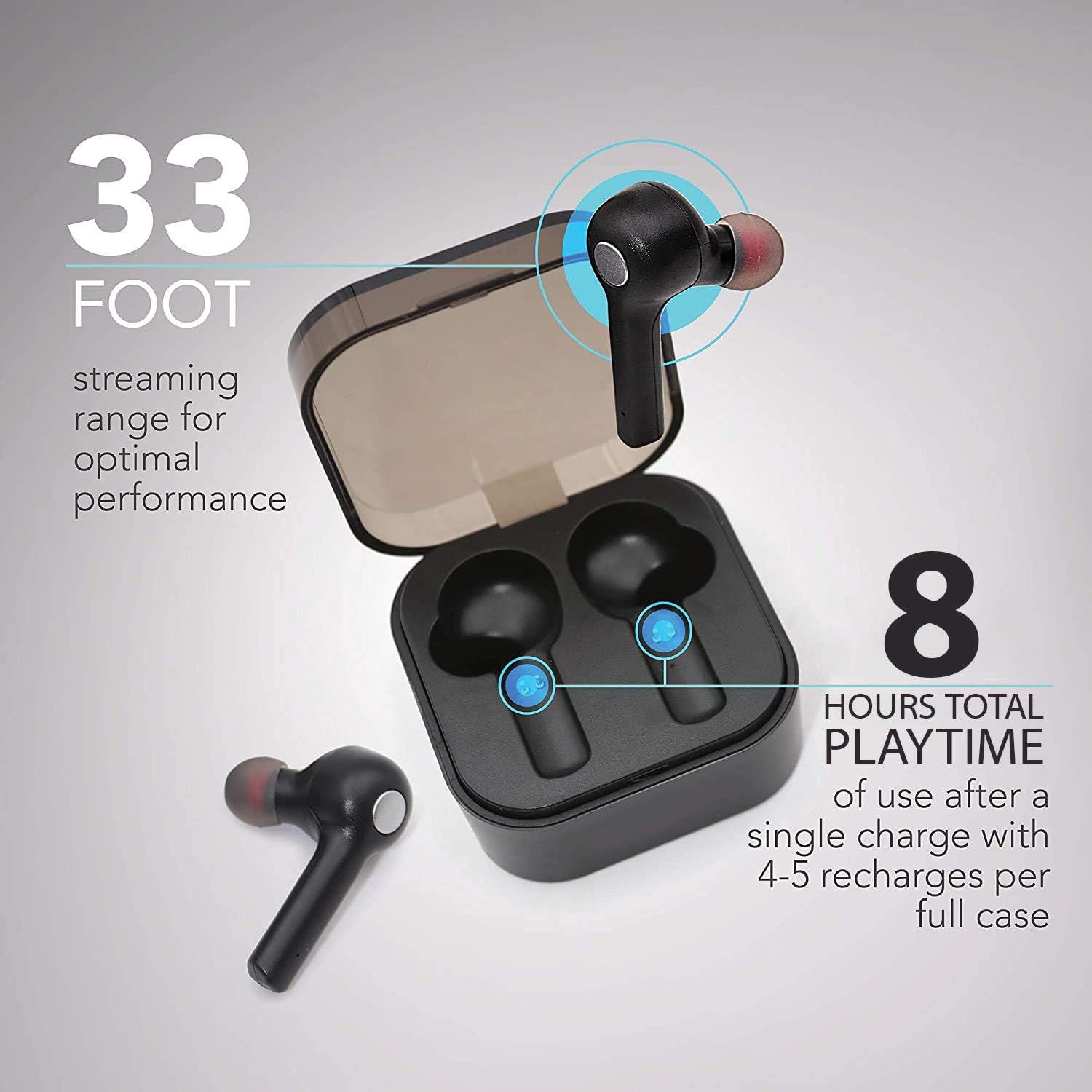
Image: The earbuds in their charging case, illustrating the 33-foot range and 8 hours of total playtime with the case.
2. Спалучэнне з прыладай
- Пераканайцеся, што навушнікі зараджаны.
- Адкрыйце зарадны кейс. Навушнікі аўтаматычна ўключацца і пяройдуць у рэжым спалучэння.
- На вашай прыладзе (смартфоне, планшэце, ноўтбуку) уключыце Bluetooth.
- Пошук даступныя прылады Bluetooth.
- Select "Wireless Gear Earbuds" (or similar name) from the list.
- Once connected, you will hear a confirmation tone, and the earbud indicator lights will change.
The earbuds feature auto-pair functionality, meaning they will automatically connect to the last paired device when removed from the case, if Bluetooth is enabled on that device.
Інструкцыя па эксплуатацыі
Нашэнне навушнікаў
Gently insert the earbuds into your ears. Adjust them for a comfortable and secure fit. The noise-isolating ear gels are designed to provide optimal sound acoustics and comfort.

Image: A man demonstrating the proper fit of the earbud, emphasizing the comfort and sound isolation provided by the ear gels.
Сэнсарныя элементы кіравання
The earbuds feature intuitive touch controls on the side of each earbud. Refer to the table below for common functions:
| Дзеянне | Функцыя |
|---|---|
| Адно націсканне (левы/правы навушнік-ўкладыш) | Прайграванне/прыпыненне музыкі, адказ/завяршэнне выкліку |
| Падвойнае націсканне (правы навушнік) | Наступная песня |
| Падвойнае націсканне (левы навушнік) | Папярэдняя песня |
| Трайное націсканне (левы/правы навушнік-ўкладыш) | Activate Voice Assistant (Siri for iOS) |
| Доўгі націск (левы/правы навушнік-ўкладыш) | Адхіліць выклік |
Уключэнне/выключэнне харчавання
- Уключэнне: Дастаньце навушнікі з зараднага чахла. Яны аўтаматычна ўключацца.
- Выключэнне: Змясціце навушнікі назад у зарадны футляр. Яны аўтаматычна выключацца і пачнуць зараджацца.
Тэхнічнае абслугоўванне і догляд
- Уборка: Выкарыстоўвайце мяккую сухую тканіну для чысткі навушнікаў і зараднага футляра. Не выкарыстоўвайце агрэсіўныя хімічныя рэчывы або абразіўныя матэрыялы.
- Вушныя гелі: Periodically remove and clean the ear gels with a damp тканінай. Перад тым, як зноў прымацаваць іх, пераканайцеся, што яны цалкам высахлі.
- захоўванне: Калі навушнікі не выкарыстоўваюцца, захоўвайце іх у зарадным чахле, каб абараніць і падтрымліваць зараджанасць.
- Пазбягайце вады: Навушнікі не воданепранікальныя. Пазбягайце ўздзеяння вады, вільгаці або экстрэмальных тэмператур.
- Сыход за батарэяй: Каб падоўжыць тэрмін службы батарэі, не разраджайце навушнікі і кейс цалкам часта. Рэгулярна зараджайце іх.
Ліквідацыю непаладак
| праблема | Магчымая прычына | Рашэнне |
|---|---|---|
| Навушнікі не спалучаюцца | Навушнікі не ў рэжыме спалучэння; Bluetooth на прыладзе выключаны; раней спалучаная прылада перашкаджае працы. | Ensure earbuds are out of case and indicator lights are flashing. Turn Bluetooth off and on again on your device. Forget previous pairings on your device and try again. |
| Працуе толькі адзін навушнік | Earbuds not properly synced; one earbud out of charge. | Place both earbuds back into the charging case, close the lid, then open it again. Ensure both earbuds are charged. |
| Няма гуку альбо малая гучнасць | Volume too low on device; earbuds not connected; media source issue. | Increase volume on your connected device. Reconnect earbuds. Check if audio is playing from the correct source on your device. |
| Чахол для зарадкі не зараджаецца | Няспраўны кабель або крыніца харчавання. | Try a different USB cable and/or power adapter. Ensure connections are secure. |
| Poor sound quality / Disconnections | Занадта далёка ад прылады; перашкоды; нізкі зарад батарэі. | Move closer to your device (within 33 ft). Avoid strong electromagnetic interference. Charge earbuds and case. |
Тэхнічныя характарыстыкі
| Асаблівасць | Дэталь |
|---|---|
| Нумар мадэлі | G0679 |
| Версія Bluetooth | 5.0 |
| Далёкасць бесправадной сувязі | Да 33 футаў (10 метраў) |
| Час прайгравання навушнікаў | Да 2.5 гадзін зарадкі |
| Агульны час прайгравання (з кейсам) | Up to 8 hours (4-5 recharges from case) |
| Тып кіравання | Сэнсарнае кіраванне |
| Мікрафон | Убудаваны |
| Матэрыял | Пластыкавыя |
| Тып батарэі | Літый-іённы |
| Памеры навушнікаў-ўкладышаў (прыблізна) | Refer to image for detailed dimensions. |
| Памеры корпуса (прыблізна) | 2.25 цалі х 2.25 цалі х 0.75 цалі (5.7 х 5.7 х 1.9 см) |

Image: Detailed dimensions of the earbuds and charging case for reference.
Інфармацыя аб гарантыі
For warranty details and terms, please refer to the warranty card included with your product or contact Wireless Gear customer support. Keep your purchase receipt as proof of purchase.
Падтрымка кліентаў
If you encounter any issues or have questions not covered in this manual, please contact Wireless Gear customer support. Visit the official Wireless Gear webсайт для кантактнай інфармацыі і часта задаваных пытанняў.
вытворца: ESI Wireless Accessories
Ask a question about this manual
Ask about setup, troubleshooting, compatibility, parts, safety, or missing instructions. Manuals+ will review the question and use this page’s manual context to help answer it.