
1. Прадукт скончыўсяview
The FosPower Emergency Weather Radio Model A3 is a versatile device designed for emergency preparedness and outdoor activities. It features NOAA/AM/FM radio reception, a powerful 14800mWh (4000mAh) internal power bank, and multiple charging options including USB-C, solar, and hand crank. Additional functions include an SOS alarm, a bright flashlight, and a reading light.
Асноўныя характарыстыкі:
- 14800mWh (4000mAh) Power Bank: Provides extended radio operation and can charge external USB devices.
- Некалькі крыніц харчавання: Rechargeable via USB-C, hand crank, and solar panel.
- SOS сігналізацыя: Activates a loud siren and flashing light for emergency signaling.
- Двайныя крыніцы святла: Includes a flashlight and a reading light with motion sensor functionality.
- NOAA Emergency Weather Broadcast Access: Receives local weather information and hazard alerts.
- AM/FM-радыё: Full access to standard AM and FM radio broadcasts.

Figure 1: FosPower Emergency Weather Radio Model A3. This image displays the radio with its solar panel open, hand crank visible, flashlight illuminated, and a smartphone connected for charging.
2. Змесціва ўпакоўкі і кампаненты
Змест пакета:
- FosPower Emergency Weather Radio (Model A3)
- Зарадны кабель USB-C
- Кіраўніцтва карыстальніка
Ключавыя кампаненты:
- Антэна: Пашыраецца для паляпшэння радыёпрыёму.
- Панэль сонечных батарэй: For supplementary charging in sunlight.
- Ручная шатуна: Для ручной выпрацоўкі энергіі.
- Ліхтарык: Інтэграваная крыніца святла.
- Святло для чытання: Panel light, often with motion sensor.
- Кнопка SOS: Актывуе аварыйную сігналізацыю.
- Рэгулятар гучнасці: Controls audio output and powers the unit on/off.
- Ручка налады: Рэгулюе радыёчастоту.
- Выбар дыяпазону: Switches between AM, FM, and WB (Weather Band).
- Уваходны порт USB-C: Для зарадкі радыё.
- Выхадны порт USB-A: Для зарадкі знешніх прылад.
- Раз'ём для навушнікаў: Для прыватнага праслухоўвання.
3. Пачатковая налада
3.1 Зарадка радыё
Before first use, it is recommended to fully charge the radio's internal 14800mWh (4000mAh) battery using the USB-C port.
- Зарадка USB-C: Connect the provided USB-C cable to the radio's USB-C input port and the other end to a standard USB power adapter (not included) or a computer USB port. The charging indicator will illuminate.
- Ручная зарадка: Rotate the hand crank clockwise or counter-clockwise at a steady pace (approximately 130-150 RPM) for 3-5 minutes to generate sufficient power for initial operation or to extend battery life.
- Зарадка панэлі сонечных батарэй: Place the radio with the solar panel facing direct sunlight. This method is primarily for maintaining battery charge or for emergency power generation, and is slower than USB-C charging.

Figure 2: Multiple Power Sources. This diagram highlights the USB, hand crank, and solar panel charging options for the radio.
4. Інструкцыя па эксплуатацыі
4.1 Уключэнне/выключэнне і рэгуляванне гучнасці
Каб уключыць радыё, павярніце Ручка гучнасці clockwise from the 'OFF' position. Continue rotating to increase the volume. To power off, rotate the Ручка гучнасці супраць гадзіннікавай стрэлкі, пакуль не пачуецца пстрычка ў становішчы «ВЫКЛ».
4.2 Radio Tuning (AM/FM/NOAA)
- Пашырэнне антэны: Для аптымальнага прыёму цалкам раскладзеце тэлескапічную антэну.
- Выберыце дыяпазон: Выкарыстоўвайце Выбар паласы switch to choose between 'AM', 'FM', or 'WB' (Weather Band).
- Наладжвальная станцыя: Павярнуць Ручка налады to scan for desired radio stations or NOAA weather channels. The tuning indicator light will illuminate when a strong signal is detected.
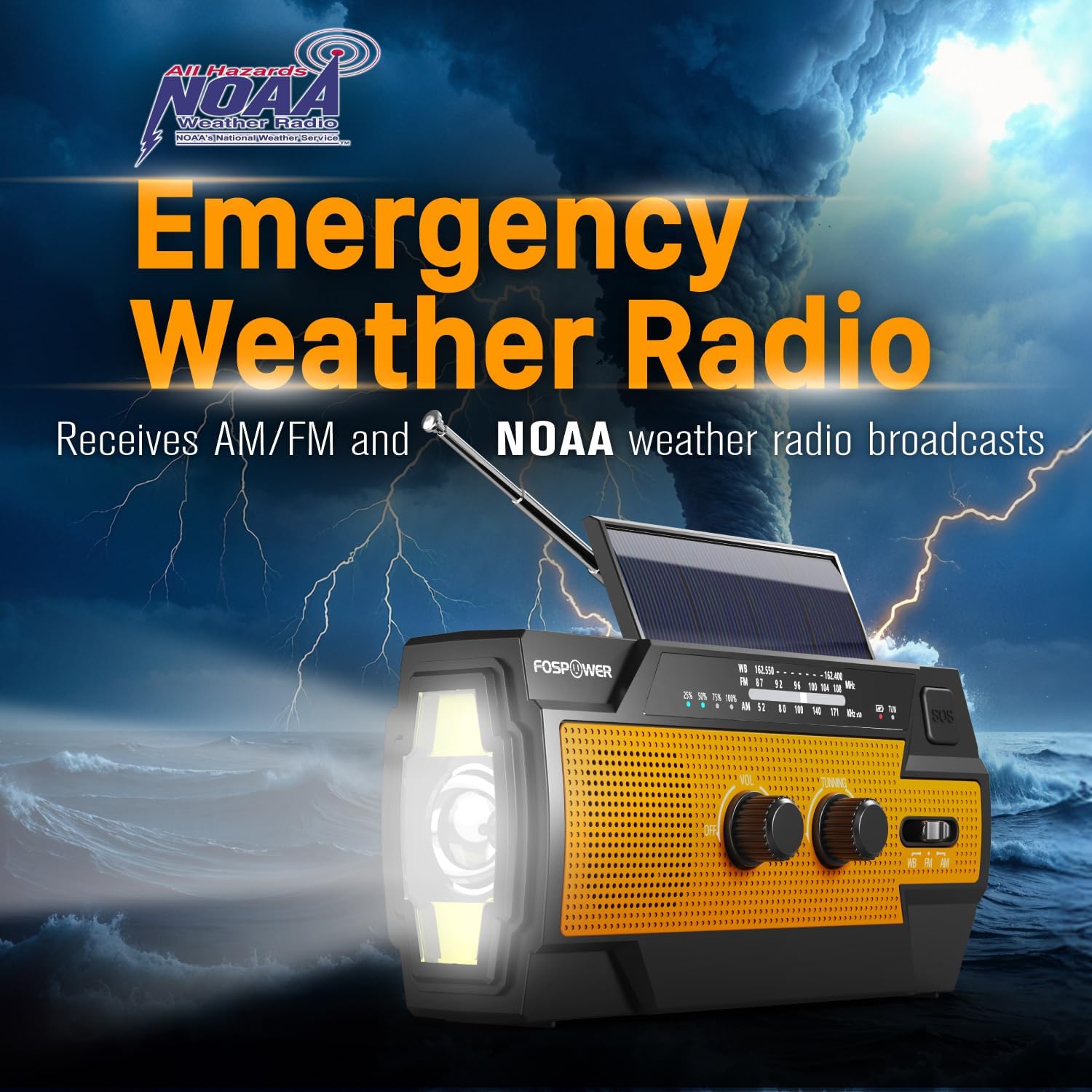
Figure 3: Emergency Weather Radio Function. This image shows the radio against a stormy background, emphasizing its ability to receive AM/FM and NOAA weather broadcasts.
4.3 Праца з ліхтарыкам
The integrated flashlight offers multiple modes:
- Press the flashlight button once for Поўны рэжым (максімальная яркасць).
- Націсніце яшчэ раз для Far Mode (focused beam).
- Націсніце трэці раз для Шырокі рэжым (broader illumination).
- Press a fourth time to turn the flashlight off.

Figure 4: Flashlight Settings. This image illustrates the three distinct flashlight modes available on the radio.
4.4 Reading Light Operation
The reading light provides illumination for close-range tasks:
- Slide the reading light switch to the 'LIGHT' position for constant illumination.
- Slide the switch to the 'AUTO' position to activate the motion sensor. The light will turn on when motion is detected and turn off after approximately 30 seconds of no motion.

Figure 5: Reading Light Modes. This image shows the reading light in operation, highlighting its constant and motion-activated settings.
4.5 Функцыя сігналізацыі SOS
In an emergency, activate the SOS alarm to attract attention:
- Націсніце і ўтрымлівайце Кнопка SOS to activate a loud siren and a flashing light.
- Release the button to deactivate the alarm.
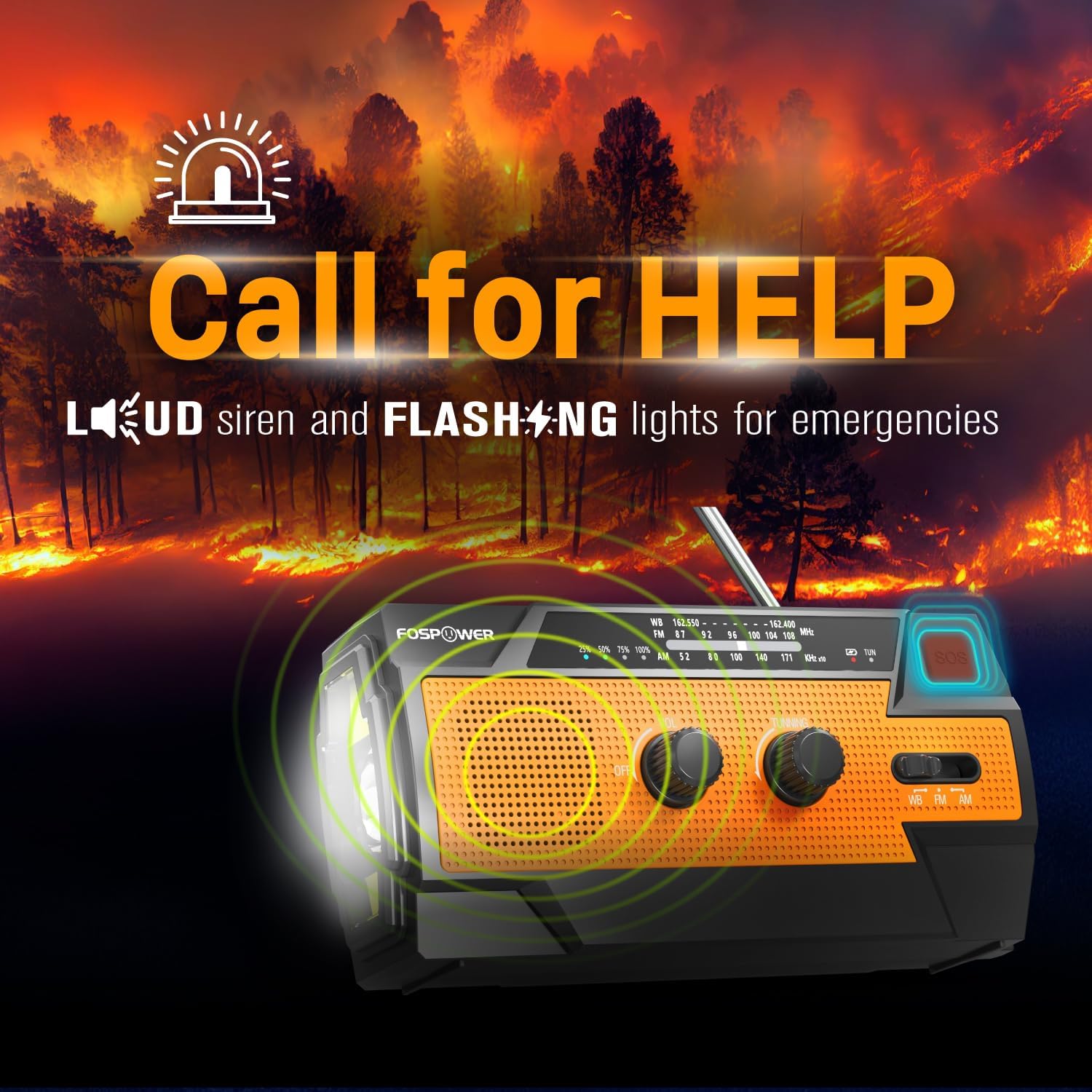
Figure 6: SOS Alarm Activation. This image depicts the radio emitting a loud siren and flashing lights, indicating the SOS function is active.
4.6 Выкарыстанне ў якасці паўэрбанка
The radio's internal battery can be used to charge external USB devices:
- Connect your smartphone, tablet, or other USB-powered device to the radio's Выхадны порт USB-A using your device's charging cable.
- The radio will begin charging the connected device. Monitor the radio's battery indicator to ensure sufficient charge remains for its own operation.

Figure 7: Power Bank Function. This image shows the radio charging a smartphone on a wooden table outdoors, demonstrating its 14800mWh power bank capability.
5. Догляд і абслугоўванне
- Уборка: Працярыце радыё мяккай, damp тканіна. Не выкарыстоўвайце агрэсіўныя хімікаты або абразіўныя ачышчальнікі.
- захоўванне: Store the radio in a cool, dry place away from direct sunlight and extreme temperatures. For long-term storage, ensure the battery is partially charged (around 50%) and recharge every 3-6 months to prevent deep discharge.
- Воданепранікальнасць: The radio is IPX3 water resistant, meaning it can withstand spraying water. Do not submerge the radio in water.

Figure 8: IPX3 Water Resistance. This image shows the radio in a light rain shower, illustrating its IPX3 water-resistant design suitable for harsh environments.
6. Выпраўленне непаладак
| праблема | Магчымая прычына | Рашэнне |
|---|---|---|
| Радыё не ўключаецца. | Акумулятар разраджаны. | Charge the radio via USB-C, hand crank, or solar panel. |
| Дрэнны прыём радыё. | Antenna not extended, weak signal, interference. | Fully extend the telescopic antenna. Move to an open area away from obstructions. Fine-tune the tuning knob. |
| Ліхтарык/лямпа для чытання не працуе. | Battery is low, incorrect mode selected. | Charge the radio. Ensure the correct light mode (Full, Far, Wide for flashlight; Light, Auto for reading light) is selected. |
| External device not charging from radio. | Radio battery is low, cable issue, device incompatibility. | Ensure the radio has sufficient charge. Check the USB cable connection. Try a different USB cable or device. |
| Hand crank is stiff or difficult to turn. | Possible obstruction or internal issue. | Ensure there are no physical obstructions. Turn the crank smoothly and avoid excessive force. If problem persists, contact customer support. |
| Solar charging is slow or ineffective. | Недастаткова сонечнага святла, брудная сонечная панэль. | Place the radio in direct, strong sunlight. Clean the solar panel surface with a soft cloth. Note that solar charging is supplementary. |
7. Тэхнічныя характарыстыкі прадукту
| Асаблівасць | Спецыфікацыя |
|---|---|
| Нумар мадэлі | FOSPWB-2402 |
| Памеры прадукту | 6.23" Д х 2.48" Ш х 3.19" В (15.82 х 6.30 х 8.10 см) |
| Вага прадмета | 1.06 фунта (0.48 кг) |
| Крыніца харчавання | Solar, Battery (14800mWh internal), Handcrank |
| Ёмістасць батарэі | 14800 мВт·г (4000 мАг) |
| Падтрымліваюцца радыёдыяпазоны | AM, FM, WB (дыяпазон надвор'я) |
| Тэхналогія падлучэння | USB C (Input), USB A (Output) |
| Асаблівасць | Portable, Power Bank, SOS Alarm, Flashlight, Reading Light |
| Воданепранікальнасць | IPX3 |

Figure 9: Product Dimensions. This diagram provides the exact measurements of the FosPower Emergency Weather Radio.
8. Гарантыя і падтрымка кліентаў
Абмежаваная пажыццёвая гарантыя
FosPower products are backed by a limited lifetime warranty. This warranty covers defects in materials and workmanship under normal use. Please refer to the official FosPower webна сайце або ў дакументацыі па куплі, каб даведацца пра поўныя ўмовы гарантыі.
Падтрымка кліентаў
For any questions, technical assistance, or warranty claims, please contact FosPower's dedicated USA-based customer service team. Contact information can typically be found on the product packaging or the official FosPower webсайт.
Вы таксама можаце наведаць в Крама FosPower на Amazon для атрымання дадатковай інфармацыі і абнаўленняў прадуктаў.