
1. Уводзіны
Дзякуй за пакупкуasing the Salora SBO680 Soundbar. This manual provides essential information for the safe and efficient operation of your new audio system. Please read it thoroughly before use and retain it for future reference.
The Salora SBO680 is a sophisticated audio solution designed to enhance your home entertainment experience. Featuring 2.1 audio output channels, it delivers immersive sound with a 60W RMS rated power, ensuring crystal-clear audio reproduction. The soundbar speaker has an RMS power of 40W and a 6.35 cm (2.5 inch) tweeter diameter, providing crisp highs and detailed mid-range frequencies. Its active subwoofer, with an RMS power of 20W, adds rich, deep bass to your audio, improving the overall listening experience. The product is available in an elegant black color, complementing any interior decor, and is ideal for home use. Volume control is conveniently managed via buttons, offering ease of use. With wired and wireless connectivity technology, the Salora SBO680 offers versatile options for seamless integration into your entertainment setup.

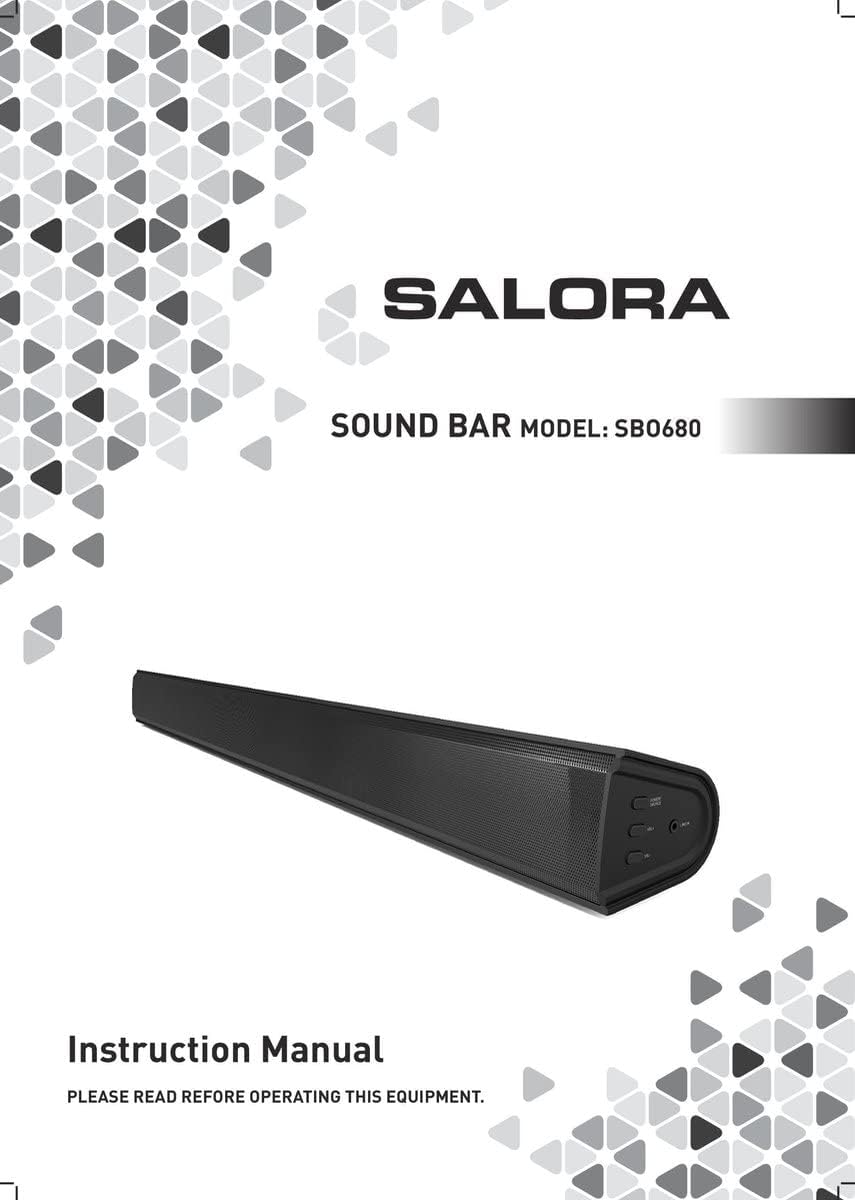
Image: Front cover of the Salora SBO680 Soundbar instruction manual.
2. Важная інфармацыя па бяспецы
- Прачытайце інструкцыі: Перад выкарыстаннем вырабу прачытайце ўсе інструкцыі па бяспецы і эксплуатацыі.
- Захаваць інструкцыі: Захоўвайце інструкцыі па бяспецы і эксплуатацыі для выкарыстання ў будучыні.
- Звярніце ўвагу на папярэджанні: Прытрымвайцеся ўсіх папярэджанняў на вырабе і ў інструкцыі па эксплуатацыі.
- Выконвайце інструкцыі: Выконвайце ўсе інструкцыі па эксплуатацыі і выкарыстанні.
- Уборка: Перад чысткай адключыце прадукт ад насценнай разеткі. Не выкарыстоўвайце вадкія або аэразольныя ачышчальнікі. Выкарыстоўвайце рэкламуamp тканіна для чысткі.
- Укладанні: Не выкарыстоўвайце насадкі, не рэкамендаваныя вытворцам прадукту, бо яны могуць выклікаць небяспеку.
- Вада і вільгаць: Не выкарыстоўвайце гэты прадукт каля вады - напрыкладample, каля ванны, рукамыйніцы, кухоннай мыйкі, ванны для бялізны, у сырым склепе або каля басейна.
- Вентыляцыя: Slots and openings in the cabinet are provided for ventilation to ensure reliable operation of the product and to protect it from overheating. These openings must not be blocked or covered.
- Крыніцы харчавання: Operate this product only from the type of power source indicated on the marking label. If you are not sure of the type of power supply to your home, consult your product dealer or local power company.
- Абарона шнура харчавання: Power-supply cords should be routed so that they are not likely to be walked on or pinched by items placed upon or against them.
- Маланка: Для дадатковай абароны прадукту падчас навальніцы або калі ён не выкарыстоўваецца на працягу доўгага часу, адключыце яго ад насценнай разеткі.
- Абслугоўванне: Не спрабуйце абслугоўваць гэты прадукт самастойна, бо адкрыццё або зняцце вечкаў можа падвергнуць вас небяспечнаму ўздзеяннюtagе або іншыя небяспекі. Звяртайцеся да кваліфікаванага абслугоўваючага персаналу.
3. Змесціва ўпакоўкі
Please check that all items are present and in good condition.
- Salora SBO680 Soundbar
- Remote Control (requires 2 AAA batteries, not always included)
- Кіраўніцтва карыстальніка (гэты дакумент)
- Сілавы кабель
4. Прадукт скончыўсяview
4.1 Пярэдняя і бакавая часткі View
Выява: спераду view of the Salora SBO680 Soundbar, showing the speaker grille.

Image: Close-up of the side panel controls, including Power/Source, Volume Up, Volume Down, and Line In port.
- Кнопка харчавання/крыніцы: Press to turn on/off or switch input modes.
- Павялічыць гучнасць (+): Павялічыць гучнасць.
- Памяншэнне гучнасці (-): Паменшыць гучнасць.
- Порт LINE IN: 3.5-мм аўдыёўваход для падлучэння знешніх прылад.
4.2 Ззаду View і сувязі

Выява: Задняя частка view of the Salora SBO680 Soundbar, showing various input ports and mounting points.

Image: Close-up of the rear connection panel, featuring USB, HDMI ARC, Optical, and DC 20V power input.
- Порт USB: Для прайгравання аўдыё files з USB-дыска.
- Порт HDMI ARC: Connect to a TV's HDMI ARC port for audio and control.
- OPTICAL Port: Digital audio input from devices like TVs or game consoles.
- Порт DC 20V: Power input for the soundbar.
4.3 Пульт дыстанцыйнага кіравання

Image: The included remote control for the Salora SBO680 Soundbar, showing various buttons for power, volume, input, and sound modes.
The remote control allows you to manage volume, bass/treble, and input selection. It requires 2 AAA batteries (not always included).
- Кнопка харчавання: Уключае або выключае гукавую панэль.
- Кнопка ўводу: Cycles through input sources (HDMI ARC, Optical, AUX, Bluetooth, USB).
- Гучнасць +/-: Adjusts the main volume.
- BA+/-: Рэгулюе ўзроўні баса.
- TR+/-: Рэгулюе ўзровень высокіх частот.
- Music/TV/Movie: Pre-set equalizer modes for different audio content.
- ПАРА: Запускае рэжым спалучэння Bluetooth.
- Па змаўчанні: Resets sound settings to factory defaults.
5. Усталёўка і падключэнне
Before connecting, ensure the soundbar and all devices are powered off.
5.1 Падключэнне харчавання
- Connect the power cable to the DC 20V port on the back of the soundbar.
- Падключыце другі канец кабеля харчавання да разеткі.
5.2 Connecting to a TV (Recommended)
The Salora SBO680 offers multiple ways to connect to your TV. HDMI ARC is recommended for the best audio quality and ease of control.
5.2.1 Падключэнне HDMI ARC
HDMI ARC (Audio Return Channel) allows you to send audio from your TV to the soundbar using a single HDMI cable and control the soundbar with your TV remote.
- Connect one end of an HDMI cable (not included) to the HDMI ARC port on the soundbar.
- Connect the other end of the HDMI cable to the HDMI ARC port on your TV. (Look for a port labeled "HDMI ARC" or "HDMI IN (ARC)").
- Turn on the soundbar and select the HDMI ARC input using the remote or the Power/Source button.
- Ensure your TV's audio output settings are configured for HDMI ARC or external speakers.
5.2.2 Аптычнае падключэнне
Use an optical cable for high-quality digital audio if your TV does not support HDMI ARC.
- Connect one end of an optical cable (not included) to the OPTICAL port on the soundbar.
- Connect the other end of the optical cable to the optical digital output port on your TV or other audio source.
- Turn on the soundbar and select the OPTICAL input.
- Ensure your TV's audio output settings are configured for optical output.
5.3 Злучэнне Bluetooth
Stream audio wirelessly from your smartphone, tablet, or other Bluetooth-enabled devices. The soundbar remembers up to 8 devices.
- Turn on the soundbar and select the BLUETOOTH input using the remote or the Power/Source button. The indicator light will flash, indicating pairing mode.
- На прыладзе Bluetooth уключыце Bluetooth і знайдзіце даступныя прылады.
- Select "Salora SBO680" from the list of devices.
- Once paired, the indicator light on the soundbar will stop flashing and remain solid.
- Цяпер вы можаце прайграваць аўдыё са сваёй прылады праз саўндбар.
- To disconnect, disable Bluetooth on your device or select a different input on the soundbar.
5.4 AUX (Line In) Connection
Connect older devices or devices without digital audio outputs using a 3.5mm audio cable.
- Connect one end of a 3.5mm audio cable (not included) to the LINE IN port on the side of the soundbar.
- Падключыце другі канец да раздыма для навушнікаў або аўдыёвыхаду вашай знешняй прылады.
- Turn on the soundbar and select the AUX input.
- Play audio from your device.
5.5 Прайграванне з USB
Прайграванне аўдыё files непасрэдна з флэшкі USB.
- Insert a USB flash drive (containing compatible audio files) into the USB port on the back of the soundbar.
- Turn on the soundbar and select the USB input.
- Саўндбар аўтаматычна пачне прайграваць аўдыё files from the USB drive. Use the remote control to navigate tracks.
6. Інструкцыя па эксплуатацыі
6.1 Асноўныя аперацыі
- Уключэнне/выключэнне харчавання: Press the Power button on the remote or the Power/Source button on the soundbar.
- Рэгуляванне гучнасці: Use the Volume +/- buttons on the remote or the soundbar.
- Выбар уводу: Press the Input button on the remote or the Power/Source button on the soundbar to cycle through available inputs (HDMI ARC, Optical, AUX, Bluetooth, USB).
- Адключэнне гуку: Press the Mute button on the remote to temporarily silence the audio. Press again to unmute.
6.2 Sound Modes and Equalizer
The Salora SBO680 offers pre-set equalizer modes and manual bass/treble adjustments to optimize your listening experience.
- Папярэдне зададзеныя рэжымы: Use the MUSIC, TV, or MOVIE buttons on the remote to select an optimized sound profile для вашага кантэнту.
- Рэгуляванне нізкіх частот: Use the BA+/- buttons on the remote to increase or decrease bass levels.
- Рэгуляванне высокіх частот: Use the TR+/- buttons on the remote to increase or decrease treble levels.
- Налады па змаўчанні: Press the DEFAULT button on the remote to reset all sound settings to their factory defaults.

Image: Illustration showing the soundbar and remote control, with sound waves emanating from the soundbar, symbolizing immersive audio.
7. Тэхнічнае абслугоўванне
7.1 Ачыстка
- Заўсёды адключайце саўндбар ад разеткі перад чысткай.
- Выкарыстоўвайце мяккую, сухую тканіну для працірання вонкавых паверхняў.
- Do not use liquid cleaners, abrasive cleaners, or chemical solvents, as these may damage the finish.
- For the speaker grille, use a soft brush or a vacuum cleaner with a brush attachment to gently remove dust.
7.2 Захоўванне
- If storing the soundbar for an extended period, unplug it from the power source.
- Store it in a cool, dry place, away from direct sunlight and extreme temperatures.
- It is recommended to keep the original packaging for storage and transport.
8. Выпраўленне непаладак
If you encounter issues with your Salora SBO680 Soundbar, refer to the following common problems and solutions.
| праблема | Магчымая прычына | Рашэнне |
|---|---|---|
| Няма ўлады | Кабель харчавання не падключаны або разетка неактыўная. | Пераканайцеся, што кабель харчавання надзейна падключаны да гукавой панэлі і спраўнай разеткі. |
| Няма гуку | Incorrect input selected, volume too low, or incorrect TV audio settings. |
|
| Збой спалучэння Bluetooth | Саўндбар не ў рэжыме спалучэння, прылада знаходзіцца занадта далёка або ёсць перашкоды. |
|
| Пульт дыстанцыйнага кіравання не працуе | Batteries depleted or remote not aimed correctly. |
|
| Скажоны гук | Volume too high, poor audio source, or incorrect equalizer settings. |
|
9. Тэхнічныя характарыстыкі
| Назва мадэлі | Salora SBO680 |
| Марка | САЛОРА |
| Выхадная магутнасць (RMS) | 60W (Soundbar: 40W, Subwoofer: 20W) |
| Тып дынаміка | Саўндбар з убудаваным сабвуферам |
| Рэжым выхаду гуку | Стэрэа (2.1-канал) |
| Тэхналогія падлучэння | Bluetooth, HDMI ARC, Optical, USB, AUX (3.5mm Line In) |
| Бесправадная сувязь | Bluetooth |
| Сумяшчальныя прылады | Смартфон, планшэт, тэлевізар |
| Метад кантролю | Remote Control, On-device Buttons |
| Памеры прадукту (Д х Ш х У) | 81 х 9 х 7.85 см (31.9 х 3.5 х 3.1 цалі) |
| Вага прадмета | 2.6 кілаграма (5.73 фунта) |
| Колер | Чорны |
| Матэрыял | Пластыкавыя |
| Крыніца харчавання | Electric Cable (DC 20V) |
| Выдаленыя батарэі | 2 x AAA (not always included) |
| Максімальны радыус дзеяння (Bluetooth) | 12 метраў |
| Асаблівасці | Падтрымка гуку высокага раздзялення |
10. Гарантыя і падтрымка
For warranty information, please refer to the warranty card included with your product or contact your local retailer.
If you require technical support or have questions not covered in this manual, please visit the official SALORA webсайт або звярніцеся ў іх аддзел абслугоўвання кліентаў.