
1. Прадукт скончыўсяview
The YQSAVIOR 10.1" Android Tablet (Model ZB30) is designed for versatile use, offering a powerful octa-core processor, ample memory, and expandable storage. It features a vibrant IPS display, dual cameras, and robust connectivity options including 5G WiFi6 and Bluetooth 5.0, making it suitable for entertainment, browsing, and productivity tasks.

Figure 1: YQSAVIOR 10.1" Android Tablet (Model ZB30)
2. Што ў скрынцы
Upon unboxing your YQSAVIOR Tablet, please ensure all the following items are present:
- YQSAVIOR 10.1" Android Tablet (Model ZB30)
- Зарадны кабель USB Type-C
- Кіраўніцтва карыстальніка (гэты дакумент)
3. Настройка
3.1 Першапачатковая зарадка
Before first use, fully charge your tablet using the provided USB Type-C cable and a compatible power adapter (not included). The 6000mAh battery provides 8-10 hours of mixed use.
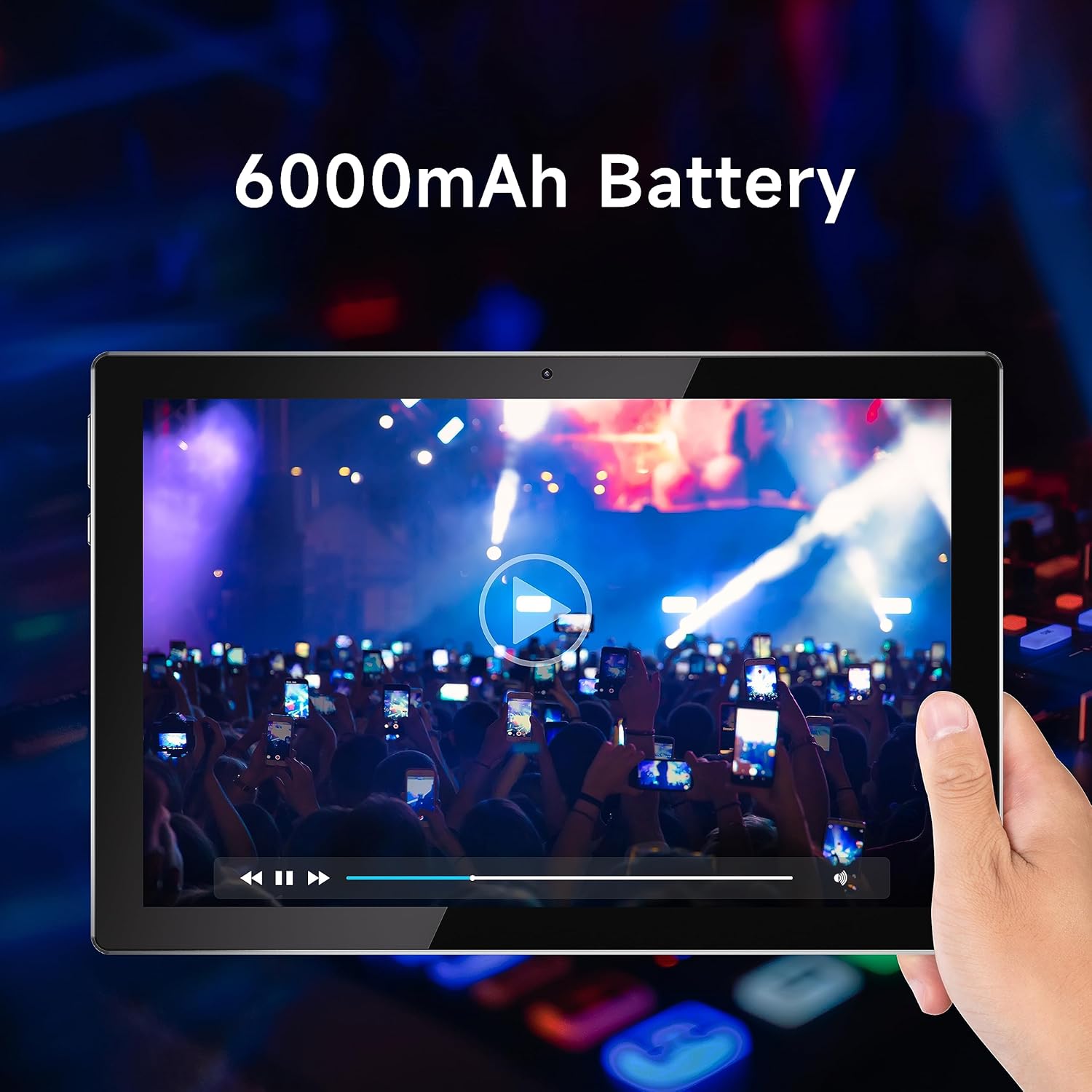
Figure 2: Tablet display emphasizing battery life.
3.2 Уключэнне/выключэнне сілкавання
To power on, press and hold the power button located on the side of the tablet until the YQSAVIOR logo appears. To power off, press and hold the power button, then select "Power off" from the on-screen options.
3.3 Пачатковая канфігурацыя
Follow the on-screen prompts to complete the initial setup. This includes selecting your language, connecting to a Wi-Fi network, and signing in with your Google account. A Google account is required to download applications from the Google Play Store.

Figure 3: Accessing Google Play Store for applications.
3.4 Пашыраная памяць
The tablet supports expandable storage up to 1TB via a microSD card (not included). Locate the microSD card slot on the side of the tablet and gently insert the card until it clicks into place. You may need to format the card through the tablet's settings before use.
4. Інструкцыя па эксплуатацыі
4.1 Навігацыя і інтэрфейс
The YQSAVIOR Tablet runs on the Android operating system. Navigate the interface using touch gestures: tap to select, swipe to scroll, pinch to zoom, and long-press for additional options. The home screen provides quick access to frequently used applications and widgets.
4.2 Падключэнне да Wi-Fi
Каб падключыцца да Wi-Fi, перайдзіце па спасылцы Налады > Сетка і інтэрнэт > Wi-Fi. Turn Wi-Fi on and select your desired network from the list. Enter the password if prompted. The tablet supports 5G WiFi6 for high-speed and stable connections.
4.3 Злучэнне Bluetooth
Каб падключыцца да прылад Bluetooth, перайдзіце па спасылцы Налады > Падлучаныя прылады > Bluetooth. Turn Bluetooth on and select "Pair new device." Choose your device from the list and follow any on-screen instructions. Bluetooth 5.0 provides faster transfer speeds and communication distances.
4.4 Якасць адлюстравання
The tablet is equipped with a 10.1" IPS display with a resolution of 1280x800 pixels, offering vivid colors and wide viewing angles for an optimal viewing experience when watching movies or playing games.

Figure 4: Tablet display quality for media consumption.
4.5 Выкарыстанне камеры
The tablet is equipped with a 2.0 MP front camera and an 8.0 MP rear camera. Open the Camera application to capture photos and videos. You can switch between front and rear cameras within the app interface.
4.6 Аўдыёвыхад
The tablet features dual speakers for enhanced audio experience. Adjust volume using the physical volume buttons on the side of the device or through the on-screen volume controls.
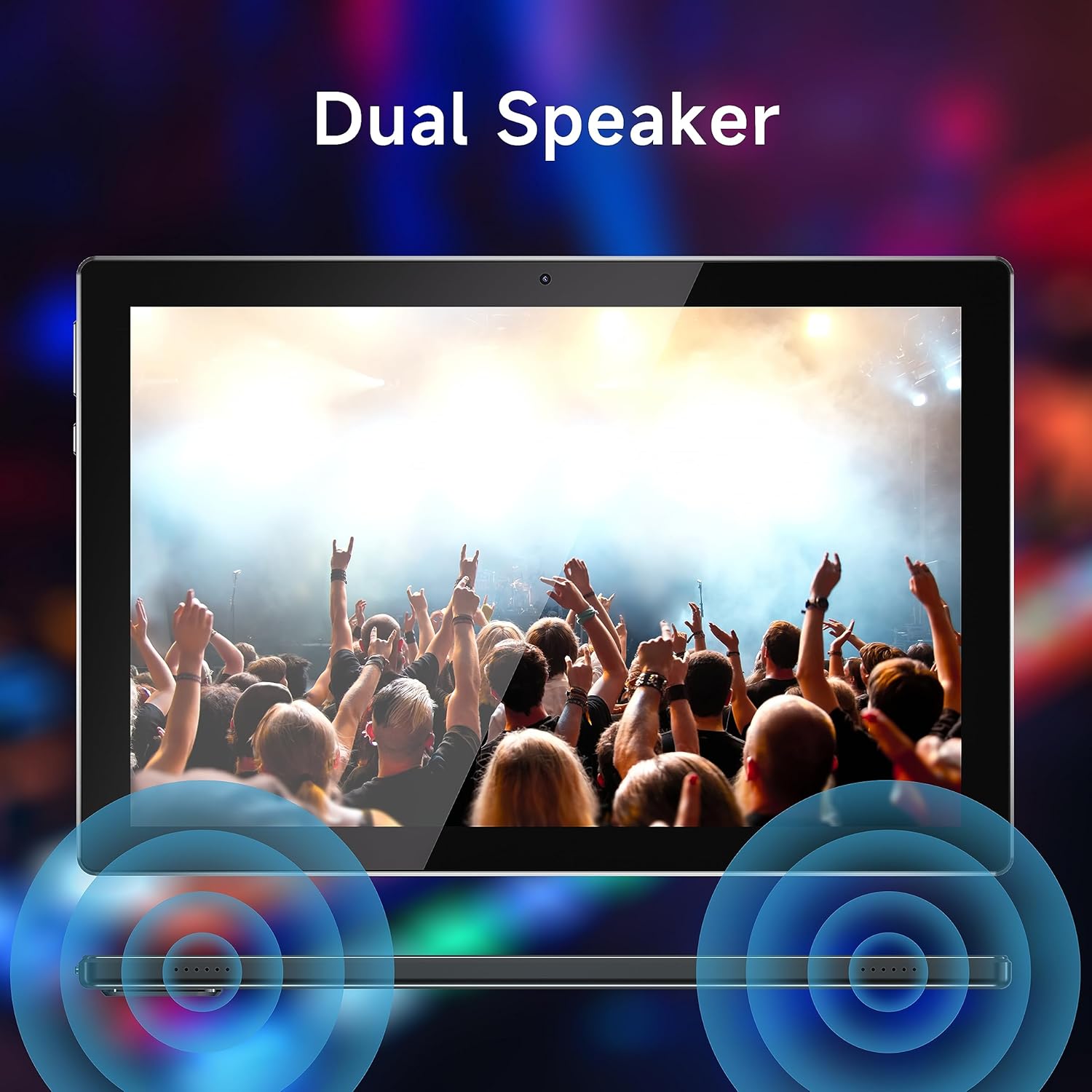
Figure 5: Dual speaker system for immersive sound.
5. Тэхнічнае абслугоўванне
5.1 Сыход за акумулятарам
To maximize battery life, avoid extreme temperatures. Charge the tablet regularly and avoid completely draining the battery frequently.
5.2 Ачыстка
Use a soft, lint-free cloth to clean the screen and body of the tablet. Do not use abrasive cleaners or solvents, as these can damage the surfaces.
5.3 Абнаўленне праграмнага забеспячэння
Periodically check for system updates to ensure optimal performance and security. Go to Налады > Сістэма > Абнаўленне сістэмы каб праверыць і ўсталяваць даступныя абнаўленні.
5.4 Кіраванне сховішчам
Regularly manage your tablet's storage by deleting unnecessary files, uninstalling unused applications, and moving large media files to external storage (microSD card) if applicable. This helps maintain device speed and responsiveness.
6. Выпраўленне непаладак
| праблема | Магчымая прычына / рашэнне |
|---|---|
| Планшэт не ўключаецца | Ensure the battery is charged. Connect the tablet to a power source and allow it to charge for at least 30 minutes before attempting to power on again. |
| Павольная прадукцыйнасць / Збоі праграм | Close unused applications. Clear app caches (Settings > Apps > [App Name] > Storage > Clear cache). Free up storage space. Restart the tablet. |
| Праблемы з падключэннем да Wi-Fi | Ensure Wi-Fi is enabled. Restart your Wi-Fi router. Forget the network and reconnect. Check if other devices can connect to the same network. |
| Сэнсарны экран не рэагуе | Перазагрузіце планшэт. Калі праблема не знікне, магчыма, спатрэбіцца скінуць налады да заводскіх (спачатку зрабіце рэзервовую копію дадзеных). |
| Tablet stuck in Fastboot mode | This can occur due to software issues. Try holding the power button for an extended period (10-15 seconds) to force a restart. If it remains stuck, professional assistance or a factory reset may be required. |
| Павольная зарадка | Ensure you are using the original charging cable. Try a different power adapter. Avoid using the tablet while it is charging, as this can slow down the process. |
If problems persist after attempting these solutions, please contact YQSAVIOR customer support for further assistance.
7. Тэхнічныя характарыстыкі
| Асаблівасць | Дэталь |
|---|---|
| Марка | YQSAVIOR |
| Назва мадэлі | ZB30 |
| Аперацыйная сістэма | Android |
| Памер экрана | 10.1 цалі |
| Дазвол экрана | 1280 x 800 pixels (IPS) |
| Працэсар | MTK Octa-core (2.2 GHz) |
| АЗП | 10GB (4GB+6GB Expand) LPDDR3_SDRAM |
| Унутраная памяць | 64 ГБ флэш-памяці |
| Сховішча з магчымасцю пашырэння | Да 1 ТБ (MicroSD) |
| Задняя камера | 8.0 МП |
| Пярэдняя камера | 2.0 МП |
| Ёмістасць батарэі | 6000 мАг (літый-палімерны) |
| Сярэдні тэрмін службы батарэі | 10 гадзін |
| Бесправадны тып | 802.11ac (5G WiFi6) |
| Bluetooth | Bluetooth 5.0 |
| Вага прадмета | 1.65 фунта |
| Памеры прадукту | 10 х 5 х 0.3 цалі |
8. Гарантыя і падтрымка
Your YQSAVIOR Tablet is covered by a manufacturer's warranty. Please refer to the warranty information provided with your purchase for specific terms and conditions. For technical support, troubleshooting assistance beyond this manual, or warranty claims, please contact YQSAVIOR customer service.
Additionally, protection plans may be available for extended coverage. For details on purchasing a 2-Year Protection Plan, please refer to your retailer or product page.