
1. Уводзіны
This manual provides detailed instructions for the installation, operation, and maintenance of your Lorex E893AB-E 4K IP Bullet Security Camera. This camera is designed for outdoor surveillance, offering 4K resolution, smart motion detection, two-way talk, and color night vision. It requires connection to a compatible Lorex NVR for full functionality.

Image 1.1: Lorex 4K IP Bullet Security Camera and its retail packaging.
2. Змесціва ўпакоўкі
Праверце, ці ўсе пералічаныя ніжэй прадметы ўваходзяць у вашу ўпакоўку:
- 1x Lorex E893AB-E 4K IP Bullet Camera
- 1x Cat5e Ethernet Cable
- 1x Mounting Kit (screws and wall anchors)
3. Настройка і ўстаноўка
3.1 Камера скончанаview

Малюнак 3.1: Збоку view of the Lorex E893AB-E camera, showing its bullet form factor and adjustable mount.
3.2 Мантаж камеры
- Выберыце месца: Select a suitable outdoor location that provides the desired field of view and is within reach of the Ethernet cable connection to your NVR. The camera is IP67 waterproof, suitable for various weather conditions.
- Падрыхтуйце паверхню: Use the mounting template (if provided) to mark screw holes on the wall or ceiling.
- Свідраваць адтуліны: Drill pilot holes for the screws. Insert wall anchors if mounting on drywall or masonry.
- Абараніце камеру: Attach the camera's mounting base to the surface using the provided screws. Adjust the camera angle as needed.

Малюнак 3.2: Прыкладample of the Lorex camera securely mounted on an exterior wall.
3.3 Connecting to an NVR
This camera is an add-on unit and requires connection to a compatible Lorex Network Video Recorder (NVR). Compatible NVR series include N843, N844, N845, N846, N847, N884, and N910-series recorders.
- Падключэнне кабеля Ethernet: Connect one end of the provided Cat5e Ethernet cable to the camera's Ethernet port.
- Падключэнне да відэарэгістратара: Connect the other end of the Ethernet cable to an available PoE (Power over Ethernet) port on your compatible Lorex NVR. The camera will receive power and data through this single cable.
- NVR Configuration: Refer to your NVR's instruction manual for specific steps on adding and configuring new IP cameras. The camera should be automatically detected by the NVR.
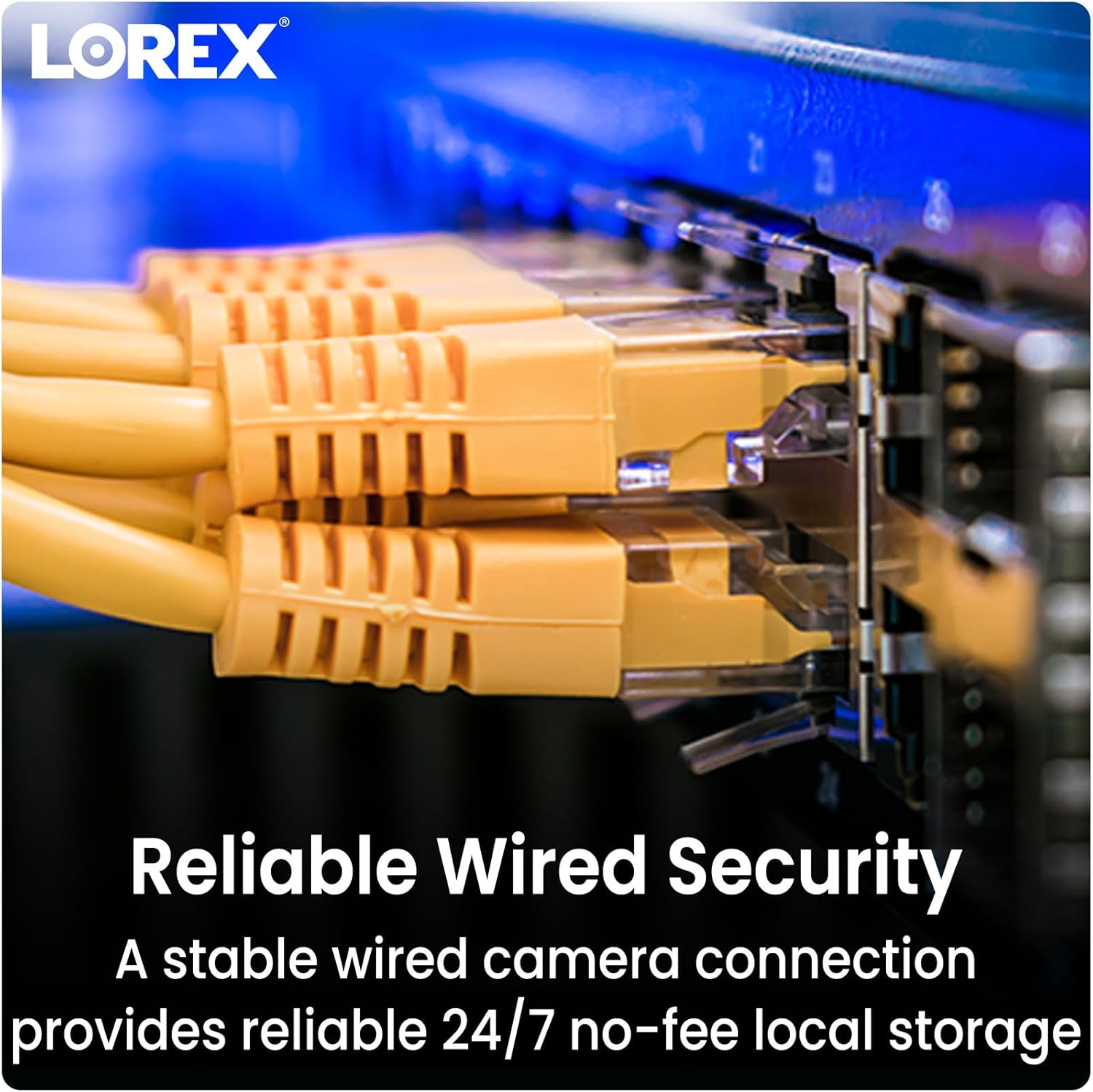
Image 3.3: Ethernet cables providing reliable wired security connection to the NVR.
4. Кіраванне камерай
4.1 4K Ultra HD Resolution
The camera captures video in 4K (8MP) Ultra HD resolution, providing clear and detailed images. This high resolution allows for enhanced digital zoom capabilities to view specific areas with greater clarity.

Image 4.1: Visual comparison demonstrating the sharpness and detail of 4K Ultra HD video.
4.2 Разумнае выяўленне руху
The camera features Smart Motion Detection Plus, which can differentiate between persons, vehicles, and faces. This reduces false alarms and ensures you receive relevant mobile push notifications through the Lorex Home app.

Image 4.2: A smartphone screen showing a notification from the Lorex Home app indicating detected motion.
4.3 Color Night Vision and IR Night Vision
Камера прапануе два рэжымы начнога бачання:
- Каляровы начны бачанне: Provides full-color video in low-light conditions with ambient light present.
- IR Начны бачанне: Utilizes infrared LEDs to deliver clear black and white video in complete darkness, with a range of up to 150 feet.

Малюнак 4.3: Падзелены малюнак, які параўноўвае view from infrared night vision (monochrome) and color night vision in a dark environment.

Image 4.4: The camera's integrated spotlight illuminating an area at night.
4.4 Двухбаковая размова
Utilize the built-in microphone and speaker for two-way communication. This allows you to speak with visitors or deter unwanted guests directly through the Lorex Home app on your smartphone.

Image 4.5: An illustration of the two-way talk feature, showing a user communicating with a delivery person.
4.5 Smart Home Compatibility
The Lorex Home app provides hands-free voice control and integration with smart home platforms. Use simple voice commands with Amazon Alexa and Google Assistant to activate features or view відэаздымкі з камеры.
5. Тэхнічнае абслугоўванне
To ensure optimal performance and longevity of your Lorex E893AB-E camera, follow these maintenance guidelines:
- Рэгулярная ўборка: Перыядычна чысціце аб'ектыў і корпус камеры мяккай губкайamp тканінай, каб выдаліць пыл, бруд або плямы ад вады, якія могуць перашкаджаць viewПазбягайце абразіўных ачышчальнікаў.
- Праверце злучэнні: Ensure the Ethernet cable connection remains secure and free from damage.
- Абнаўленні прашыўкі: Regularly check for and install firmware updates for your NVR and camera through the Lorex Home app or Lorex website to benefit from improved features and security enhancements.
5.1 Weatherproof Durability
The camera features robust metal housing and an IP67 weatherproof rating, indicating it is protected against dust ingress and immersion in water up to 1 meter for 30 minutes. This ensures reliable operation in various outdoor conditions.

Image 5.1: The camera operating effectively outdoors during a rain shower, highlighting its weatherproof construction.
6. Выпраўленне непаладак
If you encounter issues with your Lorex E893AB-E camera, consider the following troubleshooting steps:
- No Video Feed:
- Verify the Ethernet cable is securely connected to both the camera and the NVR.
- Ensure the NVR is powered on and functioning correctly.
- Check if the camera's PoE port on the NVR is active.
- Confirm the camera is compatible with your specific Lorex NVR model (N843/N844/N845/N846/N847/N884/N910-series).
- Дрэнная якасць відэа:
- Ачысціце аб'ектыў камеры, каб выдаліць бруд або плямы.
- Пераканайцеся, што ў полі зроку камеры няма перашкод view.
- Check network bandwidth if experiencing lag or pixelation.
- Выяўленне руху не працуе:
- Review motion detection settings in your NVR or Lorex Home app.
- Ensure the detection zones are correctly configured.
- Праверце на наяўнасць фізічных перашкод, якія блакавалі камеру view.
- Праблемы двухбаковай размовы:
- Verify microphone and speaker settings in the Lorex Home app.
- Ensure your smartphone's volume is adjusted correctly.
- Check network connectivity for real-time audio transmission.
7. Тэхнічныя характарыстыкі
Detailed technical specifications for the Lorex E893AB-E 4K IP Bullet Security Camera:

Image 7.1: Product label showing model number E893AB-E, serial number, and power specifications.
| Асаблівасць | Спецыфікацыя |
|---|---|
| Назва мадэлі | E893AB-E |
| Дазвол відэазахопу | 4K (8 МП) |
| Выкарыстанне ў памяшканні/на вуліцы | На адкрытым паветры |
| Тэхналогія падлучэння | Правадной (Ethernet) |
| Крыніца харчавання | Правадное электрычнае (PoE) |
| Viewing кут | 108 градусаў |
| Дыяпазон начнога бачання | 150 Feet (IR) |
| Узровень воданепранікальнасці | Воданепранікальны IP67 |
| Асаблівасці | 2-Way Audio, Built-In Light, Smart Motion Sensor, Weather Proof |
| Матэрыял | Метал |
| Памеры (Д х Ш х У) | 6.89 х 2.87 х 2.76 цалі |
| Вага прадмета | 3.1 фунта |
| UPC | 695529034133 |
8. Гарантыя і падтрымка
8.1 Інфармацыя аб гарантыі
Lorex products typically come with a limited warranty. Please refer to the official Lorex website or your product's packaging for specific warranty terms and conditions, as these may vary by region and product.
8.2 Падтрымка кліентаў
For technical assistance, product registration, or further inquiries, please visit the official Lorex support website or contact their customer service. You can find contact details and support resources at www.lorex.com.