
mooas MC-RLEDW2R
Mooas Dual LED Moon Night Light Digital Alarm Clock User Manual
Model: MC-RLEDW2R
Уводзіны
This manual provides instructions for the setup, operation, and maintenance of your Mooas Dual LED Moon Night Light Digital Alarm Clock (Model: MC-RLEDW2R). Please read this manual thoroughly before using the product to ensure proper function and longevity.

Figure 1: Mooas Dual LED Moon Night Light Digital Alarm Clock
Важная інфармацыя па бяспецы
- Не падвяргайце прыладу ўздзеянню вады або празмернай вільгаці.
- Пазбягайце размяшчэння прылады побач з крыніцамі цяпла або пад прамымі сонечнымі прамянямі.
- Выкарыстоўвайце толькі адаптар сілкавання і кабелі, якія ўваходзяць у камплект.
- Захоўваць у месцах, недаступных дзецям.
- Не спрабуйце самастойна разабраць або адрамантаваць прыладу. Звярніцеся ў службу падтрымкі па дапамогу.
Змест пакета
Праверце, ці ёсць усе прадметы ў вашай упакоўцы:
- Mooas Dual LED Moon Night Light Digital Alarm Clock
- Пульт дыстанцыйнага кіравання
- Блок харчавання (USB-кабель і адаптар для насценных прылад)
- Кіраўніцтва карыстальніка (гэты дакумент)
- CR2032 Battery (pre-installed for time memory)
Настройка
1. Падключэнне сілкавання
- Connect the provided USB cable to the clock's power input port.
- Plug the other end of the USB cable into the wall adapter.
- Insert the wall adapter into a standard electrical outlet.
- The clock display will illuminate.
Заўвага: A CR2032 battery is pre-installed to maintain time settings during power outages. Ensure any protective tab is removed from the battery compartment if the clock does not retain time after initial setup.
2. Налада дыстанцыйнага кіравання
The remote control is used for all settings and operations. It may have a protective plastic tab that needs to be removed from the battery compartment before first use.

Figure 2: Remote Control for the Mooas Clock
The remote control can be magnetically attached to the base of the clock for convenient storage.
Інструкцыя па эксплуатацыі
1. Устаноўка часу і даты
Use the remote control to adjust time and date settings.
- Усталяваць час: Press the "Time Set" button on the remote. Use the arrow buttons to adjust hours and minutes. Press "Time Set" again to confirm.
- Усталяваць дату: Press the "Date Set" button. Use arrow buttons to adjust year, month, and day. Press "Date Set" again to confirm.
- Рэжым 12/24 гадзіны: Press the "12/24H" button to switch between 12-hour and 24-hour display formats.
2. Функцыя сігналізацыі
- Усталяваць будзільнік: Press the "Alarm Set" button. Use arrow buttons to set the desired alarm time. Press "Alarm Set" again to confirm.
- Уключыць/выключыць сігналізацыю: Press the "Alarm ON/OFF" button to toggle the alarm. An alarm icon will appear on the display when active.
- Адклад: When the alarm sounds, press the "Snooze" button on the remote to temporarily silence it. The alarm will sound again after a set interval (typically 5-10 minutes).
- Спыніць будзільнік: To stop the alarm completely, press any other button on the remote or the "Alarm ON/OFF" button.
3. Adjusting Clock Display Brightness
The clock display has three brightness levels (High, Medium, Low).
- Press the "Clock Brightness" button on the remote control to cycle through the brightness levels.

Figure 3: Clock Display with White LED
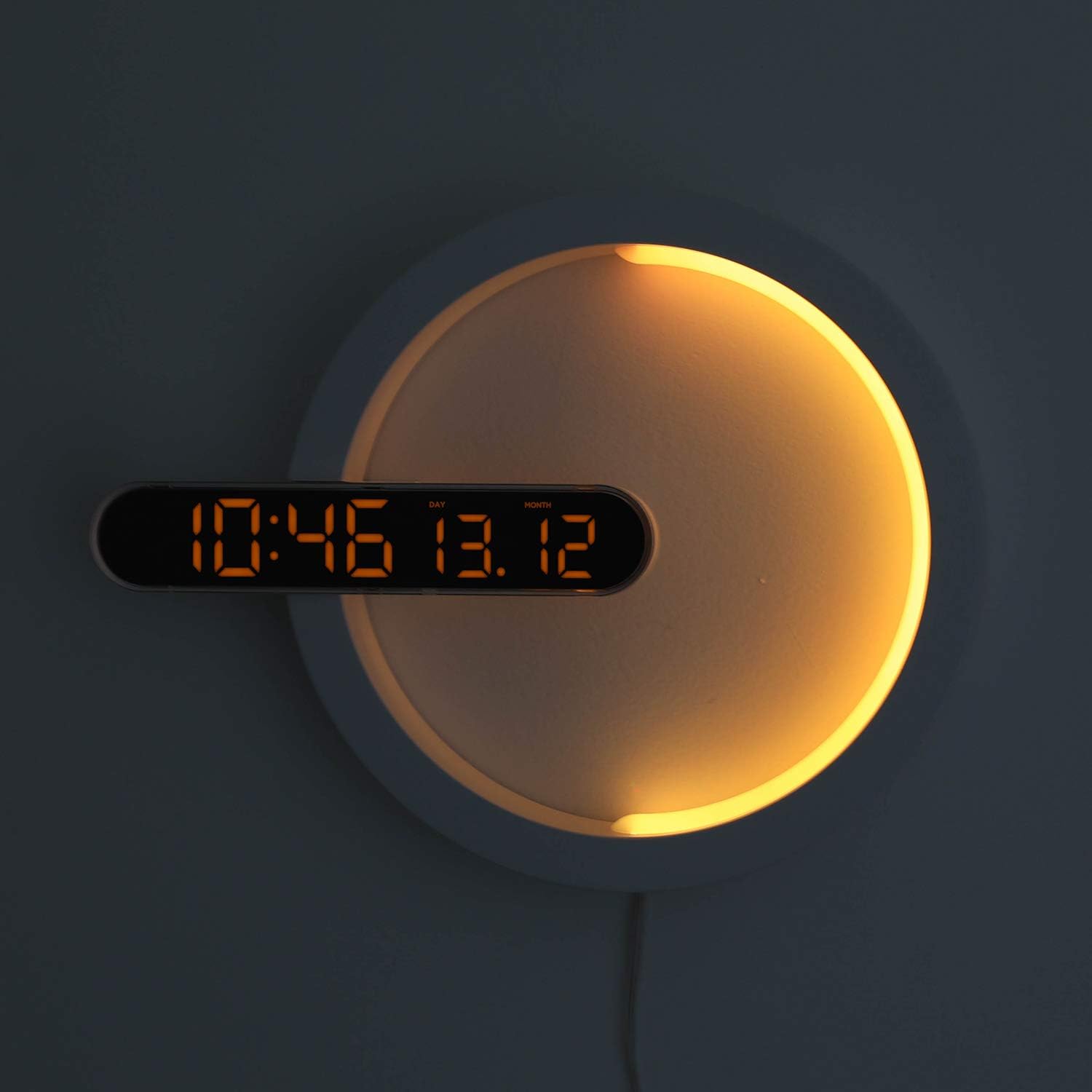
Figure 4: Clock Display with Orange LED
4. Функцыя начніка
The moon night light offers 7 distinct colors and an automatic color change mode.
- Змяніць колер: Press the "LED Color" button on the remote control to cycle through blue, sky blue, green, yellow, red, purple, white, and RGB auto change mode.
- Яркасць начнога святла: The night light brightness is not independently adjustable via remote.
- Automatic Dimming Mode: The clock features an automatic dimming mode where the night light's color and brightness will automatically adjust to a dimmer setting during a specified time period (default: 6:00 PM to 6:00 AM). This setting can be customized using the remote control. Refer to the remote control's specific buttons for "Auto Dim Set" or similar.
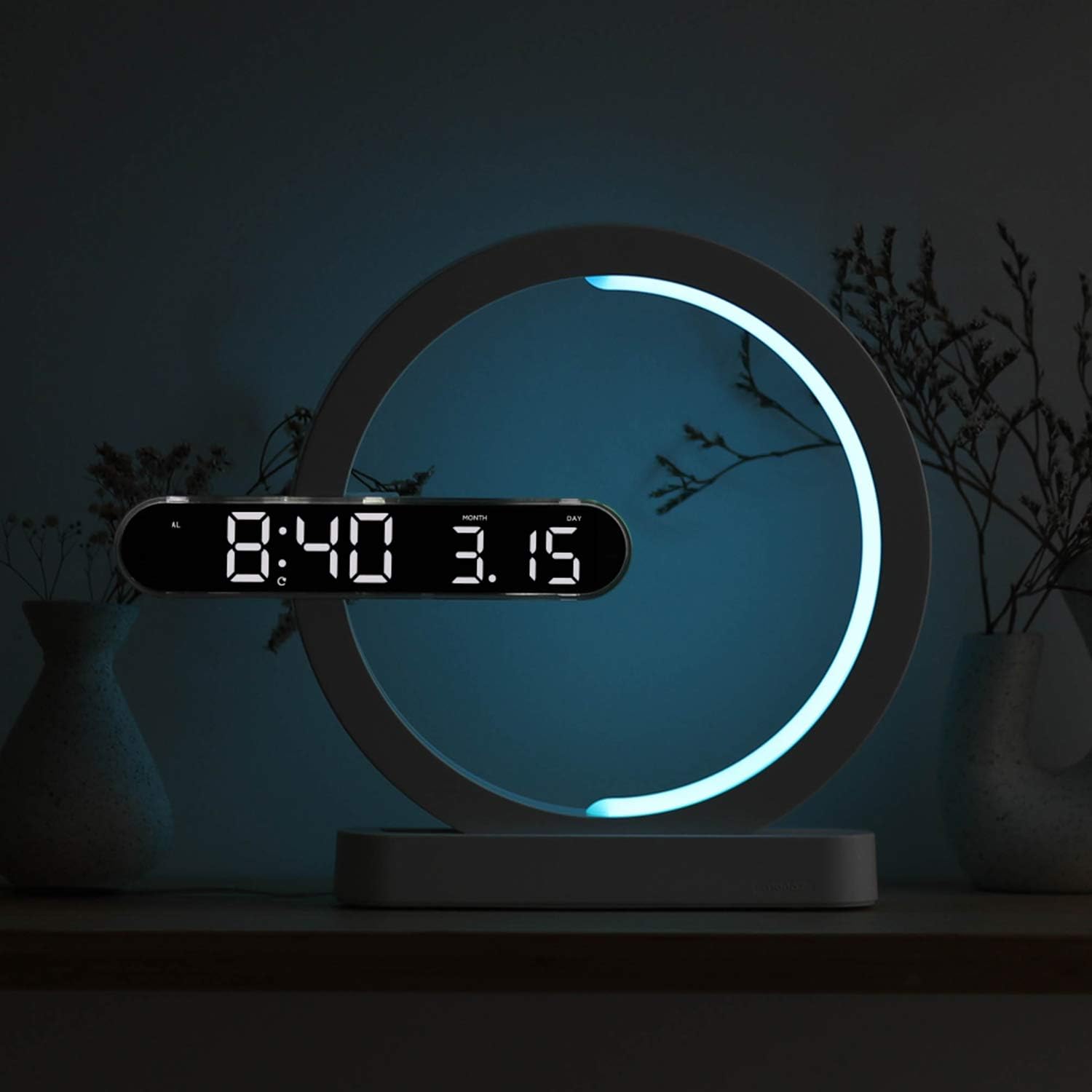
Figure 5: Available Night Light Colors
5. Рэжымы выкарыстання
The device can be used in various configurations:
- Рэжым гадзінніка: Only the digital clock display is active.
- Рэжым начнога святла: Only the moon night light is active.
- Clock + Night Light Mode: Both the digital clock and the moon night light are active simultaneously.
Specific buttons on the remote control allow switching between these modes. Consult the remote for labels such as "Mode" or dedicated ON/OFF buttons for clock and night light.

Figure 6: Wall-mounted usage example
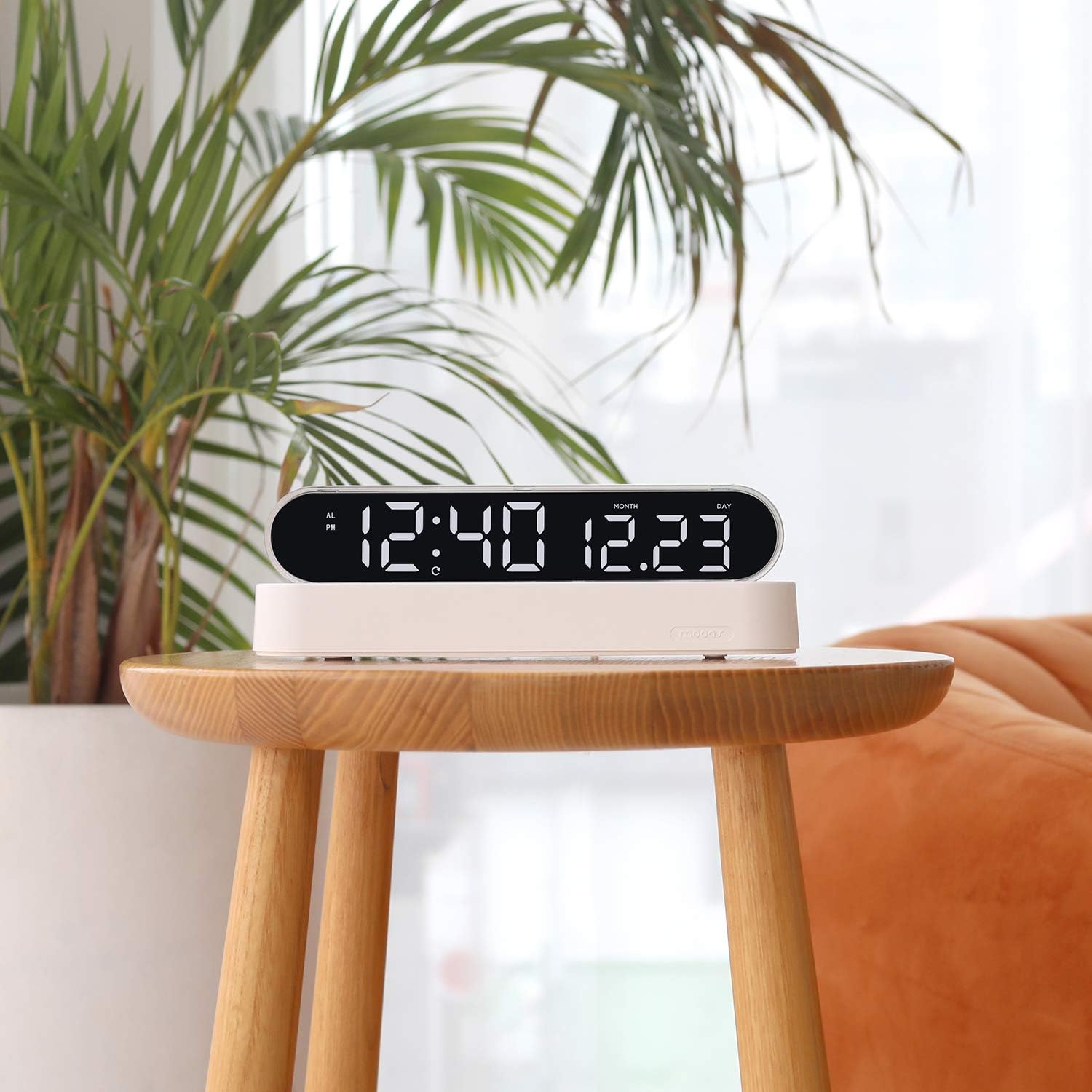
Figure 7: Desk clock usage example
Тэхнічнае абслугоўванне
- Уборка: Працірайце прыладу мяккай сухой тканінай. Не выкарыстоўвайце абразіўныя ачышчальнікі або растваральнікі.
- Замена батарэі (пульт дыстанцыйнага кіравання): If the remote control's functionality decreases, replace its battery (type not specified, usually CR2025 or CR2032).
- Time Memory Battery (CR2032): The CR2032 battery for time memory typically lasts several years. If the clock loses time settings after a power outage, replace this battery.
Ліквідацыю непаладак
| праблема | Магчымая прычына | Рашэнне |
|---|---|---|
| Дысплей гадзінніка выключаны або не працуе. | Няма харчавання, дрэннае падключэнне, праблема з адаптарам харчавання. | Ensure power cable is securely connected. Check if the power adapter is plugged into a working outlet. Try a different USB port or adapter if available. |
| Пульт дыстанцыйнага кіравання не рэагуе. | Remote battery is dead or protective tab is still in place. | Remove the protective plastic tab from the remote's battery compartment. Replace the remote control battery if necessary. Ensure you are within range and pointing the remote at the clock. |
| Clock loses time settings after power outage. | CR2032 memory battery is dead or protective tab is still in place. | Ensure the protective tab is removed from the CR2032 battery compartment. Replace the CR2032 battery. |
| Начное святло не змяняе колеры. | Няправільны рэжым выбраны або праблема з дыстанцыйным кіраваннем. | Ensure the night light is active and not in a fixed color mode. Press the "LED Color" button repeatedly to cycle through colors. Check remote functionality. |
Тэхнічныя характарыстыкі
| Марка | мыканне |
| Нумар мадэлі | MC-RLEDW2R |
| Колер | Белы |
| Памеры (Д х Ш х У) | 30.71 х 25.17 х 5.36 см (12.09 х 9.91 х 2.11 цалі) |
| Вага прадмета | 508 г (1.12 фунта) |
| Матэрыял | Acrylic, ABS Acrylic |
| Тып крыніцы святла | святлодыёд |
| Clock Display Colors | White, Orange |
| Колеры начнога святла | Blue, Sky Blue, Green, Yellow, Red, Purple, White, RGB Auto Change |
| Крыніца харчавання | AC Powered (with CR2032 battery for time memory) |
| Асаблівасці | Alarm, Adjustable Brightness (for clock display), Date Display, 12/24H Mode, Snooze, Remote Control |
Інфармацыя аб гарантыі
Mooas products are covered by a limited warranty against defects in materials and workmanship. The specific warranty period may vary by region and retailer. Please retain your proof of purchase for warranty claims. For detailed warranty terms and conditions, please refer to the documentation provided at the time of purchase or contact Mooas customer support.
Падтрымка кліентаў
If you encounter any issues or have questions regarding your Mooas Dual LED Moon Night Light Digital Alarm Clock that are not addressed in this manual, please contact Mooas customer support. Contact information can typically be found on the product packaging or the official Mooas webсайт.
Каб атрымаць падтрымку ў Інтэрнэце, наведайце: www.mooas.com