
DELTACO GAMING GAM-080
DELTACO GAMING Chair User Manual
Model: GAM-080
Уводзіны
Дзякуй за пакупкуasing the DELTACO GAMING Chair, Model GAM-080. This ergonomic gaming chair is designed to provide comfort and support during long gaming sessions, featuring adjustable components and integrated RGB lighting. Please read this manual carefully before assembly and use to ensure proper operation and longevity of your chair.
Інфармацыя па бяспецы
- Перад выкарыстаннем пераканайцеся, што ўсе кампаненты надзейна замацаваны.
- Не стаяць на крэсле.
- Не карыстайцеся крэслам, калі якія-небудзь дэталі пашкоджаны або адсутнічаюць.
- Падчас рэгулявання трымайце рукі і пальцы далей ад рухомых частак.
- This chair is designed for a maximum weight of 120 kg (264 lbs). Exceeding this limit may cause damage or injury.
- The RGB lighting requires a USB power source. Ensure the cable is not pinched or damaged.
Змест пакета
Перад пачаткам зборкі пераканайцеся, што ўсе дэталі ёсць у наяўнасці і не пашкоджаны. Калі якія-небудзь дэталі адсутнічаюць або пашкоджаныя, звярніцеся ў службу падтрымкі кліентаў.
- спінка
- База сядзення
- Падлакотнікі (2)
- Зорная база
- Ролікі (5)
- Газліфтны цыліндр
- Крышка газліфта
- Механізм пласціны
- Паяснічная падушка
- Падушка падгалоўнік
- Зборныя элементы (шрубы, шайбы, шасцігранны ключ)
- Пульт дыстанцыйнага кіравання RGB
- USB Power Cable for RGB
Ўстаноўка і зборка
Please follow these steps carefully for proper assembly. It is recommended to assemble the chair on a soft, clean surface to prevent damage.
- Прымацуйце колы да зорнай асновы: Устаўце кожнае з пяці колаў у адтуліны ў канцы зоркападобнай асновы, пакуль яны надзейна не зафіксуюцца.
- Устаўце газавы ліфт: Змесціце цыліндр газавага пад'ёмніка ў цэнтральную адтуліну зоркападобнай асновы. Накрыйце яго вечкам газавага пад'ёмніка.
- Attach Mechanism Plate to Seat Base: Align the mechanism plate with the pre-drilled holes on the underside of the seat base. Ensure the front of the mechanism plate faces the front of the seat. Secure with screws.
- Прымацуйце падлакотнікі да асновы сядзення: Secure the armrests to the sides of the seat base using the provided screws. Ensure they are firmly attached.
- Прымацуйце спінку да асновы сядзення: Align the backrest with the mounting brackets on the seat base. Secure with screws.
- Падлучыце сядзенне да газавага пад'ёмніка: Акуратна ўсталюйце сабранае сядзенне і спінку на газавы ліфт, пераканаўшыся, што яны знаходзяцца па цэнтры і ўстойлівыя.
- Attach Headrest and Lumbar Cushions: Secure the headrest pillow and lumbar cushion to the chair using their respective straps.

Image: The DELTACO GAMING Chair fully assembled, showcasing its ergonomic design and RGB lighting strips along the edges.
Інструкцыя па эксплуатацыі
Рэгуляванне вышыні
To adjust the chair's height, pull the lever located on the right side of the seat upwards. While seated, lift your weight off the chair to raise it, or remain seated to lower it. Release the lever to lock the height.
Нахіл спінкі
The backrest can be reclined between 90 and 180 degrees. Pull the recline lever, typically located on the right side of the chair, and lean back or forward to achieve your desired angle. Release the lever to lock the backrest in position.

Image: An illustration demonstrating the chair's ability to recline from an upright position to a nearly flat position, indicated by an orange arrow.
RGB Lighting Operation
The chair features integrated RGB lighting with 332 LED modes. To activate the lighting, connect the chair's USB cable to a 5V USB power source (e.g., a power bank, computer USB port, or USB wall adapter). Use the included remote control to change colors, modes, and brightness.
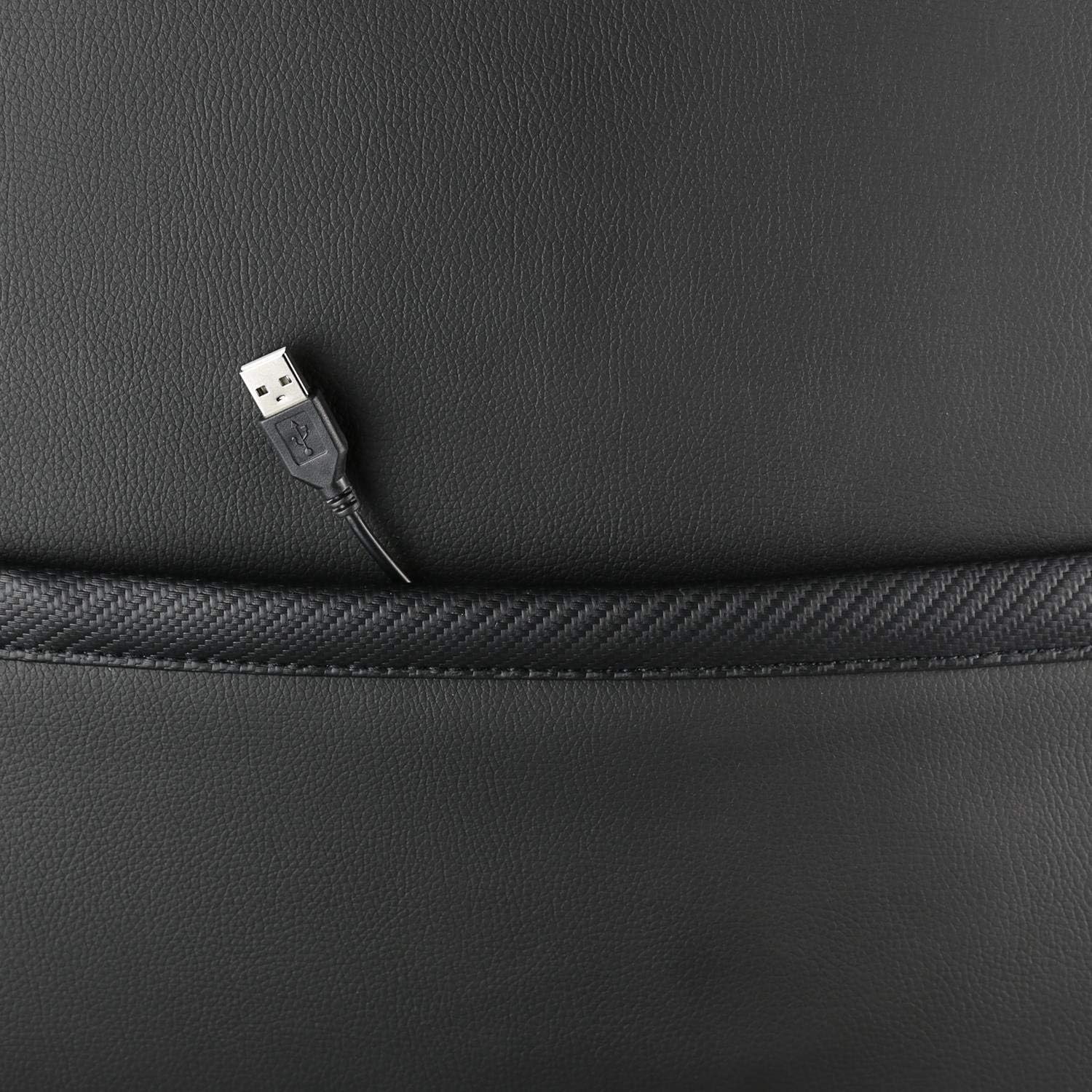
Выява: буйны план view showing the USB power cable emerging from a pocket on the chair, used to power the RGB lighting.

Выява: Оверview image of the DELTACO GAMING RGB Gaming Chair highlighting features such as remote control for RGB lights, adjustable headrest, included lumbar cushion, and adjustable backrest from 90-180 degrees, along with 332 LED modes.
Тэхнічнае абслугоўванне і догляд
- Уборка: Выцерці з рэкламайamp cloth. Do not use harsh chemicals or abrasive cleaners, as this may damage the faux leather.
- агляд: Перыядычна правярайце ўсе шрубы і балты, каб пераканацца, што яны зацягнуты. Пры неабходнасці падцягвайце.
- захоўванне: Захоўвайце крэсла ў прахалодным, сухім месцы, удалечыні ад прамых сонечных прамянёў, каб прадухіліць пагаршэнне матэрыялу.
- USB-кабель: Ensure the USB power cable for the RGB lighting is not kinked or damaged.
Ліквідацыю непаладак
| праблема | Магчымая прычына | Рашэнне |
|---|---|---|
| Крэсла не рэгулюецца па вышыні. | Няспраўнасць цыліндру газавага пад'ёмніка або не ўключаны рычаг. | Пераканайцеся, што рычаг рэгулявання вышыні цалкам выцягнуты. Калі праблема не знікне, магчыма, патрабуецца замена газавага пад'ёмніка. |
| Спінка не адкідваецца і не фіксуецца. | Механізм адкідвання заклініў або рычаг не зафіксаваны. | Check for obstructions around the recline mechanism. Ensure the recline lever is fully engaged. |
| RGB-падсветка не працуе. | USB power not connected, cable damaged, or remote control battery low. | Verify the USB cable is securely connected to a working 5V power source. Check the cable for damage. Replace remote control battery if necessary. |
| Крэсла хістаецца. | Loose screws or casters not fully inserted. | Tighten all assembly screws. Ensure all casters are fully inserted into the star base. |
Тэхнічныя характарыстыкі
| Асаблівасць | Дэталь |
|---|---|
| Назва мадэлі | ГАМ-080 |
| Марка | DELTACO GAMING |
| Колер | Чорны |
| Матэрыял | Faux leather, Foam |
| Рэкамендацыя па максімальнай вазе | 120 кілаграмаў (264 фунта) |
| Памеры прадукту (Д х Ш х У) | 22.44 х 26.77 х 57.87 цалі |
| Вага прадмета | 46.2 фунта |
| Асаблівасці | RGB Lighting, Adjustable Backrest (90-180°), Adjustable Height, Lumbar Cushion, Headrest Pillow |
| Power Source for RGB | USB 5V |
Гарантыя і падтрымка
This DELTACO GAMING Chair (Model GAM-080) comes with a 1-year spare part availability duration within the EU, as per manufacturer specifications.
For technical support, warranty claims, or inquiries regarding spare parts, please contact DELTACO GAMING customer support. Refer to your purchase documentation for specific contact details or visit the official DELTACO GAMING webсайт.
Note: Proof of purchase may be required for warranty services.