
1. Уводзіны
The Poly Studio is an all-in-one USB video and audio conferencing system designed for home offices and small meeting rooms. It integrates a 4K camera, smart microphones, and a speaker into a single, sleek bar, offering a plug-and-play solution for enhanced virtual meetings.

Image: Poly Studio Premium USB Video & Audio Conferencing System, showcasinг яго кампактны дызайн.
Асноўныя характарыстыкі:
- Рашэнне "усё ў адным": Combines a 4K camera, smart microphone, and speaker into a single bar, ideal for small meeting rooms and home offices.
- Падключэнне USB Plug-and-Play: No software required for basic functionality. Connect via USB to instantly elevate your Zoom, Teams, Skype, and Google Meet experience.
- Exceptional Audio Clarity: Features Polycom noise-blocking technology and beamforming microphones for crystal-clear sound.
- Smart Camera Framing: Automatically adjusts framing and tracking based on speaker movement and participants in the room.
2. Настройка
Follow these steps to set up your Poly Studio conferencing system:
- Распакуйце прыладу: Carefully remove the Poly Studio bar and all accessories from the packaging.
- Выберыце варыянт мантажу: The Poly Studio can be mounted on a tabletop, wall, or tripod.
- Настольнае мацаванне: Пастаўце прыладу на ўстойлівую паверхню.
- Насценны мацаванне: Use the provided wall mount bracket and hardware to securely attach the device to a wall, typically above or below your display.
- Штатыў: Attach the device to a standard tripod using the integrated tripod thread.
- Падключыце харчаванне: Plug the power cable into the Poly Studio and then into a power outlet.
- Падключыцеся да кампутара: Connect the USB cable from the Poly Studio to an available USB port on your laptop or PC.
- Распазнаванне праграмнага забеспячэння: Your computer should automatically recognize the device as a USB camera, microphone, and speaker.

Image: Poly Studio connected to a display, highlighting its compatibility with various video conferencing applications.
3. Інструкцыя па эксплуатацыі
The Poly Studio is designed for ease of use with popular video conferencing platforms.
- Select Device in Application: In your preferred video conferencing application (e.g., Zoom, Microsoft Teams, Skype, Google Meet), navigate to the audio and video settings. Select "Poly Studio" as your camera, microphone, and speaker.
- Utilize Smart Camera Features: The device's smart camera framing and speaker tracking features will automatically adjust the view to keep participants in frame and focus on the active speaker.
- Experience Clear Audio: Polycom's noise-blocking and beamforming technologies work automatically to ensure clear audio transmission and reception.
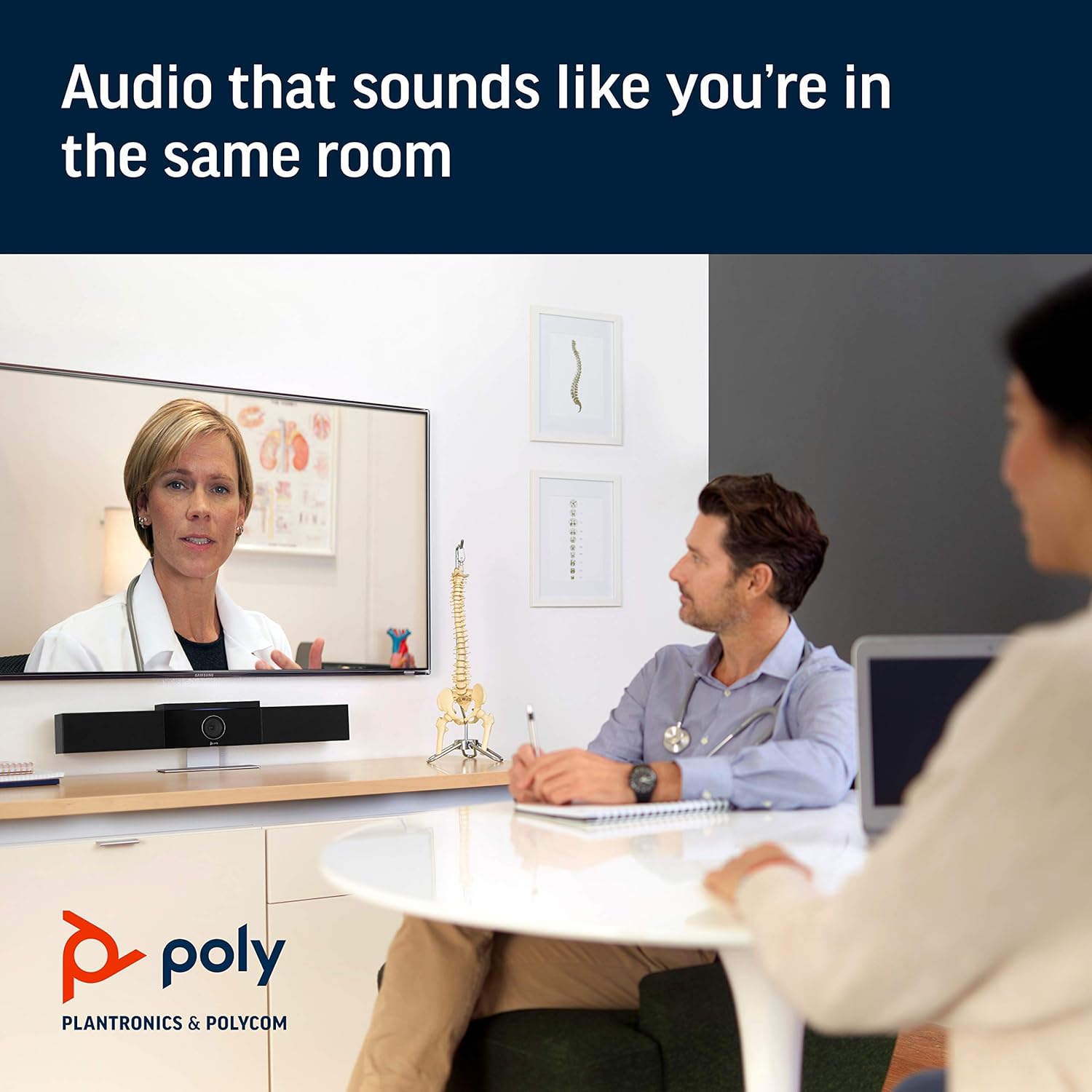
Image: Poly Studio in a meeting room, illustrating its capability to deliver clear audio for all participants.

Image: Poly Studio capturing vivid details and facial expressions of meeting participants.
4. Тэхнічнае абслугоўванне
To ensure optimal performance and longevity of your Poly Studio, regular maintenance is recommended:
- Уборка: Gently wipe the device with a soft, dry cloth. Avoid using harsh chemicals or abrasive materials.
- Абнаўленні праграмнага забеспячэння: Regularly check for and install software updates. These updates often include performance improvements, new features, and bug fixes. Poly Lens remote device management software can assist with this.
- Кабельнае кіраванне: Пераканайцеся, што ўсе кабелі акуратна размешчаны і не нацягнуты, каб пазбегнуць пашкоджанняў.
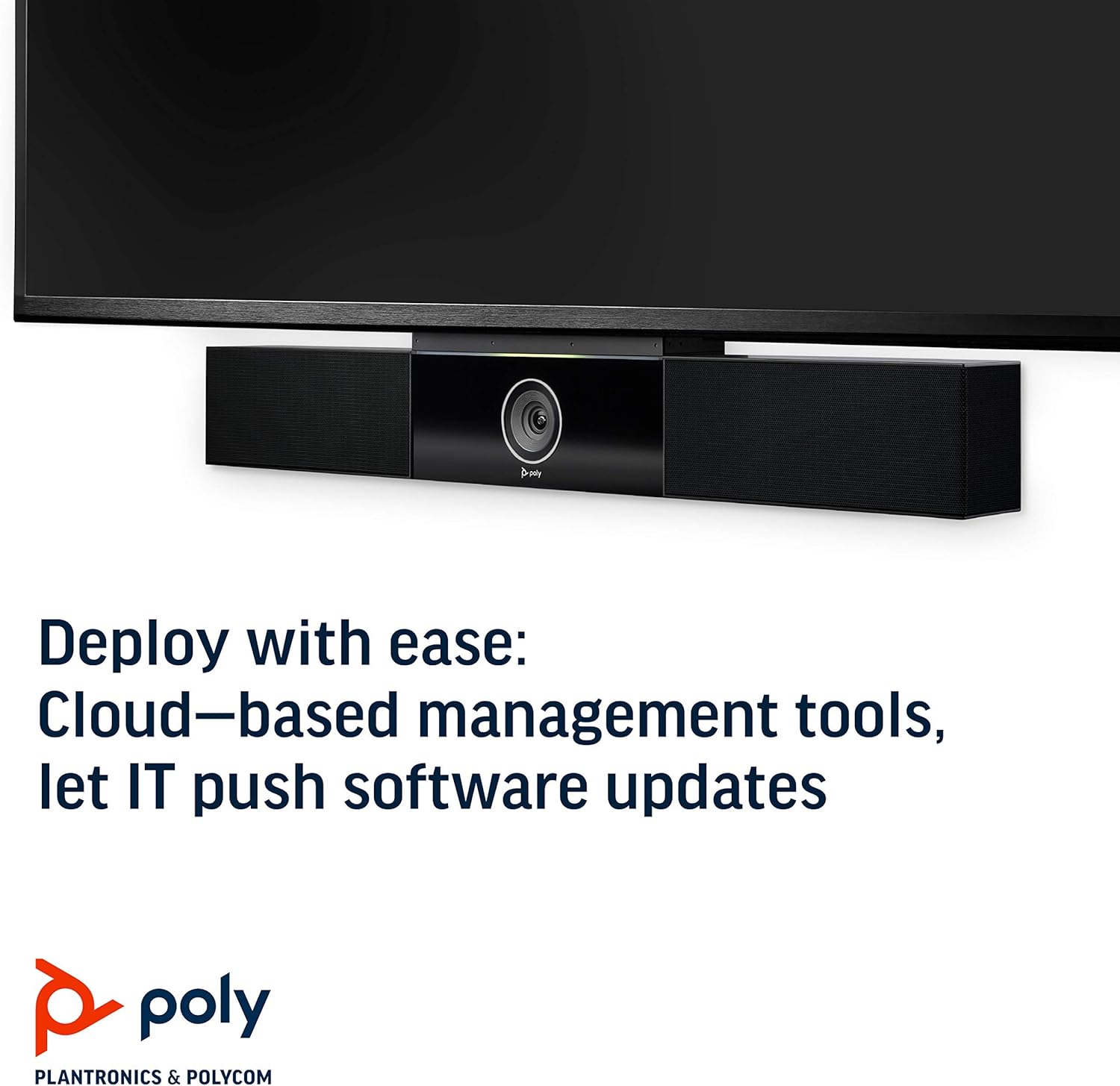
Image: Poly Studio, illustrating its compatibility with cloud-based management tools for easy software updates.
5. Выпраўленне непаладак
If you encounter issues with your Poly Studio, try the following troubleshooting steps:
- Няма харчавання: Ensure the power cable is securely connected to both the device and the power outlet. Try a different outlet if necessary.
- Няма відэа/аўдыё: Verify that the USB cable is securely connected to both the Poly Studio and your computer. Check your video conferencing application settings to ensure the Poly Studio is selected as the active camera, microphone, and speaker.
- Дрэнная якасць гуку: Ensure the device is placed in a central location in the room. Check for any physical obstructions blocking the microphones or speakers. Update the device firmware via the Poly Lens app.
- Camera Not Tracking: Ensure the room is adequately lit. Check the Poly Lens app settings for camera tracking modes and adjust as needed.
- Прылада не распазнана: Try connecting the USB cable to a different USB port on your computer. Restart your computer.
6. Тэхнічныя характарыстыкі
| Асаблівасць | Дэталь |
|---|---|
| Тып мацавання | Настольнае мацаванне |
| Назва мадэлі | 649661882596 |
| Тып дынаміка | Стэрэа |
| Асаблівасць | Слабае асвятленне |
| Рэкамендуемае выкарыстанне для прадукту | video conferencing in home offices and small conference rooms |
| Сумяшчальныя прылады | Ноўтбук |
| Канфігурацыя канала аб'ёмнага гуку | 2.0 |
| Колер | Чорны |
| Уключаныя кампаненты | camera, stereo speakers, microphones, control unit |
| Воданепранікальны | ХЛУСНЯ |
| Тып гарантыі | Абмежаваны |
| Колькасць элементаў | 1 |
| Метад кантролю | Голас |
| Тэхналогія бесправадной сувязі | No Wireless Communication Technology |
| Памер дынаміка | 21.59 сантыметраў |
| Крыніца харчавання | Правадная электрычная |
| Узровень воданепранікальнасці | Не воданепранікальны |
| Тып аўдыё драйвера | Дынамічны драйвер |
| Тэхналогія падлучэння сабвуфера | Правадная |
| Канкрэтнае выкарыстанне прадукту | Home office, Small conference rooms, Video conferencing with Zoom and Microsoft Teams |
| UPC | 649661882596 |
| Выкарыстанне ў памяшканні/на вуліцы | У памяшканні |
| Вытворца | Кампанія Polycom Inc. |
| Форма | rectangular prism |
| Памеры прадукту | 30 х 6 х 4 цалі |
| Вага прадмета | 10.58 фунта |
| ASIN | B091YCFF84 |
| Нумар мадэлі тавару | 649661882596 |
| Дата першай даступнасці | 7 красавіка 2021 г |
| Марка | ПОЛІ |
| Максімальная выхадная магутнасць дынаміка | 40 ват |
| АЧХ | 120 кГц |
| Тэхналогія падлучэння | USB |
| Рэжым выхаду гуку | Стэрэа |
7. Гарантыя і падтрымка
Your Poly Studio Premium USB Video & Audio Conferencing System comes with a Абмежаваная гарантыя. For specific details regarding the warranty period and coverage, please refer to the official Poly documentation or contact Poly support.
This product is also eligible for a 90-дзённы тэрмін вяртання грошай/замены policy under the Amazon Renewed Guarantee, as it is a renewed product. For support or to claim warranty/return, please contact the seller or refer to the product's official support channels.